

iPhone region settings: country, phone number, purchases, Maps
Region and units are in General › Language & Region. The App Store country and purchase limits are tied to your Apple Account.
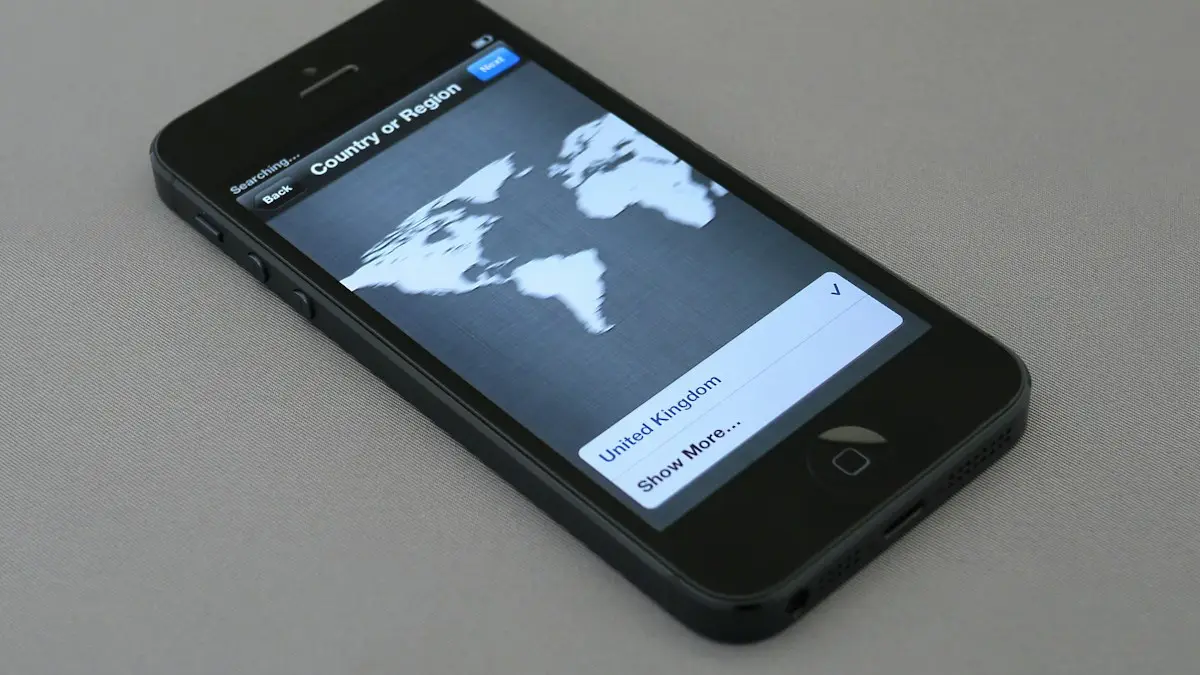
Photo by Brett Jordan on Unsplash
Several settings sound alike but live in different places: the region, the App Store country, the phone number, which apps can see your location and how Maps talks to you. This guide separates them so you change the right one. Menu names differ a little between iOS 18 and iOS 26, so use the search field in Settings if something is missing.
How to change the country on iPhone
The App Store country is part of your Apple Account, and it is separate from the region set on the phone. It decides which apps, prices and payment methods you see. Prepare first: spend your remaining Apple Account balance, cancel subscriptions and wait for them to end, and leave Family Sharing if you are in a group.
The fix
Change the App Store country
- 1
Open Settings, tap your name, then Media & Purchases › View Account.
- 2
Tap Country/Region, then Change Country or Region.
- 3
Pick the new country and agree to the terms.
- 4
Add a payment method and billing address for that country, or choose None if offered.
Installed apps stay on your phone, but some may not update, or may not be available to download again in the new country. If the option fails, you still have credit, a subscription or a pending refund. See canceling subscriptions on iPhone and App Store problems for related help.
How to change your phone number on iPhone
An iPhone does not own its number. The number comes from your SIM or eSIM, so you first need a new number from your carrier, or a new SIM or eSIM. Then update the phone to match.
The fix
After you get the new number
- 1
Restart the iPhone with the new SIM or eSIM active.
- 2
Fix the label in Settings › Apps › Phone › My Number. It is only a label, and your real number comes from the SIM.
- 3
Open Settings › Apps › Messages › Send & Receive and FaceTime to choose the new number.
- 4
Update your Apple Account phone number in Settings › your name › Sign-In & Security.
Before you lose the old number, update it in your bank, email and social apps. Otherwise two-factor codes will stop arriving. See how eSIM works if you are moving to an eSIM.
How to turn off in-app purchases
The fix
Block in-app purchases with Screen Time
- 1
Open Settings › Screen Time and tap Content & Privacy Restrictions, then turn it on.
- 2
Tap iTunes & App Store Purchases, then In-app Purchases, and choose Don't Allow.
- 3
Set Require Password to Always Require for extra safety.
To allow them again, go to the same screen and choose Allow. You need the Screen Time passcode if one is set. This blocks only purchases inside apps. Use Installing Apps in the same menu to block downloads too. On a child's iPhone, turn on Ask to Buy in Family Sharing so you approve each purchase. If a child bought something by mistake, request a refund at reportaproblem.apple.com. Read setting up an iPhone for a child for the full setup.
How to change the Maps voice
Apple Maps speaks with Siri's voice. Open Settings › Siri (or Apple Intelligence & Siri) › Voice, choose a variety, such as American or British, pick a voice and let it download on Wi-Fi. For volume, go to Settings › Apps › Maps › Spoken Directions. In Google Maps, tap your profile picture › Settings › Navigation, then change Voice selection and Guidance volume. If Apple Maps does not speak, check that spoken directions are on and the volume is up while you navigate. Waze has its own voices in Settings › Voice & sound. If Siri itself is silent, read what to do when Siri stops responding.
How to change Apple Maps from kilometers to miles
Apple Maps has no distance setting of its own on iOS 16 and later. It follows the measurement system of your whole iPhone, which is why you will not find a miles or kilometers option inside the Maps settings. On iOS 15 and earlier, the setting was in Settings › Maps. On current versions, change it here:
The fix
Change the whole iPhone
- 1
Open Settings › General › Language & Region.
- 2
Tap Measurement System and choose US.
Apple Maps, Weather and most apps then use miles. Temperature has its own setting in Language & Region, so you can keep Fahrenheit with any distance unit. In the Health app, search for Walking + Running Distance, scroll down, tap Unit and choose mi. An Apple Watch needs its own change: in the Watch app, open Workout › Units of Measure and set Distance to miles.
Google Maps on iPhone: kilometers to miles
Google Maps ignores the iPhone setting and keeps its own. Open Google Maps, tap your profile picture, then Settings, and find Distance units. Choose Miles. If you cannot find it, update the app, because Google moves menu items between versions.
Maps still shows kilometers?
- Check that Measurement System says US. Choose US rather than UK if you want miles, since some versions show metric units for the UK option.
- Close and reopen Maps after changing the setting.
- Check the region too. Some regions default to metric, and Measurement System overrides that.
What does changing location mean on iPhone?
It depends on what you mean, and each meaning has a different setting.
- Language, dates and units: Settings › General › Language & Region › Region.
- App Store: Country/Region in Media & Purchases, as described above.
- Which device shares your location: Settings › your name › Find My › Use This iPhone as My Location.
- Which apps see where you are: Settings › Privacy & Security › Location Services. Choose Never, Ask Next Time, While Using or Always, and turn off Precise Location for apps that only need your area.
If the location looks wrong on a map, turn Location Services off and on, connect to Wi-Fi to improve accuracy and restart. If Find My shows an old spot, see sharing your location. You cannot fake your GPS location with iPhone settings. Spoofing tools exist, but they can break apps, and games or dating apps may ban accounts that use them. A VPN changes the location websites guess from your IP address, not your GPS.
Quick guide: which iPhone region settings change what
- Language, dates, units: Settings › General › Language & Region.
- App Store country and prices: Settings › your name › Media & Purchases › View Account.
- Your phone number: your carrier, SIM or eSIM, then the labels in Phone, Messages and FaceTime.
- Purchases inside apps: Settings › Screen Time › Content & Privacy Restrictions.
- Maps voice and volume: Settings › Siri › Voice and Settings › Apps › Maps.
- Which apps see where you are: Settings › Privacy & Security › Location Services.
Moving or traveling: what to change
If you move to a new country, change the App Store country only after you have a payment method from there, and expect some apps and subscriptions to behave differently. Your carrier or eSIM matters more than any setting for calls and data abroad. For short trips, you usually do not need to change anything: leave the region alone, check that the date and time update on their own and use a travel eSIM or an international plan if your carrier charges high roaming fees. See how eSIM works before you buy a plan.
When you travel, Location Services and the time zone keep working without changes. Set Maps to the units you prefer, since many countries use kilometers. If you share your location with family on the trip, check who can see it in Find My and turn it off for anyone you no longer want to include.
Family purchases and Ask to Buy
If kids use the iPhone, in-app purchase blocks are only one layer. Family Sharing lets you approve every purchase with Ask to Buy, and Screen Time can limit apps and websites. Combine these with a password requirement for every purchase. If a charge slips through, report it quickly at reportaproblem.apple.com. Subscriptions that renew without anyone noticing are a common surprise, so check Settings › your name › Subscriptions every few months.
Date, time and number formats
Region also controls how dates, times and numbers look. In Settings › General › Language & Region, you can change the calendar, the temperature unit and the number format, and Region sets things such as the first day of the week. Settings › General › Date & Time has 24-Hour Time and Set Automatically, which keeps the clock right as you travel. A wrong clock can break the App Store, Apple Pay and many secure sites, so leave Set Automatically on unless you have a reason.
Changing the region does not move your Apple Account, your photos or your messages. It changes display formats and some regional features. If an app behaves differently after a change, such as showing different prices or content, check its own country setting before you change anything else.
What to try next
Frequently asked questions
How do I change Apple Maps from kilometers to miles?
Go to Settings › General › Language & Region › Measurement System and choose US. Apple Maps has no separate distance setting on iOS 16 and later.
How do I change Google Maps from kilometers to miles on iPhone?
Open Google Maps, tap your profile picture, then Settings, then Distance units and choose Miles. Google Maps does not follow the iPhone setting.
Why won't it let me change my App Store country?
You still have store credit, an active subscription, a pending refund, or you are in a Family Sharing group. Clear those first.
My child bought something by mistake. Can I get a refund?
Request one at reportaproblem.apple.com. Choose the purchase and explain it was made by a child.
Does a VPN change my location on iPhone?
It changes the location websites see from your IP address, but not your GPS location in Maps or Find My.
Why does my Apple Watch still show kilometers?
In the Watch app, go to Workout › Units of Measure and set Distance to miles.
People also ask
Why can't I change my country on my iPhone?
Apple blocks the change if you have a balance, an active subscription, a pending purchase or a Family Sharing group with members in another country. Clear those first.
Read the full guide: Change country on iPhoneWhy does my eSIM say Unknown for the phone number?
Carrier forum answers say the number shows as Unknown when it is not programmed into the SIM, and it can also happen after a number was ported from another network. Calls, texts and data can still work.
Read the full guide: iPhone eSIM unknown numberWhere is my phone number on an iPhone?
Open Settings › Phone and look for My Number at the top. You can also check Settings › General › About, or the Contacts app under your own card.
Read the full guide: Find your phone numberWhy does my new iPhone keep asking to transfer my phone number?
The number has not finished moving to the new iPhone. The usual reasons are an old iPhone that is locked or out of range, software older than iOS 18.4, or a carrier that does not support eSIM Quick Transfer.
Read the full guide: iPhone keeps asking to transfer phone numberRelated guides
Change country on iPhone
How to change country on iPhone: change your Apple Account country or region for the App Store, plus the device region. Steps, limits and what to do first.
iPhone eSIM unknown number
iPhone eSIM shows Unknown or no phone number? Often it is cosmetic. Check that calls and texts work, then set My Number or ask your carrier to fix it.
Find your phone number
How to find your phone number on iPhone and Android in seconds. Check Settings, Contacts, your carrier app or a quick call, and fix a number that shows Unknown.
iPhone keeps asking to transfer phone number
iPhone keeps asking to transfer phone number or it will not finish? Check iOS 18.4, Bluetooth, your Apple Account and your carrier. 7 fixes for a new iPhone.
More guides you may need
Turn 5G on or off on iPhone
Turn 5G off on your iPhone to save battery or fix a weak signal, switch to LTE, or turn 5G back on. Learn what 5G Auto, 5G On and the network icons mean.
How to use an iPhone
How to use an iPhone for the first time: buttons, gestures, Home Screen, Control Center, calls, texts, camera, apps and safety. Simple steps for beginners.