

How to change your Instagram password (even without the old one)
Instagram moved the password setting into Accounts Center. If you do not know the old password, a reset link does the same job.
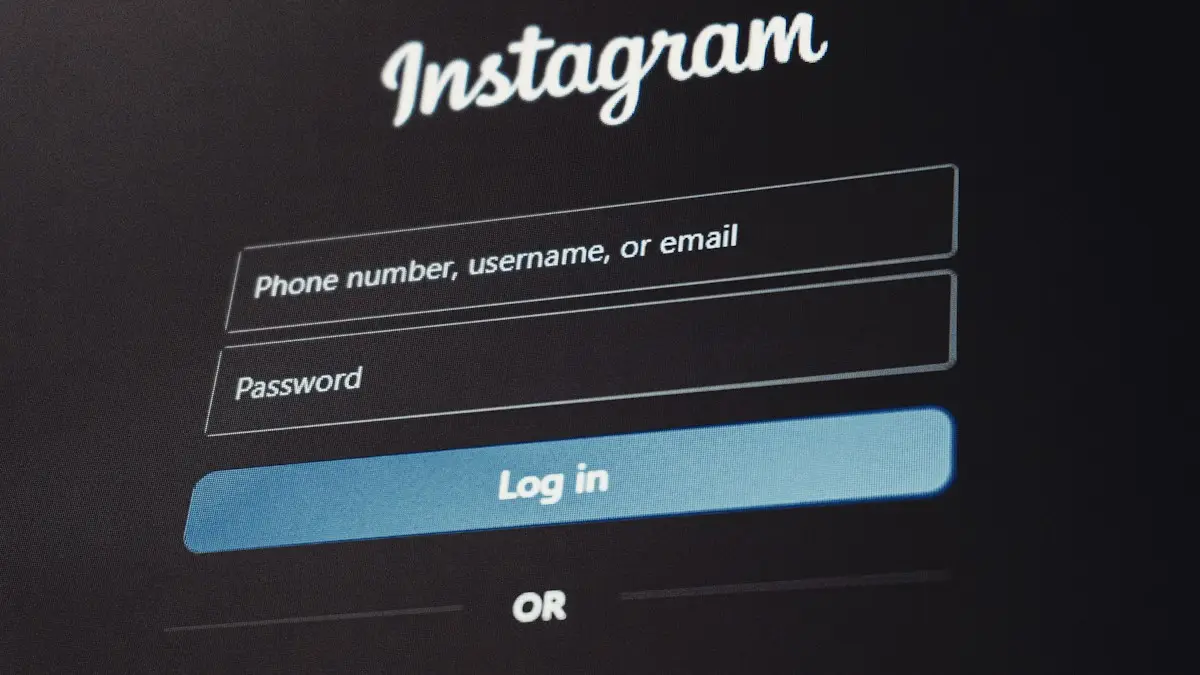
Photo by Zulfugar Karimov on Unsplash
The fix
If you know your current password
- 1
Open Instagram and tap your profile picture at the bottom right.
- 2
Tap the menu (three lines) at the top right.
- 3
Tap Accounts Center, then Password and security.
- 4
Tap Change password and choose your Instagram account.
- 5
Enter your current password, then the new one twice.
Use at least 8 characters with a mix of letters, numbers and symbols, and one you have not used before.
- 6
Tap Change password.
The fix
If you forgot your current password
- 1
Log out of Instagram, or tap Forgot your password on the Change password screen.
- 2
On the login screen, tap Forgot password.
- 3
Enter your username, email or phone number.
- 4
Open the link or code Instagram sends you.
Check spam and filtered messages if it does not arrive in a few minutes.
- 5
Create a new password and log in.
After you change it
- Choose to log out of other devices if the change was for security.
- Update the password in iCloud Keychain or your password manager so autofill works.
- Turn on two factor authentication in Accounts Center › Password and security.
- Check Where you’re logged in on the same screen and remove anything you do not recognize.
Why change your Instagram password?
There are three good reasons. Your account may have been exposed in a data breach, you may have used the same password on other sites, or you may think someone else knows it. A password that is long and used only for Instagram is your first defense. Changing it every month is not needed. Change it when you have a reason, and pick something new each time.
How to make a strong Instagram password
- Use 12 or more characters. Length matters more than symbols.
- Try a phrase of four unrelated words with a number, for example a sentence only you would write.
- Do not reuse a password from email, banking or another social account.
- Do not use birthdays, pet names or your username.
- Let your iPhone suggest a strong password. When you change it, tap Use Strong Password, and iCloud Keychain will save it.
Change it on Android
The menus are almost the same. Tap your profile picture, open the menu with three lines, choose Accounts Center › Password and security › Change password, pick your account and enter the old password, then the new one twice. On some versions Instagram shows Settings and activity first, then Accounts Center. If you do not see Accounts Center, update the app from Google Play.
Change it in a web browser
If the app misbehaves, use a computer or phone browser. Go to instagram.com, log in, open More, then Settings › Accounts Center › Password and security › Change password. The steps match the app. A browser also helps when the app crashes at the Change password screen. If the app keeps signing you out, read why Instagram keeps logging you out.
The reset email does not arrive
- Check Spam, Promotions and the All Mail folder. Search for the word Instagram.
- Make sure you typed the right email or the phone number linked to the account.
- Wait ten minutes and request one new link. Many requests in a row can delay the message.
- Try the phone number option if the email option fails, or the other way around.
- Add no-reply@mail.instagram.com to your contacts so the message is not filtered.
If codes by text do not arrive either, see Instagram not sending a code. Delays often come from the carrier and have nothing to do with Instagram.
After the change: lock the account down
A new password is only the start. Open Accounts Center › Password and security and do these things in order. First, review Where you're logged in and log out of devices you do not use. Second, turn on two-factor authentication with an authentication app. Third, review Saved login info and remove it from old devices. Fourth, check which apps and websites have access under Apps and websites, and remove any you do not use. Fifth, open Emails from Instagram to see recent security messages and confirm that they came from the real company.
Spot a fake password reset email
Scammers send fake emails that say your account will be deleted unless you click a link. Real Instagram emails come from the instagram.com domain, never ask you to send your password and never threaten to delete your account in a few hours. When in doubt, do not tap the link. Open the app yourself and check Emails from Instagram. If you gave a password to a fake page, change it now and log out other devices.
If your account was hacked and the password no longer works
Use the Forgot password option first. If the hacker changed the email and phone too, go to instagram.com/hacked and pick the option that matches your case. Instagram may ask you to record a short selfie video, to confirm that you match your profile photos. Keep your old email, because Instagram often sends a message to your original address that lets you undo the change within a few days. Open that message at once and tap the link that says to secure your account.
Use a password manager so you never lose it again
Many people end up in the forgot password loop because they cannot remember which password they chose. On an iPhone, iCloud Keychain saves the new password when you tap Save Password after the change. You can find it later in Settings › Passwords, where Face ID or Touch ID protects it. On Android, Google Password Manager does the same under Settings › Google › Autofill. A password manager such as 1Password or Bitwarden also works on both phones and your computer. Do not keep passwords in a notes app or a photo.
Change the password for a business or creator account
The steps are the same for business and creator accounts. If several people manage the account, tell them before you change it, because everyone is signed out. Use Accounts Center to set up a role for each person, instead of sharing one password. Meta Business Suite also lets you give access without handing over the login. Shared passwords are a common reason business accounts get hacked or locked.
What if Instagram says the new password is not allowed?
- It may be too short, or too common. Add more characters and a word you would not guess.
- It may match your old password. Pick something new.
- It may include your username or email. Remove it.
- If the button stays grey, check your connection and update the app.
Troubleshoot a change that does not save
If you tap Change password and nothing happens, close Instagram completely and reopen it. If it still fails, turn off any VPN, update the app and try again over cellular data instead of Wi-Fi, or the other way around. If the same error returns, use instagram.com in a browser. Persistent errors on a new account can mean it is under review. Wait a day, then try again, and avoid creating many accounts from one phone.
Quick answers to common worries
- Will my followers see the change? No. A password change is private.
- Will I lose posts or messages? No. Everything stays on your account.
- Do I have to log in again on every device? Only on the devices you choose to log out. If you pick the option, each one needs the new password.
- Can I use the same password as before? No. Instagram asks for a new one.
If you wish to remove the account instead of securing it, see deleting an Instagram account.
Frequently asked questions
Can I change my Instagram password without the old one?
Yes. Log out, tap Forgot password on the login screen and use the link sent to your email or phone. You can also tap Forgot password on the Change password screen while logged in.
The reset link opens Instagram and nothing happens. What now?
Log out of Instagram first, then tap the link again. Or open the link in Safari by touching and holding it and choosing Open in Safari.
Will changing my password log me out everywhere?
Instagram asks whether to log out other devices. Choose yes if you think someone else has your password.
How often should I change my Instagram password?
Only when you have a reason, such as a breach, a suspicious login or a shared device. A strong, unique password plus two-factor authentication protects you better than frequent changes.
People also ask
Does being logged out mean my Instagram was hacked?
Not always, but it can. If Instagram logs you out and your password no longer works, or you see logins you do not recognize in Accounts Center, secure your account right away.
Read the full guide: Instagram keeps logging me outWhat if I forget my new passcode?
For 72 hours after changing it, you can unlock with your old passcode on iOS 17 and later. Tap Forgot Passcode on the Lock Screen and choose Enter Previous Passcode.
Read the full guide: Change your iPhone passwordIs JPG worse than HEIC?
Quality looks the same, but JPG files are about twice as large, so they use more storage.
Read the full guide: Change HEIC to JPG on iPhoneHow long until my Instagram account is gone?
It is hidden right away and permanently deleted 30 days after your request. Logging in during those 30 days cancels the deletion.
Read the full guide: Delete your Instagram accountRelated guides
Instagram keeps logging me out
Instagram keeps logging you out? Find out why, check your account is not hacked, and try 8 fixes including updating, clearing cache and removing apps.
Change your iPhone password
Change your iPhone password (the passcode you unlock it with) in Settings, choose a 4 or 6 digit or letter code, and learn what to do if you forget it.
Change HEIC to JPG on iPhone
Make your iPhone take JPG photos instead of HEIC with one setting, and convert photos you already have to JPG for free with the Files app. No extra app needed.
Delete your Instagram account
Delete your Instagram account permanently from Accounts Center on iPhone or Android, save your photos first, or deactivate it for a while instead.
More guides you may need
Where is Location Services on iPhone
Find Location Services on your iPhone: Settings › Privacy & Security › Location Services. Turn it on or off, pick which apps see you, and fix it if greyed out.
Where is the clipboard
Where is the clipboard on my phone? iPhone has no clipboard app, but Android keyboards do. See how to view, paste, pin and clear what you copied on each.