

iPhone can't send pictures to Android? 7 fixes and why it happens
Plain text works but photos fail because pictures travel as MMS or RCS, which need cellular data and carrier support. Here is how to find which part is broken.
Photo by Jayson Hinrichsen on Unsplash
You can text your friend with an Android phone all day. Then you attach a photo, and you get a red exclamation point, or the picture sits there on Sending. Words work. Pictures do not. That pattern is a clue, and it narrows the problem a lot.
Why pictures fail when plain texts work
Three kinds of messages can reach an Android phone from an iPhone. Plain text goes as SMS, which only needs a cell signal. Pictures and videos go as MMS or, when both phones and carriers support it, RCS. Both of those need a data connection. Apple's page says iMessage, RCS and MMS need cellular data or Wi-Fi, while SMS needs a cellular network connection.
So a phone with weak data, cellular data turned off, or MMS switched off can still send words and nothing else. If you want the background on the three types, read what RCS messaging is and why some messages are green.
| What you see | Likely cause | Try first |
|---|---|---|
| Text sends, photo fails | MMS or data problem | Cellular data on, MMS Messaging on |
| Photo stuck on Sending | Weak data or a large file | Better signal, smaller photo |
| Photo arrives blurry | MMS compression or Low Quality Image Mode | Check RCS, check the image mode setting |
| Works on Wi-Fi only | MMS needs cellular data | Turn cellular data on for Messages |
| Fails in one group chat | Group is broken | Delete it and start a new one |
| Fails to one person only | Their phone or carrier | Test another Android number |
The fix
7 fixes, in order
- 1
Turn on cellular data.
Open Settings › Cellular and make sure Cellular Data is on, and that Messages is allowed to use it. Picture messages usually need it, even on Wi-Fi.
- 2
Turn on MMS Messaging.
Open Settings › Apps › Messages and turn on MMS Messaging. On some carriers the switch is missing, because the carrier controls MMS for you.
- 3
Turn on RCS Messaging.
Same screen. RCS carries better pictures when your carrier and the other phone support it. If RCS messages are failing, turn it off and test again.
- 4
Turn on Send as Text Message.
Open Settings › Apps › Messages and turn on Send as Text Message. Apple also lists Reply as Text Message for group threads. If you do not see it, your carrier may not support it.
- 5
Try again, then send as text.
Tap the red exclamation point, then tap Try Again. If it fails again, tap it once more and tap Send as Text Message. Messaging rates may apply.
- 6
Shrink the photo.
In Settings › Apps › Messages, try Low Quality Image Mode, or send one photo instead of ten. Apple says to also confirm the iPhone has enough storage.
- 7
Restart the iPhone and update iOS.
Open Settings › General › Software Update and install anything waiting, then restart.
Photos won't send to Android over Wi-Fi only
This surprises people. You are on fast home Wi-Fi, and picture messages still fail. The cause is MMS, which is built to ride the carrier's cellular data connection. With an iPhone that has no active cellular plan, or one where cellular data is off, MMS has nowhere to go. Turn cellular data on and keep a bar or two of signal while you send. RCS can use Wi-Fi when both sides support it, which is one reason it is more reliable for photos.
Why the picture looks blurry on Android
MMS has carrier size limits, so photos and videos are squeezed before they are sent. A picture that looks sharp in your Camera roll can look soft on the other phone. Apple lists Low Quality Image Mode as a setting that makes messages smaller on purpose, and it helps when large photos fail but it also lowers quality. If both phones use RCS, pictures keep more detail. Another way to keep quality is to share a link to a photo album or a cloud folder, which is not limited by message size.
Group texts with Android friends
A group chat with even one Android user is not an iMessage group. Photos in it go as MMS or RCS. If pictures fail only in one group, Apple suggests checking that you have not left or been removed from the conversation. If problems continue, delete the conversation and start a new one. A new thread resets whatever got stuck in the old one.
Is it your iPhone, the other phone or the carrier?
Test before you change a dozen settings. Send the same photo to a second Android number. If it goes through, the first person's phone or carrier is at fault, not yours. If it fails to everyone, the issue is on your side, in cellular data, MMS or RCS settings, or your plan.
Apple also tells you to check with your carrier that the message type you are sending is supported, whether RCS, MMS or SMS. Prepaid plans, secondary lines, and some low cost carriers handle MMS differently. If your carrier cannot send MMS from your line, no iPhone setting will fix it. Call them, or use the carrier's app, and ask whether MMS is active on your account.
When the problem is on the Android side
Sometimes your photo is sent fine and the other phone does not show it. Their MMS setting may be off, their mobile data may be off, or their storage may be full. If the same person also gets no texts from you, see our guide to an Android phone that gets no iPhone texts. Ask them to check their messages app's settings and their data connection.
Good ways to share photos when MMS fails
- Share a link from Photos. Tap Share, then Copy iCloud Link, and paste it into the text. The photos do not have to fit a message limit.
- Use a shared album, or Google Photos if the other person uses it.
- Send a photo through WhatsApp or another chat app that both of you already use.
- Email a few large photos instead of texting them.
Why pictures work between iPhones but not to Android
Between two iPhones, a photo travels as an iMessage over the internet, with no real size limit that you will notice. That is why a blue bubble with a picture almost never fails. The moment one person in the thread uses Android, the same photo has to fall back to MMS or RCS, and those have different rules. They depend on the carrier's network, they have smaller size limits, and they need the right switches turned on at both ends. So the problem is not that your photo is broken. It is that the road it travels on is narrower.
Videos and Live Photos
Videos fail more often than still pictures because they are larger. A short clip may go through, while a long one is rejected or shrunk until it looks bad. A Live Photo is sent as a still image to many Android phones, so the motion is lost. If a video will not send, try trimming it in the Photos app, or send a link to it instead. Sharing through an iCloud link or a shared album keeps the full quality and avoids the message limits completely.
A quick way to test one photo
Take a fresh photo, open Messages and send it to a number you know works, such as your own second phone or a family member with Android. A fresh, small photo that sends tells you the settings are fine and the earlier picture was too large or the thread was damaged. A fresh photo that fails tells you the problem is in data, MMS or the carrier, and you can skip straight to the settings and the call to your carrier.
If nothing works
If every fix above fails and the problem hits every contact, restart once more, confirm the SIM or eSIM line is active under Settings › Cellular, and contact your carrier. Apple says to contact the carrier for SMS, MMS or RCS problems that remain. For texts that fail in every form, not just pictures, use our guide to texts that will not send at all.
Frequently asked questions
Why can I text an Android phone but not send pictures?
A plain text goes as SMS. A picture needs MMS or RCS, which also need a data connection and carrier support. If either is off or blocked, text works and pictures fail.
Do I need Wi-Fi or cellular data to send a picture to Android?
Apple says iMessage, RCS and MMS need cellular data or Wi-Fi. MMS in particular is tied to cellular data, so turn cellular data on while you test.
Why do pictures look blurry on the Android phone?
Over MMS, photos and videos are compressed to fit carrier limits. RCS carries better quality when both phones and both carriers support it. Apple also has a Low Quality Image Mode that shrinks photos on purpose.
Is it my iPhone or the other person's Android phone?
Send the same picture to a second Android number. If it works, the first phone or its carrier is the problem. If it fails everywhere, check your own MMS, RCS and data settings.
What to try next
Sources
Official pages these steps are based on. Menus can differ by software version.
People also ask
Why am I not getting texts from Android phones?
Messages from Android use SMS, MMS or RCS. Make sure MMS Messaging and RCS Messaging are on in Settings › Apps › Messages, and that you have cellular signal. Group texts with Android need MMS.
Read the full guide: iPhone not receiving textsWhy won’t my message send to one person?
They may have blocked you, deactivated their account or restricted who can message them. If messages to everyone else work, the problem is on their side.
Read the full guide: Messenger not workingDoes RCS use data?
Yes, it uses Wi-Fi or mobile data like a chat app. Without data, the phone falls back to SMS.
Read the full guide: What is RCS messagingWhat does it mean when Google Messages says the recipient is offline?
Your message went out as an RCS chat, which needs data or Wi-Fi on both phones, and the other phone is not reachable right now. It stays queued until they reconnect, unless you resend it as a text.
Read the full guide: Google Messages recipient is offlineRelated guides
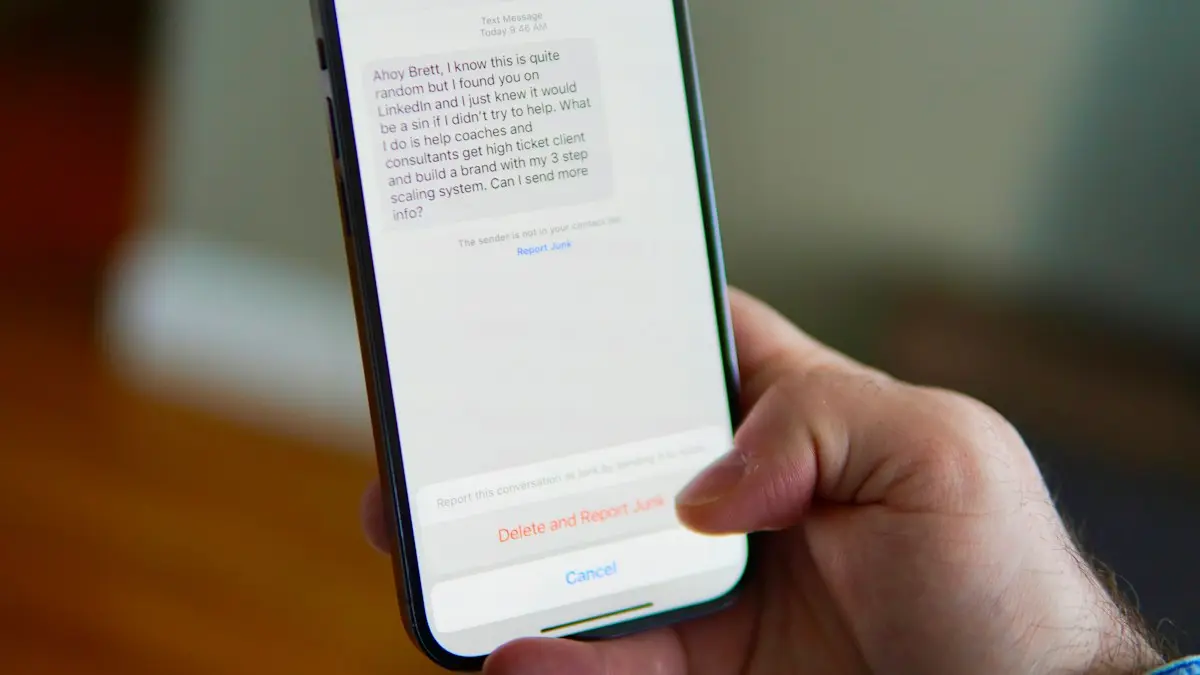
iPhone not receiving texts
iPhone not receiving texts, or missing messages from Android users? Check filters, blocked numbers, MMS and RCS settings, and try 7 more fixes that work.
Messenger not working
Facebook Messenger not working or messages stuck on sending? Check for an outage, turn off data saver, allow background data and try 6 more fixes that work.
What is RCS messaging
RCS is the modern replacement for SMS, with typing indicators, read receipts and full quality photos between iPhone and Android, and how to turn it on.
Google Messages recipient is offline
Google Messages recipient is offline but they are not? Turn on resend as text, verify your number, check data and RCS, and test with SMS. 6 fixes for Android.
More guides you may need
iPhone restore error 1109
iPhone restore error 1109 or 9? Apple does not list 1109, but its steps for restore errors work: cable, port, computer update, security software, recovery mode.
iPhone restore from iCloud stuck
iPhone restore from iCloud stuck on time remaining? Apple says time depends on backup size and Wi-Fi speed. Stay on Wi-Fi and power, or try another network.