

Is 128GB enough for an iPhone? How to check before you buy
The right size depends on how much your phone holds today. A five minute check of your own Storage screen beats any rule, and this page shows how to read it.
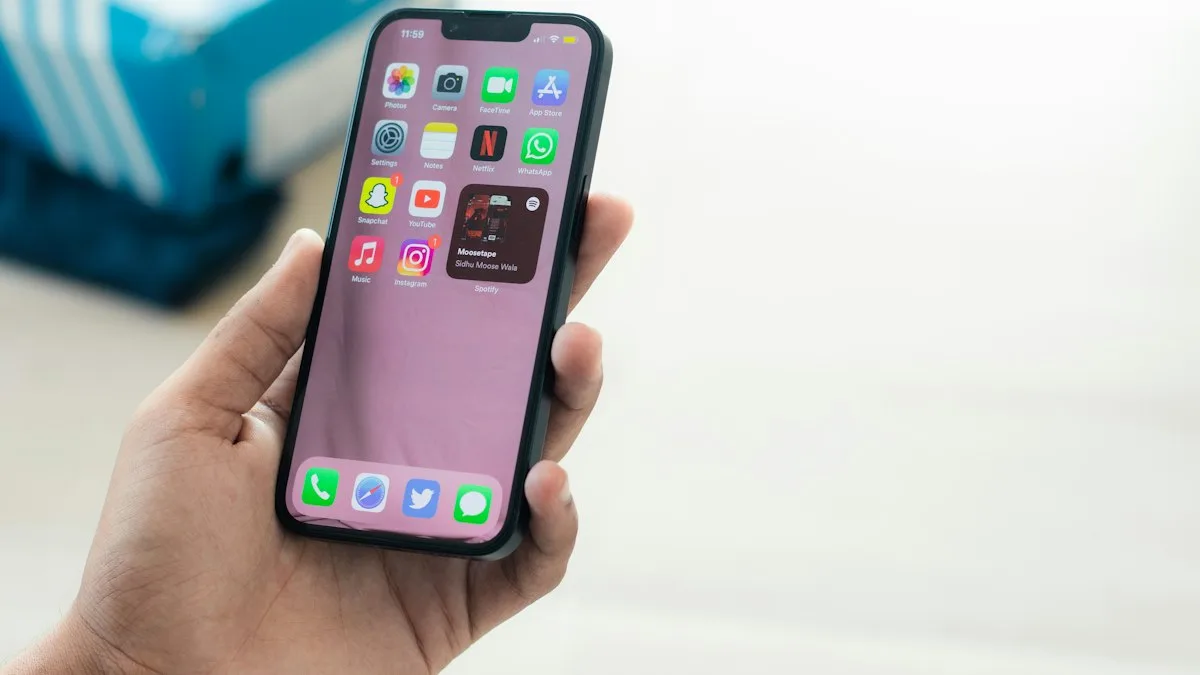
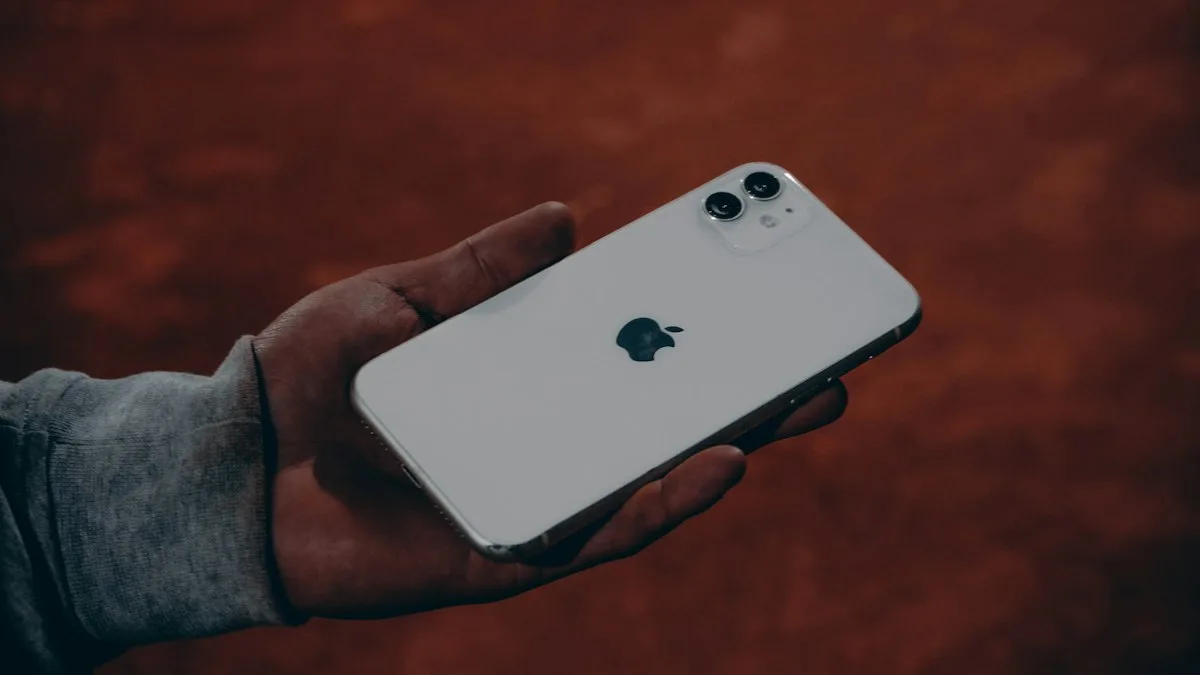
Photo by Sahej Brar on Unsplash
Most pages answer this with an opinion. The better answer is a measurement. Your phone already knows how much space you use, and that number matters more than any rule. This guide shows you how to read it and how to turn it into a choice.
Step 1: see how much you use now
Check your current iPhone
- 1
Open Settings and tap General.
- 2
Tap iPhone Storage.
Apple says this screen shows recommendations and a list of apps with their storage use.
- 3
Note the total used and the biggest items.
Photos and a few big apps are usually the top of the list.
- 4
Tap Show All under recommendations.
Apple says you can enable a recommendation or tap it to see what you could delete. It shows how much you could free up without losing anything important.
Apple's page lists the categories you will see: Apps, Photos, Media, Mail, Apple Books, Messages, iCloud Drive, Other and System. System is the space the operating system uses, and Apple says it varies by device and model. Other holds items you cannot remove, such as Siri voices, fonts, caches and the Spotlight index. Our guide to what Other and System storage mean explains them if the numbers look odd.
Step 2: what you use tells you what to buy
The table below is our rule of thumb, not Apple's. A phone works best with room to spare, because updates, caches and new photos all need space. We suggest buying a size where your current use takes about 70 to 80 percent, so you have headroom for the two or three years you will keep the phone.
| Your current use | What it suggests | Why |
|---|---|---|
| Under half of 128GB | 128GB is likely fine | Plenty of room, especially with iCloud Photos. |
| Over 90GB on a 128GB phone | Move up to 256GB | You are close to full now, and next year's photos make it worse. |
| Always full, offloading apps often | 256GB at least | Constant cleanup costs time and slows the phone down. |
| Lots of 4K video, games or offline media | 256GB or 512GB | Video and games take the most room. |
| Mostly messaging, web, streaming | 128GB works | Streaming uses little space on the phone. |
Does Apple still sell a 128GB iPhone?
On Apple's own pages, the iPhone 18 Pro and iPhone 18 Pro Max come in 256GB, 512GB, 1TB and 2TB. There is no 128GB option on those two. Apple's compare page lists a wider range of sizes across the models, from 64GB to 2TB, but we could not match each size to a model from the page text. Check the model you plan to buy on Apple's compare page or at checkout.
So this question matters most in two cases. You may be looking at a model that still offers 128GB, or you may be buying a used or refurbished phone, where 128GB is common. If it is the second, read trading in your old phone too, because the credit on your old phone can pay for the bigger size.
What eats the space on an iPhone
- Photos and video. Usually the largest item. Video takes much more room than photos, and longer clips and higher quality settings add up fast.
- Apps and games. A few large games can take more space than hundreds of small apps.
- Messages. Photos and videos in long chats pile up for years.
- Downloaded media. Offline music, shows and podcasts.
- System and Other. Apple says these vary by device, and they grow with caches.
Cloud storage can stretch 128GB, to a point
iCloud Photos keeps full quality photos in the cloud and lets the phone hold smaller versions. That makes a smaller phone workable for many people. The cost is a monthly iCloud+ plan, since the free 5GB is far too small for a photo library. Add that fee over three years and compare it with the price step to the next iPhone size. Our guide to how much iCloud storage you need helps with the other side of the math.
Cloud storage does not help with everything. Offline videos, games and large apps still live on the phone. And if your internet is slow or you travel, you want your files on the device, not in a data center.
When 128GB is a good choice
- You stream music and video instead of downloading it.
- Your photos sync to iCloud or Google Photos, and you do not keep a huge offline library.
- You use a handful of apps and few large games.
- You are happy to delete or offload now and then.
- Your budget is tight, and the extra money matters more than convenience.
When to pick 256GB or more
- You shoot a lot of video, especially at high quality.
- You keep lots of games, offline shows or maps on the phone.
- Your current phone has been full and you are tired of cleanup.
- You keep phones for four or five years.
- You hate paying monthly for iCloud and want to keep photos on the device.
Already own a 128GB iPhone that is full?
You do not have to buy a new phone. Apple's page lists easy wins: offload unused apps, which frees the app but keeps its documents and data, delete large videos, and use the recommendations in Settings › General › iPhone Storage. Our full walkthrough is in freeing up space on a full iPhone. If you have done all that and still run out every month, the phone is telling you that you need more room.
Buying a used or refurbished 128GB iPhone
A used 128GB phone can be a sensible buy if the price difference to a bigger size is large. Compare actual listings, since we have no verified price data for this page. Before you pay, ask the seller to open Settings › General › iPhone Storage and show you the numbers. That screen lists the total capacity next to the amount used, so you can see whether the phone really has the size on the box and how much is already taken by someone else's data. A phone that is nearly full on day one is not a bargain.
Also remember that older iPhones may stop getting the newest iOS, so ask which version the phone runs and check Apple's pages for how long that model is supported. If you plan to keep the phone for several years, choose a size with room to grow instead of one that fits only today.
Plan for the whole time you will own it
Storage needs go up, not down. Cameras take bigger files, apps grow with every update, and a photo library only gets longer. If you keep an iPhone three or four years, the amount you use at the end will be much more than what you use on day one. A phone that feels roomy at 50 percent full can be a daily annoyance two years later. That is why we suggest the 70 to 80 percent rule above, measured on your current phone, plus a margin for growth.
Last, think about what a full phone costs you. It stops taking photos at the wrong moment, refuses updates, and forces you to spend time on cleanup. For many people, the price step up to the next size is cheaper than a few years of that hassle. For others, the 128GB size and a small iCloud plan is the better value. Your Storage screen tells you which group you are in.
Check it from a computer too
Apple says you can connect the iPhone to a Mac using Finder, or to a Windows PC with the Apple Devices app, select the device and hover over the storage bar to see what each category uses. It gives a second view of the same numbers, and it is handy before you decide whether to trade the phone in.
Frequently asked questions
Is 128GB enough for an iPhone in 2026?
For many people, yes, if they stream music and video and keep photos in iCloud. If you shoot a lot of video, keep offline downloads or hate managing space, 256GB is the safer choice.
How do I know how much storage I use now?
Open Settings, tap General, then tap iPhone Storage. Apple says it shows recommendations and a list of apps with their storage use.
Does Apple still sell a 128GB iPhone?
Apple's iPhone 18 Pro and Pro Max pages list 256GB, 512GB, 1TB and 2TB, with no 128GB. Other models may differ, so check the model you plan to buy on Apple's compare page.
Can I use iCloud instead of more iPhone storage?
Partly. iCloud can hold photos and backups, but it is a monthly cost and it does not help when you want files available offline. Compare the monthly cost with the price jump to the next size.
What to try next
Sources
Official pages these steps are based on. Menus can differ by software version.
People also ask
Can I check if a phone is stolen for free?
Yes. The CTIA Stolen Phone Checker and Swappa's IMEI check are both free and only need the phone's IMEI, which you can see by dialing *#06#. You do not need to pay for an IMEI report to see if a phone is blocked.
Read the full guide: Check if a phone is stolenIs it safe to buy a used phone?
Yes, if you check the IMEI, confirm it is unlocked and not reported stolen, test the hardware and pay in a way that protects you. Buying from a store or marketplace with a return policy lowers the risk further.
Read the full guide: Buy a used phoneWhy does WhatsApp say unknown error when moving to iPhone?
WhatsApp does not publish a meaning for that message. In practice it appears when a requirement is not met or the connection drops, so check every requirement, then erase the iPhone and run Move to iOS again.
Read the full guide: WhatsApp transfer errorWhy does my iPhone say backup failed when I have storage?
The alert is about iCloud storage, not the free space on the phone. Compare Next Backup Size with your available iCloud storage. If the backup is bigger, it fails even when the iPhone itself has plenty of room.
Read the full guide: iCloud backup failed with spaceRelated guides
Check if a phone is stolen
Learn how to check if a phone is stolen before you buy it. Run a free IMEI check, spot Activation Lock and unpaid balances, and avoid used phone scams.
Buy a used phone
How to buy a used phone without getting a locked, stolen or worn-out one. Follow a 10-point checklist for IMEI, unlock status, battery, payment and returns.
WhatsApp transfer error
WhatsApp transfer Android to iPhone error or unknown error in Move to iOS? Check WhatsApp's 8 requirements, see why a retry needs a reset, and keep chats safe.
iCloud backup failed with space
iCloud backup failed but I have space? Check Next Backup Size against your free iCloud storage, then follow Apple's steps for Wi-Fi, updates and slow backups.
More guides you may need
eSIM vs physical SIM
eSIM vs physical SIM on iPhone: Apple says US iPhone 14 and later are eSIM only. See who has a choice, how to switch, and what matters for travel and security.
Face ID move iPhone lower
Face ID keeps saying move iPhone lower or higher? Clean the camera area, remove the screen protector, restart and reset Face ID, then know when it is hardware.