

How to send a voice message on iPhone (and keep them)
Audio messages live in the plus menu in Messages. Record, listen back, then send.
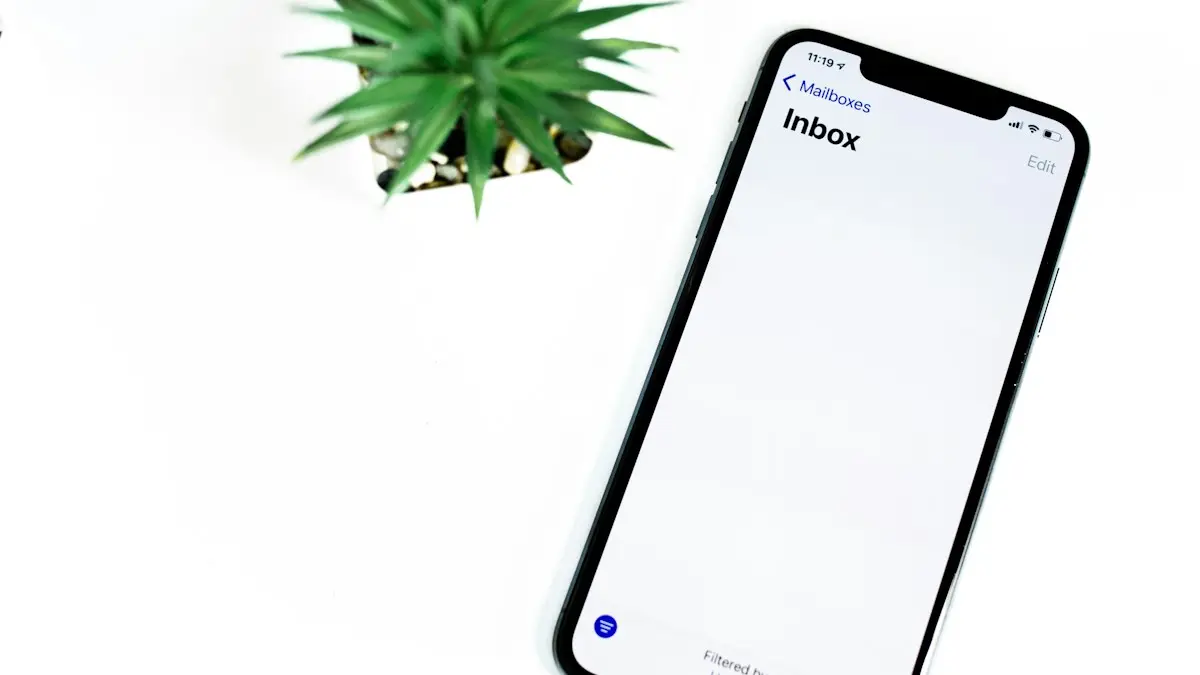
Photo by Solen Feyissa on Unsplash
The fix
Record and send
- 1
Open the conversation in Messages.
- 2
Tap the plus button, then Audio.
- 3
Speak, then tap the red stop button.
- 4
Tap Play to check it, then the send arrow.
The fix
Stop audio messages expiring
- 1
Open Settings › Apps › Messages.
- 2
Under Audio Messages, tap Expire.
- 3
Choose Never.
Audio message vs dictation
The small microphone inside the text box is dictation. It turns your words into typed text. To send a real recording of your voice, use Audio from the plus menu. People mix these up all the time, especially after the iOS 17 update moved the audio button off the main screen.
Send a voice message faster
You can move Audio to the top of the plus menu. Tap the plus, then press and hold Audio and drag it to the first row. Some versions show a More option at the bottom; the order you set stays. You can also swipe up on the plus menu to see all apps and rearrange them.
Listen to voice messages without the speaker
Turn on Raise to Listen in Settings › Apps › Messages. When a voice message arrives, lift the iPhone to your ear and it plays through the earpiece, like a phone call. Lift it again and speak to record a reply. This is handy in public places.
Read voice messages as text
On iOS 17 and later, iPhone shows a transcript under each audio message. If you cannot listen, tap the message to read it. Transcripts work in English and some other languages, and accuracy depends on how clearly the person spoke.
Keep or save a voice message
Received audio messages are deleted two minutes after you play them unless you tap Keep, or unless Expire is set to Never. To save a recording outside Messages, press and hold the audio bubble and tap Save. On recent iOS versions it is saved to the Voice Memos app or to Files. You can then share it by email, AirDrop or another app.
Send a voice message to an Android phone
It works the same way. Tap plus › Audio and record. If RCS is on for both phones, the audio goes as an RCS message with good quality. If not, it goes as MMS, which can reduce quality and may not send if your plan blocks MMS. Learn more in what RCS messaging is.
Voice messages in WhatsApp and other apps
WhatsApp, Messenger and Instagram also send voice notes. In WhatsApp, press and hold the microphone at the right of the text box, speak, and let go to send. Slide up to lock and talk hands-free, or slide left to cancel. These apps keep voice notes until you delete the chat, so you do not have to tap Keep.
Voice message will not send?
- Check the microphone permission: Settings › Privacy & Security › Microphone. Messages does not appear there, but third-party apps do.
- Check your connection: iMessage audio needs Wi-Fi or cellular data. Turn Airplane mode on and off.
- Check MMS: for green bubble chats, turn on MMS Messaging in Settings › Apps › Messages.
- Restart the iPhone: this fixes a stuck recording button in most cases.
- Test the mic: record in Voice Memos. If it is silent, see phone microphone not working.
Voice message will not play?
Turn up the volume with the side buttons while the message plays, since media volume and ringer volume can differ. Check that Bluetooth headphones or a car are not connected, because audio may be playing there. If the message says it expired, the sender's or your Expire setting deleted it; ask them to send it again. For wider problems, see iMessage not working.
How long can a voice message be?
Apple does not publish a hard limit, and long recordings of several minutes send fine on iMessage. MMS to Android phones without RCS has a much smaller file size limit set by your carrier, so long recordings may fail. For long audio, record in Voice Memos and share the file instead.
Record a voice message on iPhone step by step
- Open Messages and pick the person or group.
- Tap the plus button to the left of the text box.
- Tap Audio. Recording starts right away.
- Speak normally, holding the iPhone about a hand's width from your mouth.
- Tap the red stop button when you finish.
- Tap Play to hear it, the X to delete it, or the blue up arrow to send.
If you change your mind after sending, press and hold the message and tap Undo Send within two minutes. This works only in iMessage chats, not green bubble SMS chats, and the other person must also run a recent iOS version for it to vanish on their side.
Tips for clearer voice messages
- Record in a quiet room or away from wind. iPhone microphones pick up a lot of background noise.
- Do not cover the bottom of the iPhone, where the main microphone sits.
- Remove a thick case or screen protector if recordings sound muffled.
- If AirPods are connected, the recording uses the AirPods microphone, which can sound different.
- Keep messages short. The other person can read the transcript faster than they can listen.
Send a voice message with Siri
Say "Hey Siri, send an audio message to" and the contact's name. Siri asks you to speak, records it and asks if you want to send it. This is useful when you are driving and CarPlay is connected. Siri can also read incoming messages aloud through AirPods if Announce Notifications is on in Settings › Notifications › Announce Notifications.
Delete a voice message
Press and hold the audio bubble and tap Delete, then confirm. You can also delete the whole conversation by swiping left on it in the list. Deleting on your iPhone does not delete it on the other person's phone unless you used Undo Send in time.
Share a voice message from Voice Memos instead
For long notes, lectures or anything you want to keep, open Voice Memos, tap the red record button, then tap the recording and the three dots › Share. You can send it to Messages, Mail, WhatsApp or AirDrop. Voice Memos files do not expire, and you can trim them before sending. Learn more about AirDrop on iPhone.
Voice messages and storage
Each minute of audio is small, but years of kept messages and video attachments add up. If Messages takes a lot of space, set Keep Messages to 1 Year in Settings › Apps › Messages, or review large attachments. Our guide to freeing up iPhone storage shows where else space goes.
Why voice messages disappear
Most people who lose a voice message have Expire set to After 2 Minutes. The timer starts once you play the message. Change Expire to Never so every audio message stays until you delete it yourself. Messages you already lost cannot be recovered from the iPhone, though an older iCloud backup might still hold them; read how to recover deleted texts on iPhone for your options.
Voice messages on iPad and Mac
Your iPad and Mac can send audio messages too, as long as they are signed in to iMessage with the same Apple Account. On Mac, open Messages, click the Audio button next to the text field, speak and click stop. Messages you kept on one device appear on the others when Messages in iCloud is on.
Voice message not sending?
Audio messages need iMessage or RCS. Check that you have data or Wi-Fi and that the bubble is blue or shows RCS. Make sure Messages has microphone access in Settings › Privacy & Security › Microphone. If the recording plays back silently, clean the microphone holes at the bottom of the iPhone.
Frequently asked questions
Why do my voice messages disappear?
Audio messages expire after 2 minutes by default. Go to Settings › Apps › Messages › Audio Messages › Expire and choose Never.
Can I send a voice message to an Android phone?
Yes, with RCS or MMS turned on. It arrives as an audio file.
Where is the voice message button on iPhone?
Since iOS 17, it is inside the plus menu next to the text box. Tap the plus, then Audio. The microphone inside the text box is for dictation, which turns speech into text.
Can Android users hear iPhone voice messages?
Yes. With RCS on, they receive the audio file in their messaging app. Without RCS, it goes as an MMS attachment and may be compressed.
Sources
Official pages these steps are based on. Menus can differ by software version.
People also ask
Can I schedule a text to an Android phone?
Send Later works with iMessage only. For a green bubble text, use a Shortcuts personal automation that sends a message at a set time.
Read the full guide: Schedule a text on iPhoneWhy does Mail say 1 unsent message?
An email failed to send and is waiting in the Outbox. Common causes are no connection, a wrong address, a large attachment, or a problem with the outgoing server or account password.
Read the full guide: Mail unsent messageCan I change a text message to an iMessage?
You cannot convert a green message that already went out. Make sure iMessage is on in Settings › Apps › Messages, then send a new message. It goes blue if the other person also uses iMessage.
Read the full guide: Change iMessage to text messageCan I forward a text to an email address?
Yes. When forwarding, type the email address in the To field instead of a phone number. It is sent as an iMessage or MMS to email.
Read the full guide: Forward a text messageRelated guides
Schedule a text on iPhone
Schedule a text on iPhone with Send Later in Messages, up to 14 days ahead. Plus how to edit or cancel it, and a Shortcuts trick for regular SMS texts.
Mail unsent message
Mail on your iPhone shows 1 unsent message and will not clear? Open the Outbox, send or delete the stuck email, then check the server settings and account.
Change iMessage to text message
Switch iMessage to text message on iPhone, or get green texts to send as blue iMessages again. Steps for one message, automatic fallback and on or off.
Forward a text message
Forward a text message on iPhone, Samsung or Pixel in a few taps, forward several messages or photos at once, and send a text to an email address.
More guides you may need
Forward calls on Samsung
Forward calls on your Samsung Galaxy from the Phone app settings: always, when busy, unanswered or unreachable. Plus carrier codes and how to turn it off.
Forward a text message
Forward a text message on iPhone, Samsung or Pixel in a few taps, forward several messages or photos at once, and send a text to an email address.