

Why does my iPhone say Slow Charger? What it means and how to fix it
The Slow Charger message is information, not a fault. Your iPhone is charging, just not as fast as it could.
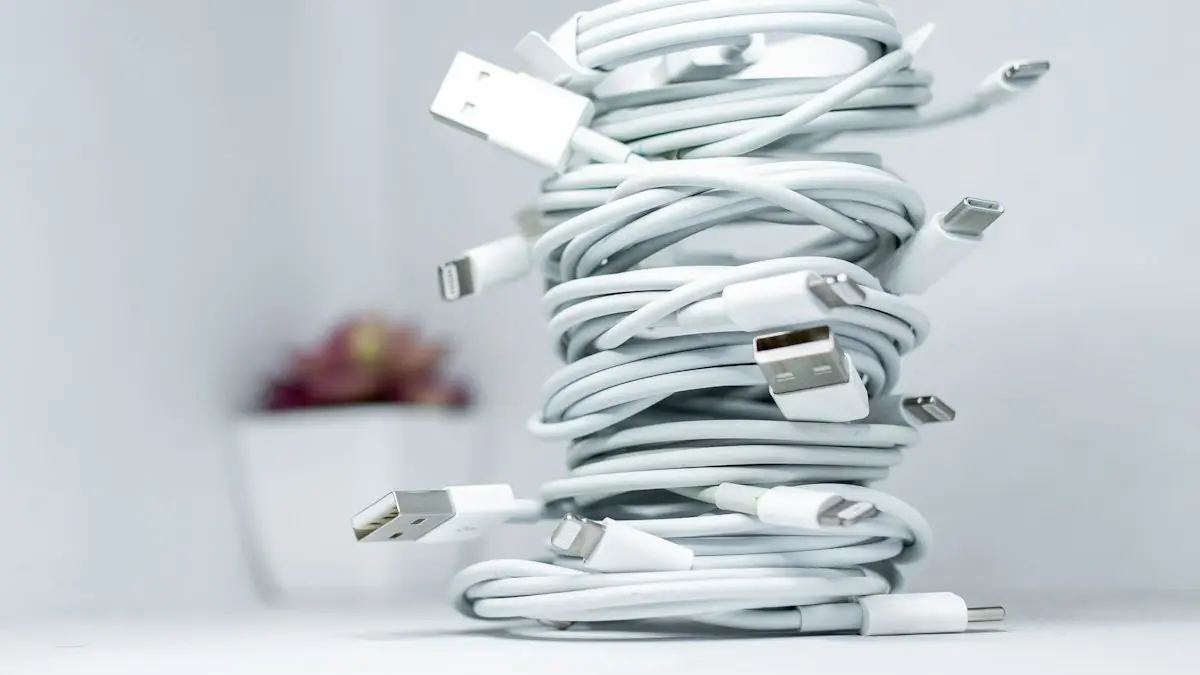
Photo by Solen Feyissa on Unsplash
Since iOS 18, the iPhone shows Slow Charger on the Lock Screen and in Settings › Battery when a stronger charger would noticeably speed things up. Apple is clear that it does not mean anything is wrong with the iPhone or the charger. It is simply telling you that you could charge faster. Here is what triggers it, which charger your model needs, and when the message might point to a real problem.
What counts as slow
- Old 5W square USB-A adapters that came with iPhones before 2020.
- Computer USB ports and most built-in car ports.
- Wireless pads under 10W, including many older Qi pads and charging stands.
- Worn, very long or uncertified cables that cannot carry much power.
- Some power strips, lamps and furniture with built-in USB-A ports.
Which charger does your iPhone need?
- iPhone 18 Pro and 18 Pro Max: up to 50% in about 15 minutes with a 60W-capable USB-C adapter and USB-C cable.
- iPhone 17, 17 Pro and 17 Pro Max: up to 50% in about 20 minutes with a 40W or higher adapter.
- iPhone 17e and iPhone Air: up to 50% in about 30 minutes with a 20W or higher adapter.
- iPhone 16 and earlier (iPhone 8 and later): fast charging with an 18W or higher USB-C Power Delivery adapter.
A 20W adapter stops the Slow Charger message on every model and is fast enough for most people. A higher wattage adapter only helps the newest models go faster. These figures come from Apple, and real times vary with temperature, how full the battery is and whether you use the phone while charging.
How to fix Slow Charger on iPhone
The fix
Charge at full speed
- 1
Use a USB-C power adapter rated 20W or higher.
Look for USB Power Delivery (USB PD) on the adapter or box. Apple’s own adapters and those from well-known brands work well.
- 2
Use a USB-C cable in good condition.
iPhone 15 and later use USB-C to USB-C. iPhone 14 and earlier need a USB-C to Lightning cable. Replace cables that are frayed, bent near the plug or only work at certain angles.
- 3
Plug into a wall outlet rather than a laptop or power strip USB port.
Built-in USB ports rarely deliver more than a few watts, so they show the message even with a good cable.
- 4
For wireless, use MagSafe or Qi2 with a strong enough adapter.
Apple’s MagSafe Charger needs a 20W or higher adapter, or 30W and up for the fastest speed on newer iPhones. iPhone 17 models support 25W on Qi2 25W (Qi2.2) chargers. Older Qi pads under 10W trigger the message.
Wireless charging speeds by model
- iPhone 18 Pro: up to 50% in about 30 minutes with the MagSafe Charger and a 35W or higher adapter.
- iPhone 17 models: up to 50% in about 30 minutes with MagSafe and an Apple 30W or higher adapter, or on a Qi2 25W charger.
- iPhone 16 and iPhone 15: fast MagSafe charging with a 20W or higher adapter.
- iPhone 14 and earlier: MagSafe tops out at 15W, and regular Qi pads at 7.5W.
Wireless charging is always a little slower and warmer than a cable at the same wattage. It is ideal at a desk or bedside; use a cable when you need a quick top-up before going out.
Charging two devices from one adapter
Multi-port adapters share their total wattage. A 35W two-port adapter might give each device about 17W when both are plugged in, which can bring back the Slow Charger message. Check the adapter’s label for how it splits power, or charge one device at a time when you are in a hurry.
See how long charging will take
Open Settings › Battery while the iPhone is plugged in. It shows the estimated time to reach 80 percent, or to 100 percent or your charge limit if you are already above 80 percent. The same estimate appears near the top of the Lock Screen. It is a quick way to compare two chargers: plug in each one for a minute and see which gives the shorter time. On a newer iPhone, the gap between an old 5W cube and a 20W adapter can easily be an hour or more for a full charge, depending on the model.
Right charger but still slow?
- Clean lint from the charging port with a wooden toothpick, then plug in firmly.
- Try a different cable. A damaged cable can drop to slow charging without any error.
- Remove a thick case during wireless charging, and line the iPhone up with the center of the pad.
- Let a hot iPhone cool down. It slows or pauses charging when warm, and you may see Charging On Hold.
- Check Settings › Battery › Charging. iOS slows charging past 80 percent, and a charge limit stops it early on purpose.
Does fast charging hurt the battery?
Not in a way you need to worry about. The iPhone controls the charging speed itself: it charges fast when the battery is low and slows down as it fills, especially past 80 percent, to limit heat and wear. Heat is what ages a battery, so avoid fast charging in a hot car or under a pillow. Apple designs the iPhone 15 and later to keep about 80 percent of its capacity after 1,000 full charge cycles, whichever charger you use.
Power banks and charging on the go
- A power bank with USB-C Power Delivery of 20W or more fast charges any recent iPhone.
- Magnetic power banks that snap onto the back are convenient but slower and warmer. Look for Qi2 certification for the best speed on newer iPhones.
- Charging while gaming, filming or using navigation adds heat, so the iPhone may charge slowly or pause. That is normal.
- An iPad or MacBook USB-C charger works too and is often faster than a small phone charger.
Traveling abroad
Apple’s USB-C adapters work on 100 to 240 volts, so they work in almost every country with a simple plug adapter; you do not need a voltage converter. Hotel USB ports and plane seat ports are usually slow and will show the Slow Charger message, so pack your own adapter for fast top-ups.
When the message points to a real problem
If you see Slow Charger with a charger and cable that fast charge other iPhones, try a second known good setup. If the message stays, the charging port may be worn, dirty or damaged, which reduces the power the iPhone can accept. The same applies if charging only works when the cable is held at an angle. See our guide to an iPhone that will not charge for port checks, and book a repair if cleaning does not help.
Why charging slows down after 80 percent
Every iPhone charges fastest when the battery is low. Past about 80 percent, it deliberately slows down to protect the battery, whatever charger you use, so the last 20 percent can take as long as the first 50. With Optimized Battery Charging, the iPhone may also wait at 80 percent overnight and finish just before you usually unplug. See how Optimized Battery Charging works.
Buying a charger safely
- Buy from Apple or a reputable brand such as Anker, Belkin or Samsung, from a trusted store.
- Look for safety marks, such as UL or ETL, on the adapter.
- Very cheap no-name chargers can overheat, charge slowly and cause touch screen problems while plugged in. Some fake chargers copy big-brand logos, so buy from trusted sellers.
- One USB-C adapter of 30W to 65W can charge an iPhone, an iPad and many laptops, which saves carrying several.
Frequently asked questions
Is Slow Charger bad for my battery?
No. Charging slowly is gentle on the battery. It just takes longer to fill up.
What charger should I use to stop the message?
Any USB-C Power Delivery adapter of 20W or more with a good USB-C cable stops it on most iPhones. For the fastest speed, iPhone 17 and 17 Pro need 40W and iPhone 18 Pro needs a 60W-capable adapter.
Can a too powerful charger damage my iPhone?
No. The iPhone only draws as much power as it can safely use, so a 65W or 100W laptop charger is fine. Stick to reputable brands with safety certification.
Why does it say Slow Charger in the car?
Most built-in car USB ports give 7.5W or less. Use a USB-C car adapter rated 20W or more in the 12V power outlet instead, with a short cable.
What to try next
Sources
Official pages these steps are based on. Menus can differ by software version.
People also ask
Does fast charging reduce battery life?
A little, because faster charging produces more heat and every battery wears with use. Modern phones slow down as they warm up, so the difference over a few years is usually small.
Read the full guide: Is fast charging bad?What charger do I need for fast charging?
At least 20W USB-C Power Delivery for iPhone, and a 25W or stronger USB-C PD charger with PPS for Samsung Super Fast Charging. Newer iPhone 17 and 18 models charge faster still with 40W or 60W.
Read the full guide: Phone charging slowlyIs Qi2 the same as MagSafe?
Not exactly. MagSafe is Apple's system, and Qi2 is an open standard from the Wireless Power Consortium that uses the same magnet idea. Apple's MagSafe technology helped shape Qi2, and many Qi2 chargers work with MagSafe iPhones.
Read the full guide: MagSafe vs Qi2Can I call 911 when my phone says SOS?
Yes. SOS means emergency calls still work through any available network, even though normal calls, texts and data do not.
Read the full guide: Phone says SOSRelated guides
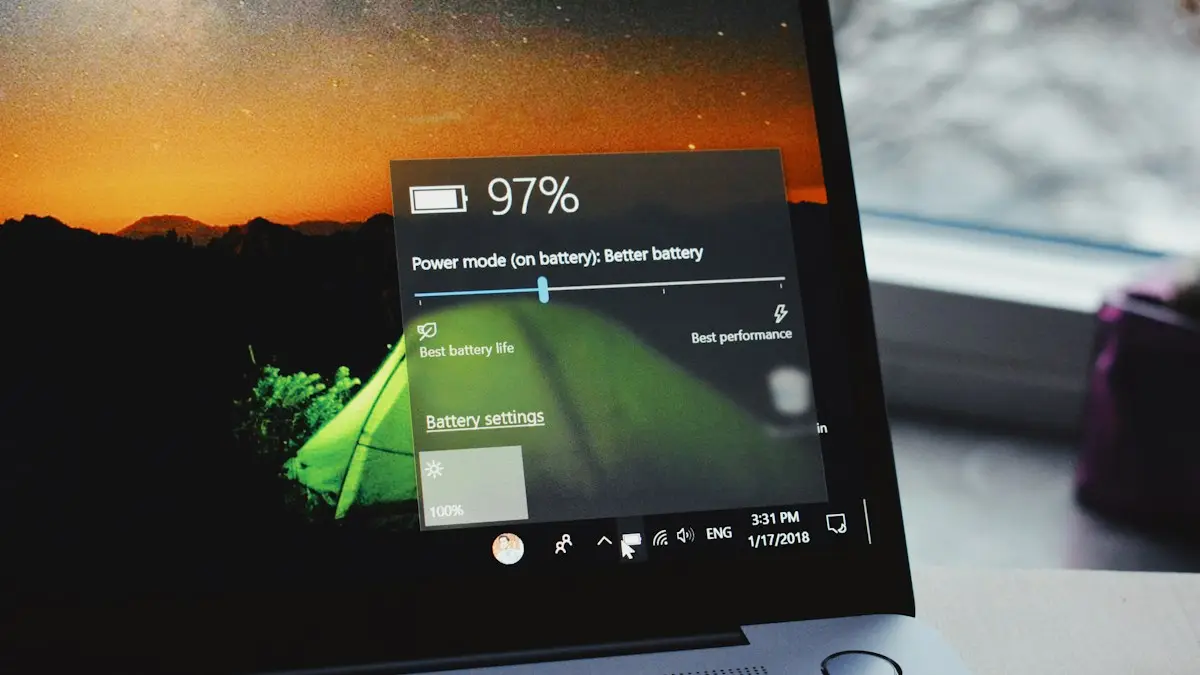
Is fast charging bad?
Is fast charging bad for your battery? Mostly no, but heat is. Learn how phones protect themselves, which settings slow charging and when to go slower.
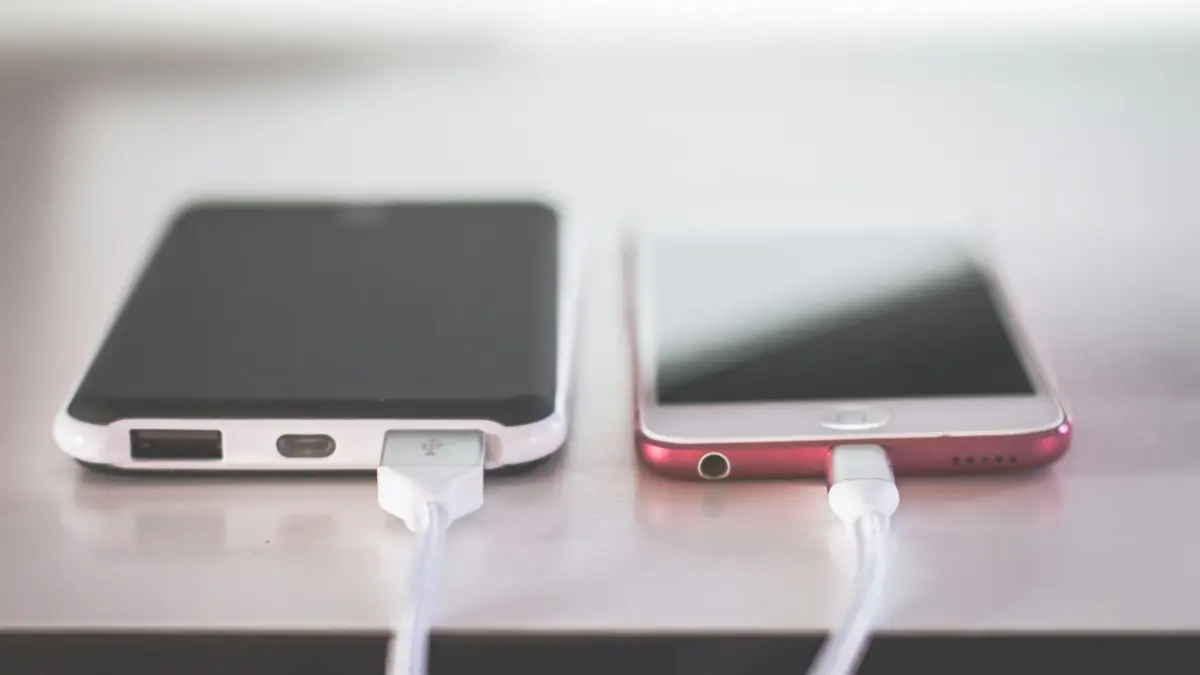
Phone charging slowly
Phone charging slowly? Use a stronger wall charger and good cable, clean the port, keep it cool and check settings that cap charging on iPhone and Android.
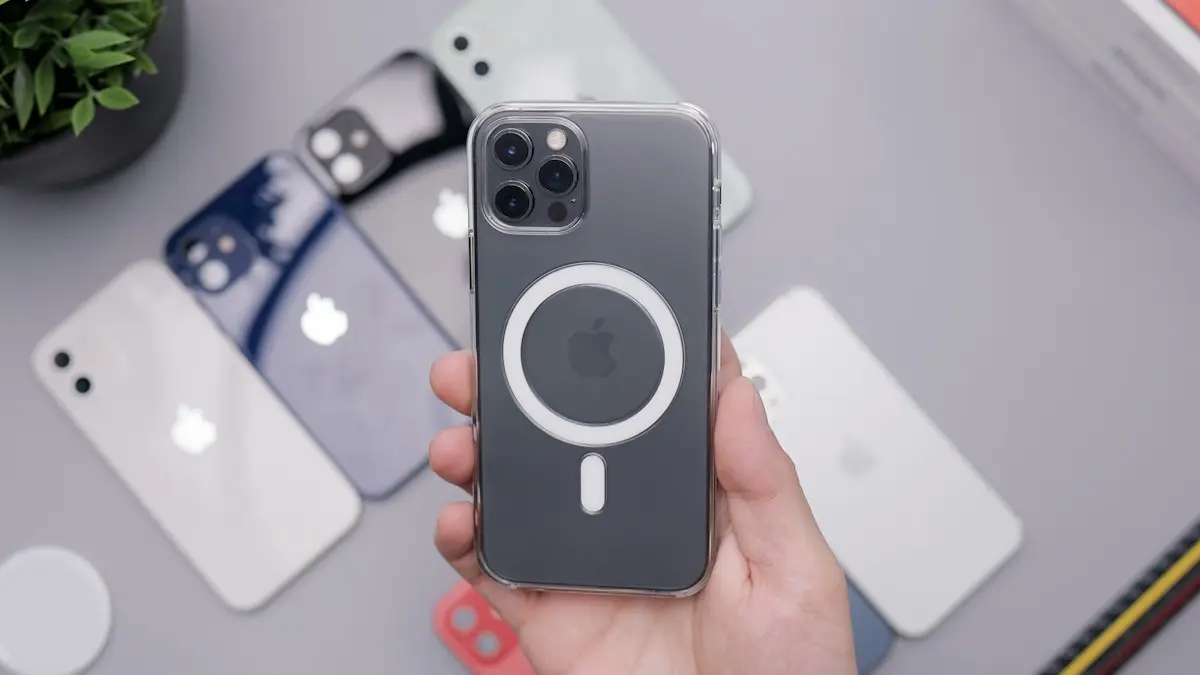
MagSafe vs Qi2
MagSafe vs Qi2: how they differ, which phones work with each, charging speeds, case rules and what to look for when you buy a magnetic wireless charger.
Phone says SOS
Your phone says SOS or SOS only when it loses your carrier but can still call 911. Learn why it happens and try 8 fixes for iPhone and Android to get service.
More guides you may need

eSIM stuck activating
eSIM stuck on Activating on your iPhone? Wait a few minutes, toggle Airplane Mode, restart, update carrier settings and check the line, then call your carrier.

iPhone flashlight not working
Fix an iPhone flashlight that will not turn on, is greyed out, missing from Control Center or too dim. Step by step, and how to tell a bug from a failed LED.