

What charger does iPhone 17 need? Wattage for iPhone 17 and 18 Pro
Any USB-C charger will charge an iPhone, but Apple's fast charge numbers need a specific wattage. Here is what Apple's own spec pages say for iPhone 17 and iPhone 18 Pro.
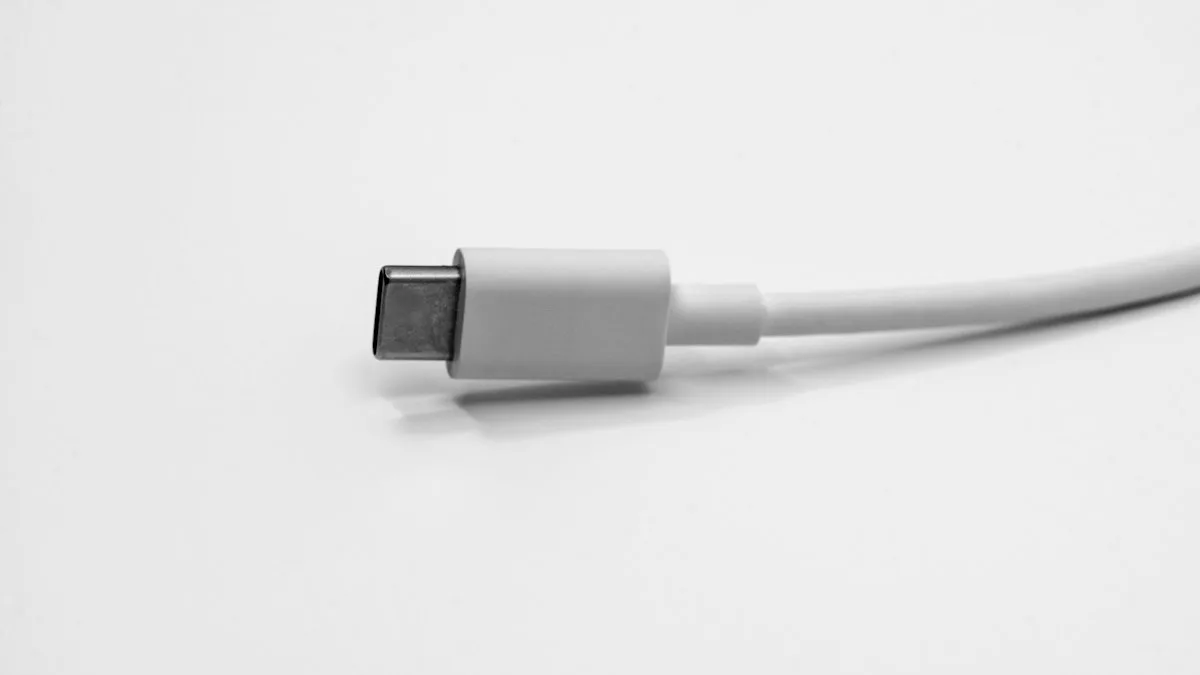
Photo by Maxence Pira on Unsplash
You open the box and find a phone and a cable. No plug. Now you stand in a store aisle looking at chargers marked 20W, 30W, 45W and 65W, and nothing on the packaging says which one your iPhone wants. The answer is on Apple's spec pages, and it is more specific than most guides admit.
The short answer by model
| Model | Wired (USB-C) | MagSafe charger |
|---|---|---|
| iPhone 17 | 20 minutes with a 40W adapter or higher | 30 minutes with a 30W adapter or higher |
| iPhone 18 Pro and Pro Max | Around 15 minutes with a 60W-capable adapter with Adjustable Voltage Supply, plus a USB-C cable | 30 minutes with a 35W adapter or higher |
Apple tested with its own 40W Dynamic Power Adapter with 60W Max (model A3351), and for MagSafe on the iPhone 17 also with the Apple 30W USB-C Power Adapter (A2164). You do not have to buy Apple's brand, but your adapter has to meet the same specs.
Does the iPhone 17 come with a charger?
Apple's specification page for the iPhone 17 lists a USB-C Charge Cable (1 m) in the box, along with the phone and documentation. It lists no power adapter and no MagSafe charger, and it calls both of those available separately. The iPhone 18 Pro page shows the same: phone and a 1 m USB-C Charge Cable. So you need to bring your own plug, or buy one.
If you already own an older USB-C charger, such as one from a laptop, tablet or earlier iPhone, try it first. It will charge the phone. The question is only how fast.
What charger does iPhone 17 need for fast charging?
For Apple's headline number, a 40W adapter or higher. Apple's page says up to 50% in 20 minutes with a 40W adapter or higher, available separately, paired with a USB-C charging cable. A 20W charger will not hit that time. It will still charge the phone, only more slowly, and for charging overnight the difference rarely matters.
A higher wattage adapter is fine. The phone controls how much power it pulls, so a 65W or 100W adapter does not push extra power into it. What decides speed is the phone, the adapter standard and the cable. If you have a charger over 40W, such as a laptop charger, it works with the iPhone 17.
What charger does iPhone 18 Pro need?
The 18 Pro asks more. Apple's claim of up to 50% in around 15 minutes needs a 60W-capable adapter or higher that supports Adjustable Voltage Supply, or AVS, paired with a USB-C cable. Apple's footnote is more specific: wired fast charging needs a 60W-capable USB-C cable and a power adapter that supports USB PD 3.1 or better with AVS.
That means two things. A plain 40W adapter may not reach the 15 minute claim, even though Apple tested with its 40W Dynamic Power Adapter with 60W Max. And a cheap cable may be the weak point. Check that the adapter box says USB PD 3.1 and AVS, and that the cable says 60W or higher. If the packaging does not say, assume you will get slower charging.
MagSafe and Qi2 wireless charging
Both Apple pages list MagSafe wireless charging up to 25W and Qi2 wireless charging up to 25W. Neither gives a wireless figure above 25W. The 50% in 30 minutes claim needs a stronger adapter behind the charger than the charger itself: 30W or higher for iPhone 17, 35W or higher for iPhone 18 Pro, paired with a MagSafe Charger.
So a MagSafe charger on a weak 5W or 12W plug will charge, but slowly. If your wireless charging seems to stall, read our guide to wireless charging that stops working.
What to look for on the box
- USB-C connector. All current iPhones in this guide charge over USB-C.
- USB Power Delivery (USB PD). The standard the fast charge numbers rely on.
- Wattage. 40W or more for iPhone 17. 60W or more for iPhone 18 Pro.
- PD 3.1 and AVS for iPhone 18 Pro. Per Apple's footnote for its fastest claim.
- A cable rated for the same power. Apple says 60W-capable for the 18 Pro.
- Safety marks. Buy from a known seller. Counterfeit chargers can overheat.
Is a weaker charger bad for the phone?
No. A 20W or even a 5W adapter will not hurt the phone, it only charges slower. The reverse is also fine: a stronger adapter does not damage the phone. The real danger is a cheap, uncertified charger or damaged cable. If a charger gets very hot, smells, or the phone gets hot while charging, stop using it. For the battery side of the story, see our guide to whether fast charging hurts the battery.
Charging seems slow even with the right charger
Apple's own footnote says charge time varies with adapter, settings, usage and environmental factors. Heat slows charging, and so does using the phone heavily while it charges. If your iPhone shows a warning about a slow charger, read the slow charger message. For general slow charging causes, see a phone that charges slowly.
Can you use the charger you already own?
Probably. Any USB-C charger that supports USB Power Delivery will charge an iPhone with the cable it came with. A laptop charger works too, and the phone will not take more than it needs. To see what you have, read the small print on the adapter itself. Most chargers print their power output, usually as several voltage and current pairs, and often a total in watts. If the total is at least 40W, it meets Apple's iPhone 17 claim on paper. If you only see one low figure such as 5V, you have an older, slower charger.
The printing varies by maker, so we cannot tell you exactly what yours says. If you cannot find the information, try it. Plug the iPhone in with your cable and see how fast the battery percentage climbs for ten minutes. A slow climb on a charger that should be fast usually points to the cable or the adapter.
The cable matters as much as the plug
Apple's box includes one 1 m USB-C Charge Cable. For iPhone 17, that cable with a 40W adapter is what Apple used for its wired claim. For iPhone 18 Pro, Apple's footnote says a 60W-capable USB-C cable is needed for wired fast charging. A thin cable from a gadget box or a gas station may not carry that much power. Use the one Apple gave you, or buy a cable that says 60W or higher on the package.
Cables wear out. If the connector is loose, the cable is frayed or the phone charges only when you hold the cable at an angle, replace it before you blame the charger. Also look inside the phone's port for lint, which can stop the plug from seating. Do not poke it with metal. Our guide to a phone that charges slowly covers the port check.
Car chargers, power banks and travel
The same rules apply to anything with a USB-C port. A car charger or power bank that supports USB Power Delivery at 30W or more will charge an iPhone quickly. One that only offers a basic 5W or 12W port will charge it slowly, or barely keep up when you use maps. Look for "PD" and a wattage on the product page. These are general guidelines, not claims from Apple's spec pages. Apple's pages only describe the adapters and cables Apple tested.
Which should you buy?
Match the charger to what you care about. If you charge overnight and want the cheapest option, any decent USB-C charger works. If you want Apple's fast charge speed on an iPhone 17, get a 40W or higher USB-C adapter. If you own an iPhone 18 Pro and want the fastest charge, look for a 60W adapter with USB PD 3.1 and AVS and a 60W cable. We do not give prices here because we could not verify current ones, so compare listings from known sellers before you buy.
Frequently asked questions
What wattage charger does iPhone 17 need?
Apple's fast charge claim for iPhone 17 is up to 50% in 20 minutes with a 40W adapter or higher and a USB-C cable. A weaker adapter still charges the phone, only more slowly.
Does the iPhone 17 come with a charger?
Apple's spec page lists a USB-C Charge Cable (1 m) in the box and no power adapter. The adapter is listed as available separately.
What charger does iPhone 18 Pro need for fast charging?
Apple's claim is up to 50% in around 15 minutes with a 60W-capable adapter or higher that supports Adjustable Voltage Supply, plus a 60W-capable USB-C cable.
Will a more powerful charger hurt my iPhone?
No. The phone decides how much power to take, so a higher wattage adapter does not force more power in. What matters is that the adapter and cable meet the standard Apple lists.
What to try next
Sources
Official pages these steps are based on. Menus can differ by software version.
People also ask
Is Slow Charger bad for my battery?
No. Charging slowly is gentle on the battery. It just takes longer to fill up.
Read the full guide: iPhone slow charger messageWhich iPhone 18 Pro camera has variable aperture?
Apple describes it on the new 48MP Fusion Main camera only. The Ultra Wide and Telephoto cameras do not have it in Apple's description.
Read the full guide: iPhone 18 Pro apertureIs the iPhone 18 Pro Face ID problem hardware or software?
Apple fixed it with software in iOS 27.0.1, so for most people no repair or replacement should be needed. If Face ID still fails or the phone still restarts after installing the update, ask Apple to run diagnostics.
Read the full guide: iPhone 18 Pro Face ID bugWhy won't my iPhone charge wirelessly?
Apple lists the common causes: a thick, metal or battery case, the phone shifting off the charger, heat, or a USB cable that is connected. Fix those first, then check the charger and adapter.
Read the full guide: iPhone wireless charging not workingRelated guides
iPhone slow charger message
iPhone says Slow Charger? It means your adapter or cable delivers less power than your iPhone can use. Here is what counts as slow and which charger fixes it.
iPhone 18 Pro aperture
iPhone 18 Pro aperture explained: how the variable aperture works, where to change it in Camera and when to use f/1.48, f/1.8 and f/4. Official steps.
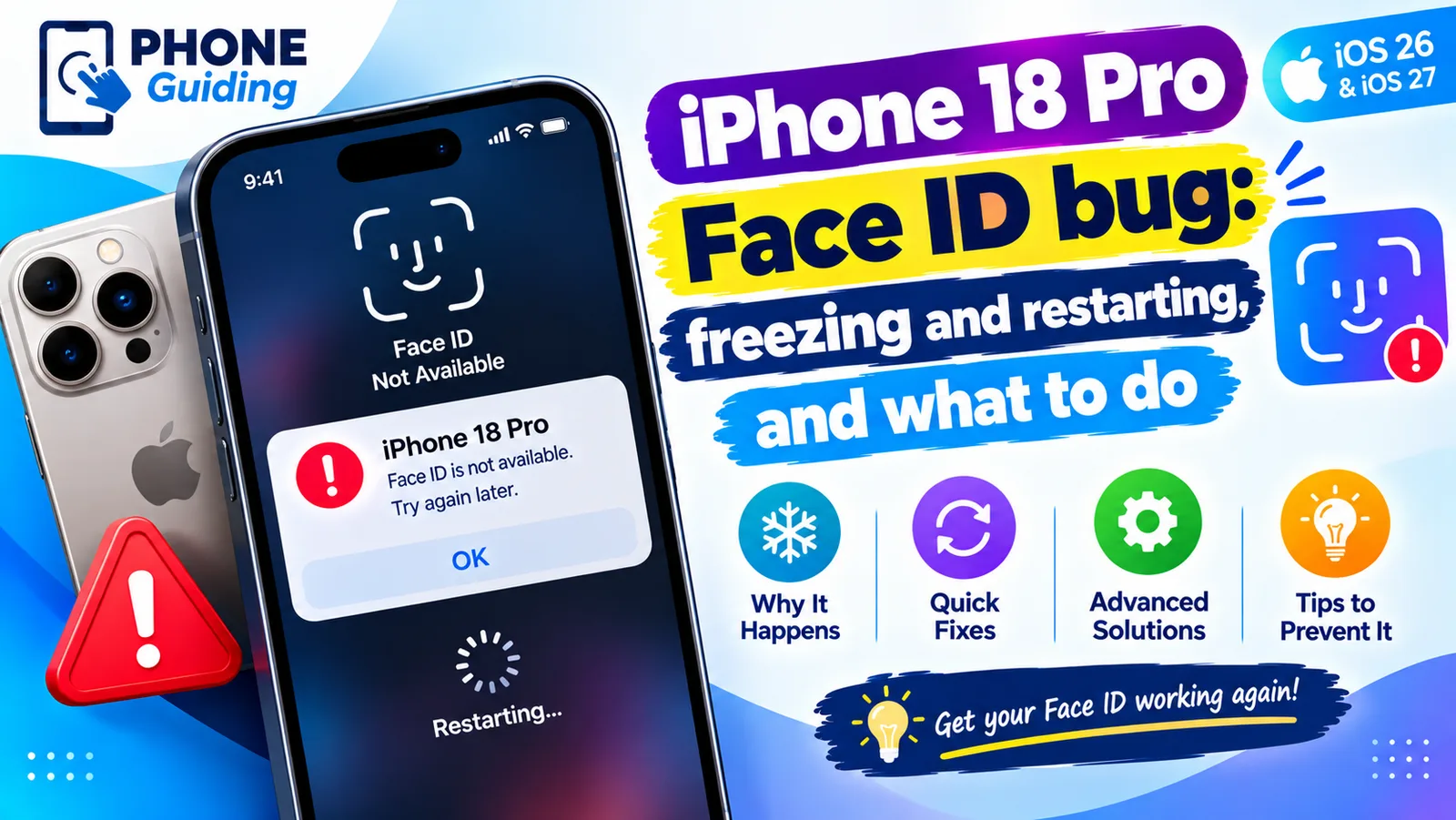
iPhone 18 Pro Face ID bug
iPhone 18 Pro or Pro Max freezing and restarting after Face ID fails? Here is what triggers the bug, a safe workaround, and the iOS 27.0.1 update that fixes it.
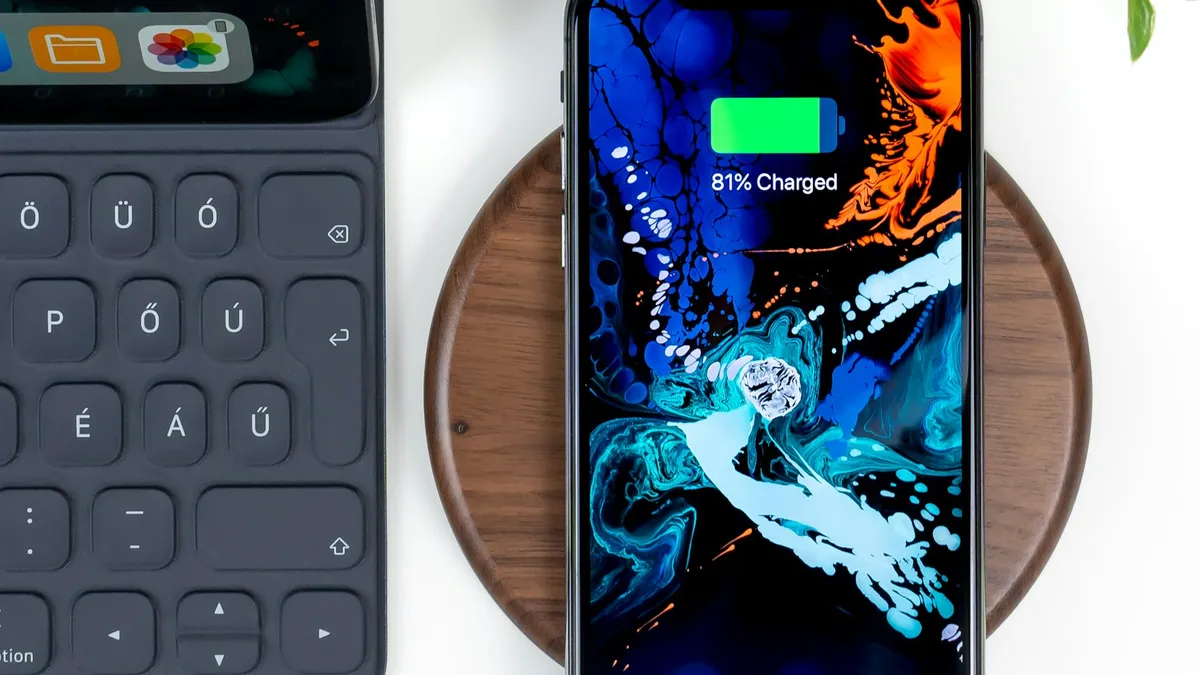
iPhone wireless charging not working
iPhone wireless charging not working or slow? Remove a thick case, check placement, USB and heat, and use the right adapter. Steps from Apple's own pages.
More guides you may need
iPhone not vibrating
iPhone not vibrating for calls, texts or alerts? Check System Haptics, the Haptics setting, Vibration in Accessibility, Focus and Silent mode. 8 fixes.
iPhone notifications not showing on lock screen
iPhone notifications not showing on lock screen? Check the app's Lock Screen switch, Display As, Focus and Scheduled Summary, then try 4 more fixes.