

iPhone wireless charging not working? Fix the case, charger and placement
Most wireless charging problems come down to the case, the placement, a USB cable or heat. This guide follows Apple's checklist, adds the MagSafe plug-in-first rule, and explains what to look for in a charger.
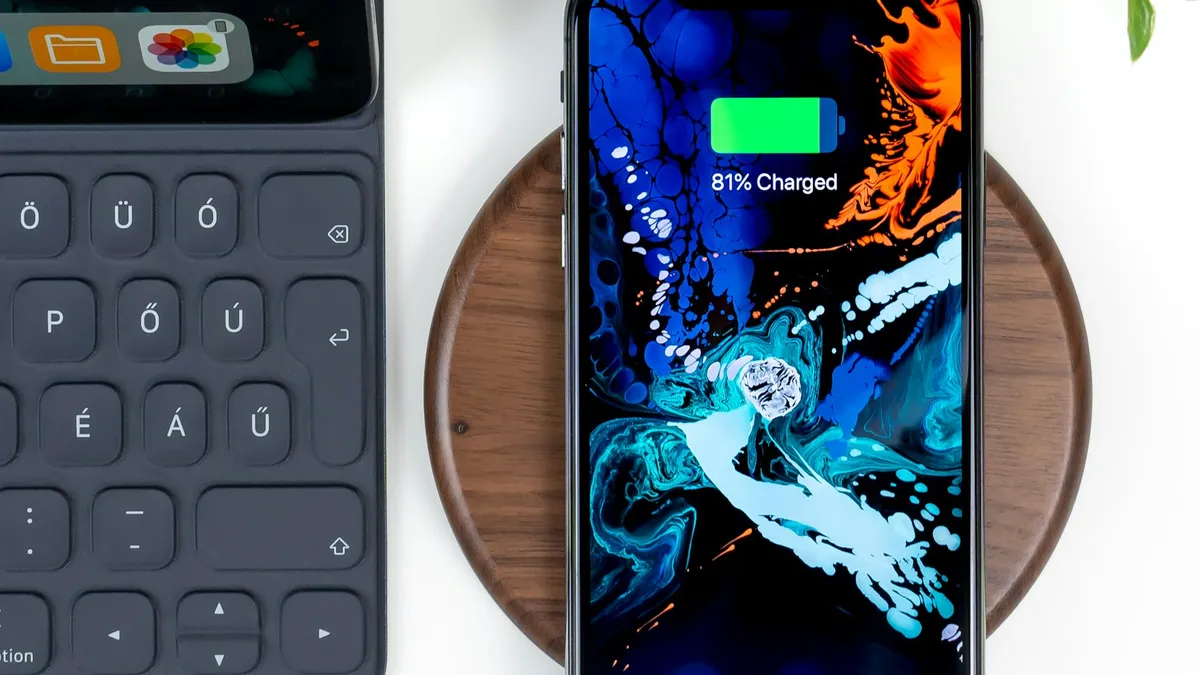
Photo by Daniel Korpai on Unsplash
You set your iPhone on the charger, and nothing happens. Or the percentage barely moves overnight. Wireless charging looks simple, but a few small things can stop it. The good news is that Apple has a short checklist, and most problems are fixed by one item on it. This guide follows that list, adds the MagSafe rule many people miss, and tells you what to check before you buy a new charger.
Start with the basics Apple lists
Apple says wireless charging works with an iPhone 8 or later and a Qi-certified charger. Here is how to place it correctly.
Place the iPhone correctly
- 1
Connect the charger to power.
Use the adapter that came with it or one the maker recommends.
- 2
Put the charger on a level surface, or where the maker recommends.
- 3
Place the iPhone display up, ideally centered on the charger.
Charging should start within seconds.
- 4
Look for the charging icon in the status bar.
Why is iPhone wireless charging not working? A quick table
| What you see | Likely cause | Try first |
|---|---|---|
| Nothing happens at all | Charger not powered, or phone off the coil | Check the power, re-center the phone |
| Starts, then stops | The phone shifted, or it got warm | Turn off vibration, move to a cooler spot |
| Very slow | Thick or metal case, weak adapter | Remove the case, use a stronger adapter |
| Charges at 80 percent, then stops | Heat limit | Cool the phone and charger |
| Charges by cable, not by pad | USB cable plugged in | Unplug the cable |
Check the case first
Apple says that if your iPhone isn't charging or is charging slowly, and it has a thick case, a metal case or a battery case, you should try removing the case. That is the first test to run. If the phone charges fine without the case, the case was the problem.
How thick is too thick? Apple does not say. Review sites quote different limits, from about 2 mm to about 5 mm, so I will not give you a number. The practical test is simple: try it with the case off, then on. Apple also warns that magnetic cases, magnetic mounts or other objects between the iPhone and the charger might reduce performance. Cards, key fobs and badges in a wallet case can be damaged, so take them out before charging.
Plug in first if you use MagSafe
Apple's MagSafe page gives a rule that fixes a lot of slow charging. Plug the MagSafe Charger into a power source before you place the iPhone on it. That lets it check that it is safe to deliver full power. If you placed the iPhone on the charger first, remove it, wait three seconds, and put it back on.
- Put the charger face up on a flat surface, with no metal objects or other material near it.
- Use an adapter that is powerful enough. For the fastest speed, Apple says a 30W or higher adapter that provides 15V/2.0A is needed.
- For up to 15W, Apple says a 20W or higher USB-C adapter works.
- An adapter of at least 12W (5V/2.4A) works, but it charges more slowly.
Apple lists different top speeds for different iPhone models, so the fastest speed depends on your phone. Check Apple's page for your model. Apple also says that when headphones or other accessories are connected by cable, charging is limited.
Unplug the USB cable
This one surprises people. Apple says your iPhone won't charge wirelessly when it is connected to USB. If it is connected to a computer or a USB power adapter, it charges using the USB connection. So if you plug in a cable for CarPlay or a headset while the phone sits on the pad, the pad is bypassed.
Keep the phone from moving or overheating
- Vibration: Apple says a vibrating phone can shift off the charger. Turn off vibration, turn on Do Not Disturb, or use a case that prevents movement.
- Heat: Apple says that if the phone gets too warm, software may limit charging above 80 percent, and it resumes when the phone cools. Move the phone and charger somewhere cooler.
- Warmth in general: Apple says the phone may feel slightly warmer while charging. That alone is normal.
If your phone also gets hot at other times, see our guide on why an iPhone gets hot.
Is it the charger?
If you have tried the steps above, test the charger. Use a different outlet, a different cable and adapter, and if you can, a different charger. If another charger works, the first one may be faulty or too weak. Apple says many Qi chargers reach up to 7.5 watts, and that other Qi chargers may vary in performance, so ask the maker if yours is slow. If no charger works with the phone, charging by cable is the next test. Our guides on an iPhone that won't charge and a phone that charges slowly cover the wired side.
A simple test routine
Change one thing at a time so you know what fixed it. This takes about ten minutes.
Test in this order
- 1
Take the case off and unplug every cable from the iPhone.
- 2
Plug the charger into a wall outlet first.
For MagSafe, power comes before the phone.
- 3
Place the iPhone display up, centered, and wait about a minute.
Check for the charging icon.
- 4
If it charges, put the case back on and test again.
If charging stops, the case is the cause.
- 5
If it still fails, try another outlet, adapter or charger.
MagSafe or plain Qi: which one do you have?
Apple says MagSafe provides magnetic alignment for faster, more efficient charging. A plain Qi pad has no magnets, so you must center the phone on the coil yourself. If your charger does not click onto the back of the phone, it is probably plain Qi. That matters because a plain Qi pad is easier to knock out of position, and a thick case hurts it more.
Charging overnight and stopping at 80 percent
If your phone sits at 80 percent in the morning, it may not be broken. Apple says that when the battery gets too warm, software may limit charging above 80 percent, and it charges again when the temperature drops. Our page on optimized battery charging covers the other feature that can hold a charge at 80 percent. Keep the charger in a cool, open spot, away from blankets, to avoid the heat limit.
What to look for when you buy a wireless charger
- Qi certification. Apple says the iPhone works with Qi-certified chargers.
- An included or recommended power adapter, because a weak adapter slows charging.
- Room for your case, or a case designed for magnetic charging.
- Clear speed claims for your exact iPhone model.
I did not find Apple's wording on Qi2 chargers in the pages I read, and I have not tested chargers myself, so I will not name a winner. Our guide to MagSafe vs Qi2 explains the difference, and the page on whether fast charging is bad for the battery covers the worry about speed.
A note for iPhone 15 owners in the EU
Apple says iPhone 15 models sold in the EU or EFTA countries show a one-time notice the first time you use wireless charging. It says wireless charging may use more power than wired charging, as required by the EU. It is only a notice and does not mean something is broken.
Common mistakes
- Leaving a cable in. Apple says the phone charges over USB instead.
- Placing the phone before plugging in a MagSafe charger. Plug in first.
- Ignoring the case. Take it off for the first test.
- Using a weak adapter. It limits speed.
- Charging with cards in the case. Apple warns about magnetic strips and chips.
Which iPhones does this cover?
Apple says wireless charging needs an iPhone 8 or later. MagSafe works with most iPhone models, and Apple lists different peak speeds by model. Phones without MagSafe, such as some Qi-only models, charge at different speeds. Check Apple's pages for your exact model, because the numbers change with each release.
When to contact Apple
If the iPhone will not charge wirelessly or by cable with a known good charger, contact Apple Support or an authorized repair provider. Mention any drop, water contact or recent repair, and what you tried.
The short version
Remove the case, center the phone, unplug any cable, keep it cool, and plug MagSafe in first. Then check the adapter, and test another charger before you buy a new one.
Frequently asked questions
Why won't my iPhone charge wirelessly?
Apple lists the common causes: a thick, metal or battery case, the phone shifting off the charger, heat, or a USB cable that is connected. Fix those first, then check the charger and adapter.
Does a case block wireless charging?
It can. Apple says to try removing the case if the iPhone isn't charging or is charging slowly and the case is thick, metal, or a battery case. Apple gives no thickness number.
Why does MagSafe charge slowly?
Apple says to plug the MagSafe Charger into power before you place the iPhone on it. If you placed the phone first, remove it, wait three seconds, and put it back. The adapter also has to be powerful enough.
Will my iPhone charge wirelessly while a USB cable is plugged in?
No. Apple says the iPhone charges using the USB connection instead when it is connected to a computer or a USB power adapter.
What to try next
Sources
Official pages these steps are based on. Menus can differ by software version.
People also ask
Is Qi2 the same as MagSafe?
Not exactly. MagSafe is Apple's system, and Qi2 is an open standard from the Wireless Power Consortium that uses the same magnet idea. Apple's MagSafe technology helped shape Qi2, and many Qi2 chargers work with MagSafe iPhones.
Read the full guide: MagSafe vs Qi2Is Slow Charger bad for my battery?
No. Charging slowly is gentle on the battery. It just takes longer to fill up.
Read the full guide: iPhone slow charger messageDoes fast charging reduce battery life?
A little, because faster charging produces more heat and every battery wears with use. Modern phones slow down as they warm up, so the difference over a few years is usually small.
Read the full guide: Is fast charging bad?Why is only one AirPod charging?
Dirt on that AirPod’s stem or the bottom of its slot is blocking contact. Clean both gently with a dry soft brush and make sure the AirPod sits fully down.
Read the full guide: AirPods not chargingRelated guides
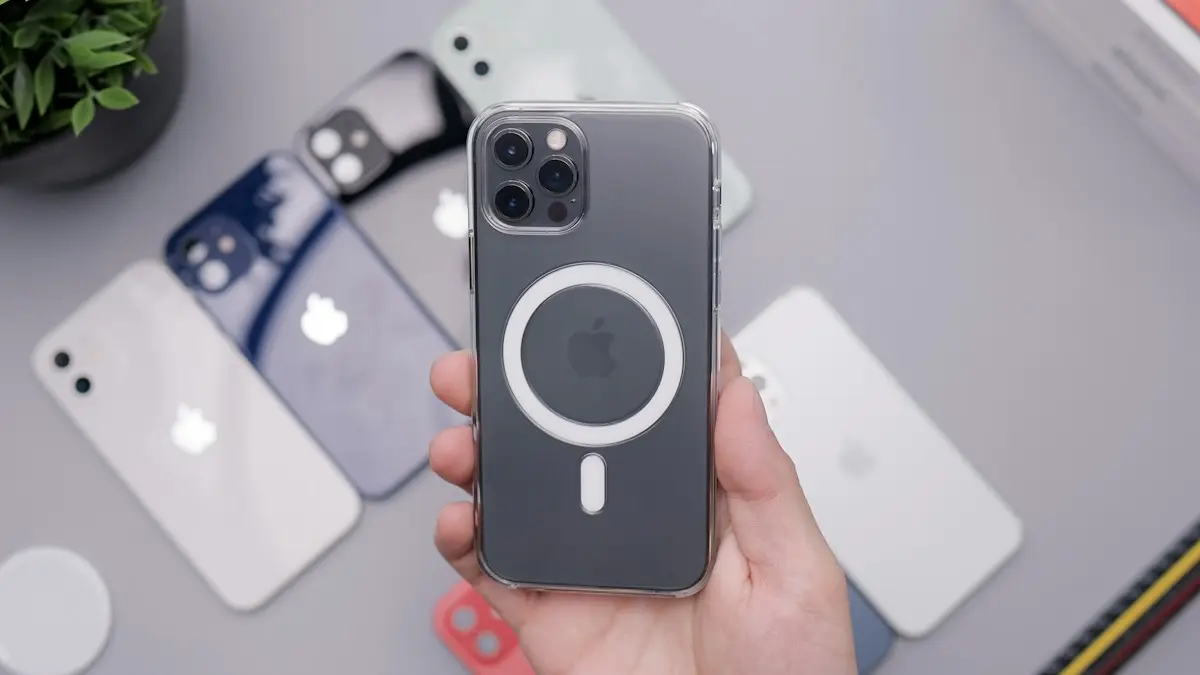
MagSafe vs Qi2
MagSafe vs Qi2: how they differ, which phones work with each, charging speeds, case rules and what to look for when you buy a magnetic wireless charger.
iPhone slow charger message
iPhone says Slow Charger? It means your adapter or cable delivers less power than your iPhone can use. Here is what counts as slow and which charger fixes it.
Is fast charging bad?
Is fast charging bad for your battery? Mostly no, but heat is. Learn how phones protect themselves, which settings slow charging and when to go slower.
AirPods not charging
AirPods or the case not charging? Clean the contacts, try another cable and outlet, check the case battery, turn off optimized charging and try 4 more fixes.
More guides you may need
FaceTime sensitive content warning
FaceTime paused your call with a sensitive content warning? Learn what triggers it, how it works on your iPhone, and where to turn it off in Settings.
Forgot Notes password
Forgot notes password on iPhone? Reset it in Settings, learn why old locked notes stay locked, and see the few ways to get back in or avoid this next time.