

How to cancel phone service (Verizon, AT&T, T-Mobile)
Switching carriers? Do not cancel at all. Leaving for good? Here is how to cancel with each big carrier without surprise charges.

Photo by Erik Mclean on Unsplash
Canceling a phone line sounds simple, but doing it in the wrong order is the most common way people lose their number or get a surprise final bill. This guide covers Verizon, AT&T and T-Mobile, what you still owe, and how to cancel just one line on a family plan.
Switching carriers? Do not cancel
When you sign up with a new carrier and choose to keep your number, the new carrier asks the old one to release it. As soon as the number moves, your old line is closed automatically. If you cancel first, the number can be released and may be hard or impossible to recover. Get your account number and number transfer PIN, start service with the new carrier, and let the port do the work. See how to switch phone carriers.
Before you cancel: checklist
- Phone balance: check how much you still owe on any phone, watch or tablet. It usually becomes due in full when the line closes.
- Bill credits: promotional credits for a phone or trade-in stop when you cancel, so the remaining balance may be higher than you expect.
- Unlock: if you plan to keep the phone, pay it off and ask for an unlock before you leave.
- Two-factor codes: move bank and email verification to an authenticator app or a new number, or you may be locked out.
- Backups: save photos, contacts and messages to iCloud or Google.
- Voicemail: carrier voicemail is deleted when the line closes. Save any messages you need.
- Equipment: home internet gateways, hotspots and leased phones usually must be returned.
- Bundles: streaming perks and device insurance tied to the plan end too.
How to cancel Verizon phone service
- 1
Sign in to My Verizon and check your device balances
Look under your devices for any remaining payment agreement.
- 2
Contact Verizon
Dial 611 from your Verizon phone, or call 800-922-0204 from another phone. You can also visit a Verizon store. The account owner or an account manager must make the request.
- 3
Verify your identity
Have your account PIN or security details ready.
- 4
Ask for a confirmation
Request the disconnect date and a confirmation number, and ask what the final bill will include.
How to cancel AT&T wireless
- 1
Check your balances in the myAT&T app
Look for installment plans on phones, watches and tablets.
- 2
Contact AT&T
Dial 611 from your AT&T phone, use chat in myAT&T, or visit an AT&T store.
- 3
Confirm the lines to close
If you have AT&T internet or TV too, say clearly which services to cancel.
- 4
Get the disconnect date and confirmation number
How to cancel T-Mobile service
- 1
Open the T-Life app and review device balances
- 2
Contact T-Mobile
Dial 611 from your T-Mobile phone, use messaging in the app, or visit a T-Mobile store. The primary account holder must request it.
- 3
Ask about the final bill
Check whether any promotions or Home Internet equipment returns are involved.
- 4
Save the confirmation
Write down the date, the rep’s name and the confirmation number.
What you still owe when you cancel
Two-year contracts with early termination fees are largely gone at the big US carriers. What replaced them are device payment agreements. When you cancel, the unpaid part of each phone, watch or tablet usually becomes due, and monthly promotional credits stop. If you got a phone “free” with credits, the amount due can be large, because the credits were never a discount up front.
Your final bill also covers service up to the disconnect date, and how partial months are handled differs by carrier, so ask. Pay the final bill in full. Unpaid balances can go to collections and hurt your credit.
Canceling one line on a family plan
The account holder can remove a single line without closing the account. The same rules apply to that line’s phone balance and credits. Keep in mind that many plans charge less per line as you add lines, so removing one can raise the price of the others. If a family member wants to take their number elsewhere, the new carrier can port just that number, and the line closes on its own. That is usually better than canceling it.
Canceling watch, tablet and hotspot lines
Cellular watches, tablets and hotspots each have their own line and monthly charge. They are easy to forget and are some of the easiest savings on a bill. Cancel them the same way as a phone line, and check for device balances. An Apple Watch or Galaxy Watch still works over Bluetooth and Wi-Fi with your phone after the cellular line is gone.
Do you really need to cancel?
If the reason is cost, a cheaper plan with the same carrier, or a prepaid brand on the same network, may keep everything you like for less. See how to lower your phone bill and our guide to MVNOs. Asking the retention team about offers when you call to cancel sometimes gets a discount, though there is no guarantee.
Moving abroad or suspending instead
If you are leaving the country for a few months, or deploying with the military, ask about suspending the line instead of canceling. Carriers offer temporary suspensions, sometimes at a reduced monthly fee, and military members can often suspend or end service under special rules. Suspending keeps your number, which matters for bank and account verification. Another option is porting the number to a low-cost prepaid plan or a number-keeping service while you are away.
Canceling for someone who has died
Carriers have a separate process for closing the account of a person who has died. It usually needs a copy of the death certificate and proof that you are the executor or next of kin. Ask for the bereavement or survivor team when you call 611 or visit a store. You can often transfer a number to your own account instead of closing it, which helps keep access to verification codes.
Problems when canceling and how to fix them
- The rep keeps offering deals instead: say clearly that you want the line disconnected, and ask for the confirmation number. You can listen to offers, but you do not have to accept them.
- You were billed after porting out: the old carrier may bill up to the port date. If you are charged for time after that, contact them with the port date and ask for a credit.
- The port is stuck: a number lock, wrong account number or expired PIN is the usual cause. Turn off number lock in the old carrier’s app and generate a new PIN.
- You cannot verify the account: only the account owner, or someone they have added as a manager, can cancel. Ask the owner to add you, or to make the call.
- You dispute the final bill: ask for an itemized bill and a supervisor. If that fails, you can file a complaint with the FCC at fcc.gov/complaints.
Write down the date, time and name of everyone you speak with. Chat transcripts are useful too, so save or screenshot them. That record makes any later dispute much easier to settle in your favor.
After you cancel
- Keep the confirmation number until the final bill is paid and shows a zero balance.
- Return any leased equipment within the carrier’s deadline and keep the tracking number.
- Remove your payment card from the carrier account if auto-pay stays on.
- If you are keeping the phone, check it is unlocked. See how to know if a phone is unlocked.
- If you are selling the phone, sign out of iCloud or your Google account and erase it first.
How do I get out of a phone contract?
Most US carriers no longer sell two year service contracts. What most people owe is the balance on a device payment plan, and any bill credits stop the day you leave, so the real cost is the remaining phone balance plus the credits you lose. Older contracts may still carry an early termination fee, which your carrier can look up for you.
Before you decide, ask for three numbers: the remaining device balance, any fee for ending service early, and the date your phone becomes eligible for unlocking. If the balance is large, it can be cheaper to keep the line until the phone is paid off, lower the plan and then switch, as described in how to lower your phone bill and how to switch phone carriers. Some new carriers offer to pay off your old balance when you switch, which is worth asking about.
How do I cancel just one line?
You can drop one line from a family or shared plan without canceling the rest. Sign in to your account, choose the line, and remove it, or ask the carrier to do it. Check that the remaining plan still has the discounts you had, because a price per line often rises when you go from four lines to three. If the line holds a phone on a payment plan, the balance on that phone is still due.
Frequently asked questions
Should I cancel my phone service before switching carriers?
No. Keep the old line active and let the new carrier port your number. The old line cancels automatically when the port completes; canceling first can lose your number.
Is there an early termination fee to cancel phone service?
Most US carriers no longer use two-year contracts, so there is usually no early termination fee. Instead, any unpaid phone balance becomes due and promotional credits stop.
Can I cancel my phone plan online?
It depends on the carrier and account. Many cancellations must be done by phone or chat so the carrier can verify you. Dial 611 from your phone to reach customer care.
Will my phone still work after I cancel?
It works on Wi-Fi, and it can use another carrier if it is unlocked. If you still owe money on it, the carrier will not unlock it until the balance is paid.
How do I cancel one line without canceling the whole plan?
Contact your carrier by phone, chat or its app and ask to remove that line. Pay off any phone balance on it first, since the remaining amount is usually due when the line leaves.
What to try next
Related guides
Change km to miles on iPhone
How to change km to miles on iPhone: set Measurement System for Apple Maps and Distance units in Google Maps. Also change temperature units.
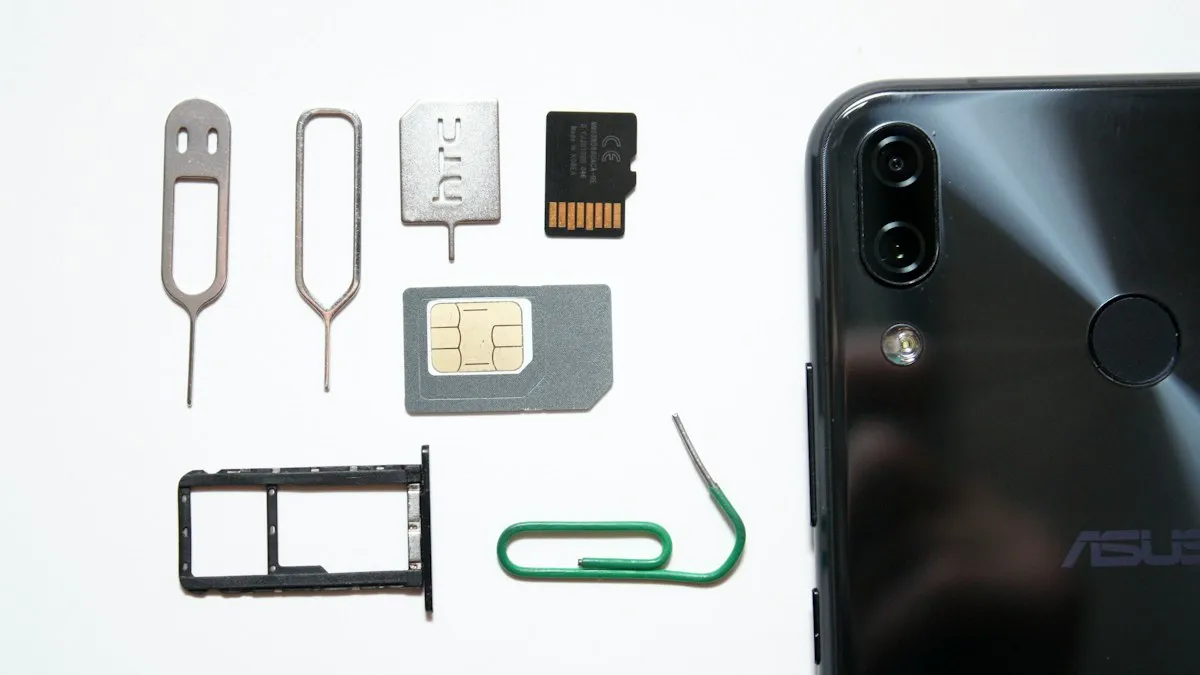
Activate eSIM on iPhone
How to activate eSIM on iPhone with a QR code, manual details or your carrier's app. Steps for Verizon, AT&T and T-Mobile, plus fixes when activation fails.
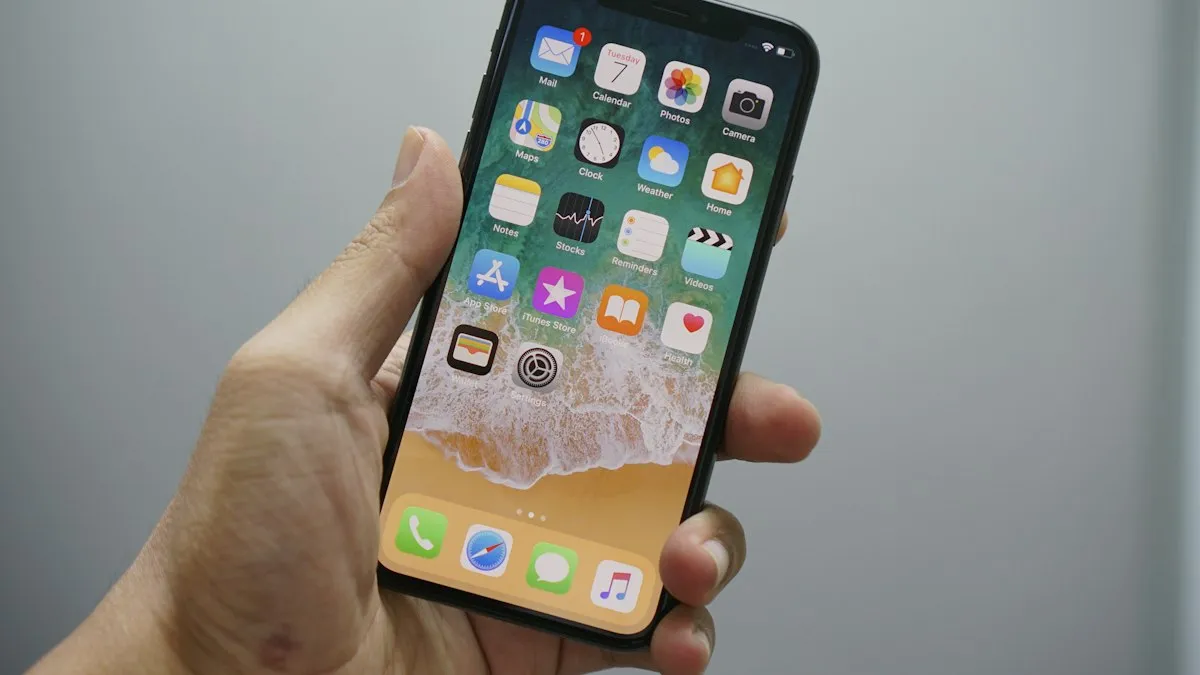
Add a Home button to the iPhone screen
How to add home button to iPhone screen: turn on AssistiveTouch in Accessibility, tap Home, move the button and set shortcuts. Works on every iPhone, no repair.

Change a document to PDF on iPhone
How to change a document to PDF on iPhone: use Files and Markup, the Print trick, Pages, Word or Google Docs. Free, no extra app needed, for each file type.
More guides you may need
Send a voice message on iPhone
Send a voice message on iPhone from the plus menu in Messages, review it before sending, and stop audio messages from disappearing after 2 minutes.
Change your Android keyboard
Change your default keyboard on Android, switch Samsung Keyboard to Gboard or back, and change the keyboard size, theme and language in a few taps.