

How to unlock a Samsung phone from your carrier (free and official)
Carriers unlock Galaxy phones for free once the phone is paid off and the waiting period has passed. You rarely need a paid unlock service.
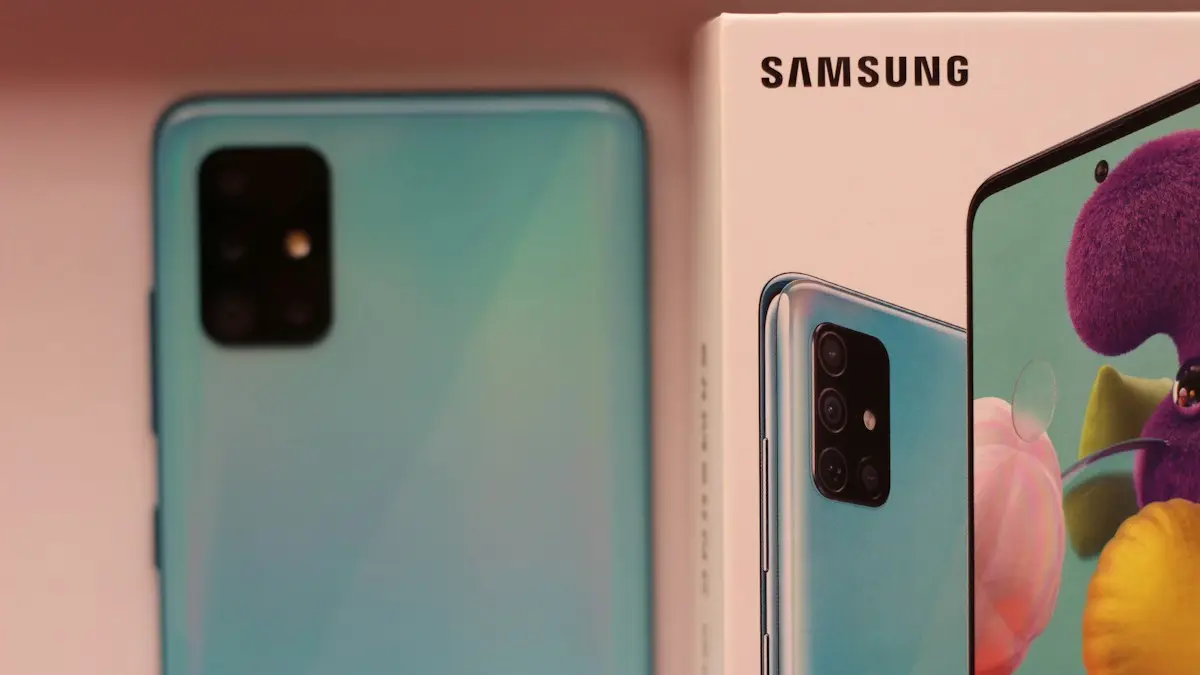
Photo by Ravi Sharma on Unsplash
A carrier-locked Galaxy only works with the carrier that sold it. Unlocking lets you switch to any compatible carrier, use a local SIM or eSIM when traveling, and sell the phone for more. In the US, carriers must unlock eligible phones, and they do it for free. The rules changed in 2026, so here is what each carrier requires now, how to request it, and how to confirm it worked.
Carrier unlock rules in 2026
- Verizon: postpaid phones are unlocked once fully paid off. Verizon’s old automatic unlock after 60 days ended in January 2026, when the FCC granted it a waiver. Prepaid phones unlock after 365 days of active service.
- AT&T: postpaid phones must be active for at least 60 days and fully paid off. Prepaid phones need 6 months of paid service.
- T-Mobile: postpaid phones must be active for 40 days and paid off. Prepaid phones, including Metro, need 365 days of active service.
The account must also be in good standing, and the phone must not be reported lost or stolen. Military members being deployed can often get an early unlock on request. Rules can change, so check your carrier’s unlock policy page before you request.
How to unlock a Samsung phone from your carrier
The fix
Request the unlock
- 1
Pay off the phone.
Check your bill or carrier app for any remaining device balance and pay it. If the phone came with monthly promotional credits, paying it off early can mean giving up the remaining credits, so check the numbers first.
- 2
Check the waiting period has passed.
Count from the day the phone was activated on the carrier, as listed above. Your carrier app often shows the activation date under the device details.
- 3
Request the unlock.
Verizon: contact Verizon through the My Verizon app or customer service and ask for a device unlock. AT&T: use AT&T’s device unlock portal at att.com/deviceunlock, which works for current and former customers. T-Mobile: request it through the T-Life app, the Device Unlock option on some T-Mobile Galaxy phones, or customer care.
- 4
Wait for confirmation.
Carriers usually confirm by email or text within a couple of days. Some unlocks happen remotely with no action on your part. Keep the confirmation email; buyers of used phones often ask for proof.
- 5
Restart with another carrier’s SIM.
Insert a SIM or add an eSIM from a different carrier and restart. If calls and data work, the phone is unlocked. If the phone asks for a network unlock PIN, enter the code the carrier sent you.
How to check if your Galaxy is locked
- Insert a SIM from another carrier, borrowed from a friend. A message such as SIM not supported, Invalid SIM or Enter network unlock PIN means it is locked.
- On some T-Mobile Galaxy phones, the Device Unlock or Network unlock option in settings shows the current status.
- Check the model number in Settings › About phone. US Galaxy phones sold unlocked by Samsung usually end in U1, while carrier models usually end in U.
- Ask your carrier; they can tell you the lock status from the IMEI. Dial *#06# to see it.
For more ways to check, including on iPhone, see our guide to how to tell if a Galaxy is unlocked.
What is the network unlock PIN?
Some older Samsung phones show a screen asking for a network unlock PIN, sometimes called an NCK code, when you insert a SIM from a different carrier. Carriers send this code when they approve your unlock. Newer Galaxy phones are usually unlocked remotely instead, so you never see the screen. Be careful with the PIN screen: entering wrong codes repeatedly can lock the phone permanently to its carrier on some models, so only enter the code your carrier gave you.
Prepaid brands: Cricket, Metro, Straight Talk and more
Prepaid phones are usually sold below cost, so they stay locked longer. Cricket follows AT&T-style prepaid rules, Metro follows T-Mobile’s, and Verizon-owned prepaid brands such as Straight Talk and Total Wireless have their own waiting periods, commonly a year of active service. Look for Unlock policy on the brand’s website, or ask support how many days your phone has left.
Does unlocking void the warranty?
No. An official carrier unlock does not affect Samsung’s warranty or Samsung Care+. It only changes which SIM cards the phone accepts. Methods that modify the phone’s software, such as rooting or flashing unofficial firmware, are different: they can void the warranty, break security features like Samsung Knox and stop banking apps from working, so avoid them.
Using an eSIM after unlocking
Most recent Galaxy phones support eSIM. Once unlocked, you can add an eSIM from any compatible carrier in Settings › Connections › SIM manager › Add eSIM, usually by scanning a QR code or through the carrier’s app. Many Galaxy phones can hold a physical SIM and an eSIM at the same time, which is handy for a work line or a travel data plan.
Unlocking a used Galaxy
AT&T lets non-customers request an unlock for a phone they own through its online portal, if the phone is paid off and meets the rules. For Verizon and T-Mobile, the original account holder usually needs to request it, so ask the seller before you buy. Always check the phone is not reported stolen or blocked first; see how to check if a phone is stolen. A phone with an unpaid balance or a blocked IMEI cannot be officially unlocked.
Is it worth unlocking?
Almost always, once the phone is paid off. An unlocked Galaxy sells for more, gives you the freedom to move to a cheaper plan, and saves money on trips abroad. There is no downside: you can keep using your current carrier exactly as before. The only reason to wait is if you are still paying the phone off through monthly credits, since leaving early can make the rest of the balance due.
Carrier refused? Here is why
- The phone is not fully paid off, or the waiting period has not passed.
- The account has an unpaid balance or was recently opened.
- The phone was reported lost or stolen, or is linked to a fraud check.
- The request came from someone who is not the account holder.
Ask the carrier exactly what is missing and fix it; often it is just a small balance or a few more days of waiting, and you can simply request the unlock again once it is resolved. If you believe the phone meets every rule and the carrier still refuses, escalate with customer care, and as a last resort you can file a complaint with the FCC at fcc.gov/complaints.
After unlocking
- Keep using your current carrier as normal; unlocking does not change your plan, your number or your bill.
- Check the phone supports the new carrier’s network before switching, especially if it is an older or imported model.
- When you are ready, see how to switch carriers and keep your number.
- Traveling abroad? A local SIM or travel eSIM now works in your Galaxy, often far cheaper than roaming.
Frequently asked questions
Is unlocking a Samsung phone free?
Yes, from your carrier, once the phone meets its rules, usually fully paid off and active for a set time. Paid unlock services charge for something carriers do for free.
Is it legal to unlock my phone?
Yes. In the US you can unlock a phone you own, and carriers must unlock eligible phones. What is not allowed is unlocking a phone that is stolen or still owed on under someone else’s account.
Will unlocking erase my phone?
No. Carrier unlocking changes a setting on the carrier’s side and on the phone. Your photos, apps and data stay as they are.
How do I know if my Samsung is unlocked?
The surest test is to insert a SIM from a different carrier. If you can call and use data, it is unlocked. If it asks for a network unlock PIN or says SIM not supported, it is locked.
What to try next
Related guides
Google Messages waiting to connect
Google Messages waiting to connect or stuck on setting up chat features? Check data, your number and the RCS switch, then clear the app data. 7 fixes that work.
Message blocking is active
Samsung shows message blocking is active and your texts will not send? Check blocked numbers, your carrier block and account settings with these steps.
Pixel can't cast to Samsung TV
Pixel can't cast to Samsung TV or says no devices found? See why Samsung TVs hide from Cast, fix Wi-Fi and permissions, or use a cable or dongle.
Google Messages recipient is offline
Google Messages recipient is offline but they are not? Turn on resend as text, verify your number, check data and RCS, and test with SMS. 6 fixes for Android.
More guides you may need
Android black screen
Android phone black screen but it still rings or vibrates? Charge it, force restart it, raise the brightness and try safe mode before blaming the screen.
Android Bluetooth disconnecting
Android Bluetooth keeps disconnecting from headphones, car or watch? Stop battery saving from cutting it, pair again, clear the Bluetooth cache and more.