

How to unlock an Android phone if you forgot the PIN
On current Android phones the data is locked behind your PIN, so there is no magic bypass. A few built-in options can still save you.
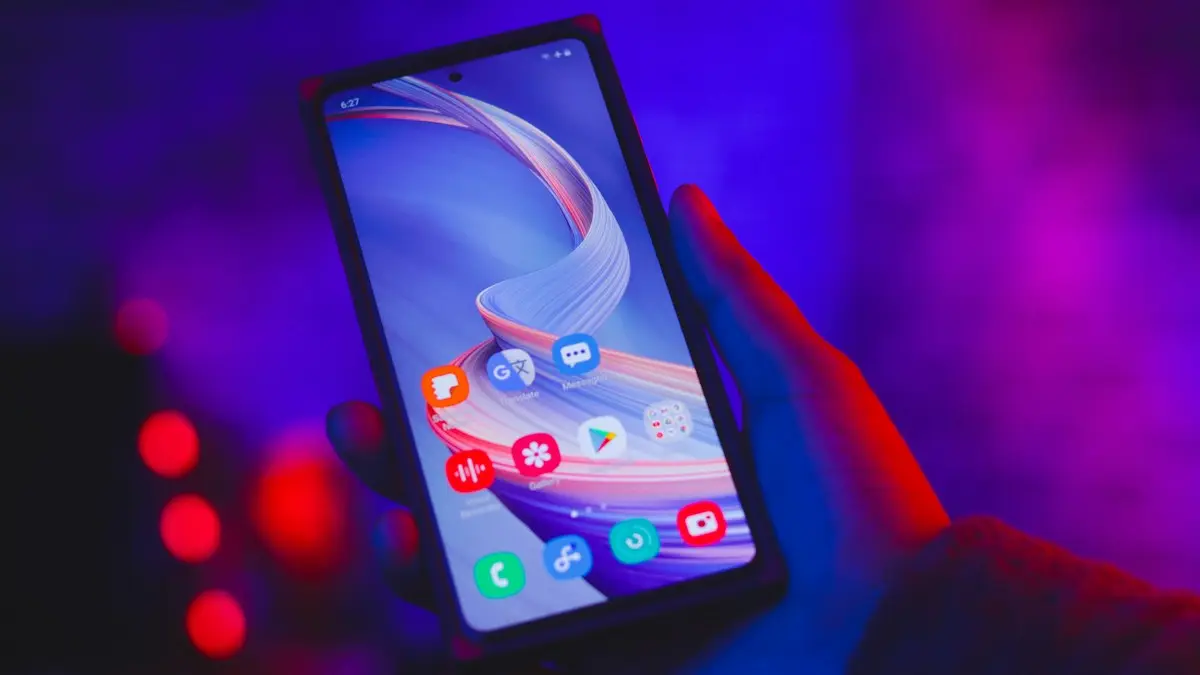
Photo by Ali Pli on Unsplash
Forgetting a PIN or pattern you have typed a thousand times happens more often than you would think, usually after a new PIN, a long break or a stressful day. Modern Android phones encrypt your data with the lock screen code, so there is no hidden back door. But depending on your phone and what you set up earlier, you may not have to erase it. Work through the options in order.
Try these first (no data lost)
The fix
Options that keep your data
- 1
Try your old PIN on Samsung.
After a few wrong tries, recent Galaxy phones may offer to unlock with the previous PIN if you changed it in the last 72 hours.
- 2
Use Smart Lock if you set it up.
Go to a trusted place, such as home, or connect a trusted Bluetooth device like your car or watch.
- 3
Take a break and think back.
After too many wrong tries the phone makes you wait. Common guesses include old PINs, a birthday, an anniversary, part of a phone number or your bank card PIN.
How the wrong-PIN timer works
After several wrong PINs, patterns or passwords, Android makes you wait before trying again, starting at around 30 seconds and growing with each further miss. The phone stays usable for emergency calls during the wait. Some phones, including Galaxy devices with the option turned on, can erase themselves after many failed attempts, so do not keep guessing wildly. Take a break, put the phone down for a few minutes, write down the codes you have already tried, and think about which PIN you might have used when you set up the phone.
The same steps apply whether you forgot a PIN, a pattern or a password. Very old Android versions once offered a Forgot pattern button that accepted your Google account instead. That option was removed years ago, so it will not appear on a current phone.
Smart Lock and Extend Unlock
If you set up Smart Lock, now called Extend Unlock on newer Android versions, the phone may stay unlocked in a trusted place, such as home, or while connected to a trusted Bluetooth device, such as your car or watch. It usually only keeps an already unlocked phone unlocked, and after a restart the PIN is always required. So if the phone is still on, avoid restarting it and try taking it home or connecting your watch or car before anything else.
Forgot your Samsung Secure Folder PIN instead?
Secure Folder has its own lock, separate from the phone’s screen lock. If you set it up with a Samsung account and the reset option, you can reset the Secure Folder lock with your Samsung account after a few wrong tries, without erasing the phone. The option appears on the Secure Folder unlock screen.
Samsung: unlock remotely with SmartThings Find
Samsung phones have a Remote unlock feature that removes the screen lock without erasing anything. It only works if all of these were true before you got locked out:
- You were signed in to a Samsung account on the phone.
- Remote unlock was turned on, usually in Settings › Security and privacy › Lost device protection or Find My Mobile.
- The phone is turned on and connected to Wi-Fi or mobile data.
- 1
On a computer or another phone, go to smartthingsfind.samsung.com and sign in with your Samsung account.
- 2
Select the locked phone.
- 3
Choose Unlock and confirm with your Samsung account password.
The screen lock is removed. Set a new PIN right away and write it down somewhere safe.
If Unlock is missing or fails, Remote unlock was not enabled, and you will need one of the reset options below. Pixel and most other Android phones do not have an equivalent remote unlock at all.
Before you reset: check your account and backup
- Sign in at accounts.google.com on another device, such as a computer or a family member’s phone, to make sure you know the Google password. If not, use Google account recovery at g.co/recover first.
- On a Samsung phone, also make sure you know your Samsung account password, which may be needed after the reset.
- Check photos.google.com and the backups section of your Google Drive to see exactly what is already saved.
Reset the phone (data erased)
The fix
Erase it remotely with Find Hub
- 1
On another device, go to google.com/android/find and sign in.
- 2
Select the locked phone and choose Factory reset device.
- 3
Confirm. The phone erases when it is online.
The fix
Or use recovery mode
- 1
Turn the phone off.
- 2
Hold the button combination for recovery.
On Samsung, Power and Volume Up; many newer Galaxy phones must be connected to a computer or charger with a USB cable for this to work. On Pixel, Power and Volume Down, then choose Recovery mode with the volume keys and press Power. On Motorola, Power and Volume Down, then Recovery mode.
- 3
Choose Wipe data/factory reset with the volume keys and confirm with Power.
- 4
Choose Reboot system now.
After the reset: Factory Reset Protection
When the phone restarts, Android shows a screen asking you to verify the Google account that was previously on it. This is Factory Reset Protection, and it stops a thief from using a stolen phone. Sign in with the same Google account and password, and on Samsung the Samsung account too if asked. Then choose to restore from your backup. If you cannot remember the Google password, recover it at g.co/recover from another device. There is no legitimate way to skip this screen, and services that claim to bypass it are aimed at stolen phones.
What comes back after the reset
- Google backup: apps, contacts, call history, text messages, device settings and wallpaper, if backup was on.
- Google Photos: photos and videos that were backed up.
- Samsung Cloud: Samsung-specific settings, home screen layout and some app data on Galaxy phones.
- WhatsApp: chats from its own Google Drive backup, restored when you set up WhatsApp again.
- Lost: anything saved only on the phone, such as files in Downloads or photos taken with backup off.
Can a store or carrier help?
A Samsung service center, a Google-authorized repair shop or your carrier’s store can reset the phone for you if you cannot manage recovery mode, and they may ask for proof that the phone is yours, such as the receipt or your account. They cannot unlock it with your data intact, for the same reason no one else can: the data is encrypted with your PIN. Be wary of shops that offer to unlock a phone without any proof of ownership, since that is a sign they deal in stolen devices.
If you are helping an older relative who forgot their PIN, check first whether their Google account password is written down somewhere. Without it, the phone cannot be set up again after a reset, and Google account recovery can take days.
Bought a used phone that is locked?
Contact the seller straight away. Only they can unlock it or remove it from their Google and Samsung accounts. A phone that stays locked to someone else’s account may be lost or stolen, so ask for a refund and see how to check if a phone is stolen before your next purchase.
Make sure it never costs you data again
- Turn on Google backup and Google Photos backup today. See how to back up an Android phone.
- On Samsung, turn on Remote unlock and stay signed in to your Samsung account.
- Set up a fingerprint or face unlock, but still type your PIN now and then so you remember it.
- Write your PIN and account passwords down and keep them somewhere safe at home, away from the phone.
Frequently asked questions
Can I unlock my Android without losing data?
Only if you remember a recent old PIN on Samsung, Smart Lock still trusts your location or device, or you remember the PIN later. Otherwise the phone must be reset, and your Google backup brings most things back.
Do PIN unlock apps from websites work?
On modern Android they generally cannot keep your data. Most still end in a reset, so be careful paying for one.
What happens after the reset?
The phone asks for the Google account that was on it. Sign in with that account and password, then restore your backup during setup.
Can Samsung unlock my phone remotely?
Yes, if Remote unlock was turned on before you got locked out. Sign in to SmartThings Find with your Samsung account and choose Unlock. It removes the screen lock and keeps your data.
What to try next
People also ask
Why does my Samsung stay unlocked at home?
Smart Lock is probably set to trust your home or a Bluetooth device. Remove those in Settings › Lock screen › Extend Unlock (Smart Lock on older phones).
Read the full guide: Samsung unlocking in pocketIs unlocking a Samsung phone free?
Yes, from your carrier, once the phone meets its rules, usually fully paid off and active for a set time. Paid unlock services charge for something carriers do for free.
Read the full guide: Unlock Samsung from carrierWhat does IMEI stand for?
IMEI means International Mobile Equipment Identity. It is a unique 15-digit number that identifies one phone on mobile networks.
Read the full guide: Find your IMEI numberHow long is a number transfer PIN valid?
It depends on the carrier. Verizon’s PIN is valid for 7 days, and other carriers use similar short windows. Create it right before you switch, and make a new one if it expires.
Read the full guide: Number transfer PINRelated guides
Samsung unlocking in pocket
Samsung phone keeps unlocking or pocket dialing? Turn on Accidental touch protection, turn off Lift to wake and Double tap to wake, and check Extend Unlock.
Unlock Samsung from carrier
Unlock your Samsung Galaxy from Verizon, AT&T or T-Mobile for free: check if it is eligible, request the unlock and use another carrier’s SIM. 2026 rules.
Find your IMEI number
How to find IMEI number on any phone: dial *#06#, check Settings, the SIM tray, the box or your account. Includes dual SIM, eSIM and dead phone methods.
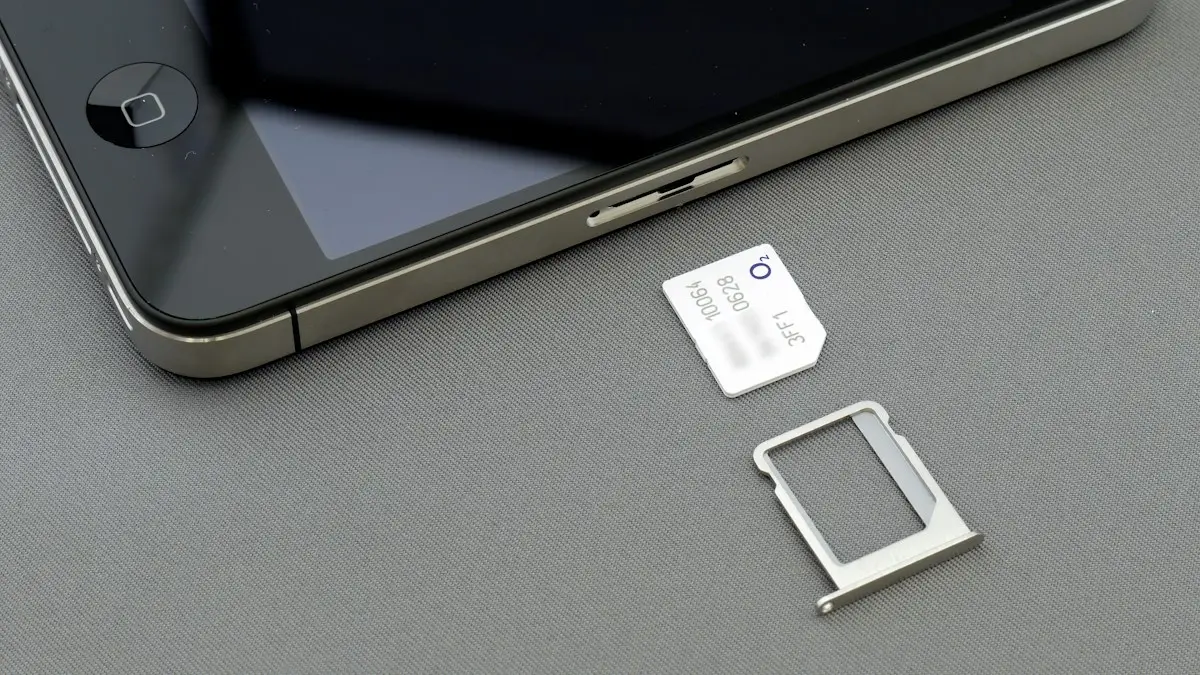
Number transfer PIN
Get a number transfer PIN to switch carriers: steps for Verizon, AT&T, T-Mobile and prepaid brands, where to find your account number and fixes if a port fails.
More guides you may need

Change iMessage to text message
Switch iMessage to text message on iPhone, or get green texts to send as blue iMessages again. Steps for one message, automatic fallback and on or off.
Change print size on iPhone
Change print size on iPhone 3 ways: set the paper size in the Print menu, print a photo at an exact size, or scale in your printer's app (HP, Canon, Epson).