

How to play GTA 6 on iPhone: what works, what is a scam
GTA 6 is out on PS5 and Xbox Series X|S, with no iPhone version. You can stream it from a console you own with Remote Play. Here are the requirements, and why every free iPhone download is a scam.
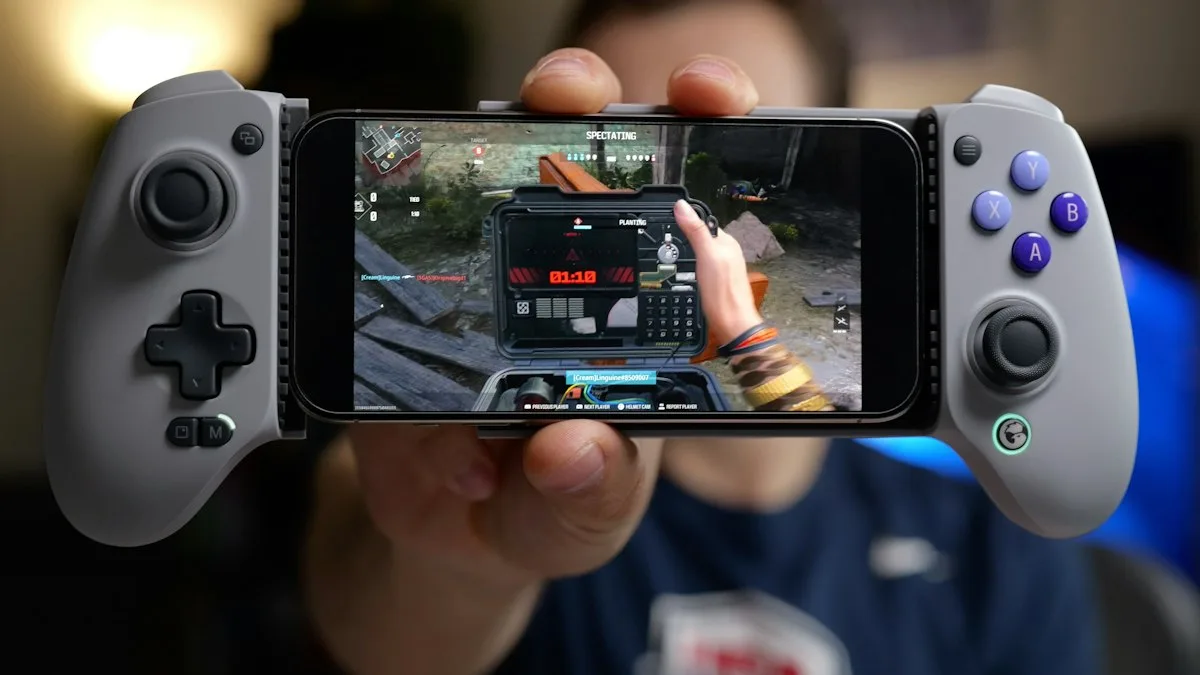
Photo by Daniel Romero on Unsplash
GTA 6 came out on November 19, 2026. Within hours, people were searching for a way to carry it in their pocket. Here is the short, honest answer: you cannot install GTA 6 on an iPhone, but you may be able to play it on your iPhone by streaming it from a PS5 or Xbox that is at home.
The two real ways to play GTA 6 on an iPhone
| PS Remote Play | Xbox Remote Play | |
|---|---|---|
| You need | A PS5 with GTA 6 (PS4 or PS5 console required for Remote Play) | An Xbox Series X|S or Xbox One with GTA 6, on or in Instant-On mode |
| iPhone software | iOS 14 or later (iOS 14.5 for DualSense) | iOS 15.1 or later |
| Network | At least 5 Mbps, 15 Mbps recommended | 5GHz Wi-Fi or mobile data at 10 Mbps down |
| Controls | DUALSHOCK 4, DualSense, DualSense Edge or on-screen controls | Supported Bluetooth controller or on-screen touch controls |
| Account | PlayStation account | Microsoft account with an Xbox profile |
Both services stream the game from your own console to your phone over the internet. The console does the work, and your iPhone shows the picture and sends your button presses back. That is why you need the console and the game. It is also why the quality depends on your connection.
How to play GTA 6 on iPhone with PS Remote Play
PlayStation's Remote Play page says any Apple device running iOS 14 or later can play PS Remote Play games with a DUALSHOCK 4 wireless controller over Bluetooth, or with on-screen controls. Devices running iOS 14.5 or later can use a DualSense controller over Bluetooth. Phones on iOS 15 or later work with the Backbone One PlayStation Edition. A PS4 or PS5 console is required.
The fix
Set it up
- 1
Make sure the PS5 has GTA 6 installed and is on or in rest mode.
Put it on a wired connection if you can. A console that is off cannot stream.
- 2
Install the Remote Play app on your iPhone.
PlayStation's page links to the PS Remote Play app on the App Store. Use only the link from PlayStation's own page.
- 3
Sign in with the same PlayStation account as the console.
Follow the prompts to connect to your PS5.
- 4
Connect a controller, or use the on-screen controls.
A DualSense over Bluetooth is the comfortable choice on iOS 14.5 or later. Touch controls work, but a game like GTA 6 is hard to play that way.
- 5
Start GTA 6 on your console from the app.
Check the picture and the lag before you start a mission.
How to play GTA 6 on iPhone with Xbox Remote Play
Xbox lists iOS 15.1 or later for Remote Play, an Xbox Series X|S or Xbox One console that is turned on or in Instant-On mode, and a Microsoft account with an Xbox profile. It lists 5GHz Wi-Fi or mobile data at 10 Mbps down. For controls, it says to use a supported Bluetooth controller or the on-screen touch controls.
Xbox sends you to its own setup page for the steps: support.xbox.com/help/games-apps/game-setup-and-play/how-to-set-up-remote-play, and to xbox.com/remoteplay to begin. We could not read the setup page, so follow Xbox's instructions, which may include a console setting, instead of relying on a copy of them here.
What about cloud gaming on iPhone?
Sources disagree. An older Microsoft page says Xbox One players can experience GTA VI through Xbox Cloud Gaming, while a report relayed by AppleScoop says Rockstar's announcement leaves out phones and browsers, so iPhones cannot cloud stream it. Xbox's current Play page lists many games and did not include GTA VI in its featured list when we looked. Treat cloud play on iPhone as unconfirmed, and check xbox.com/play yourself before you rely on it.
How good will it feel on an iPhone?
Streaming adds a small delay between your button press and what you see. In a slow-paced game that is fine. In a driving or shooting section it is noticeable. Several things make it better: a 5GHz Wi-Fi network, being close to the router, a wired console connection, a Bluetooth controller instead of touch, and closing other apps. If the picture stutters, our guide to an iPhone Wi-Fi that feels slow can help.
Heat and battery matter too. Streaming a big game keeps the screen on and the radios busy for hours. Plug in, and if the phone gets very warm, take a break. See why an iPhone gets hot.
Watch your mobile data
Both Remote Play pages say you can stream over mobile data, and Xbox notes that mobile data charges may apply. Streaming a game for an hour can use a lot of data. Use Wi-Fi when you can, and keep an eye on the numbers with our guide to checking your data usage on iPhone.
The GTA 6 iPhone scams to avoid
Wherever a hot game launches, fake downloads follow. Security firms reported a wave of GTA 6 scams that offer early access, beta keys, invitations to help build the game, and mobile versions that do not exist. Some of them steal card details or logins, and some push malware, especially on Android. We did not read every report in full, but the pattern is the same: free access to something that is not for sale yet.
- "GTA 6 for iPhone" download or app. There is no such thing. Rockstar lists only PS5 and Xbox Series X|S.
- Beta keys and early access. The game is already out, so a key for early access makes no sense.
- "Verify your account" pages. Real streaming goes through the PlayStation or Xbox apps, not a web form asking for your Apple Account or card.
- Profile or configuration prompts. Do not install a profile or an unknown app to "unlock" a game.
- Surveys and "human verification" loops. These collect your details, or push you to subscribe to something.
For more on spotting them, see how to spot scam texts, and if you typed your Apple Account password somewhere you should not have, change your Apple Account password right away.
What about older GTA games on iPhone?
Rockstar has released older games on mobile in the past, and you may see them in the App Store. They are different games, not GTA 6. Check the publisher name before you buy, and use only the App Store. If a listing mentions GTA 6, or the developer is not Rockstar Games, do not install it.
Will GTA 6 ever come to iPhone?
We do not know. Rockstar has announced PS5 and Xbox Series X|S only. It has not announced a PC, iPhone or Android version, and nothing we read from Rockstar suggests a phone version is coming. If that changes, the announcement will come from Rockstar's own site and the App Store, not from a random link. Until then, Remote Play from a console you own is the only legitimate route we found.
Frequently asked questions
Is there a GTA 6 app for iPhone?
No. Rockstar's page lists PlayStation 5 and Xbox Series X|S and says nothing about iPhone, iOS or Android. An app or download that claims to be GTA 6 for iPhone is fake.
Can I play GTA 6 on iPhone without a console?
Not in a way we can confirm. PS Remote Play and Xbox Remote Play stream from a console you own. We found no confirmed cloud option for phones, and sources conflict, so check Xbox's own pages.
What internet speed does Remote Play need on iPhone?
PlayStation says at least 5 Mbps is required and 15 Mbps is recommended. Xbox lists 5GHz Wi-Fi or mobile data at 10 Mbps down. Faster and steadier is better for a game like this.
Is it safe to download GTA 6 for iPhone from a website?
No. Sites that offer a mobile download, beta key or early access are part of a scam wave reported by security firms. Do not enter card details, an Apple Account or a game login.
What to try next
Sources
Official pages these steps are based on. Menus can differ by software version.
People also ask
Can you install the Google Play Store on an iPhone?
No. The Play Store is an Android app and iPhones only run iOS apps from Apple’s App Store. Pages that say otherwise are wrong or unsafe.
Read the full guide: Google Play Store on iPhoneDo I need to remove my SIM card before selling my iPhone?
Yes, if your iPhone has a physical SIM tray, take the SIM out. If you use an eSIM, erasing the phone removes it, but ask your carrier to cancel or move the line so the eSIM is not left attached to the old phone.
Read the full guide: Sell your iPhoneCan I use a physical SIM and an eSIM at the same time?
Yes, on most dual-SIM phones. You can use one line for calls and another for data, for example your home number plus a travel data plan.
Read the full guide: What is an eSIMDoes RCS use data?
Yes, it uses Wi-Fi or mobile data like a chat app. Without data, the phone falls back to SMS.
Read the full guide: What is RCS messagingRelated guides
Google Play Store on iPhone
How to download Google Play Store on iPhone? You can't, because it only runs on Android. See why, which tricks to avoid and what to use instead.
Sell your iPhone
How to sell your iPhone the safe way: back up, sign out, erase, then pick trade-in or a private sale. Includes Activation Lock fixes and scam warnings.
What is an eSIM
An eSIM is a digital SIM built into your phone. Learn how it differs from a physical SIM, which phones support it, and how to set one up on iPhone and Android.
What is RCS messaging
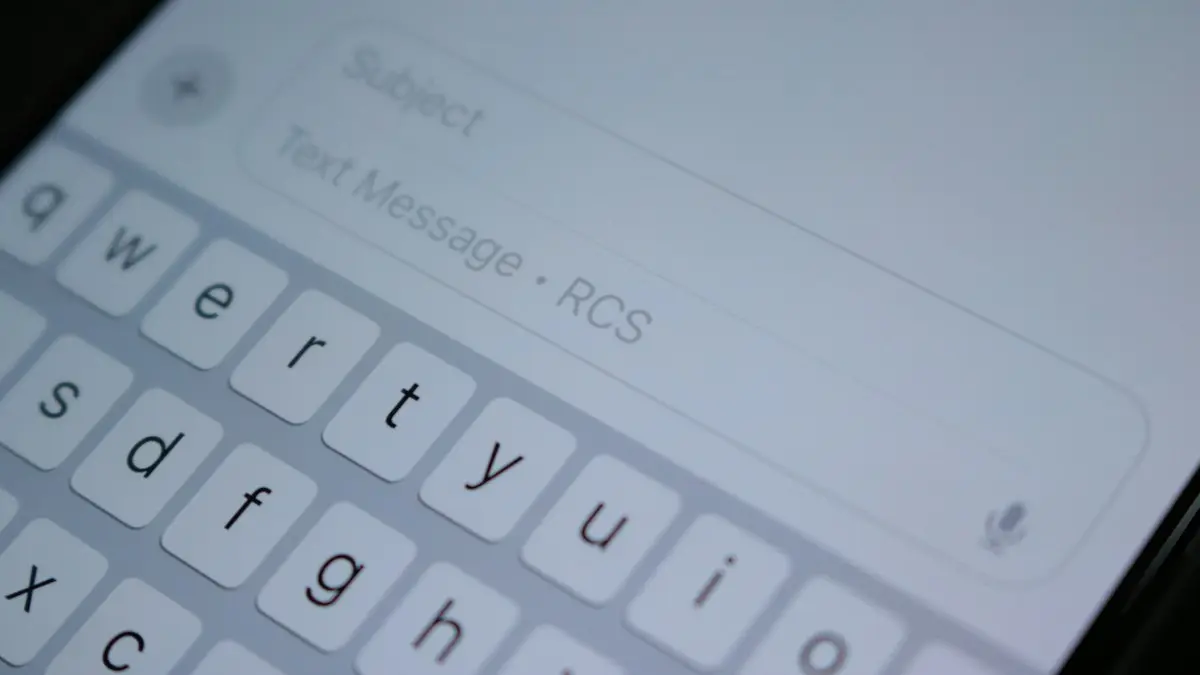
RCS is the modern replacement for SMS, with typing indicators, read receipts and full quality photos between iPhone and Android, and how to turn it on.
More guides you may need
MagSafe vs Qi2
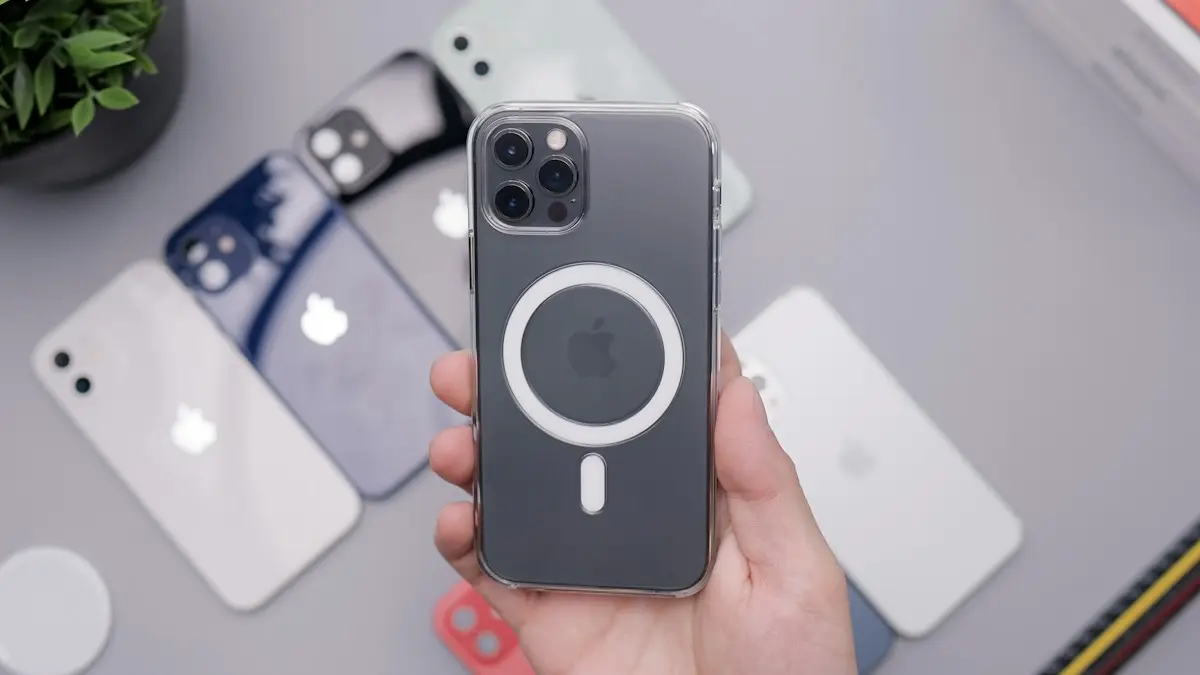
MagSafe vs Qi2: how they differ, which phones work with each, charging speeds, case rules and what to look for when you buy a magnetic wireless charger.
What is 5G UC
5G UC is T-Mobile’s fastest 5G, called 5G UW on Verizon and 5G+ on AT&T. What the icon means, how fast it is and how it differs from plain 5G.