

What is an eSIM? How it works and how to set one up
An eSIM does the same job as a SIM card, without the card. Here is how it works and what to check before you switch.
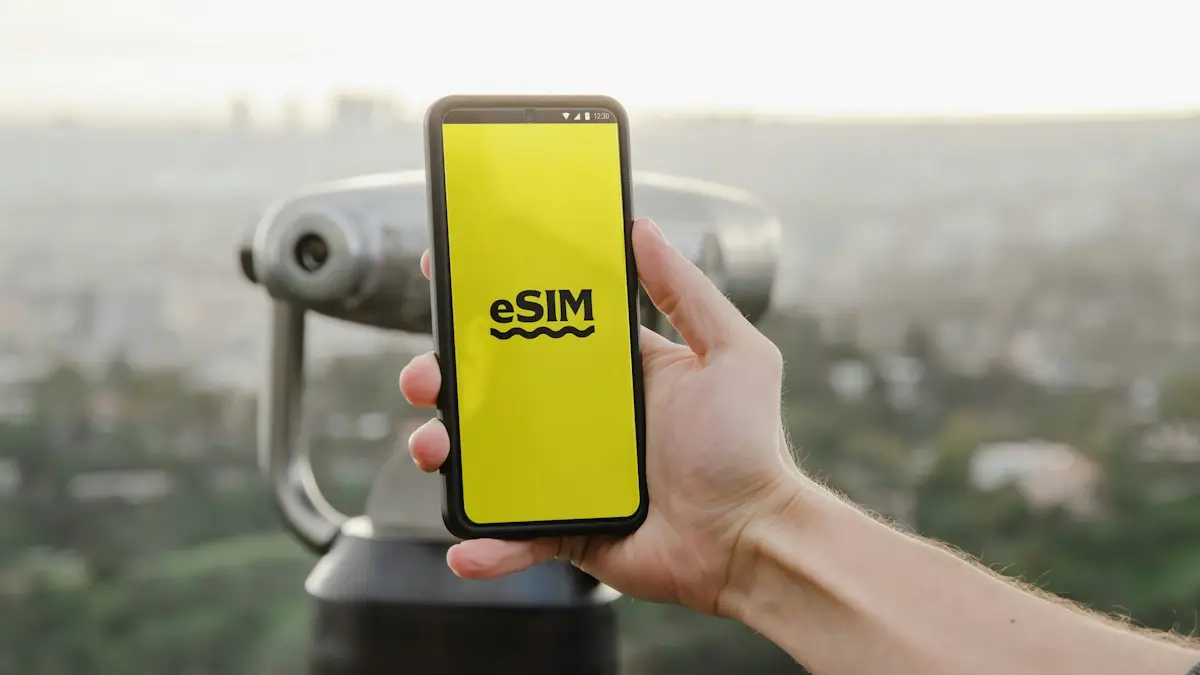
Photo by Opal Pierce on Unsplash
If you have bought an iPhone in the US recently, you already use one: iPhone 14 and later US models have no SIM tray at all. eSIMs are also standard on Galaxy and Pixel phones, Apple Watch and Galaxy Watch cellular models, and many tablets. Here is how they work in plain words, how they compare to a SIM card, how to set one up, and how to fix one that will not activate.
What is an eSIM and how does it work?
eSIM stands for embedded SIM. A normal SIM card is a small chip that stores the details your carrier uses to identify your line. An eSIM is the same kind of chip, soldered inside the phone and rewritable. Instead of mailing you a card, the carrier sends a digital profile that the phone downloads and stores. The phone can hold several profiles and switch between them, which is why you can keep a home line and a travel plan on one device.
Every eSIM phone has an EID, a unique number for its eSIM chip. To check if a phone supports eSIM, dial *#06#: if an EID appears along with the IMEI, it does. On iPhone you can also look in Settings › Cellular for an Add eSIM option.
eSIM vs physical SIM
- Nothing to lose or damage: there is no card to fall out or break.
- Quick to switch: you can activate a new plan in minutes without visiting a shop, if your network allows it.
- Several plans on one phone: most phones can store multiple eSIMs, though usually only one or two are active at a time.
- Harder to move between phones: you transfer it through settings or your network rather than swapping a card.
An iPhone can store eight or more eSIMs and use two at the same time. Most Android phones with eSIM also allow two active lines, often one eSIM plus one physical SIM. Your phone must be unlocked to add a line from a different carrier. See checking whether your phone is unlocked.
The fix
Set up an eSIM on iPhone
- 1
Get an eSIM QR code or activation from your network.
- 2
Go to Settings › Cellular (or Mobile Data) › Add eSIM.
- 3
Scan the QR code, or choose Transfer From Nearby iPhone.
Some networks let you set it up directly in their app instead.
- 4
Follow the prompts and choose a label for the new line.
The fix
Set up an eSIM on Android
- 1
Get an eSIM QR code or activation from your network.
- 2
Open the SIM settings.
On Samsung: Settings › Connections › SIM manager › Add eSIM. On Pixel: Settings › Network & internet › SIMs › Add SIM.
- 3
Scan the QR code and follow the prompts.
Using two lines: home number plus travel or work
With two active lines, your phone asks which one to use for calls, texts and iMessage, and which for cellular data. On iPhone, set these in Settings › Cellular, including Default Voice Line and Cellular Data. Turn off Allow Cellular Data Switching if you do not want data to move to the other line when coverage is weak, since that can use an expensive plan by mistake. On Samsung, the same choices are in Settings › Connections › SIM manager.
Travel eSIMs
Travel eSIM providers sell data plans for one country or a region that you buy in an app and install before you leave. They are often much cheaper than a carrier’s international day pass. Most are data only, so keep your home line on for calls and texts, and turn off data roaming on it. Install the travel eSIM while still at home on Wi-Fi, then switch it on when you land. See using your phone in Mexico for a worked example.
Switching carriers with an eSIM
eSIM makes switching faster. Many carriers and prepaid brands let you sign up in their app and activate an eSIM in minutes, often with your number moving over the same day. Some offer a free trial eSIM you can run next to your current line to test coverage first. The steps for keeping your number are in how to switch phone carriers, and budget options using the big networks are in what an MVNO is.
The downsides of eSIM
- Moving between phones takes steps: you cannot just swap a card. Transfers usually work in settings, but sometimes need a call to the carrier.
- A broken phone can strand your line: if the screen dies, you need the carrier to issue a new eSIM to another phone.
- Some carriers abroad lag behind: in a few countries, local prepaid SIMs are still physical cards only, which matters on an eSIM-only iPhone.
- Setup needs a connection: you need Wi-Fi or data to download the profile, so set up travel eSIMs before you leave.
eSIM on Apple Watch, tablets and more
Cellular Apple Watch and Galaxy Watch models use an eSIM that shares your phone number through your carrier’s number-sharing plan, usually for a monthly fee. Cellular iPads and Galaxy tablets use eSIM for their own data plans, and some laptops now have eSIM too. Each one is a separate line on your bill, so cancel any you no longer use. A watch or tablet you mostly use near Wi-Fi or your phone may not need its own line at all, and removing it is one of the easiest ways to trim a monthly bill.
Is an eSIM safer?
In one way, yes: a thief cannot pop out an eSIM and use your number in another phone, and a lost phone stays connected longer, which helps Find My and Find My Device locate it. But eSIMs do not stop SIM swap fraud, where a scammer convinces a carrier to move your number to their phone. Protect yourself by setting an account PIN and turning on your carrier’s number lock or SIM protection feature in its app.
eSIM not working? Common fixes
- Cellular plan cannot be added: the phone may be locked to another carrier, or the QR code was already used. Ask the carrier for a new one.
- Activation stuck: connect to Wi-Fi, restart the phone, and update to the latest iOS or Android version.
- No Service after setup: make sure the line is turned on in Settings › Cellular, and that it is set as the data line if you need data.
- Old phone still has the line: an eSIM can only be active on one phone. Finish the transfer or ask the carrier to move it.
Getting a new phone? Most US carriers support moving an eSIM during setup. See how to transfer an eSIM to a new iPhone.
Before you sell, reset or trade in a phone
- 1
Move the eSIM to your new phone first.
Use Quick Start or eSIM transfer during setup, or ask the carrier to move it.
- 2
Check the new phone can call, text and use data.
- 3
Erase the old phone.
On iPhone, choose to erase the eSIM too when asked. On Android, erase downloaded SIMs in the reset options.
- 4
Remove the old phone from your carrier account if it still appears.
Frequently asked questions
Can I use a physical SIM and an eSIM at the same time?
Yes, on most dual-SIM phones. You can use one line for calls and another for data, for example your home number plus a travel data plan.
What happens to my eSIM if I lose my phone?
Contact your mobile network. They can disable the lost eSIM and issue a new one to your replacement phone, usually after checking your identity.
Do all networks support eSIM?
In the US, Verizon, AT&T, T-Mobile and most prepaid brands support eSIM. Abroad, support varies by country and plan, so check with the network before switching.
Is an eSIM better than a physical SIM?
For most people, yes. It cannot be lost or pulled out by a thief, it activates in minutes, and you can keep several plans on one phone. The only downside is that moving it to another phone takes a few more taps.
How do I switch to an eSIM on my iPhone?
Ask your carrier to enable eSIM, then open Settings › Cellular › Add eSIM and scan the QR code or use the carrier’s app. Keep your physical SIM in until the eSIM shows as active.
What to try next
People also ask
Can I remove a SIM card without the eject tool?
Yes. A straightened paper clip, a small earring post or a SIM pin works. Push it straight into the small hole until the tray pops out. Do not use anything thick or sharp.
Read the full guide: Remove a SIM cardCan I use an eSIM on a locked iPhone?
Only an eSIM from the same carrier the iPhone is locked to. An eSIM from a different carrier will not activate until the iPhone is unlocked.
Read the full guide: eSIM on a locked iPhoneIs the iPhone 13 eSIM compatible?
Yes. All iPhone 13 models support eSIM. They also have a physical nano-SIM slot, so you can use one SIM and one eSIM.
Read the full guide: Which iPhones support eSIMDoes iPhone have a built-in VPN?
No. iPhone supports VPN connections in Settings, but you need a VPN service or your workplace's details. iCloud Private Relay is a related privacy feature for Safari, but it is not a full VPN.
Read the full guide: Use a VPN on iPhoneRelated guides
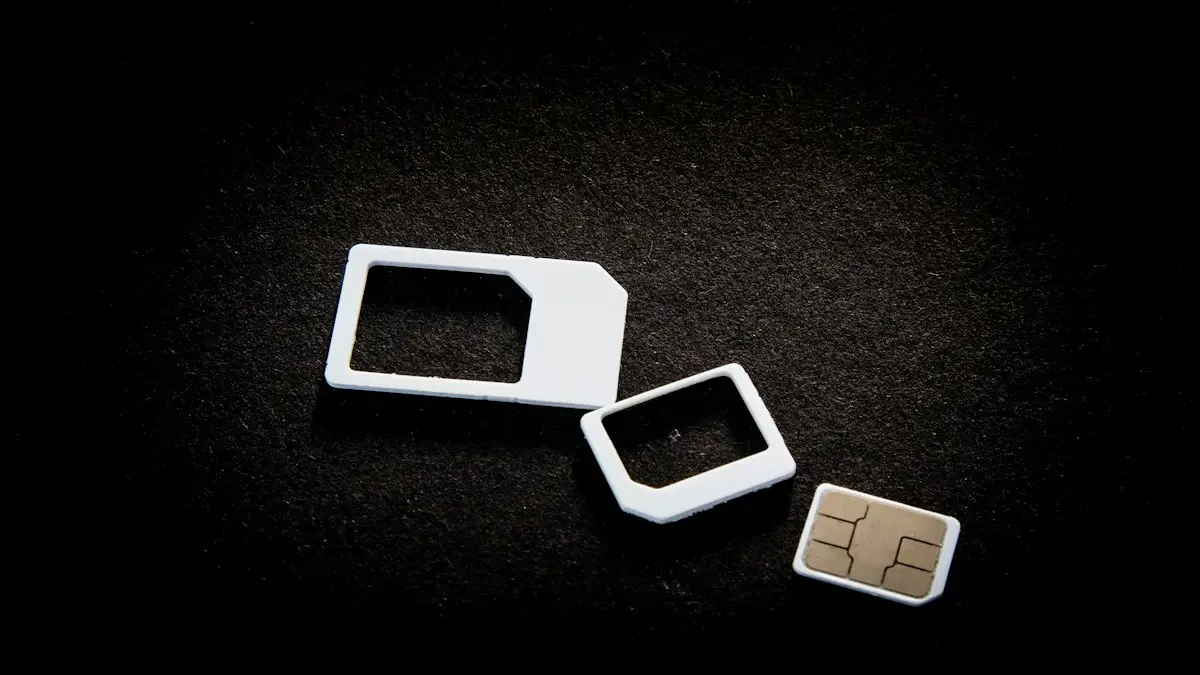
Remove a SIM card
How to remove a SIM card in under a minute. Find the tray, eject it with a pin and put it back correctly. Covers iPhone, Samsung, Pixel and stuck trays.
eSIM on a locked iPhone
A carrier locked iPhone only takes an eSIM from its own carrier. See how to check the lock in Settings, why a travel eSIM will not activate, and how to unlock.
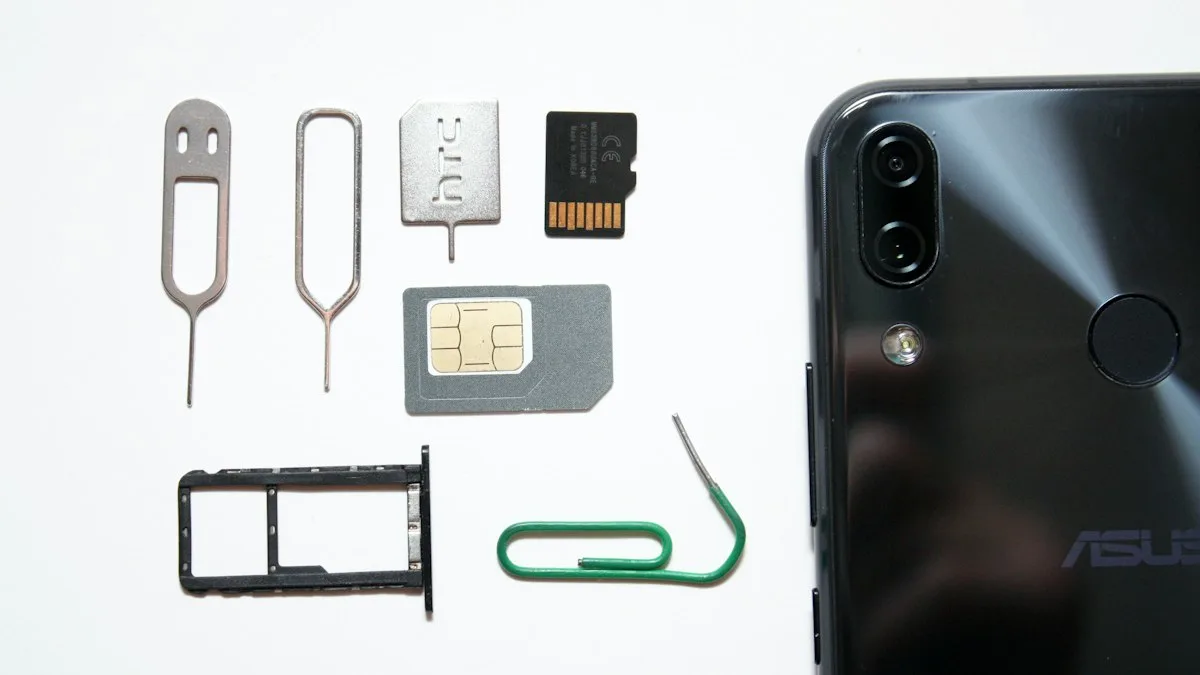
Which iPhones support eSIM
Every iPhone with eSIM support, from the XS and XR to the newest models. See if your iPhone 12 or 13 works, which are eSIM only, and how to check yours.
Use a VPN on iPhone
How to use a VPN on iPhone in minutes: install an app, allow the VPN setting, turn it on and off, and learn when a VPN helps and when it does not.
More guides you may need
eSIM on a locked iPhone
A carrier locked iPhone only takes an eSIM from its own carrier. See how to check the lock in Settings, why a travel eSIM will not activate, and how to unlock.
Charging overnight
Charging your phone overnight is safe with a good charger, and built-in features limit battery wear. Heat is the real risk, so here is how to charge safely.