

How to sell your iPhone: prep steps, best places and scam safety
Selling an iPhone takes seven steps in the right order. Skip one and the buyer gets a locked phone or you lose your data.
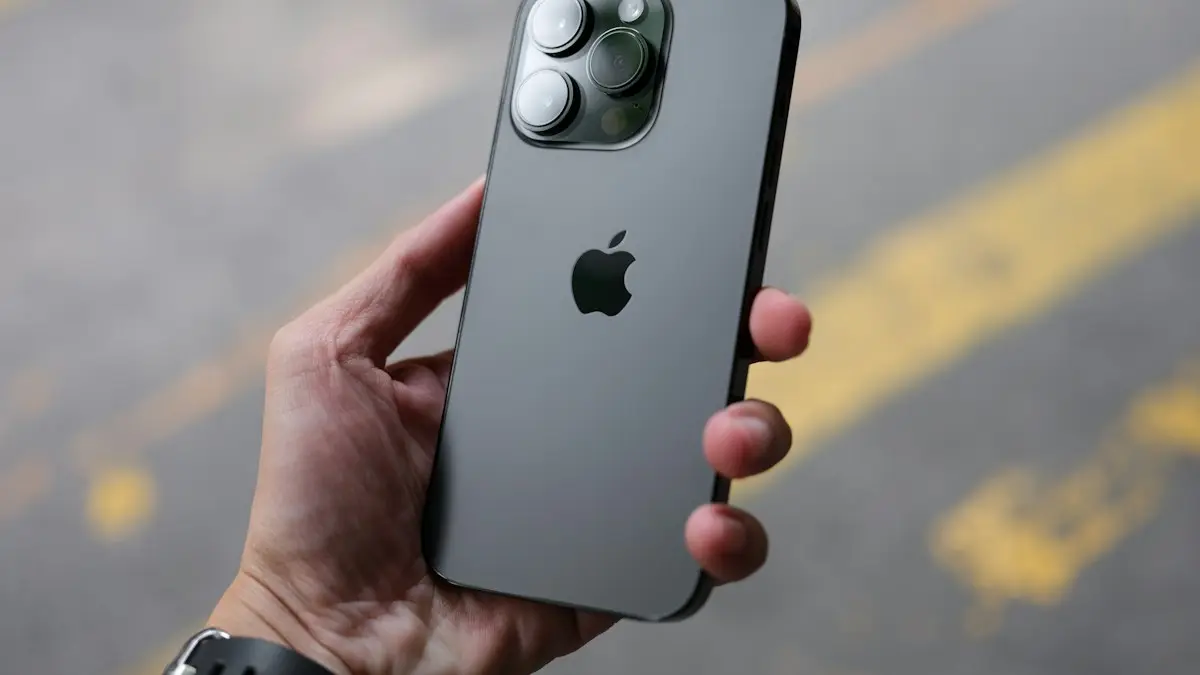
Photo by Thai Nguyen on Unsplash
Most trouble with a used iPhone comes from the seller, not the buyer. A phone still tied to your Apple Account, a carrier balance nobody mentioned, or a rushed handoff can cost you the sale or your personal data. The order of the steps matters more than the speed. Below is the whole process, from the backup to the handoff, with the choices that decide how much money you end up with.
Before you start: check what you can sell
- Is it paid off? A phone on a payment plan stays locked to the carrier. Check your carrier app for a device balance.
- Is it unlocked? Unlocked phones sell for more and to more buyers.
Not sure about the lock? Read an unlocked phone check. If you want a price first, look up what your iPhone is worth so you know whether an offer is fair.
How to prepare an iPhone for sale in 7 steps
The fix
Do these in order
Keep the old iPhone until the last step, because several of them need the phone in your hand.
- 1
Back up the iPhone.
Use iCloud or a computer. If you are moving to a new iPhone, make a full backup first, then restore it on the new one. Check the new phone shows your photos and messages before you continue.
- 2
Unpair your Apple Watch.
Open the Watch app, tap All Watches, tap the info button next to the watch, then Unpair Apple Watch. This also turns off Activation Lock on the watch. Steps for the watch itself are in this Apple Watch reset guide.
- 3
Sign out of iMessage and FaceTime if you are keeping your number.
If you are moving your number to a non-Apple phone, turn off iMessage first at Settings › Messages › iMessage, or you may miss texts later.
- 4
Sign out of your Apple Account.
Go to Settings › [your name], scroll to the bottom and tap Sign Out. Enter your Apple Account password. This turns off Find My iPhone and Activation Lock, which is the step most sellers forget.
- 5
Erase the iPhone.
Go to Settings › General › Transfer or Reset iPhone › Erase All Content and Settings. Tap Continue and enter your passcode. The process takes a few minutes and ends on the Hello screen.
- 6
Take out the SIM card.
Use a SIM tool or a paper clip. Newer US models have no tray, so ask your carrier to move or cancel the eSIM instead.
- 7
Remove the phone from your account.
Sign in at account.apple.com, open Devices, select the iPhone and choose Remove from account. This clears it from your trusted devices.
Do not turn the phone on again and sign back in. If you are handing it to a buyer, leave it on the Hello screen so they can set it up themselves. For a deeper look at the erase step and what to do when it fails, see how to factory reset an iPhone.
Where to sell an iPhone: trade-in or private sale?
Your main options
Apple Trade In
You get credit toward a new Apple purchase or a gift card. It is simple and low risk. Apple tells you the value up front and checks the condition after you send the phone, so describe damage honestly.
Carrier trade-in
Verizon, AT&T and T-Mobile pay with bill credits that arrive over many months, and they often require a new line or a specific plan. Read the terms. If you leave the carrier early, the remaining credits can disappear.
Buyback sites and stores
Retailers and buyback companies pay a fixed quote and send a shipping label. They usually pay less than a private buyer, but the process is fast and you do not deal with strangers.
Marketplaces
Sites such as Swappa and eBay reach buyers who pay more for good phones, but they charge seller fees and expect clear photos, the model and storage, and the battery health. Local apps like Facebook Marketplace avoid fees, but carry the most scam risk.
What affects the price
- Model and storage size. Newer models and larger storage sell for more.
- Condition. Cracks, deep scratches and a damaged back glass cut the price quickly.
- Battery health. Many buyers ask. Find it at Settings › Battery › Battery Health & Charging.
- Unlocked or locked. Unlocked phones are worth more.
- Timing. Prices drop when Apple announces new models, so sell before the next launch.
- Extras. The original box and a working cable help a little, but they matter less than condition.
How to take photos and write a listing that sells
Clear photos and honest details get a better price and fewer questions. Clean the screen and case, then photograph the front, back, sides and the bottom port in daylight. Show any scratches or dents up close, because buyers find them anyway and a surprise leads to a refund request. Write the exact model (for example, iPhone 15 Pro), the storage size, the color, the battery health percentage, whether it is unlocked and which carrier it last used. Say whether Face ID and both cameras work. Short, specific listings sell faster than long, vague ones.
How to avoid scams when you sell
- Be wary of buyers who want to pay with gift cards, or who offer more than your asking price.
- Use a payment method with seller protection if you ship, and keep tracking and photos of the phone before it leaves.
- Take a photo of the Hello screen and the serial number before shipping, as proof of what you sent.
- Do not share your Apple Account password, a verification code or a Find My iPhone code with anyone.
What if you already gave the phone away?
If you forgot to sign out and the buyer is stuck on the Activation Lock screen, you can fix it yourself. Open the Find My app or go to iCloud.com and find the device. Choose Remove from account, or erase it first if it still shows as online. The buyer can then continue setup. If the phone was lost or stolen instead of sold, do not do this. Keep it locked so no one else can use it.
Common problems when preparing an iPhone
- Erase All Content is greyed out: a Screen Time restriction or a management profile may be blocking it. Check Settings › Screen Time › Content & Privacy Restrictions, and Settings › General › VPN & Device Management.
- Forgot your Apple Account password: reset it first, or the sign-out step cannot finish.
- Work or school iPhone: ask the administrator to release it before you sell.
Need the password reset steps? See Apple Account password recovery.
Trade in now or wait for a deal?
Carrier promotions sometimes offer a high credit for an old phone, but only if you sign up for a new plan. Run the numbers before you commit: add the total credit you will actually receive, subtract any higher monthly cost, and compare it with the cash you could get by selling privately and buying the new phone outright. Credits that arrive monthly over two or three years are worth less than they look, because you must stay on the plan to keep them.
A short checklist before you hand it over
- Backup finished and restored on the new phone.
- Apple Watch unpaired.
- Signed out of Apple Account, Find My iPhone off.
- Erase All Content and Settings completed.
- SIM removed or eSIM canceled.
- Phone removed from your account at account.apple.com.
- Payment received and verified.
Frequently asked questions
Do I need to remove my SIM card before selling my iPhone?
Yes, if your iPhone has a physical SIM tray, take the SIM out. If you use an eSIM, erasing the phone removes it, but ask your carrier to cancel or move the line so the eSIM is not left attached to the old phone.
Can I sell an iPhone I am still paying off?
Not cleanly. A carrier keeps the phone locked until the balance is paid, and buyers expect an unlocked phone. Pay it off first, or use a carrier trade-in that settles the balance with a credit.
What happens if I forget to turn off Find My iPhone?
The buyer sees an Activation Lock screen asking for your Apple Account password and cannot use the phone. You can remove the phone from your account at iCloud.com or in the Find My app, even after it has left your hands.
Is it better to trade in or sell privately?
A private sale usually pays more, but it takes time and carries scam risk. A trade-in pays less and is faster and safer. Compare both offers before you decide.
What to try next
People also ask
Is it better to trade in or sell my iPhone?
Selling privately usually gets more money, often noticeably more than Apple’s trade-in. Trading in is faster and safer. Carrier promotions can beat both, but the credit is often spread over 24 to 36 months.
Read the full guide: How much is my iPhone worthDo I need to remove my Google account before selling my phone?
Yes. If you reset the phone while your Google account is on it, Factory Reset Protection can ask the next person for your login. Remove the account first, then reset.
Read the full guide: Sell your Android phoneCan I trade in a phone with a cracked screen?
Usually yes, but the value drops. Be honest about the damage in the quote, because a shop that finds a different condition will lower the offer.
Read the full guide: Trade in your phoneWhat is the best iPhone for an elderly person?
A recent model that still receives iOS updates, with a screen size they can read and a good battery. Face ID is easier for many people than a fingerprint, but some prefer a Home button. Try holding one before you buy.
Read the full guide: Best iPhone for seniorsRelated guides
How much is my iPhone worth
How much is your iPhone worth in 2026? See Apple’s current trade-in values, how to check your exact price, and how to get more by selling it yourself.
Sell your Android phone
How to sell your Android phone safely: back up, remove your accounts, factory reset, check unlock status and pick a trade-in or private sale.
Trade in your phone
How to trade in your phone for the most value. Compare Apple, Samsung, carriers and retailers, learn how bill credits work and avoid the common trade-in traps.
Best iPhone for seniors
Choosing an iPhone for a parent or grandparent? Check screen size, Face ID or Touch ID, software support, battery and safety features, then set it up simply.
More guides you may need
Change your iPhone password
Change your iPhone password (the passcode you unlock it with) in Settings, choose a 4 or 6 digit or letter code, and learn what to do if you forget it.
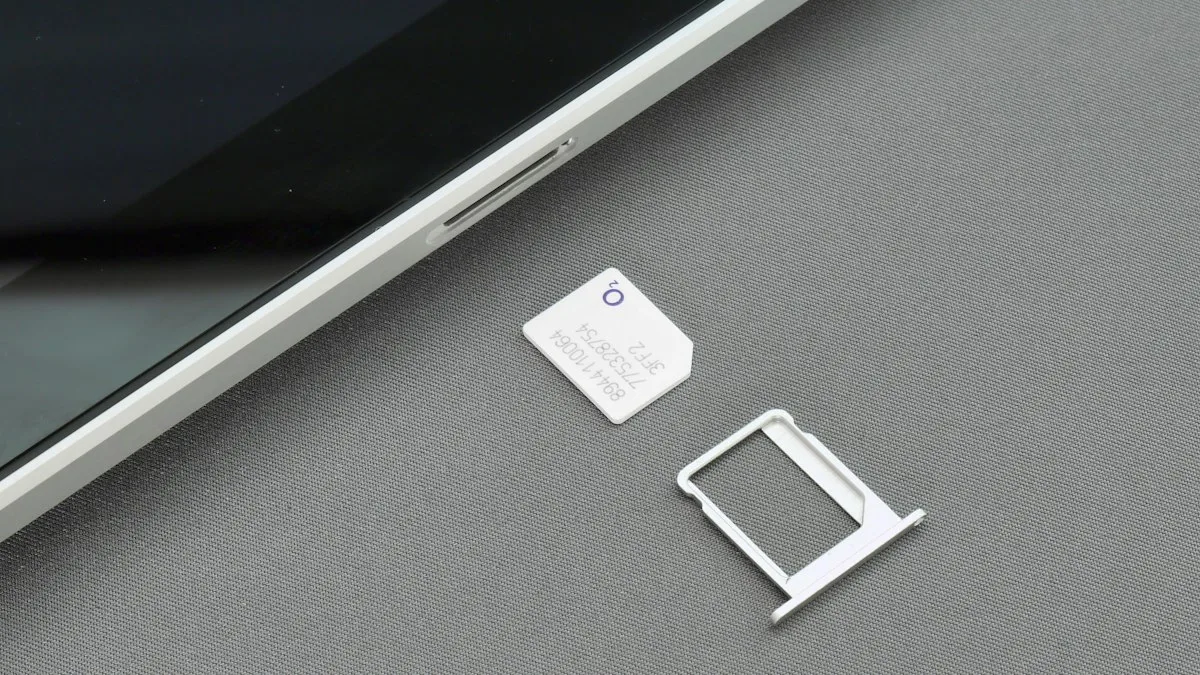
Clean a SIM card on iPhone
Clean an iPhone SIM card and tray safely with a dry lint free cloth. Learn what to avoid, how to test the SIM, and when to replace it if you see No SIM.