

How to see blocked numbers on iPhone, Samsung and Pixel
Your blocked list is in Settings. On iOS 26 it is under Privacy and Security, on older versions under Phone. Samsung and Pixel keep it in the Phone app. Here is where it is, how to unblock someone and what a block really does.
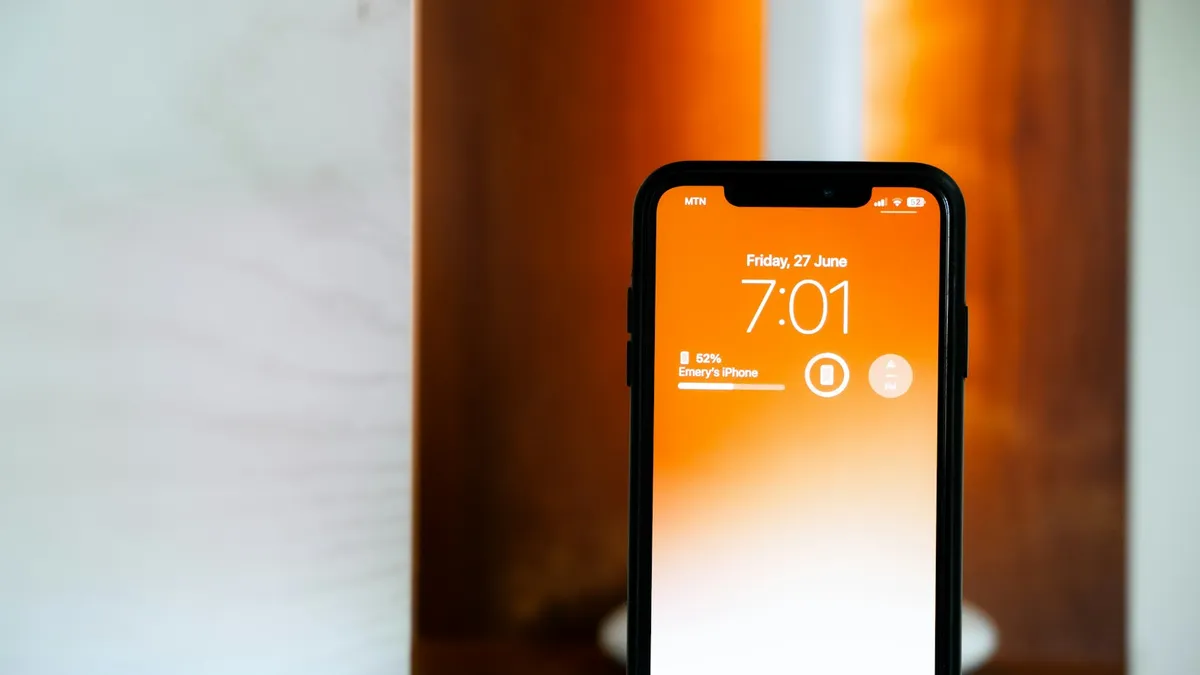
Photo by Uwukuri Emery on Unsplash
You blocked a number months ago and now you are not sure who is on the list. Or a friend says they cannot reach you, and you wonder if you blocked them by accident. Or you simply want to clean up the list. The blocked list exists, but Apple moved it in iOS 26, so many guides now point to the wrong screen. This guide shows where to find the list on the iPhone for each iOS version, how to unblock someone, and where the same list lives on Samsung Galaxy and Google Pixel phones. It also explains what a blocked caller experiences, so you know what the block does.
How to see blocked numbers on iPhone with iOS 26
Apple has centralized the blocked list in a new place. It now sits with your other privacy settings.
See your blocked list on iOS 26
- 1
Open the Settings app.
- 2
Tap Privacy & Security.
Scroll down if you do not see it at first.
- 3
Tap Blocked Contacts.
The list shows every number, contact and email address that you have blocked.
- 4
Check the entries.
Unknown numbers that you blocked are listed too. If the list is long, tap an entry to see more.
If your iPhone is on an older version, you will not see this row, and the next section is the one you need. To see which iOS version you have, open Settings, tap General, and tap About.
How to see blocked numbers on iPhone with iOS 18 or earlier
See your blocked list on older iOS
- 1
Open Settings and scroll to Phone.
On some versions Phone is listed under Apps.
- 2
Tap Blocked Contacts.
You will find it in the Calls section.
- 3
Review the list.
Tap Edit to change it.
On older versions you may also see a separate blocked list under Settings, Messages, and another under FaceTime. They are the same list, because Apple shares blocks across Phone, FaceTime, Messages and Mail. If you block someone on one device, they are blocked on all Apple devices that use the same Apple Account.
How to unblock a number on iPhone
Unblock a number
- 1
Open the blocked list as described above.
- 2
Tap Edit.
It is at the top right.
- 3
Tap the red minus or delete button next to the number.
- 4
Tap Unblock.
The number is removed from the list and can contact you again.
You can also unblock from the Phone app. Open Recents, tap the info button next to the number, scroll down and tap Unblock this Caller. If a number does not appear in the list but you think it is blocked, check Settings, then Phone, then Silence Unknown Callers. That setting sends calls from unknown numbers to voicemail, and it looks like a block, but it is not on the list.
What happens when you block a number on iPhone?
Knowing this helps you decide whether to keep a number blocked.
- Calls: the caller does not get through. From their side it may ring once or go straight to voicemail.
- Voicemail: Apple says they can still leave a voicemail, but you do not get a notification. Check the Blocked Messages section in the Voicemail tab if you wonder.
- Messages: texts that they send are not delivered to you. They may not see any difference on their side.
- FaceTime: calls are blocked as well.
- The caller is not told. Nothing says you blocked them. If a friend thinks you did, our guide on how to tell if someone blocked you explains the signs.
How to see blocked numbers on Samsung Galaxy
Samsung keeps the blocked list in the Phone app. Open Phone, tap the three dots, tap Settings, and tap Block numbers. You will see the numbers you blocked, and a switch to block calls from unknown callers or from numbers that are not in your contacts. Tap the minus icon next to a number to remove it. The Samsung Messages app keeps its own list under Settings, then Block numbers and spam, so check both if a text is missing. On some models the row is called Blocked numbers or Block numbers and spam, and the menus vary by One UI version.
How to see blocked numbers on Google Pixel
On a Pixel, or any phone with the Google Phone app, open Phone, tap the three dots, tap Settings, and look for Blocked numbers. The list shows each number, and you can tap the X next to one to unblock it. If you cannot find it, open the settings search and type blocked. Spam filtering is a different feature. Calls that Google detects as spam are declined without alerting you, and you manage that under Spam and Call Screen in the same settings, not in the blocked list.
Why is the blocked list empty or missing someone?
- You are in the wrong place. Check your iOS version and use the matching path above.
- The number was never blocked. Silence Unknown Callers, a Focus mode or Do Not Disturb can send calls to voicemail without blocking anyone.
- A different Apple Account. Blocks follow the Apple Account. If you used another account on this phone, the list may differ.
- A carrier or app block. A spam filter or a block set in your carrier account does not appear in the phone's list. Check your carrier's app.
- You use a separate messaging app. WhatsApp, Signal and others keep their own blocked lists.
How do you add a number to the blocked list?
From the same screen, tap Add New and choose a contact. For a number that is not in your contacts, open the Phone app, tap Recents, tap the info button next to the call, scroll down and tap Block this Caller. You can block a text sender from the Messages app the same way, by opening the conversation, tapping the name at the top and choosing Block this Caller. Any block you make in one app shows up in the list, so you never have to keep separate lists. If you block by mistake, remove the entry using the steps above.
What if you cannot unblock a number?
If the Unblock button does nothing, or the number comes back after you remove it, restart the phone and try again. Check that you are signed in to the same Apple Account on your other devices, because a block that you set on a Mac or an iPad syncs to the iPhone and can reappear if the other device has not updated yet. Also check whether a Screen Time restriction or a family setting is managing communication limits, since those can override a manual change. If the number is still blocked after that, sign out of the Apple Account in Settings and sign back in, then reopen the list.
Why would you want to review the list?
A blocked list grows quietly. You block a number during a bad week and forget about it. Months later a pharmacy, a school or a delivery service uses a number you blocked, and you never hear the call. Reviewing the list twice a year takes a minute. It also helps after you get a new phone, because you can confirm that your blocks came across when you restored from a backup, as they follow your Apple Account.
Should you keep a number blocked?
Clean the list now and then. People change numbers, and a number that you blocked for a good reason can be given to someone else a year later. If a number is a company that you want to hear from, unblock it. If it is spam, leave it blocked and add other numbers as they appear. For a hidden caller, a block will not help, because the number is not visible, so use Silence Unknown Callers or read what a No Caller ID call means.
Still can't find your blocked numbers?
Restart the phone and update it, in case a setting is not showing. Then use Settings search and type blocked. If calls still do not behave as expected, check Focus modes and Do Not Disturb, and the call forwarding setting. When you want to add numbers to the list, see how to block a number on iPhone or on Android.
Frequently asked questions
Where is the blocked list on iOS 26?
Apple says it is in Settings, then Privacy & Security, then Blocked Contacts. On iOS 18 and earlier it is under Settings, then Phone, then Blocked Contacts.
Does blocking a number on iPhone block it everywhere?
It covers calls, FaceTime and Messages, and it applies to other Apple devices signed in to the same Apple Account. A blocked caller can still leave a voicemail, but you will not get a notification.
How do I unblock a number on iPhone?
Open the blocked list, tap Edit, tap the delete button next to the contact, and tap Unblock. The number can reach you again.
Why is my blocked list empty?
Either nothing is blocked on this Apple Account, you are looking in the wrong place for your iOS version, or the blocking is handled by your carrier or a third party app.
What to try next
People also ask
Why are my iPhone contacts showing as numbers after an update?
An update or a sign-in prompt can switch off iCloud Contacts, or the iPhone may still be re-syncing. Check that Contacts is on in your iCloud settings, connect to Wi-Fi and give it a few minutes.
Read the full guide: Contacts showing as numbersIf I am blocked, do they still get my texts later?
No. Messages sent while you are blocked are never delivered, even if they unblock you later.
Read the full guide: Blocked on iMessage?Why am I not getting verification codes on Verizon?
Codes come from short code numbers. They can be hidden by a block list, a spam filter, an account level message block, or a delay after a recent number port.
Read the full guide: Verizon verification codeIs there a Recently Deleted folder for apps on iPhone?
No. Photos has a Recently Deleted album, but apps do not. To see apps you removed, open the App Store, tap your profile picture, then Purchased, then Not on this iPhone.
Read the full guide: See recently deleted apps on iPhoneRelated guides
Contacts showing as numbers
iPhone contacts showing numbers instead of names in calls and Messages? Find the cause fast, turn contact sync back on and get every name back safely.
Blocked on iMessage?
Think someone blocked you on iMessage? Check for no Delivered status, blue bubbles turning green and calls going straight to voicemail, plus other causes.
Verizon verification code
Verizon not sending verification code texts for logins and apps? Check blocked short codes, spam filtering, your plan blocks and port delays, then call Verizon.
See recently deleted apps on iPhone
Find apps you deleted from your iPhone. There is no Recently Deleted folder for apps, but the App Store keeps a list you can reinstall from in seconds.
More guides you may need
Syncing with iCloud paused
Messages says syncing with iCloud paused on your iPhone? Check power, Wi-Fi, iCloud storage and the Messages in iCloud switch, then restart to resume syncing.
Use a VPN on iPhone
How to use a VPN on iPhone in minutes: install an app, allow the VPN setting, turn it on and off, and learn when a VPN helps and when it does not.