

How to block spam calls on iPhone (without missing real calls)
You cannot stop spammers from dialing, but you can stop their calls from ringing. Combine these methods for the best result.
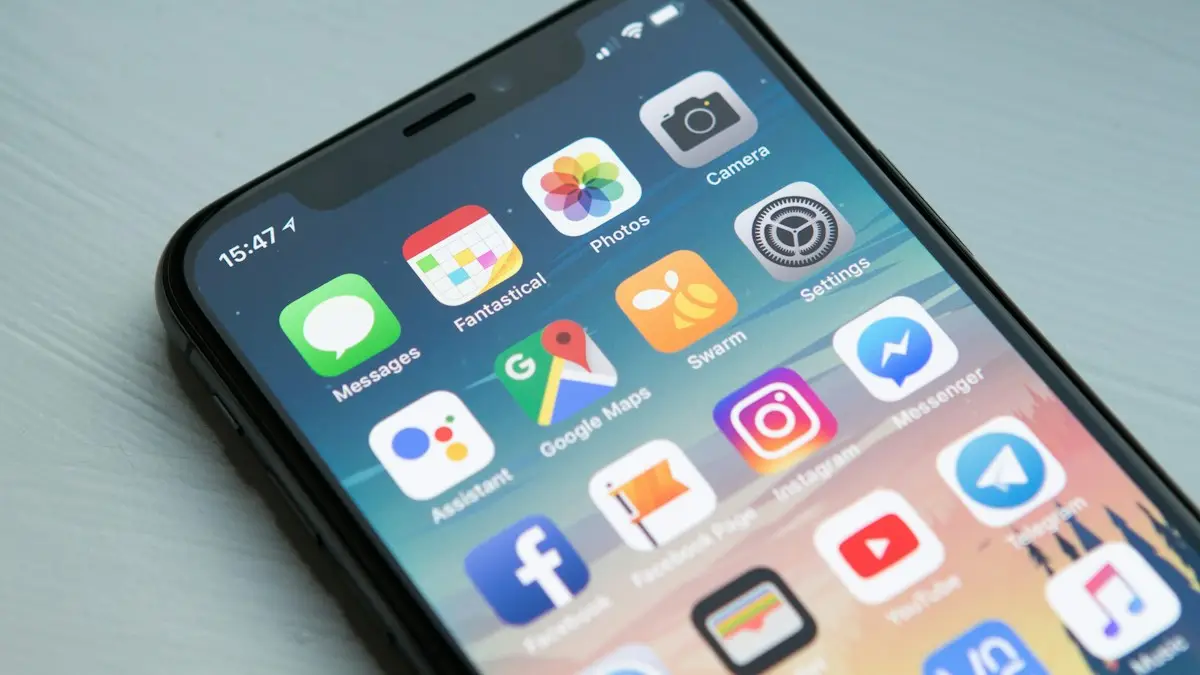
Photo by William Hook on Unsplash
Robocalls and scam calls are a daily nuisance for most Americans, and older relatives get the most of them, and no single setting stops them all. Scammers switch numbers constantly and fake caller ID, so blocking one number at a time barely helps. What works is layering the iPhone’s own screening, your carrier’s free filter and a couple of habits. Together they stop most spam from ringing while still letting the pharmacy, the school and the delivery driver get through.
6 ways to stop spam calls on iPhone
The fix
Method 1: screen or silence unknown callers
- 1
Open Settings, tap Apps, then Phone.
- 2
On iOS 26, tap Screen Unknown Callers.
Choose Ask Reason for Calling to have your iPhone answer and ask callers who they are before it rings, or Silence to send them straight to voicemail.
- 3
On iOS 18 and earlier, turn on Silence Unknown Callers.
Numbers not in your contacts, recent calls or Siri suggestions go to voicemail and show in Recents.
The fix
Method 2: block a number
- 1
Open the Phone app and tap Recents.
- 2
Tap the ⓘ next to the number.
- 3
Scroll down and tap Block Caller, then confirm.
The fix
Method 3: turn on your carrier’s free spam filter
The big US carriers include free spam blocking. Download the app and turn on automatic blocking.
- 1
Verizon: Call Filter.
- 2
AT&T: ActiveArmor.
- 3
T-Mobile: Scam Shield.
The fix
Method 4: use a call-blocking app
- 1
Install a trusted app such as Hiya, RoboKiller or Truecaller from the App Store.
- 2
Turn it on in Settings › Apps › Phone › Call Blocking & Identification.
Method 5: join the Do Not Call Registry. Register your number for free at donotcall.gov. Legitimate telemarketers must stop calling within 31 days. Scammers ignore it, but it cuts down sales calls.
Method 6: report scam calls. Report them to the FTC at reportfraud.ftc.gov. Reports help regulators and carriers track down the worst offenders.
Why some spam calls still ring
Scammers rotate through huge numbers of phone lines and spoof caller ID, often to look like a number in your area or a familiar business. A brand-new or spoofed number has no spam reports yet, so carrier filters may not flag it the first time. That is why iOS screening, which checks whether the number is known to you rather than whether it is known to be spam, catches calls that filters miss. Carriers also label some calls as Spam Risk or Scam Likely on the incoming call screen; you can decline those without a second thought.
See and manage your blocked numbers
Go to Settings › Apps › Phone › Blocked Contacts to see every number you have blocked. Swipe left on one and tap Unblock if you blocked someone by mistake, such as a relative with a new number. The same list covers Messages and FaceTime, so a number blocked in one app is blocked in all three. Blocked callers can still leave voicemails, which appear at the bottom of the voicemail list under Blocked Messages, without notifying you.
If scam texts arrive alongside the calls, see how to stop spam texts on iPhone. Spam FaceTime calls can be blocked the same way from the FaceTime call list.
How call screening works on iOS 26
With Ask Reason for Calling, your iPhone answers calls from unknown numbers silently and asks the caller to say their name and why they are calling. Only then does the phone ring, with what they said shown on screen, so you can pick up or ignore it. Robocalls rarely respond and simply hang up. Real callers, such as a doctor’s office or a delivery driver, usually explain themselves. It works alongside Live Voicemail, which shows a live transcript while someone leaves a message, so you can still answer mid-message if it turns out to matter.
Calls from your contacts, recent outgoing calls and numbers iOS finds in your email and messages ring normally, so screening mainly affects truly unknown numbers.
Check silenced and screened calls
- Open Phone › Recents now and then, and look at calls from unknown numbers.
- Listen to voicemails from numbers you do not recognize; real callers usually leave one.
- Save numbers you expect to hear from, such as a new doctor, school or contractor, as contacts so they always ring.
- Before a job interview or a delivery, temporarily turn screening off if you are expecting an unknown number.
Use a Focus as a stronger filter
For times when you want only certain people to reach you, such as at night, a Focus is stricter than call screening. In Settings › Focus, choose Do Not Disturb or Sleep, set People to allow calls from your Favorites or selected contacts, and turn on Allow Repeated Calls so someone calling twice within three minutes gets through in an emergency. Everyone else goes silently to voicemail while the Focus is on.
Call blocking apps and your privacy
Apps like Hiya, RoboKiller and Truecaller add big spam databases and caller ID. On iPhone they work through Settings › Apps › Phone › Call Blocking & Identification, and iOS does not give them your call history. Some still ask for access to your contacts or push paid plans, so read what they request. For many people, iOS screening plus the carrier’s free filter is enough without a third-party app.
Common scam calls to hang up on
- A “fraud department” asking you to read back a code sent to your phone. That code is how scammers take over accounts.
- Calls claiming to be Apple, Amazon or your carrier about a problem with your account.
- The IRS, Social Security or police demanding payment or threatening arrest.
- A family member in trouble who needs money urgently, sometimes using a cloned voice.
- Prizes, car warranties, loan forgiveness or cheap insurance offers.
When in doubt, hang up and call back on a number you look up yourself, such as the one on your card or the company’s official website. Agree on a family code word to check emergencies, and keep it off social media. Do not call back unknown international numbers that ring once and hang up.
Answered a scam call?
- If you shared card or bank details, call your bank immediately using the number on your card.
- If you read out a verification code, change that account’s password and check its security settings.
- If you gave your Social Security number, go to identitytheft.gov and consider a credit freeze.
- If you sent money by gift card, call the card company right away and report it to the FTC.
Why am I getting so many spam calls?
Your number may have been exposed in a data breach, sold by a data broker, entered on a sweepstakes or quote form, or simply dialed at random by an autodialer. Answering, pressing keys or talking to a robocall confirms the number is live, which can bring more calls. The volume often drops after a few weeks of letting unknown calls go to voicemail and reporting the worst ones. Using a separate number, such as a free Google Voice number, for store sign-ups and online forms also helps keep your real number off marketing lists.
Set it up for older relatives
Older parents and grandparents receive the most scam calls. On their iPhone, turn on call screening or Silence Unknown Callers, add their doctors, pharmacy and family as contacts, set up the carrier’s spam filter, and make sure voicemail works. A two-minute talk about never sharing codes or paying by gift card is the best protection of all, and it is worth repeating every few months, since scam scripts change often.
Frequently asked questions
Will silencing unknown callers block important calls?
Calls from numbers you have not saved go to voicemail, which can include doctors or delivery drivers. On iOS 26, Ask Reason for Calling is a better middle ground, because real callers can say who they are.
Does blocking a number stop texts too?
Yes. A number you block on iPhone cannot call, text or FaceTime you.
Why do spam calls come from numbers that look local?
Scammers fake, or spoof, caller ID to look like a local number so you are more likely to answer. That is why blocking single numbers only helps a little.
Where do silenced calls go?
They still appear in Recents in the Phone app, and callers can leave a voicemail. Check both now and then, ideally once a day, so you do not miss a real call from a new number.
What to try next
Sources
Official pages these steps are based on. Menus can differ by software version.
People also ask
Will I miss real calls from unknown numbers?
Blocking all unknown numbers can stop doctors or delivery drivers. Spam filters or Call Screen are safer since they only stop suspected spam.
Read the full guide: Block spam calls on AndroidDoes the person know I blocked them?
They are not notified. Their calls go to voicemail and their iMessages never show Delivered on their side.
Read the full guide: Block a number on iPhoneWhat does a blocked caller hear?
Usually the call goes to voicemail or ends after one ring. They are not told they are blocked.
Read the full guide: Block a number on AndroidWhy is my iPhone asking callers who they are?
Screen Unknown Callers is set to Ask Reason for Calling. Your iPhone answers numbers that are not in your contacts, asks the caller for their name and reason, and shows you a transcript before it rings. Set it to Never to stop this.
Read the full guide: Turn off call screeningRelated guides
Block spam calls on Android
Block spam calls on Android with Samsung Caller ID and spam protection or the Google Phone spam filter and Call Screen, plus free carrier tools that help.
Block a number on iPhone
Block a number on iPhone from Recents, Messages or Settings, see what happens to their calls and texts, and how to find blocked voicemails or unblock later.
Block a number on Android
Block a number on your Android phone from Recents or Phone settings on Samsung and Pixel. Also how to block texts, add a number by hand and unblock later.
Turn off call screening
Learn how to turn off call screening on iPhone so unknown callers ring normally again. Covers Ask Reason for Calling, call filtering and carrier spam apps.
More guides you may need
Turn on data roaming on iPhone
Turn data roaming on or off on iPhone in Settings › Cellular › Cellular Data Options. Check your plan first to avoid charges, and fix it if it won't connect.
Send a voice message on iPhone
Send a voice message on iPhone from the plus menu in Messages, review it before sending, and stop audio messages from disappearing after 2 minutes.