

SIM swap scam: signs, what to do first and how to protect your number
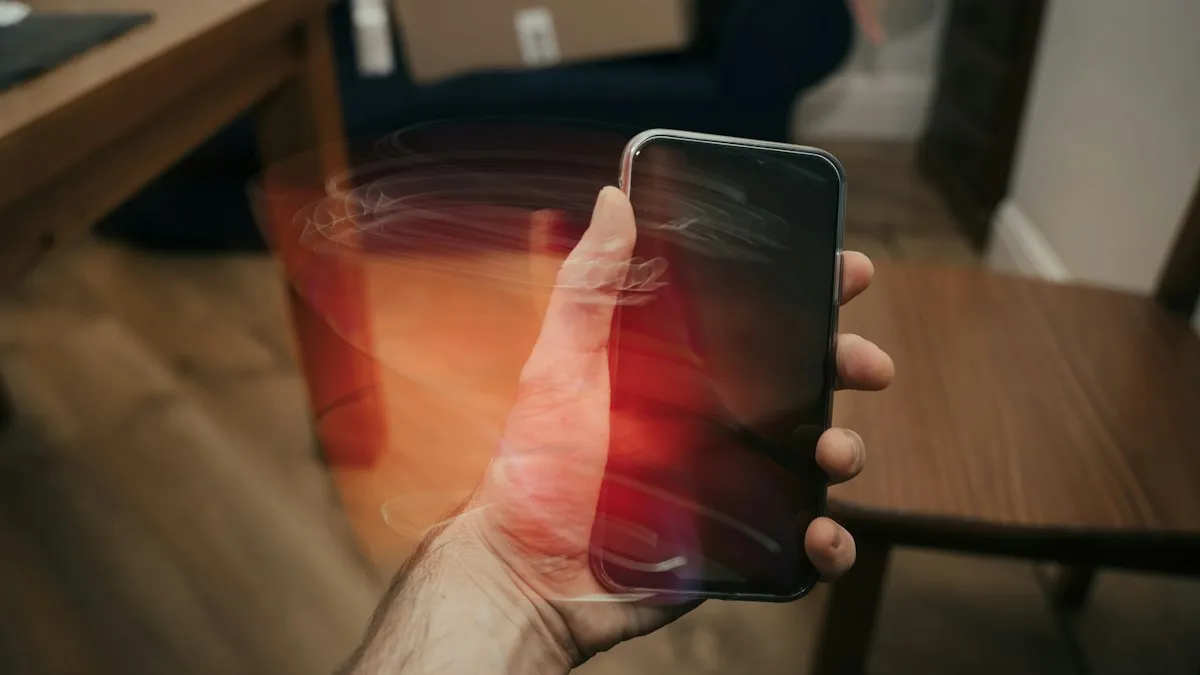
If your phone suddenly says No Service and you did not change anything, someone may have taken your number. Act fast.
Photo by Benjamin Dada on Unsplash
Many accounts use your phone number to send a code when you sign in or reset a password. A criminal who controls the number can receive those codes, reset your email and empty a bank or crypto account in minutes. The attack does not need your phone. It needs your carrier to move the number. Knowing the signs, and having a plan, can be the difference between a bad day and a big loss. This guide covers both, and how to make your number harder to take.
How a SIM swap scam works
- 1
The criminal collects your details.
They gather your name, address, birth date and account details from data breaches, phishing messages or social media. Some call you, pretending to be your carrier or bank, to get a verification code or PIN.
- 2
They contact your carrier.
They pose as you, in a store, by phone or online, and ask to move your number to a new SIM or eSIM. A few schemes use a bribed or tricked employee.
- 3
Your number moves.
Your phone loses service, and the criminal's SIM now receives your calls and texts.
- 4
They reset your accounts.
They use text codes to reset your email, banking and social media passwords, and then take money or lock you out.
Signs you may have been SIM swapped
- Sudden No Service or SOS only while Wi-Fi still works and nearby phones have bars.
- A text or email from your carrier about a SIM change, an eSIM activation or a number transfer you did not ask for.
- Calls and texts stop arriving, or your friends tell you they got odd messages from you.
- Password reset or login alerts you did not request, from email, banks or social apps.
- You are locked out of accounts because the code is going to someone else's phone.
A single dropped signal is usually not a swap. Towers fail, and a damaged SIM can cause No Service. The warning sign is a loss of service that lasts, together with alerts about account changes. If both appear, treat it as a swap until you know otherwise. If your phone only has no signal, see why a Samsung says not registered on network for non-fraud causes.
What to do right away if you think you were SIM swapped
- 1
Call your carrier from another phone.
Say you think someone took your number. Ask them to lock the account, reverse the SIM change and restore your SIM. Visit a store with photo ID if they cannot do it by phone.
- 2
Secure your email first.
Your email is the key to every other account. Change the password from a safe device, and turn on an authenticator app instead of text codes.
- 3
Contact your bank and card companies.
Tell them what happened, ask them to freeze or monitor the accounts and change your online banking login and PIN.
- 4
Change passwords and check connected apps.
Work through your Apple or Google account, social media, shopping, payment apps and crypto exchanges. Sign out of all devices where you can.
- 5
Report it.
File a report at reportfraud.ftc.gov, a police report and a complaint at ic3.gov if money was taken. You will need these for claims.
- 6
Watch your credit.
Consider a free fraud alert or a credit freeze, because the thief may have enough details to open new accounts.
How to protect your number from a SIM swap
- Add a PIN or passcode to your carrier account that is not your birth date or phone number. Ask for one if you do not have it.
- Turn on your carrier's number lock. Verizon, AT&T and T-Mobile each offer a feature that blocks SIM changes or number transfers unless you turn it off first. Look in your account security settings.
- Use an authenticator app or a security key instead of text codes, wherever the service allows it. Passkeys are stronger still.
- Do not share codes. No bank or carrier will ask you to read out a verification code.
- Keep personal details private. Do not post your birth date, address or phone number publicly.
- Use unique, strong passwords from a password manager, so one breach does not open every account.
Your number transfer PIN is also a key. Keep it private, and read how the number transfer PIN works so you know when a carrier should and should not ask for it.
Why text codes are the weak link
Text message codes are better than no second step, but they travel over the phone network and depend on the carrier's checks. An authenticator app keeps the code on your device, so moving your number does not move your codes. Hardware security keys and passkeys go further and cannot be handed over to someone on the phone. Switch your email, bank and password manager first, because those are the accounts that unlock the others. Keep backup codes in a safe place, so you do not lock yourself out when you change phones.
SIM swap, port-out fraud and phishing: what is the difference?
- SIM swap: the number is moved to a new SIM on the same carrier.
- Port-out fraud: the number is moved to a different carrier, using an account number and a transfer PIN.
- Phishing: a message tricks you into giving up a password or a code. It often comes first, and sets up the swap.
Defenses overlap. A number lock helps with both swaps and port-outs, and an authenticator app helps no matter how the thief gets in. Phishing messages are often the first step, so learn the signs of a scam text.
Does an eSIM or a new phone change the risk?
An eSIM cannot be pulled out of a stolen phone, which helps if your phone is lost. But the number can still be moved to another eSIM or SIM if a carrier is tricked, so the protection comes from the account PIN and number lock, not the type of SIM. If you are moving to a new phone, make the change yourself in the carrier app, and note any unexpected SIM or eSIM activation emails. See eSIM explained.
What your carrier can do for you
Carriers can lock your account so that SIM changes and number transfers need extra steps, and they can flag your line for extra checks. Ask for a note on the account that says no changes without a PIN and photo ID in a store. They can also review recent SIM changes, find out how the swap was done and help with your police report. Keep the names and case numbers of the people you talk to. If the carrier is slow to help, ask for a supervisor, and say the words SIM swap fraud, which usually moves a case to a specialist team.
Who gets targeted, and why?
Anyone with a phone number can be a target, but criminals pick people with something to take: bank and investment accounts, crypto, a business or a large social media account. They also go after people whose details leaked in a data breach, because that gives them a head start in passing the carrier's checks. Posting your birth date, address or pet names publicly helps them guess security answers. You do not need to be rich to be hit, since a stolen email account can be used to reset many other things. That is why the basic steps matter for everyone.
Check your accounts for a recovery phone number that is not yours, and for forwarding rules in your email that you did not set up. Thieves sometimes add both so they keep access after you regain your number. In Gmail, look under Settings › See all settings › Forwarding. In Apple Account, check Sign-In and Security for trusted phone numbers.
If money was taken
Contact the bank, the exchange or the payment service right away, and say the loss came from a SIM swap. Banks have a short window to dispute some transfers, and records are easier to get early. Ask for a written case number, save your carrier's records of the SIM change and add the details to your police report. Keep a log of every call, with the date, the name and what was said. These help with disputes, insurance and any investigation.
Frequently asked questions
How do I know if I have been SIM swapped?
The usual sign is a phone that suddenly loses service while Wi-Fi still works. You may also get texts about a SIM change or alerts about password resets you did not request.
How does a SIM swap scam happen?
A criminal convinces your carrier, or an employee, to move your number to a SIM they control. They may use stolen personal details, a fake ID or a bribed insider.
Can someone SIM swap me with only my phone number?
A phone number alone is not enough, but it is the starting point. Criminals combine it with details from data leaks and phishing to pass the carrier's checks.
Does an eSIM stop SIM swapping?
No. An eSIM can also be moved if a carrier is tricked, though it cannot be physically stolen. The protection comes from carrier locks and account PINs.
What to try next
People also ask
What should I do if I get a scam text?
Do not click links or reply. Report the message by forwarding it to 7726 (SPAM), report it to the FTC at reportfraud.ftc.gov, then delete and block the number.
Read the full guide: Spot scam textsWhat is the safest kind of two-factor authentication?
A hardware security key or a passkey is the strongest, then an authenticator app, then a prompt on a trusted device. Text message codes are the weakest, but still far better than a password alone.
Read the full guide: Set up two-factor authenticationCan someone track my phone without me knowing?
It is possible through shared location, a tracking app installed on your phone, or a tracker hidden in your belongings. It usually needs access to your phone or accounts, so a strong passcode and account security matter.
Read the full guide: Is your phone being tracked?Where is my phone number on an iPhone?
Open Settings › Phone and look for My Number at the top. You can also check Settings › General › About, or the Contacts app under your own card.
Read the full guide: Find your phone numberRelated guides
Spot scam texts
How to tell if a text is a scam: 8 warning signs, common scam types, what to do if you clicked a link and how to report scam texts on iPhone and Android.
Set up two-factor authentication
How to set up two factor authentication for Apple, Google and other accounts. Compare text codes, authenticator apps and passkeys, and save backup codes first.
Is your phone being tracked?
How to check if your phone is being tracked: review location sharing, apps and profiles, run Safety Check and learn what to do safely if you find something.

Find your phone number
How to find your phone number on iPhone and Android in seconds. Check Settings, Contacts, your carrier app or a quick call, and fix a number that shows Unknown.
More guides you may need
Change rings before voicemail
How to change number of rings before voicemail on iPhone: there is no iPhone setting, so use your carrier. See carrier options and fixes for fast voicemail.
Verification codes on iPhone
Verification codes on iPhone: how OTP and 2FA codes arrive, how to AutoFill them from Messages and Mail, use Passwords, and fix codes that don't come.