

Siri keeps turning on by itself? How to stop it
Siri can be woken by your voice, a button, your headphones or a double tap. Turn off the triggers you do not use and it stops popping up.
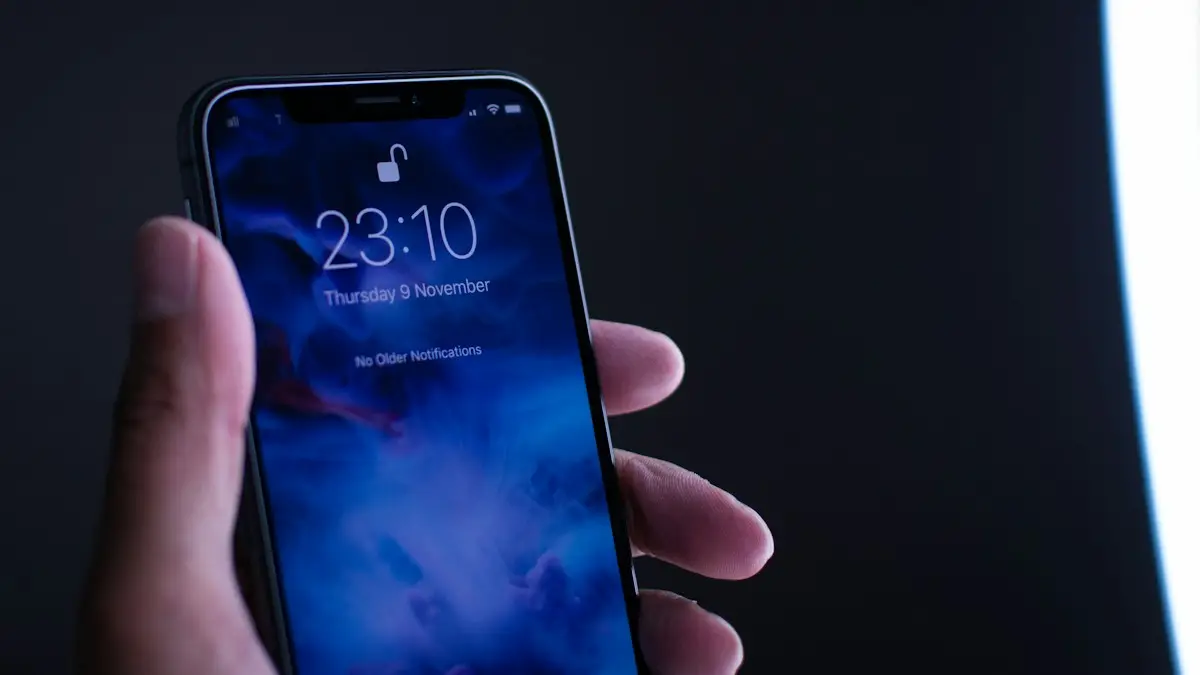
Photo by Harpal Singh on Unsplash
Why does Siri keep popping up?
- Siri hears a word that sounds like “Siri” on TV or in conversation.
- A tight case or your grip presses the side button.
- You double-tap the bottom of the screen, which opens Type to Siri.
- Headphones, AirPods or a car button send a long press.
The fix
7 ways to stop Siri turning on by itself
- 1
Change or turn off voice activation.
In Settings › Siri, open Talk to Siri (or Listen for) and choose Off, or switch from “Siri or Hey Siri” to “Hey Siri” only, which is less likely to trigger by accident.
- 2
Turn off Press Side Button for Siri.
In the same menu, turn it off if a case or your hand presses the button.
- 3
Turn off Type to Siri.
On iOS 18 and later, turn off Type to Siri in Siri settings or in Settings › Accessibility › Siri.
- 4
Turn off Allow Siri When Locked.
This stops Siri appearing from your pocket or bag while the phone is locked.
- 5
Change your AirPods press and hold action.
With AirPods connected, go to Settings › [your AirPods] and set Press and Hold to Noise Control instead of Siri.
- 6
Check the case.
Remove the case for a day. If Siri stops appearing, the case is pressing the side button.
- 7
Restart and update iOS.
Some versions of iOS had bugs that triggered Siri. Install the latest update in Settings › General › Software Update.
What makes Siri start without you asking?
Siri has more ways to start than most people realize. It can listen for a wake phrase, respond to a held side button, open from a double tap on the bottom of the screen on newer iOS versions, start from a long press on headphones or a car steering wheel, and even run from a Back Tap gesture or an Accessibility shortcut you forgot you set. When Siri pops up for no reason, one of these is firing. The trick is to find which one rather than turning everything off at once.
How to find the trigger in five minutes
Change one thing, then use the phone normally for a while. Start with the voice trigger, because that is the most common culprit. If Siri still appears, turn off the side button option next, then Type to Siri, then your headphones. Because each trigger has its own switch, you will know exactly which one was responsible. Write down what you changed so you can turn on the useful ones again later.
- Siri appears with no sound or touch: suspect the voice trigger, a word that sounds like Siri, or a stuck side button.
- Siri appears when you hold or carry the phone: suspect the case, your grip or Allow Siri When Locked.
- Siri appears when you tap near the bottom edge: suspect Type to Siri or Back Tap.
- Siri appears only with headphones or in the car: suspect the press and hold action on those devices.
Voice triggers: Hey Siri and look-alike words
In Settings › Siri (named Apple Intelligence & Siri on newer iPhones) you can choose how the phone listens. Some iOS versions offer Siri or Hey Siri, Hey Siri only, or Off. Hey Siri only is a good middle step, because the shorter Siri word alone is easier to say by accident. TV shows, podcasts and people named Sierra or Cyrus can all fool the microphone. If you share a room with another iPhone, iPad, HomePod or Apple Watch, any of them may answer too. The menu wording changes between iOS versions, so use the closest option you see on your screen.
Side button, cases and Face ID power off
A tight case, a bag strap or a pocket can hold the side button long enough to start Siri. Try the phone without its case for a day. Also check Settings › Accessibility › Side Button, where you can change the click speed and the hold action. On iPhones with Face ID, remember that holding the side button on its own opens Siri, not the power menu. To switch the phone off, hold the side button and a volume button together, or use Settings › General › Shut Down.
Type to Siri, Back Tap and other gesture shortcuts
On iOS 18 and later, a double tap on the bottom edge of the screen opens Type to Siri. If you tap that area often, for example on the swipe bar or a keyboard, turn it off in Siri settings under Talk & Type to Siri. Next, check Settings › Accessibility › Touch › Back Tap. If Double Tap or Triple Tap is set to Siri, tapping the back of the phone on a table or in a pocket will trigger it. Also look at AssistiveTouch and any Shortcuts automations that include Ask Siri. A forgotten shortcut is a common hidden cause.
Headphones, AirPods, CarPlay and Apple Watch
Press and hold on AirPods, a long press on Bluetooth earbuds and the voice button on a car steering wheel all start Siri. In Settings › [your AirPods] change the press and hold action to Noise Control. For a car, check whether the voice button is mapped to Siri in CarPlay or Bluetooth settings. On an Apple Watch, Raise to Speak and the Digital Crown press can start Siri, and you can turn those off in the Watch app. If Siri only misbehaves when a certain accessory is connected, that accessory is the cause.
Is it safe to leave Siri on?
Siri is a convenience, not a requirement. If it keeps interrupting calls, meetings or sleep, turning off the triggers you do not use is a sensible choice, and nothing important breaks. You can still use the side button when you want it. If you are worried about privacy, review Settings › Privacy & Security › Analytics & Improvements and decide whether to share audio recordings to improve Siri. For the opposite problem, where Siri will not respond when you want it, read Siri not responding at all.
Siri still pops up after all of that
- Restart the iPhone, then install the latest iOS update in Settings › General › Software Update. Apple has fixed Siri bugs in point updates.
- Go to Settings › General › Transfer or Reset › Reset › Reset All Settings. This keeps your data but clears every setting, including forgotten shortcuts.
- Test with a different case and with all accessories disconnected.
- If the side button feels sticky or does not click, it may be damaged. Book an appointment with Apple or an authorized repair provider, and ask for a price before you agree to any work.
A worn button repair is usually cheaper than a new phone, so it is worth a quote. If your phone is old and has other problems too, compare the repair price with a trade-in offer. If you also struggle to power the phone down without Siri opening, see turning off your iPhone without Siri popping up for the shutdown steps.
Retrain Siri to your voice
If Siri wakes for other voices or TV sound, turn off Listen for in Settings › Apple Intelligence & Siri (or Settings › Siri), then turn it back on. The iPhone asks you to repeat a few phrases, which helps it recognize your voice better.
Frequently asked questions
Why does Siri open when I tap the bottom of the screen?
That is Type to Siri, which opens when you double-tap the bottom of the screen on iOS 18 and later. Turn it off in Siri settings under Talk & Type to Siri, or in Accessibility › Siri.
Can my AirPods trigger Siri by accident?
Yes. A press and hold on AirPods or a long press on some headphones or car steering wheel buttons starts Siri. Change the press and hold action in the AirPods settings.
Is Siri listening to me all the time?
Your iPhone listens only for the wake phrase on the device itself. Audio is not sent to Apple until Siri hears the phrase or you press a button. You can turn the voice option off in Settings › Siri.
Can I stop Siri without turning it off completely?
Yes. Keep the side button or Hey Siri and turn off only the trigger that fires by mistake. Turning off one trigger at a time is the best way to find the cause.
People also ask
Why does YouTube ask “Video paused. Continue watching?”
YouTube pauses after a long time without interaction to save data. Tap Yes to continue. There is no setting to turn this off in the app.
Read the full guide: YouTube keeps pausingWhy does my iPhone flashlight turn on by itself?
It is almost always the Flashlight button at the bottom left of the Lock Screen being pressed by accident, often in a pocket or bag. Turning off Tap to Wake or locking the phone before you pocket it usually stops it.
Read the full guide: iPhone flashlight turns on by itselfWhy does my Samsung stay unlocked at home?
Smart Lock is probably set to trust your home or a Bluetooth device. Remove those in Settings › Lock screen › Extend Unlock (Smart Lock on older phones).
Read the full guide: Samsung unlocking in pocketWhy does my Samsung turn off at 20 percent?
A worn battery cannot deliver enough power under load, so the phone shuts down early. Check the battery in Samsung Members and replace it if it is weak.
Read the full guide: Samsung keeps turning offRelated guides

YouTube keeps pausing
YouTube keeps pausing by itself? Turn off Remind me to take a break, fix headphones that disconnect, check data saver and try 5 more fixes on your phone.
iPhone flashlight turns on by itself
iPhone flashlight turns on by itself in your pocket or when you wake the screen? Why it happens and 7 ways to stop it, from Tap to Wake to the Action button.
Samsung unlocking in pocket
Samsung phone keeps unlocking or pocket dialing? Turn on Accidental touch protection, turn off Lift to wake and Double tap to wake, and check Extend Unlock.
Samsung keeps turning off
Samsung phone keeps turning off by itself, even with battery left? Check the battery in Samsung Members, remove the case, test safe mode and try 6 more fixes.
More guides you may need
iPhone keeps asking to transfer phone number
iPhone keeps asking to transfer phone number or it will not finish? Check iOS 18.4, Bluetooth, your Apple Account and your carrier. 7 fixes for a new iPhone.
iPhone keeps asking to trust this computer
iPhone keeps asking to trust this computer every time you plug in? Learn the three real causes and Apple's six-step fix to make the alert stop for good.