

YouTube keeps pausing by itself? 8 fixes
YouTube often pauses on purpose: a break reminder, an idle check or a headphone disconnect. Turn those off first.
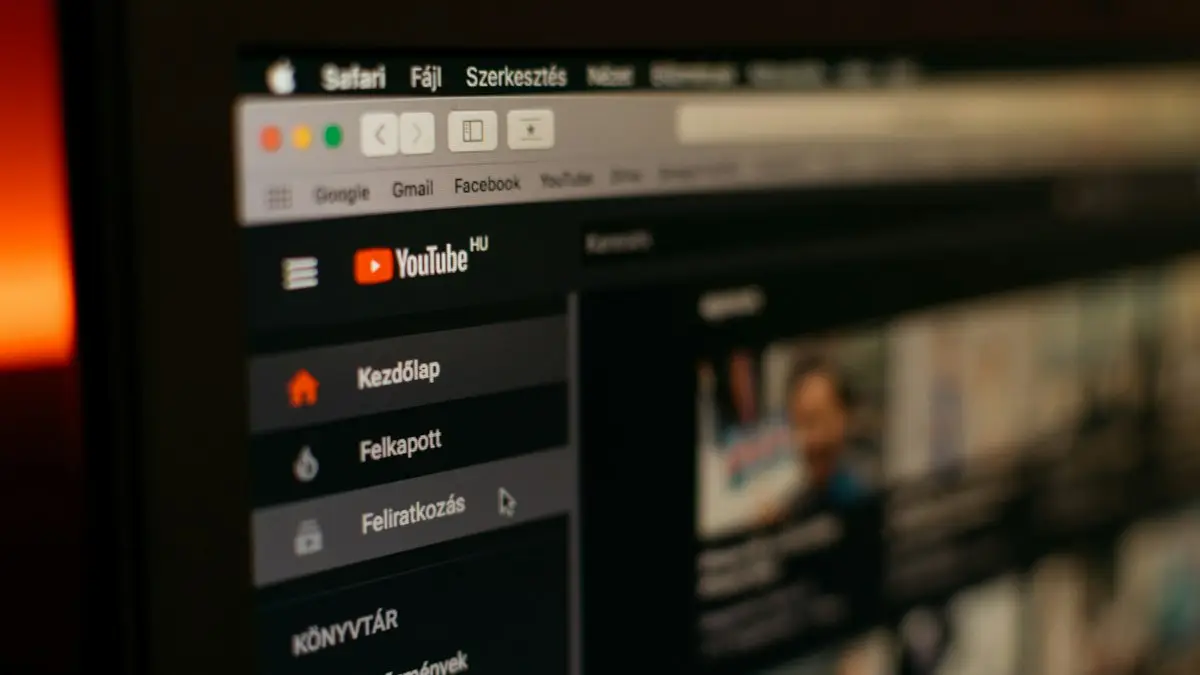
Photo by Szabo Viktor on Unsplash
The fix
8 fixes, in order
- 1
Turn off Remind me to take a break.
YouTube › profile › Settings › General.
- 2
Turn off Remind me when it’s bedtime.
- 3
Check Bluetooth headphones.
If they disconnect or lose battery, YouTube pauses.
- 4
Turn off data saver limits.
YouTube › Settings › Data saving.
- 5
Check another device is not playing on your account.
- 6
Update YouTube.
- 7
Clear cache (Android) or reinstall (iPhone).
- 8
Restart your phone.
Why does YouTube keep pausing?
YouTube pauses for three kinds of reasons. Some are features working as designed, such as break reminders, the Continue watching prompt and background play limits. Some come from your hardware, like headphones that disconnect or sensors that think you took them off. The rest come from the connection, battery saving and someone else using your account. Figuring out which kind you have saves a lot of trial and error.
Match how it pauses to the cause
- A message appears asking to take a break: Remind me to take a break is on.
- "Video paused. Continue watching?": the inactivity prompt.
- Pauses when you lock the screen or open another app: no YouTube Premium.
- Pauses when you move or take off headphones: ear detection or a weak Bluetooth link.
- Pauses with a spinning circle: the connection, see YouTube buffering.
- Pauses and another device shows a message: someone else is playing on your account.
Turn off break and bedtime reminders
- Open YouTube and tap your profile picture at the bottom right (or top right).
- Tap the gear icon for Settings, then General.
- Turn off Remind me to take a break.
- Turn off Remind me when it's bedtime.
These reminders were often turned on by default for supervised accounts and teens. If the switches are gray, a parent or Family Link may control them.
The "Continue watching?" prompt
When nothing has touched the screen for a long time, YouTube pauses and asks if you are still there. This mainly happens with music and long videos. There is no setting to turn it off. Tapping the screen or changing the volume now and then resets the timer. On a TV, pressing any remote button does the same. Browser extensions that claim to remove it exist for desktop browsers, but use them with care and only from the official extension store.
Background play and Picture in Picture
Playing audio with the screen off or in another app is part of YouTube Premium in the US. Without it, YouTube pauses when you leave the app. Picture in Picture, where the video floats in a small window, is available to Premium members, and YouTube has allowed it for free users on non-music videos in the US at times. Turn it on in YouTube Settings › General › Picture-in-picture, and on iPhone also in Settings › General › Picture in Picture. If you already pay for Premium and it still pauses, sign out and back in so the app picks up your membership.
Headphones and AirPods causing pauses
- AirPods: turn off Automatic Ear Detection in Settings › Bluetooth › info button next to your AirPods.
- Galaxy Buds and Pixel Buds: turn off in-ear detection or wear detection in their companion app.
- Weak Bluetooth: keep the phone in a front pocket, not a back pocket or bag, and away from microwaves and busy Wi-Fi routers.
- Low battery in earbuds causes drops. Charge them fully.
- Wired headphones with a loose plug can send a pause signal. Try another pair.
If AirPods drop often in every app, read AirPods keep disconnecting.
Someone else is using your account
A free YouTube account can play on many devices, but some Premium and music plans limit how many play at once. If someone else starts a video on your account, yours may pause. Check myaccount.google.com › Security › Your devices, sign out devices you do not recognize and change your password if needed. Family members sharing one login is the usual cause; a YouTube Premium Family plan gives each person their own account.
Data saver and network
In YouTube, go to Settings › Data saving and turn off options that reduce video quality or limit HD on mobile. On iPhone, check Low Data Mode in Settings › Cellular › Cellular Data Options. On Android, check Data Saver in Settings › Network & internet. A weak signal causes pauses with a loading circle rather than a clean stop. Switch between Wi-Fi and cellular to test.
Battery saver and screen settings
Battery saving modes can limit apps in the background and interrupt playback. Turn off Low Power Mode on iPhone or Power saving on Samsung for a test. On Samsung, remove YouTube from Sleeping apps in Settings › Battery › Background usage limits. Also check that Auto-Lock is not set very short in Settings › Display & Brightness on iPhone, since some versions pause when the screen locks.
Fix YouTube pausing on a TV
On smart TVs and streaming boxes, pauses usually come from the inactivity prompt, a weak Wi-Fi signal or a phone that is casting and then loses connection. Update the YouTube app on the TV, restart the TV and router, and if you cast from a phone, keep the phone on the same Wi-Fi network and avoid locking it on older casting setups.
Fix YouTube pausing in a browser
On a computer, clear the browser cache, turn off extensions one at a time (ad blockers often cause stops), and make sure the browser is updated. Some browsers pause video in background tabs to save energy; check the browser's performance or energy saver settings.
Update, clear cache and reinstall
Update YouTube from the App Store or Play Store. On Android, go to Settings › Apps › YouTube › Storage › Clear cache. On iPhone there is no cache button, so delete and reinstall the app, or offload it in Settings › General › iPhone Storage › YouTube. Your account, history and subscriptions are kept, though downloads will need to be saved again.
Still pausing?
Restart the phone and test with headphones disconnected, on a strong Wi-Fi network, with a video you have not downloaded. If it still pauses with nothing connected and reminders off, the issue is likely the phone. Free some storage, update the system and see YouTube not working. Spotify has its own version of this problem in Spotify pausing on its own.
YouTube Music pausing too?
YouTube Music has the same reminder and inactivity behavior. In YouTube Music, open your profile › Settings › General and check Remind me to take a break. Background play in YouTube Music also needs Premium or YouTube Music Premium. Downloads stop playing if you stay offline for more than 30 days, so connect once a month.
Kids and supervised accounts
On YouTube Kids and supervised accounts, parents can set a timer that pauses videos after a set time. The child sees a message that time is up. Only the parent can change it, in the YouTube Kids app settings or through Family Link.
Most people fix this in under five minutes by turning off the two reminders and Automatic Ear Detection. Try those first, then move to the connection and battery checks if videos still stop.
If only one video keeps stopping while others play fine, the problem is that upload, not your phone. Try it again later or watch a different version.
Remind me to take a break
YouTube has a setting that pauses videos to remind you to take a break. Open the app, tap your profile picture, then Settings › General, and turn off Remind me to take a break if pauses happen at regular times.
Frequently asked questions
Why does YouTube ask “Video paused. Continue watching?”
YouTube pauses after a long time without interaction to save data. Tap Yes to continue. There is no setting to turn this off in the app.
Why does YouTube stop when I leave the app?
Background play needs YouTube Premium. Without it, videos pause when you switch apps or lock the screen.
Why does YouTube ask Video paused. Continue watching?
YouTube shows this after a long time with no taps or scrolling, to save data when nobody is watching. It cannot be turned off in settings, but tapping the screen now and then stops it.
Why does YouTube pause when I lock my phone?
Background play is a YouTube Premium feature. Without Premium, the app pauses when you lock the screen or switch apps, except for some content in certain regions.
Why does YouTube pause when I take out one AirPod?
Automatic Ear Detection pauses audio when you remove an AirPod. Turn it off in Settings › Bluetooth › tap the info button next to your AirPods.
People also ask
Why does YouTube buffer when my internet is fast?
The phone may be on a crowded 2.4 GHz band, a VPN may be slowing YouTube down, or the app cache is corrupted. Try the other Wi-Fi band and turn off the VPN.
Read the full guide: YouTube keeps bufferingWhy does Siri open when I tap the bottom of the screen?
That is Type to Siri, which opens when you double-tap the bottom of the screen on iOS 18 and later. Turn it off in Siri settings under Talk & Type to Siri, or in Accessibility › Siri.
Read the full guide: Siri keeps turning on by itselfWhy does YouTube say “Something went wrong”?
Usually a connection or app glitch. Tap Retry, restart the app, and if it keeps happening, clear the app cache on Android or reinstall the app on iPhone.
Read the full guide: YouTube not workingWhy does Spotify pause when someone else plays?
Most plans allow only one device to play at a time. If someone uses your account elsewhere, your music stops. Sign out everywhere and change your password.
Read the full guide: Spotify keeps pausingRelated guides

YouTube keeps buffering
YouTube keeps buffering on your phone? Lower the video quality, switch Wi-Fi band, turn off your VPN, clear the app cache and try 5 more fixes that work.
Siri keeps turning on by itself
Siri keeps turning on by itself or popping up? Find the trigger, from Type to Siri and the side button to your headphones, and stop it with these 7 fixes.
YouTube not working
YouTube not working or videos won't play? Check for an outage, then clear the cache, update the app, lower the quality and try 5 more fixes on phone or PC.
Spotify keeps pausing
Spotify keeps pausing by itself? Check if someone else is using your account, stop battery saving from killing it, fix Bluetooth and try 5 more fixes.
More guides you may need
Spotify not working
Spotify not working, crashing or not playing? Check for an outage, turn off Offline mode, clear Spotify’s cache and try 6 more fixes for iPhone and Android.
TikTok keeps crashing
TikTok keeps crashing, freezing or closing? Update it, clear TikTok’s cache without losing drafts, free up storage and try 6 more fixes on iPhone or Android.