

How to use my phone in Mexico: Verizon, AT&T, T-Mobile and eSIM options
Good news first: many US phone plans already work in Mexico at no extra cost. Here is how to check yours, what to do if it is not included, and the five settings to set before you fly.

Photo by Julio Lopez on Unsplash
Mexico is the easiest international trip for a US phone. The big carriers have roaming deals with Mexican networks such as Telcel and AT&T Mexico, and many US plans treat Mexico almost like home. The mistakes that cost money are nearly always the same: assuming a plan includes Mexico when it does not, or leaving data roaming on for a line that charges per megabyte.
Step 1: Check whether your plan already includes Mexico
- Verizon: Verizon says talk, text and data in Mexico and Canada are included at no extra cost with its Unlimited plans. On other plans, TravelPass gives you your US plan in Mexico for $6 a day, charged only on days you use the phone there.
- AT&T: eligible AT&T unlimited plans include unlimited talk and text between the US, Mexico and Canada, plus use of your plan's data in Mexico with no roaming charges. Other plans need an international day pass.
- T-Mobile: most T-Mobile postpaid plans include talk, text and data in Mexico. How much high-speed data you get there depends on the plan, so check yours in the T-Life app.
- US Cellular: T-Mobile bought UScellular's wireless operations in August 2025, and customers are moving to T-Mobile's systems over time. UScellular's own international page listed Mexico as included on its Everyday and Even Better plans, but that page is older and benefits can change as accounts move. Check your current plan in your account or ask customer care before you fly.
- Prepaid brands: Cricket, Metro, Visible, Mint, Straight Talk and others each have their own rules. Some include Mexico, some sell an add-on, and some have no roaming at all. Check before you go.
Two details catch people out. Roaming in Mexico can be slower than at home, depending on your plan and the local network. And the included plans are meant for trips: Verizon, for example, may limit service if more than half of your usage over 60 days is in Mexico or Canada. If you are moving there or staying for months, a Mexican plan is the better choice.
Step 2: If Mexico is not included, pick an option
If that did not work
Your carrier's travel pass
The simplest option. You keep your US number, calls and texts work as normal, and you pay a daily fee only on days you use the phone in Mexico. Best for short trips when you need your normal number reachable.
A travel eSIM
Apps sell data-only eSIM packages for Mexico that you install before you leave. They are often cheaper than a daily pass for longer trips. Your US number can stay on as a second line for texts and calls if you want. Your phone must be unlocked. Check with our guide on how to tell if your phone is unlocked.
A Mexican SIM or eSIM
Telcel and AT&T Mexico sell prepaid SIMs at airports, OXXO convenience stores and their own shops. This gives you a local Mexican number and the lowest prices for long stays. It also needs an unlocked phone.
Wi-Fi only
Hotels, cafes and restaurants in tourist areas usually have Wi-Fi. With Wi-Fi Calling and WhatsApp, you can get by without mobile data at all, but you will be without maps and ride-hailing on the move.
If you are new to eSIMs, read how eSIM works first. Install a travel eSIM while you are still at home on Wi-Fi, because activation often needs an internet connection.
Step 3: Set up your phone before you leave
The fix
Five settings to check
- 1
Set Data Roaming the right way.
On iPhone, go to Settings › Cellular › Cellular Data Options (or tap the line under SIMs if you have two) and turn Data Roaming on only for a line that covers Mexico. On Samsung, go to Settings › Connections › Mobile networks › Data roaming. If your plan charges per use, keep it off and rely on Wi-Fi or an eSIM.
- 2
Turn on Wi-Fi Calling.
With Wi-Fi Calling, calls and texts to US numbers go over hotel Wi-Fi, often at no extra cost. Most major US carriers support it abroad. See how to turn on Wi-Fi Calling on iPhone.
- 3
Pick the right line for data.
With a travel eSIM installed, set it as your cellular data line and leave your US line for calls and texts. On iPhone this is under Settings › Cellular › Cellular Data. Turn off Allow Cellular Data Switching so the phone does not quietly use your US line.
- 4
Turn on Low Data Mode.
It stops big background downloads, photo syncing and app updates over cellular. On iPhone it is under your data line's options. On Android, use Data saver.
- 5
Download offline maps.
In Google Maps, save the areas you are visiting for offline use. You will still have directions if your signal drops, for example in the countryside or at some beaches.
Calling and texting in Mexico
- Calling a Mexican number: dial +52 followed by the 10-digit number. Press and hold 0 on the keypad to get the + sign.
- Calling home: dial US numbers as usual on a plan that includes Mexico, or use Wi-Fi Calling. Your contacts see your normal US number.
- WhatsApp: install it before you go. Hotels, tour operators and restaurants in Mexico often prefer WhatsApp to calls or email.
- Emergencies: the emergency number in Mexico is 911, the same as in the US.
Apps that are useful in Mexico
- Ride-hailing: Uber and DiDi both operate in Mexico City, Guadalajara, Monterrey and many other cities. Set them up before you travel, since sign-up may need a text code to your US number.
- Maps: Google Maps works well for driving, walking and public transit directions in the big cities. Download offline areas as described above.
- Translation: Google Translate and Apple's Translate app can translate signs and menus through the camera. Download Spanish for offline use before you go.
- Banking: sign-in codes are usually sent by text, so keep your US line active for SMS even if you use an eSIM for data. Let your bank know about your trip if it asks travelers to. Some banks block card payments abroad until you do.
How to avoid a surprise bill
- Confirm Mexico is included, or add the pass, before you land. A day pass usually starts when you first use the phone there.
- Watch the texts your carrier sends when you arrive. They confirm what you will be charged.
- Near the border, check which network you are on. In US border towns, your phone can connect to a Mexican tower and start roaming without you crossing.
- Cruises are different. On a ship at sea, phones may connect to the ship's own network, which is not covered by Mexico roaming. Use Airplane Mode with Wi-Fi on board. Maritime roaming can cost several dollars a minute, and it does not count as Mexico even when the ship is docked near the coast.
- When you get home, turn Data Roaming back off if you do not need it.
Phone not working after you arrive?
- 1
Toggle Airplane Mode on for 10 seconds, then off.
This forces the phone to search for a Mexican network.
- 2
Restart the phone.
- 3
Check Data Roaming is on for the right line.
If you only get calls and texts, data roaming is probably off or data is set to the wrong line.
- 4
Choose a network by hand.
On iPhone, go to Settings › Cellular › Network Selection, turn off Automatic and try another network such as Telcel.
- 5
Contact your carrier over Wi-Fi.
Use its app or chat. Roaming sometimes needs to be switched on for your line.
Before any trip, it is also worth making sure you can find your iPhone if it is lost. A phone lost abroad is much easier to recover or lock when Find My is already on.
Frequently asked questions
Will my phone work in Mexico?
Almost certainly, if you have a recent phone from a major US carrier. Most Verizon, AT&T and T-Mobile unlimited plans include talk, text and data in Mexico at no extra cost. On other plans you may need a daily pass or a travel eSIM.
How do I avoid roaming charges in Mexico?
Confirm Mexico is included in your plan before you go. If it is not, add your carrier's travel pass or use a travel eSIM, and turn off Data Roaming on your US line so it cannot run up pay-per-use charges.
Do I need an unlocked phone to use an eSIM in Mexico?
Yes. A travel or local Mexican eSIM only works on a phone that is not locked to your US carrier. You can check in Settings on an iPhone, or with a SIM test on Android.
Can I use WhatsApp in Mexico?
Yes, and you should. WhatsApp is the main way people and businesses communicate in Mexico, including hotels, tour guides and restaurants. It works over any data connection or Wi-Fi.
What to try next
People also ask
Should I cancel my phone service before switching carriers?
No. Keep the old line active and let the new carrier port your number. The old line cancels automatically when the port completes; canceling first can lose your number.
Read the full guide: Cancel phone serviceIs a phone bought from Apple, Samsung or Google unlocked?
Phones bought at full price directly from Apple, Samsung or the Google Store are normally unlocked. A phone bought with a carrier deal or carrier financing is usually locked to that carrier, even if you bought it in an Apple Store.
Read the full guide: Is my phone unlocked?How long is a number transfer PIN valid?
It depends on the carrier. Verizon’s PIN is valid for 7 days, and other carriers use similar short windows. Create it right before you switch, and make a new one if it expires.
Read the full guide: Number transfer PINDoes my US phone plan work in Canada?
Many postpaid unlimited plans from US carriers include talk, text and some data in Canada, but prepaid and older plans often do not. Check your plan's details or ask your carrier before you travel.
Read the full guide: Use your phone in CanadaRelated guides
Cancel phone service
How to cancel phone service with Verizon, AT&T or T-Mobile: when not to cancel, what you still owe, one line on a family plan, and how to avoid surprise fees.
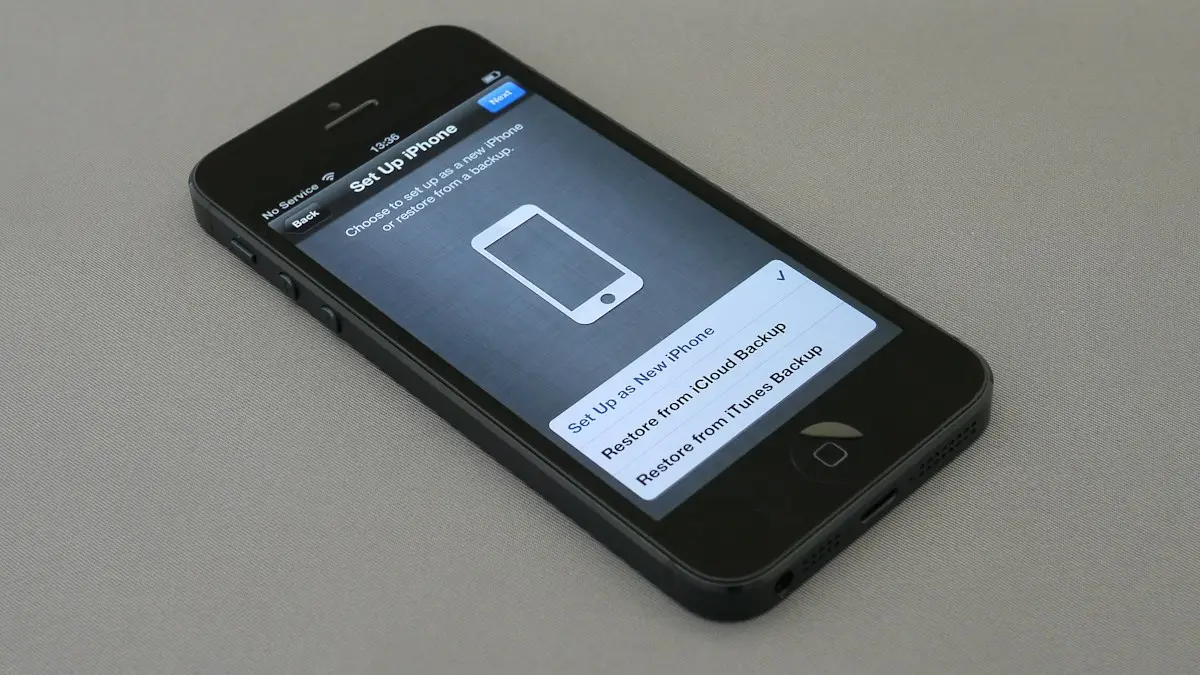
Is my phone unlocked?
How do I know if my phone is unlocked? Check in Settings on iPhone, Samsung or Pixel, test a SIM or eSIM, and see the 2026 Verizon, AT&T and T-Mobile rules.
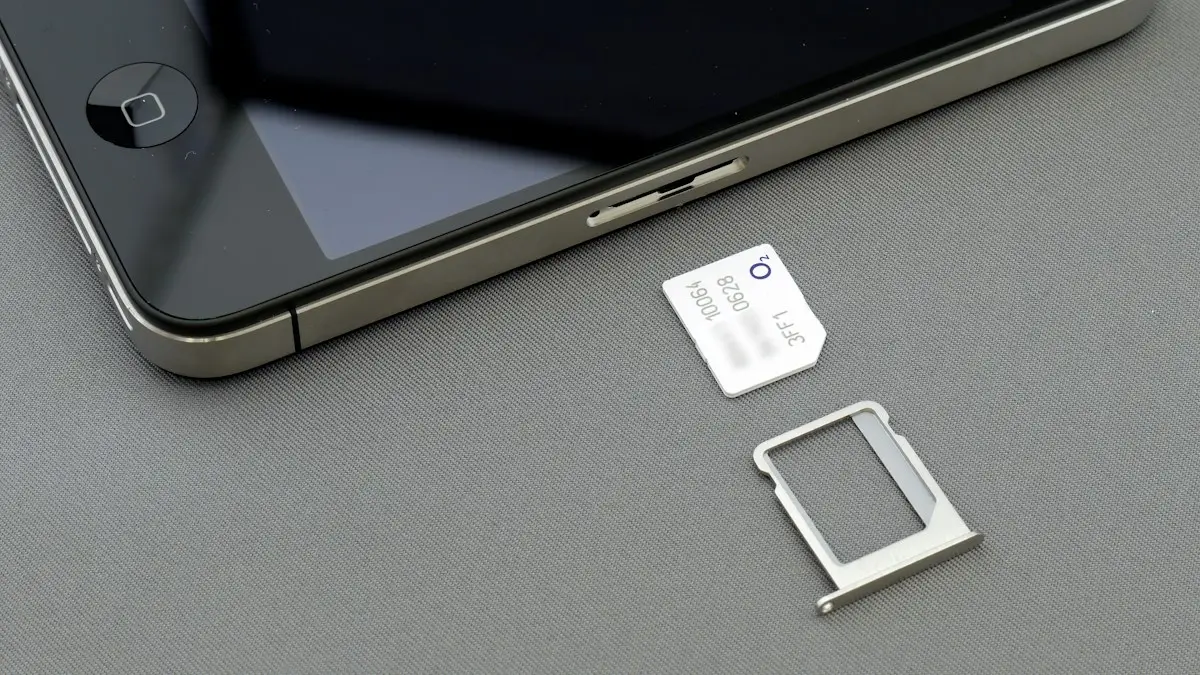
Number transfer PIN
Get a number transfer PIN to switch carriers: steps for Verizon, AT&T, T-Mobile and prepaid brands, where to find your account number and fixes if a port fails.

Use your phone in Canada
How to use your phone in Canada without surprise charges. Check if your US plan includes Canada, set up roaming and avoid border tower traps.
More guides you may need
Forward a text message
Forward a text message on iPhone, Samsung or Pixel in a few taps, forward several messages or photos at once, and send a text to an email address.
Hide apps on Android
Hide apps on Android from the home screen, or lock them away in Samsung Secure Folder or Pixel Private space. Plus how to find and unhide them later.