

AirDrop not working? 10 fixes for iPhone, iPad and Mac
AirDrop needs both devices awake, close together, and set to receive. Most failures come down to one of those three.
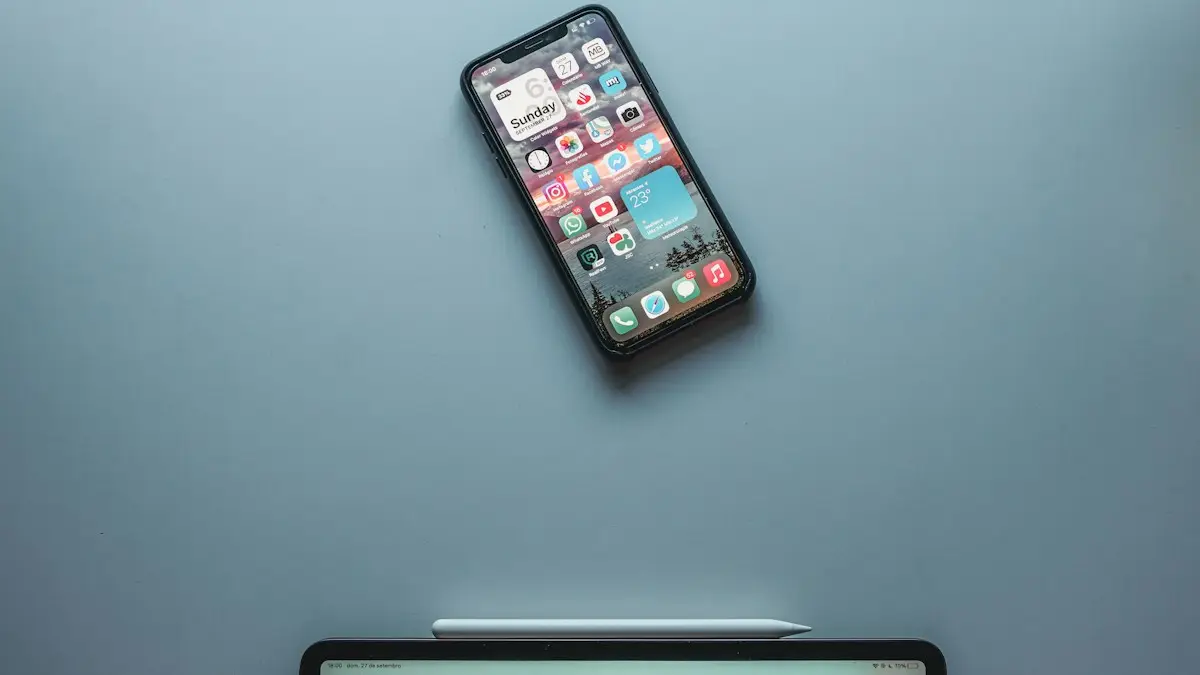
Photo by Miguel Tomás on Unsplash
AirDrop is quick when it works and baffling when it does not. The other person does not show up, the file sits on Waiting, or the transfer fails halfway. Behind the scenes AirDrop uses Bluetooth to find a device and a direct Wi-Fi link to send the file, so a problem with either one stops it. These fixes go from the quick checks to the less common causes, for iPhone, iPad and Mac.
10 fixes when AirDrop is not working
The fix
10 fixes, quickest first
- 1
Unlock both devices.
The receiving device must be awake and unlocked to appear in AirDrop.
- 2
Move closer.
Keep the devices within about 30 feet, ideally in the same room.
- 3
Turn on Wi-Fi and Bluetooth.
Both must be on for AirDrop to work, even if you are not connected to a network.
- 4
Set AirDrop to Everyone for 10 Minutes.
On the receiving iPhone go to Settings › General › AirDrop. On a Mac, open Finder › AirDrop and set Allow me to be discovered by to Everyone.
- 5
Turn off Personal Hotspot.
AirDrop does not work while your iPhone is sharing its connection.
- 6
Turn off Focus or Do Not Disturb.
It can stop AirDrop requests from showing on the receiving device.
- 7
Check Screen Time.
Go to Settings › Screen Time › Content & Privacy Restrictions › Allowed Apps & Features and make sure AirDrop is on.
- 8
Check contact details.
For Contacts Only mode, the sender’s phone number or email must be saved in the receiver’s contacts.
- 9
Restart both devices.
Restart the iPhone, iPad or Mac on both sides.
- 10
Reset network settings.
As a last step, go to Settings › General › Transfer or Reset iPhone › Reset › Reset Network Settings. On a Mac, check that the firewall is not blocking all incoming connections.
Why is AirDrop not showing the other device?
AirDrop only lists devices that are awake, close, and set to be seen by you. If the receiver is set to Receiving Off, it never appears. If it is set to Contacts Only, it appears only if your Apple Account email or phone number is in the other person’s contacts and matches the details on your account. If it is set to Everyone for 10 Minutes, it appears for anyone nearby, but that setting expires. Between devices, Bluetooth finds the other side and Wi-Fi sends the data, so a switched-off radio, a busy Personal Hotspot or a Mac with a strict firewall can quietly stop the transfer. Knowing this tells you where to look.
Which receiving setting should you use: Everyone, Contacts Only or Receiving Off?
On iPhone, open Settings › General › AirDrop and pick Receiving Off, Contacts Only or Everyone for 10 Minutes. You can also press and hold the connectivity card in Control Center and tap AirDrop. On a Mac, open Finder, choose AirDrop in the sidebar and use Allow me to be discovered by. For two friends who are not in each other’s contacts, Everyone for 10 Minutes is the simple choice. For your own devices, Contacts Only works if you are signed in with the same Apple Account. If the device keeps going back to Contacts Only, that is the 10-minute limit, not a bug.
Why is AirDrop stuck on Waiting or Declined?
Waiting means the receiver has not accepted the file, so ask them to look at the screen and tap Accept. If it stays on Waiting, the receiving screen may be locked, or a Focus may hide the prompt. Declined means the person tapped Decline, or the other device has a limit in place. If a transfer starts and fails, move closer, turn off Personal Hotspot and try fewer files at once. Large videos can fail if the iPhone runs out of storage or goes to sleep, so keep the screen on during a long transfer and check that the receiver has free space.
Can Personal Hotspot, a VPN or Wi-Fi block AirDrop?
AirDrop uses the same radio as your hotspot, so a phone that is sharing its connection cannot send or receive. Turn Personal Hotspot off for the transfer and turn it on again afterward. A VPN or content filter can also get in the way on a Mac, so turn it off for a test. On a Mac, open System Settings › Network › Firewall and make sure it is not set to block all incoming connections. On a work or school device, an administrator may have turned AirDrop off, and only they can change that. For hotspot trouble in general, see Personal Hotspot problems.
What is different about AirDrop on iPhone, iPad and Mac?
- iPhone and iPad: Settings › General › AirDrop, or the Control Center connectivity card. Turn off cellular-only limits in Settings › Cellular if a large file stalls.
- Mac: Finder › AirDrop. If Wi-Fi is on but the Mac is not discoverable, turn Wi-Fi and Bluetooth off and on, then check the firewall.
- Older devices: very old iPhones, iPads and Macs may not support AirDrop with newer ones, so check Apple’s compatibility list.
How do you fix a Bluetooth or Wi-Fi fault?
If AirDrop never works with any device, test Bluetooth with headphones and Wi-Fi with a web page. A fault in either radio breaks AirDrop. Read the guide to Bluetooth problems on iPhone for step-by-step fixes. Then reset network settings and restart. If the radios work for everything except AirDrop, install the latest iOS or macOS, since AirDrop bugs are often fixed in updates.
Contacts Only: why a contact still can’t see you
Contacts Only matches the email address or phone number linked to your Apple Account with the details in the other person’s contact card for you. If they saved your old number, a nickname without your email or a different Apple Account, the match fails and you do not appear. Ask them to update your card with the number and email you use for your Apple Account. On your side, check Settings › [name] › Name, Phone Numbers, Email to see what is listed. When in doubt, use Everyone for 10 Minutes for the transfer.
Why can't I AirDrop to my own devices?
When both devices use the same Apple Account, they are matched even with Contacts Only. If your own iPhone and Mac do not see each other, check that you are signed in to the same account, that both have Wi-Fi and Bluetooth on and that the Mac is awake. For a Mac, the lid must be open. On a Mac, open System Settings › General › AirDrop & Handoff and check the options. If a file will not send, try sending a single photo as a test, then a larger set.
What can you use when AirDrop will not work?
If you need the file now, send it another way. Use Messages or Mail for small files, a shared iCloud Drive or Google Drive link for larger ones, or a cable to a computer. For photos to a PC, see moving photos to a Windows PC instead. For how AirDrop works when it is behaving, read how to send and receive with AirDrop. If you keep running out of space during transfers, it may be time to clear storage or look at an iCloud plan, which also backs up your photos.
Is AirDrop safe to leave on?
Keep AirDrop on Contacts Only most of the time and use Everyone for 10 Minutes only when you need it. In public places, such as a train or a concert, turn it to Receiving Off, and never accept a file you did not expect. If you receive an unwanted image, tap Decline. Apple blurs sensitive images by default on newer versions, and you can turn that on in Settings › Privacy & Security › Sensitive Content Warning.
Frequently asked questions
Why does AirDrop switch back to Contacts Only?
On recent iOS versions, Everyone mode only lasts 10 minutes, then switches back to Contacts Only for privacy. Turn it on again when you need to receive from someone not in your contacts.
Why is AirDrop stuck on Waiting?
The other device has not accepted yet, is locked, or has AirDrop set to Contacts Only while you are not saved in their contacts. Ask them to unlock their device and set AirDrop to Everyone for 10 Minutes.
Does AirDrop work without Wi-Fi?
AirDrop needs Wi-Fi and Bluetooth turned on, but not a connected network. Devices create a direct link with each other.
Why can’t I AirDrop to an Android phone?
AirDrop works only between Apple devices. For Android, use a link, a messaging app or a cloud folder, although some newer Android phones can share with AirDrop in limited ways.
People also ask
What is AirDrop used for?
AirDrop sends photos, videos, documents, contacts and links directly to nearby iPhones, iPads and Macs. It uses Bluetooth and Wi-Fi, so it works without internet and does not reduce photo quality.
Read the full guide: Use AirDrop on iPhoneWhere do I change my iPhone name?
Settings › General › About › Name. Type the new name and tap Done.
Read the full guide: Change your iPhone nameWhat is the Bluetooth PIN to pair an iPhone with a laptop?
There is usually none to type. Your iPhone and the laptop show a number, and you confirm it matches on both. If a device asks for a code, try the one in its manual.
Read the full guide: iPhone won't pair with laptopWhy does the App Store say Cannot Connect?
Your iPhone cannot reach Apple’s servers. Check the internet, Apple’s System Status page, the date and time, and turn off any VPN.
Read the full guide: App Store not workingRelated guides
Use AirDrop on iPhone
Learn how to use AirDrop on iPhone to send photos, videos and files, change who can send to you, use AirDrop codes, and share with Android phones.
Change your iPhone name
How to change your iPhone name in Settings › General › About › Name. See where it shows in AirDrop, Bluetooth and hotspot, and fix a name that won't save.

iPhone won't pair with laptop
iPhone Bluetooth not pairing with your Windows or Mac laptop, or the code never shows? Keep Bluetooth settings open, forget the device on both sides, restart.
App Store not working
App Store not working or saying Cannot Connect to App Store? Check Apple’s status, your connection, date and time, VPN and Screen Time with these 9 fixes.
More guides you may need
AirPods keep beeping
AirPods keep beeping in your ears or from the case? Check battery tones, Find My Play Sound, Announce Notifications and dirty contacts. 7 causes and easy fixes.
AirPods says Not Your AirPods
AirPods says not your AirPods? Learn what it means, check the serial number, remove old owners in Find My and reset secondhand or swapped AirPods.