

How to change your iPhone name: Settings, AirDrop, Bluetooth and hotspot
Your iPhone name is the device name in Settings › General › About › Name. It appears in AirDrop, Bluetooth, Personal Hotspot, Find My and your Apple Account device list. Changing it takes a few seconds.
Photo by Brett Jordan on Unsplash
Every iPhone has a name. It is what other devices see when you share something over AirDrop, connect by Bluetooth, turn on Personal Hotspot or look at the list of devices on your Apple Account. By default it is something like Sam’s iPhone, and people often want to change it to a nickname or to tell several phones apart. This guide shows where to change it, where the new name appears and what to do if it does not update. Menu names can differ a little by iOS version.
How do you change your iPhone name in Settings?
Rename your iPhone
- 1
Open Settings and tap General.
- 2
Tap About.
It is at the top of the General list.
- 3
Tap Name.
The current name appears in a text box.
- 4
Delete the old name and type the new one.
Tap the small x in the box to clear it quickly.
- 5
Tap Done on the keyboard.
The new name is saved right away.
Where does your iPhone name appear?
- AirDrop: people nearby may see it when you share. See changing your AirDrop name.
- Bluetooth: when someone scans for devices, or when you connect to a car or speaker.
- Personal Hotspot: the Wi-Fi name other devices see when they look for your hotspot.
- Find My and your Apple Account: in the list of devices under your account and in Find My.
- Your computer: when you plug the iPhone in and it shows up in Finder or the Apple Devices app.
- Backups: in iCloud Backup lists and computer backup lists.
Why does the old name still show up somewhere?
Some places keep the old name for a while. Other devices remember a Bluetooth name or a hotspot name until they refresh the list. To refresh, turn Bluetooth or Wi-Fi off and on, restart the iPhone, or forget the device and connect again. In Find My and your Apple Account, the name usually updates within a few minutes after the iPhone is online.
How do you rename the Personal Hotspot?
The hotspot name is the same as your iPhone name. Change the name using the steps above, then check Settings › Personal Hotspot. Devices that connected before may need to forget the network and join again. If the hotspot is not showing up at all, read an iPhone hotspot that is not working.
Can you rename your Bluetooth device?
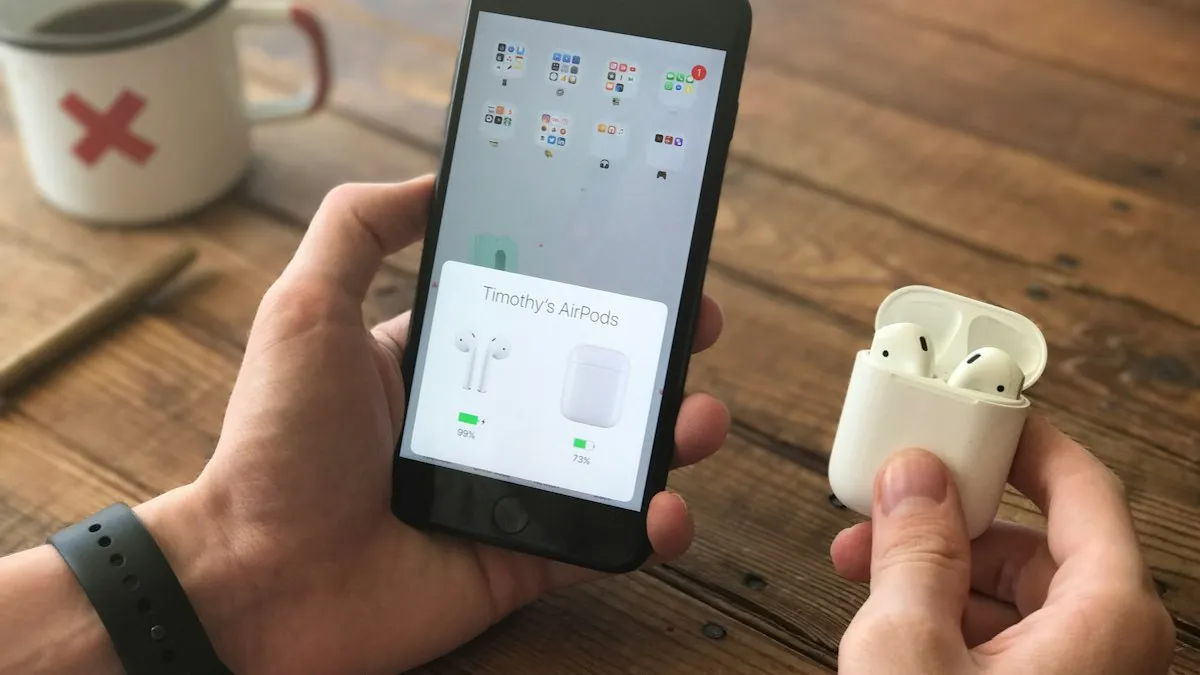
On an iPhone, the Bluetooth name is the iPhone name. To rename an accessory such as AirPods, open Settings, tap the accessory near the top or under Bluetooth, tap Name and type a new one. You can change the name of a paired Bluetooth device on the iPhone without changing how it looks on other devices.
What if the iPhone name will not change?
- Restart the iPhone and try again: this clears most temporary glitches.
- Update iOS: see iOS updates if you have an older version.
- Check for a work or school profile: Settings › General › VPN & Device Management may lock the name on a managed phone.
- Use a simpler name: very long names or special characters can fail. Try letters and numbers.
How do you change the name on an iPad or Mac?
On an iPad, the path is the same: Settings › General › About › Name. On a Mac, open System Settings › General › About and change the Name field. The new name appears in AirDrop and in your Apple Account device list on all your devices after they sync.
Should you use your real name?
The name is visible to nearby devices in some situations, such as AirDrop and Bluetooth lists. If you use your full name, strangers nearby could see it. Many people use a nickname, initials or only the model. If you share your phone with family, a name that tells phones apart, such as Mom’s iPhone, makes it easier to find the right one in Find My. If you lose the phone, you can find it with how to find a lost iPhone.
Does the name affect Contacts or Messages?
No. The device name is separate from your contact card and your Apple Account name. Your contact card name shows to people who have you saved. For changes to what contacts see, edit your card in Contacts or in Settings › your name.
Quick checklist
Can you use emoji or special characters in the name?
In most cases yes, and many people add an emoji to make their phone easy to spot. Some older devices, cars or Bluetooth speakers may show boxes or skip the emoji. If a device has trouble with the name, use plain letters and numbers.
Does changing the name affect Find My or backups?
No. Your Find My setup and iCloud Backup continue to work. The only difference is the name you see in lists. If you rename several devices, use clear names so you can tell them apart if you ever need to locate one with how to find a lost iPhone.
What should you name a child’s iPhone?
A first name or a simple label is enough, such as Alex’s iPhone. Avoid putting a full name, a school name or an address in the device name, because it can be seen in AirDrop and Bluetooth lists. Parents can also check the name in Family Sharing and Screen Time to identify which device is which.
How do you go back to the original name?
Open the same Name field and type the name you want. There is no reset button for the name. If you want the original style, type something like your first name followed by iPhone.
Why does my iPhone have a name like iPhone or someone else’s name?
The default name is made during setup, usually from the name on the Apple Account used at the time. A phone that was set up for someone else, or restored from a backup, may carry that name. Changing it in Settings fixes it.
How can you tell your iPhone apart in the router and Wi-Fi lists?
Many routers show the names of connected devices. If you see an unknown name in your router’s list, it could be a neighbor or a smart device. A clear iPhone name helps you spot your own devices. If you suspect that someone else is using your Wi-Fi, change the Wi-Fi password, as covered in how to change a Wi-Fi password on iPhone.
How do names work with Family Sharing and Screen Time?
Family Sharing and Screen Time list each family member’s devices by their device names. Clear names make it easier for a parent to see which phone is which, and to turn on limits for the right one. If you manage a child’s iPhone, see how to set up an iPhone for a child.
What makes a good iPhone name?
Keep it short, easy to read and different from your other devices. A name like Kitchen iPad or Sam iPhone 16 is easy to spot in Find My, in AirDrop and in your router’s device list. Avoid names that look like a Wi-Fi network, because that can confuse people trying to join your hotspot. If you rename AirPods or a watch, use the same style so your devices are easy to tell apart.
Will AirPods and a watch show the same name?
No. AirPods, an Apple Watch and other accessories have their own names. They are changed in their own settings, not in the iPhone name field. The iPhone name only affects the iPhone itself and what other devices see when they look for it.
- You changed the name under Settings › General › About › Name.
- You checked the hotspot, AirDrop and Bluetooth lists and refreshed them.
- You used a name that does not reveal more than you want.
- You restarted the iPhone if the name did not update.
- You checked for a work profile if the name is locked.
Frequently asked questions
Where do I change my iPhone name?
Settings › General › About › Name. Type the new name and tap Done.
Does changing my iPhone name change my AirDrop name?
Often yes for people who do not have you in their contacts. People who have you saved may see your contact card name instead. See our AirDrop name guide.
Why does my hotspot name not match my iPhone name?
The Personal Hotspot name usually follows the device name, but other devices may remember the old name until they refresh. Forget the hotspot and reconnect.
Is it safe to put my real name in my iPhone name?
It is visible to nearby devices in AirDrop and Bluetooth lists. Many people use a nickname or just the model to protect privacy.
What to try next
People also ask
Can I set a separate AirDrop name?
No. AirDrop uses your iPhone name, or your contact card name for people who have you saved. There is no AirDrop-only name field.
Read the full guide: Change AirDrop name on iPhoneWhy can't I name a group chat on my iPhone?
The group probably includes someone who is not using iMessage, such as an Android user, so it is an SMS or MMS group. Only iMessage groups can be named.
Read the full guide: Change group chat name on iPhoneWhy does AirDrop switch back to Contacts Only?
On recent iOS versions, Everyone mode only lasts 10 minutes, then switches back to Contacts Only for privacy. Turn it on again when you need to receive from someone not in your contacts.
Read the full guide: AirDrop not workingI changed my router password. Why won’t my iPhone connect?
It still has the old one saved. Tap the info button next to the network, choose Forget This Network, then join again with the new password.
Read the full guide: Change Wi-Fi password on iPhoneRelated guides
Change AirDrop name on iPhone
How to change AirDrop name on iPhone: edit your iPhone name and your contact card, because AirDrop shows one or the other. Fix a name that won't update.
Change group chat name on iPhone
How to change group chat name on iPhone: open the group in Messages, tap the names and choose Change Name and Photo. Fix a group that can't be renamed.
AirDrop not working
AirDrop not working, stuck on Waiting or not finding the other device? Check AirDrop visibility, Bluetooth, Personal Hotspot and 7 more causes to fix it fast.
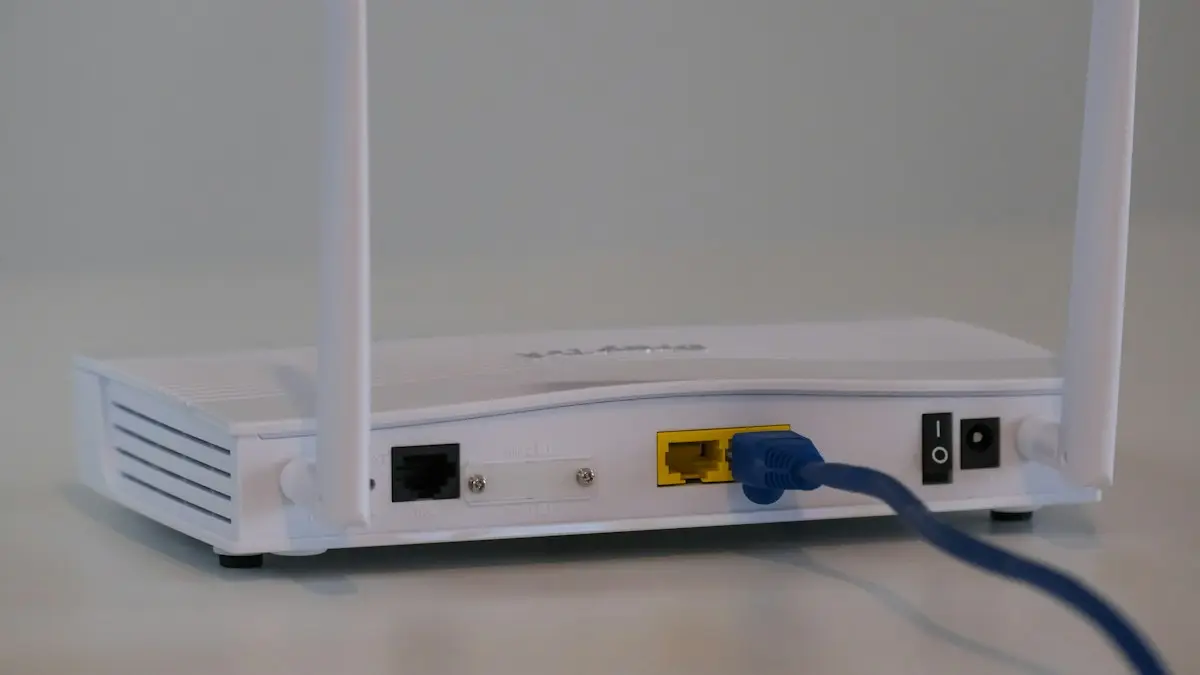
Change Wi-Fi password on iPhone
Change your home Wi-Fi password from your iPhone with the router app or admin page, update a saved Wi-Fi password, or change your Personal Hotspot password.
More guides you may need
Change Gmail password
Change your Gmail password on iPhone in the Gmail app or Safari, then update it in iPhone Mail so email keeps arriving. Plus what to do if you forgot it.
Change group chat name on iPhone
How to change group chat name on iPhone: open the group in Messages, tap the names and choose Change Name and Photo. Fix a group that can't be renamed.