

How to buy a used phone: a checklist that avoids locked and stolen phones
A used phone can save you hundreds, but only if it is unlocked, clean and not stolen. Check these ten things before you pay.
Photo by Hal Gatewood on Unsplash
A used or refurbished phone can cost half the price of a new one, and a flagship from two years ago is still fast. The risk is in what you cannot see: a phone that is still locked to someone else's account, reported lost, tied to a payment plan or about to fail. The checklist below fits in a few minutes and catches most problems before you hand over any money.
Where to buy a used phone
Pick the safest source you can afford
Manufacturer refurbished stores
Apple, Samsung and Google sell refurbished phones with new batteries or a full warranty. They cost more than private sales and carry the least risk.
Retailers and marketplaces with returns
Best Buy, Amazon Renewed, Back Market and Swappa check or guarantee the condition and give you a return window. Read the grade definitions, because Good, Fair and Excellent mean different things on each site.
Carrier stores
Carriers sell used phones, usually locked to their network. Fine if you plan to stay, a poor choice if you want to switch.
Local classifieds and private sellers
These are the cheapest, but you carry all the risk. Use them only if you can check the phone in person and in a safe place.
The 10-point used phone checklist
- 1
Get the exact model and storage.
Ask for a screenshot of the About screen. On iPhone it is Settings › General › About, and on Android it is Settings › About phone.
- 2
Get the IMEI and check that it is clean.
Ask the seller to dial *#06# and send you the number. See how to find an IMEI number, then check whether the phone is stolen.
- 3
Confirm it is unlocked and compatible.
Carrier-locked phones will not take your SIM. Read how to tell if a phone is unlocked and how to check carrier compatibility.
- 4
Make sure no one else's account is still on it.
On iPhone, Find My iPhone and Activation Lock must be off. On Android, the previous Google account must be removed or Factory Reset Protection will lock you out.
- 5
Check the battery health.
On iPhone, open Settings › Battery › Battery Health & Charging. Below 80% means a battery replacement soon. On Samsung, use the Samsung Members app diagnostics. Pixel shows battery health in Settings › Battery.
- 6
Inspect the body and screen.
Look for cracks, deep scratches, dents and a bulging back. Turn the screen on and check for dead pixels, burn-in, lines and yellow tint. Look at the edges for lifted glass.
- 7
Test the hardware.
Take photos with every camera, record a video, make a call on speaker, check the microphone, test the volume buttons, charge it and test Wi-Fi, Bluetooth and the fingerprint or Face ID.
- 8
Look for repair or liquid damage.
On an iPhone, Settings › General › About may show a message about non-genuine parts. Ask the seller about repairs and water exposure.
- 9
Agree on the price and the return terms.
Compare similar listings. If the seller has a return policy, get it in writing. For private sales, a short written receipt with the date, the model and the IMEI protects you.
- 10
Pay safely, then reset.
Pay only after you have checked the phone. After the sale, erase it and set it up as new so none of the seller's data or accounts remain.
How to meet and test a phone in person
Meet in a busy public place, ideally a carrier store or a coffee shop with Wi-Fi. A carrier store is best because staff can check that the phone is unlocked and works with your SIM. Bring your own SIM, a charger and a friend if you can. Turn the phone off and on, make a test call, take a picture and check the About screen against what the seller told you. Never hand over cash until you have finished testing, and walk away if the seller rushes you or refuses any check.
Red flags that mean walk away
- The price is far below the usual price for that model.
- The seller will not share the IMEI or meet in public.
- The phone is on a payment plan or the seller says it is unlocked but cannot prove it.
- There is an Activation Lock, Apple Account or Google lock screen, and the seller says they will remove it later.
- The IMEI on the phone does not match the box, the listing or the About screen.
- The seller wants payment by gift card, a payment app with no protection or a wire.
How old is too old?
The age of a phone matters more than its condition. Look up how long the maker keeps sending security updates for that model, because a phone that stops getting them becomes a risk for banking and email. Apple usually supports iPhones for around six or seven years, and Samsung and Google now promise several years of updates on recent flagships, though older and budget models get less. A two or three year old flagship is often the sweet spot: fast enough, still supported and far cheaper than new. Avoid phones that have already lost updates, and check that the apps you rely on, such as your bank, still support the system version.
Storage is the other thing people regret. Buy the largest size you can reasonably afford, because you cannot add more later on most phones, and a full phone gets slow. A used phone with a worn battery can be fixed, but it adds to the cost, so factor in a replacement if the battery health is below 80 percent.
What a used phone should cost
Prices depend on the model, storage, condition and whether the phone is unlocked. As a guide, look up three or four recent sold listings for the same model and storage, not asking prices, and aim for the middle. Unlocked phones sell for more than locked ones, and phones with high battery health or a warranty sell for more still. A phone that is cheap because it is locked, damaged or reported lost will cost you more in the end. If you are comparing a used phone against a new one on a payment plan, read how buying unlocked compares with buying from a carrier.
What to do on day one
- 1
Erase and set up as new.
Even if the seller says they erased it, reset it yourself. On iPhone choose Settings › General › Transfer or Reset iPhone › Erase All Content and Settings. On Android, use Settings › System › Reset options.
- 2
Update the software.
Install the latest system and security updates before you load your accounts.
- 3
Add your SIM or eSIM and test calls and data.
Confirm calls, texts and mobile data work, and check that Wi-Fi calling and 5G are available.
- 4
Add your accounts and turn on Find My iPhone or Find Hub.
Set a passcode, add biometrics and register the phone so you can find it if it is lost.
- 5
Keep the receipt and the seller's details.
You will need them if the phone turns out to be reported stolen or defective.
Refurbished, renewed or used: what is the difference?
Used means the previous owner sold it as is. Refurbished means someone tested it, fixed what was wrong and cleaned it, but the quality of that work varies by seller. Manufacturer refurbished phones from Apple, Samsung and Google are the strongest version, because they come with a warranty and often a new battery and outer shell. Renewed on Amazon and Certified Refurbished at carriers follow their own standards, so read the grade and the warranty length. To learn how to tell a genuine Apple refurbished iPhone from a regular one, see how to tell if an iPhone is refurbished.
Frequently asked questions
Is it safe to buy a used phone?
Yes, if you check the IMEI, confirm it is unlocked and not reported stolen, test the hardware and pay in a way that protects you. Buying from a store or marketplace with a return policy lowers the risk further.
What should I ask a seller before buying a used phone?
Ask for the exact model and storage, the IMEI number, whether it is unlocked, the battery health, if it has ever been repaired, and why they are selling it. A seller who avoids these questions is a warning sign.
Where is the best place to buy a used phone?
Retailers and marketplaces that offer a return window, such as Apple's refurbished store, Best Buy and Swappa, are safer than a stranger on a classified site. Local sales can be cheaper but need more checking.
Should I buy a used phone from a carrier?
Carrier-sold used phones are usually locked to that carrier and may come with limited returns. They can work well if you plan to stay on that network.
What to try next
People also ask
Can I check if a phone is stolen for free?
Yes. The CTIA Stolen Phone Checker and Swappa's IMEI check are both free and only need the phone's IMEI, which you can see by dialing *#06#. You do not need to pay for an IMEI report to see if a phone is blocked.
Read the full guide: Check if a phone is stolenShould I erase my stolen phone right away?
Not at once. Mark it as lost first, so you can still track it. Erase it only when you are sure you will not get it back, because erasing stops tracking.
Read the full guide: Phone stolen: what to doHow do I know what carrier my phone is locked to?
On iPhone, check Settings › General › About for the lock status, then ask the carrier that sold it. On Samsung, the service provider code in Software information shows the original carrier, such as VZW for Verizon.
Read the full guide: What carrier is my phone?What is the best iPhone for an elderly person?
A recent model that still receives iOS updates, with a screen size they can read and a good battery. Face ID is easier for many people than a fingerprint, but some prefer a Home button. Try holding one before you buy.
Read the full guide: Best iPhone for seniorsRelated guides
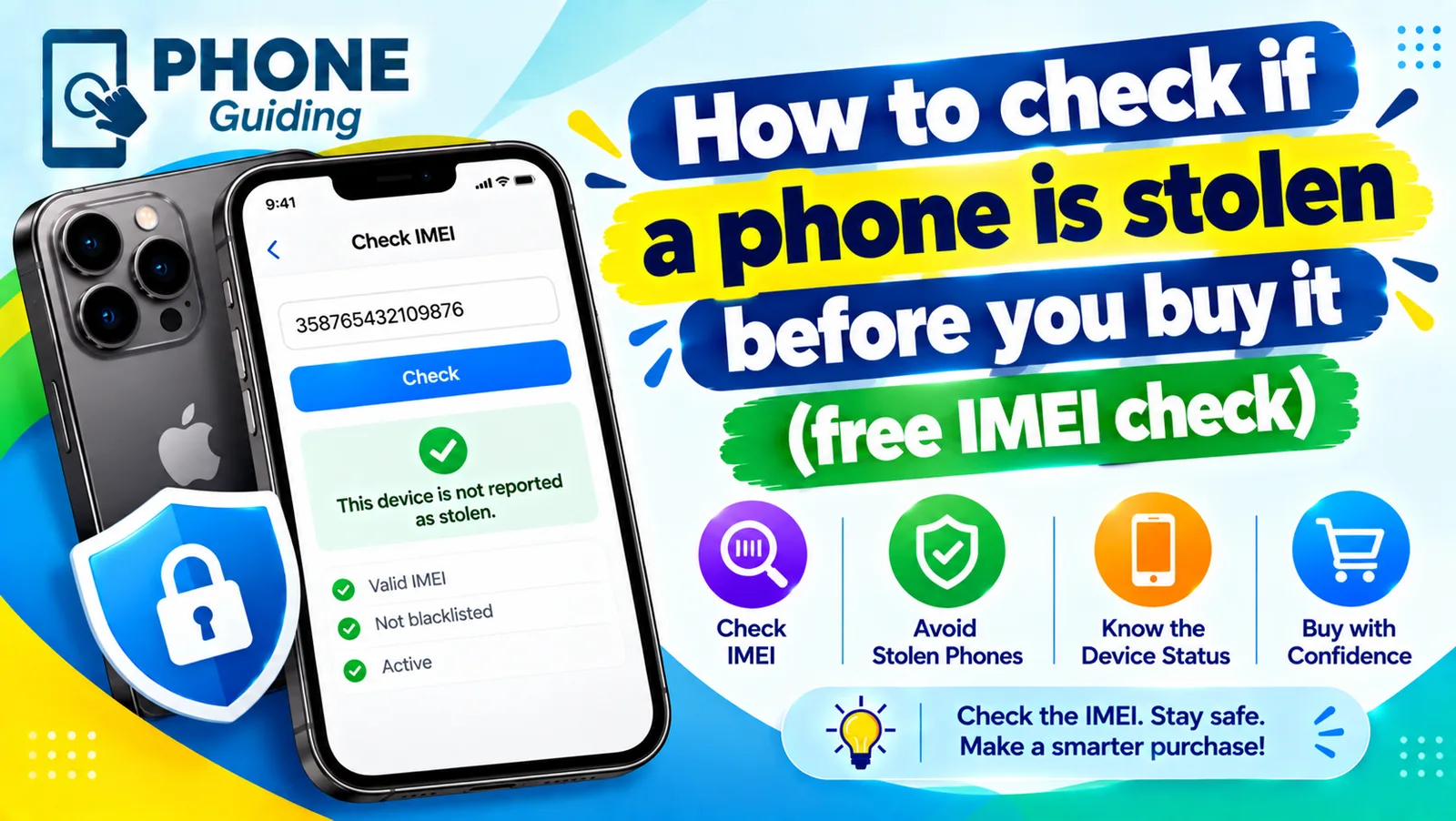
Check if a phone is stolen
Learn how to check if a phone is stolen before you buy it. Run a free IMEI check, spot Activation Lock and unpaid balances, and avoid used phone scams.
Phone stolen: what to do
What to do if your phone is stolen: lock it, track it, call your carrier, protect your accounts and file a police report. Steps for iPhone and Android.
What carrier is my phone?
What carrier is my phone? Find the carrier your phone uses or is locked to in Settings, with the Samsung CSC code, the IMEI or the box, all free and in minutes.
Best iPhone for seniors
Choosing an iPhone for a parent or grandparent? Check screen size, Face ID or Touch ID, software support, battery and safety features, then set it up simply.
More guides you may need

Cancel phone service
How to cancel phone service with Verizon, AT&T or T-Mobile: when not to cancel, what you still owe, one line on a family plan, and how to avoid surprise fees.
Change km to miles on iPhone
How to change km to miles on iPhone: set Measurement System for Apple Maps and Distance units in Google Maps. Also change temperature units.