

How to add a line to your phone plan: steps, real cost and the catches
Adding a line is quick, but the price on the plan page is rarely the price on your bill. Check these five things first.

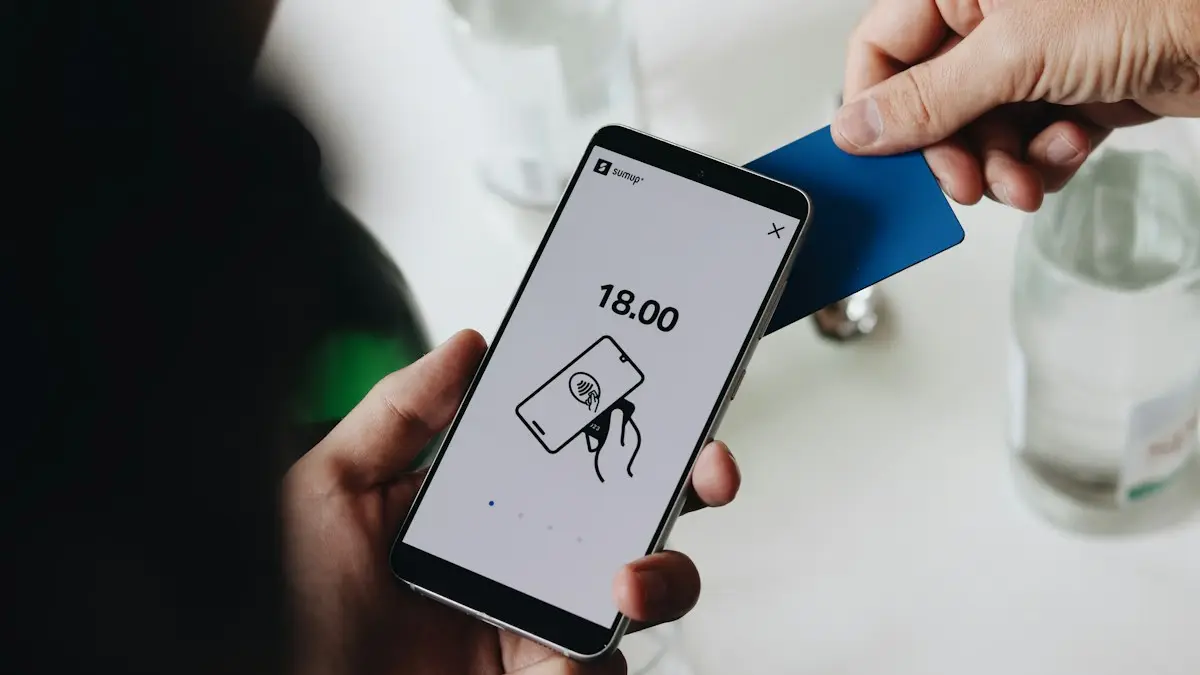
Photo by Quino Al on Unsplash
Adding a line is how most families get a child, a partner or a parent onto a plan. It is usually quick, but the final cost has more parts than the advertised line price: taxes and fees, a new phone payment, an activation fee and sometimes a changed price for every other line. This guide shows the steps that work on any major US carrier, what to check before you say yes and how to avoid the catches that raise the bill later.
Before you add a line: check these five things
- 1
Check the price at your new line count.
Plan prices usually depend on how many lines you have. Look up the monthly cost for the new total, then subtract your current bill to see the real extra cost.
- 2
Check which perks apply to the new line.
Some plan discounts and streaming perks apply only to a limited number of lines. A new line may get a lower tier of features.
- 3
Check the taxes, fees and activation charge.
Advertised prices often exclude taxes and fees. Ask for the all-in monthly price.
- 4
Decide how you will get the phone.
Buying on a payment plan adds a monthly device charge and often requires you to stay on the plan. Bringing your own phone avoids that.
- 5
Ask about promotions and what they require.
Free phone and bill-credit offers usually spread the credit over 24 to 36 months, and they stop if you leave early. Read the terms.
How to add a line in the carrier app or website
The fix
The usual steps
- 1
Sign in as the account owner or a manager.
Use the My Verizon, myAT&T or T-Life app, or the carrier's website. Other users may not see the option.
- 2
Find Add a line or Add a device.
It is usually under Account, Plan or Shop. If you cannot find it, use the app's search.
- 3
Choose the phone.
Pick a new phone, or choose Bring your own device. For your own phone, you will enter its IMEI so the carrier can check it.
- 4
Choose a number.
Get a new number, or transfer an existing one by entering the old account number and transfer PIN.
- 5
Review the monthly total and confirm.
Check the price, the one-time charges and the date the new price starts.
- 6
Activate the SIM or eSIM.
You will get a SIM card in the mail or at a store, or an eSIM that you scan or activate in the app.
Bring your own phone or buy a new one?
Compare the two routes
Bring your own phone
Cheapest if you already have a phone. It must be unlocked or compatible with the carrier, and it needs to support its network bands. See how to check phone and carrier compatibility, then activate it with a new SIM or an eSIM.
Buy on a payment plan
No big upfront cost, but you pay for the phone every month, and the carrier locks the phone until it is paid off. Promotions can make it cheaper, as long as you stay.
Buy outright
Pay the full price at once, get an unlocked phone and stay free to switch. This costs more now, and less over time if you keep the phone for years.
Moving an existing number onto the new line
If the person already has a number with another carrier, you can move it to your plan. They need the old account number and a transfer PIN from the old carrier. See how to get a number transfer PIN. Enter both when you add the line, and keep the old service active until the move is complete. A number can move in minutes or a few hours.
Adding a line for a child
Many carriers offer a lower-cost plan or a watch line for kids, and some have parental controls included. Decide whether you want a full smartphone, a basic phone or a smartwatch. Check which parental controls the carrier gives, and which you can set on the phone itself. For an iPhone, see how to set up an iPhone for a child. For an Android phone, you can use Google Family Link, and you can lock the screen to one app for young children with screen pinning.
What if you are not the account owner?
- Ask the owner to add the line, or to make you a manager so you can do it.
- Some carriers let a manager add lines but not change the plan.
- If the owner is not around, you may need to open your own account instead.
- Carriers may ask for the owner's PIN or a one-time code to confirm.
Add a line or open a separate account?
Adding a line to an existing plan is usually cheaper per line, but it ties the person to your account. If someone moves out, wants privacy or may switch carriers, a separate account is cleaner. Think about who owns the phone payments, who pays the bill, who can make changes and what happens if you stop paying. For adults who are not family, a separate account avoids problems. For children and partners, a shared plan is simple and cheap.
Common problems when adding a line
- Phone not compatible: check the IMEI with the carrier, and if the phone is locked to another carrier, ask them to unlock it.
- Number transfer fails: the PIN may be expired or the account number wrong. Make a new PIN and try again.
- eSIM will not activate: connect to Wi-Fi, restart the phone and try the carrier app. See the eSIM guides for step-by-step help.
- Credit check required: a new payment plan often needs one. Bringing your own phone may avoid it.
- Bill is higher than expected: check taxes, fees and any per-line price change, and ask the carrier to explain each charge.
If the bill creeps up after adding the line, read how to lower your phone bill for ways to trim it. If you are not sure the plan fits your family, choose a cell phone plan with a checklist before you commit.
What a new line really costs
The price per line usually drops as you add lines, so check the total plan price rather than just the line price. Add any one time activation or connection charge, monthly taxes and fees, and the device payment if you finance a phone. Some carriers waive activation fees online, so adding a line in the app can be cheaper than in a store.
Credit checks
On postpaid accounts, adding a line, and especially financing a phone, may trigger a credit review. If your account has a limit on lines or device financing, the carrier may ask for a deposit. Prepaid lines avoid credit checks entirely.
Getting the number you want
New lines get a random local number by default. Many carriers let you pick from a short list or choose an area code. To bring an existing number from another carrier, get the account number and number transfer PIN from the old carrier before you start, and do not cancel the old line yourself, since that can lose the number.
Activating the new line
With eSIM, activation often happens right in the carrier app: the new phone scans a QR code or gets the line pushed to it. With a physical SIM, insert it and restart. Test calls, texts and data before you finish, and check that the line name is right on the account so bills are easy to read.
Frequently asked questions
Who can add a line to a phone plan?
The account owner or a manager on the account. Other users usually have to ask the owner, who can add it in the carrier app or website.
Does adding a line raise the price of my other lines?
On many plans the per-line price drops as you add lines, but some plans charge more per line at certain counts. Read the price at your new line count, not just the new line's price.
Can I add a line without buying a new phone?
Yes. You can bring a compatible, unlocked phone and activate it with a new SIM or eSIM. Check compatibility with the carrier before you start.
Can I move an existing number to the new line?
Yes. Give the carrier the old account number and the transfer PIN, and the number moves over, usually within hours.
What to try next
People also ask
What is the most important thing when choosing a cell phone plan?
Coverage where you live, work and travel. A cheap plan is no bargain if the signal is weak at home or on your commute.
Read the full guide: Choose a cell phone planShould I cancel my phone service before switching carriers?
No. Keep the old line active and let the new carrier port your number. The old line cancels automatically when the port completes; canceling first can lose your number.
Read the full guide: Cancel phone serviceCan I negotiate my phone bill?
Often, yes. Call your carrier, say you are thinking of switching, and ask what they can offer. Retention teams sometimes have loyalty discounts or better plans that are not advertised.
Read the full guide: Lower your phone billWhy did my phone bill go up when I did not change anything?
Common reasons are an ended promotion or discount, a fee or price change on the plan, a device payment that started after a trial, or an add-on that began billing after a free period.
Read the full guide: Phone bill too highRelated guides

Choose a cell phone plan
How to choose a cell phone plan in 7 steps: check coverage, measure your data, compare real monthly costs, read the fine print and test before you commit.

Cancel phone service
How to cancel phone service with Verizon, AT&T or T-Mobile: when not to cancel, what you still owe, one line on a family plan, and how to avoid surprise fees.
Lower your phone bill
Lower your phone bill with 12 proven ways: right-size your plan, use autopay discounts, remove add-ons, ask for loyalty deals or switch to cheaper prepaid.

Phone bill too high
Why is my phone bill so high this month? Check these 9 common causes, from expired promos to device payments and fees, and learn how to fix each one.
More guides you may need

Find APN settings on iPhone
Find APN settings on your iPhone in Settings › Cellular › Cellular Data Network. Learn why the menu can be missing, what each field means and how to reset it.

Change a document to PDF on iPhone
How to change a document to PDF on iPhone: use Files and Markup, the Print trick, Pages, Word or Google Docs. Free, no extra app needed, for each file type.