

iPhone screen replacement cost: Apple, Best Buy and repair shops compared
The price depends on your model, who does the repair and whether you have AppleCare+. Here is how to get a real number before you pay.
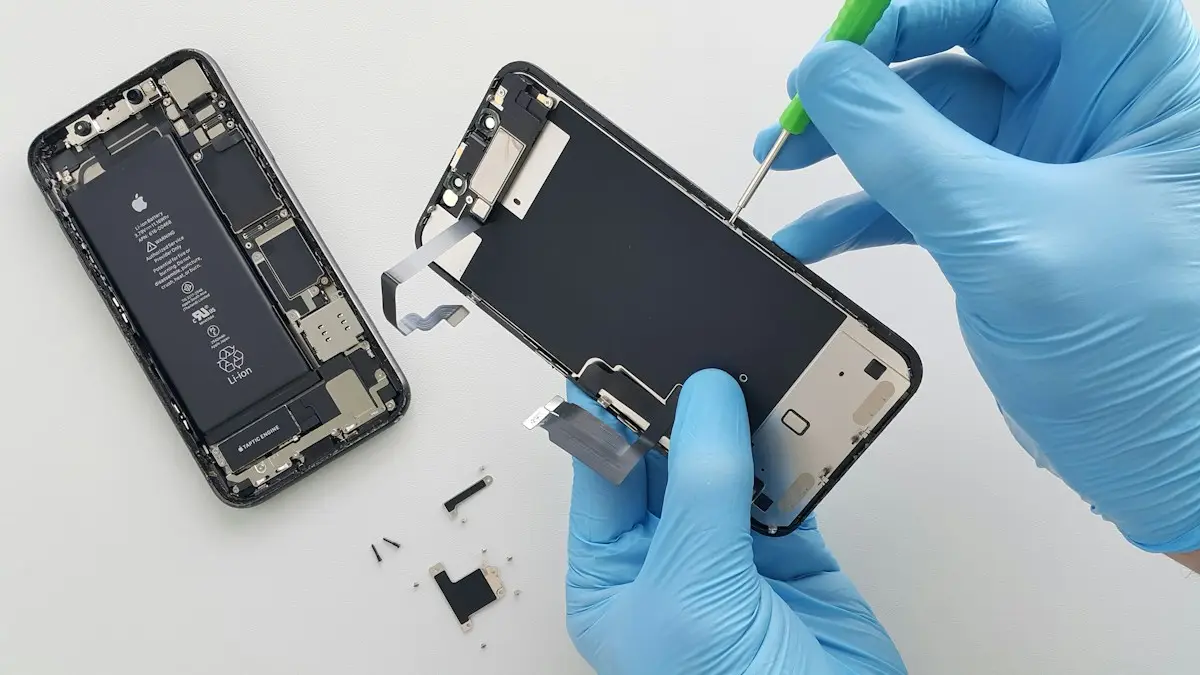
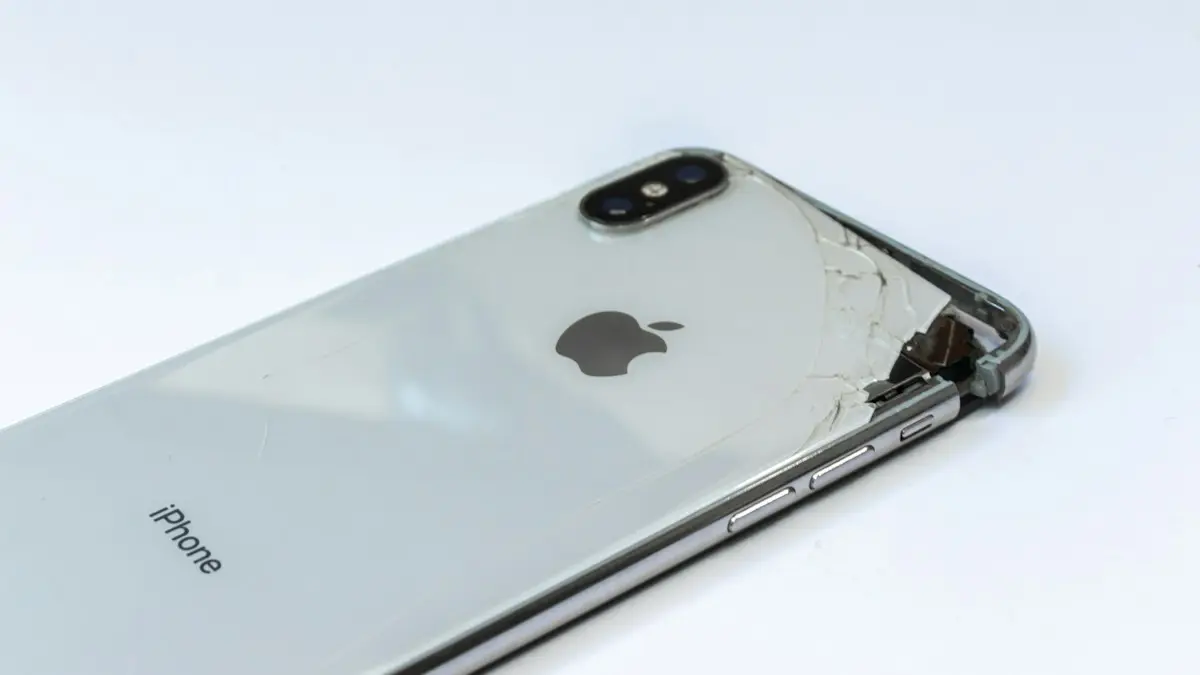
Photo by Vitalijus on Unsplash
A cracked screen is the most common iPhone repair, and the price range is wide. A basic model and a large Pro model can differ by hundreds of dollars, and the same repair costs far less with AppleCare+ than without it. This guide explains what drives the price, compares the places you can go, and helps you decide whether a repair makes sense or whether it is time to trade the phone in.
What decides how much a screen repair costs
- The model. Newer, larger and Pro models use more expensive displays, so they cost more to repair than older or smaller ones.
- Whether you have coverage. AppleCare+ turns a screen repair into a small flat fee. Without it you pay the full out-of-warranty price.
- Who repairs it. Apple, an Apple Authorized Service Provider, an independent repair provider and a general repair shop all price differently.
- Other damage. If the frame is bent, the back glass is cracked or the phone has liquid damage, the repair can cost more or Apple may offer a full replacement instead.
- Parts quality. Genuine Apple parts cost more than aftermarket ones. The difference shows up in brightness, color and touch response.
How to find the exact iPhone screen repair price
- 1
Find your model.
Open Settings › General › About and read the Model Name. A cracked screen can make this hard, so use the box, your receipt or Apple's online model lookup if you cannot use the phone.
- 2
Check your coverage.
In Settings › General › About, tap Coverage. It shows whether you have AppleCare+, the limited warranty or no coverage. If the screen is too damaged, check at checkcoverage.apple.com with the serial number.
- 3
Use Apple's repair estimate tool.
Go to Apple Support and choose iPhone, then Screen damage. Pick your model and it shows the cost with and without coverage. Prices change, so use the live number, not an old article.
- 4
Get one or two other quotes.
Call Best Buy, an authorized repair provider or a local shop. Ask what parts they use and what the warranty is on the repair.
Apple, Best Buy or a repair shop?
Compare your options
Apple Store or mail-in repair
Genuine parts, certified technicians and a repair warranty. It costs the most, but it keeps Face ID, True Tone and water resistance as close to new as possible. Many stores can fix a screen the same day, and mail-in repair takes longer.
Apple Authorized Service Providers (including Best Buy)
These shops use genuine Apple parts and Apple's tools, and they can handle AppleCare+ claims. Prices match Apple's, and it is often easier to get an appointment.
Independent repair providers
Apple also supports independent shops that can order genuine parts. Ask whether the shop is in Apple's program and whether they use genuine parts.
Other repair shops and mall kiosks
These are usually the cheapest and fastest, often while you wait. The risk is aftermarket parts. Screens can be dimmer, less accurate and less responsive, and a poor repair can break water seals. Ask about the warranty before you pay.
Do it yourself
Apple sells genuine parts and tools through its Self Service Repair program for some models. It is only worth trying if you are comfortable opening a phone. Opening an iPhone incorrectly can damage the display cable or the battery.
Does AppleCare+ cover a cracked screen?
Yes. AppleCare+ covers accidental damage, including cracked screens, for a service fee that is much lower than the normal price. In the US, that fee has been a flat amount for screen and back glass damage and a higher amount for other damage. The amount can change by plan and model, and you can usually make only a limited number of claims, so confirm your own terms. If you are weighing whether to buy the plan, read the pros and cons of AppleCare+.
Will a cheap screen replacement hurt the phone?
It can. Non-genuine displays often differ in peak brightness, color accuracy and battery drain, and some cannot keep True Tone working. Poor installation can weaken the water seals, so an iPhone that survived a splash before may not survive one after. Apple's software also shows a parts and service history in Settings › General › About, so you may see a message that the display is not genuine. That does not stop the phone from working, but it can lower the resale value. If you plan to sell or trade in the phone, a genuine repair is usually worth the extra cost.
Is it worth fixing, or should you replace the phone?
A simple rule: compare the repair price with the phone's value and with how long you want to keep it. If the repair costs a big fraction of what a replacement would, or the phone is already several years old and slow, you may be better off upgrading. If the phone is recent, in good shape and covered by AppleCare+, repair is almost always the better deal.
- Repair if the phone is under three years old, the battery is healthy and the screen is the only problem.
- Think about replacing if the phone is older, the battery is weak, the phone no longer gets updates or the repair price is close to a used replacement.
- Do both jobs at once if you repair an older phone. A new battery and a new screen together can make an older phone feel new.
Not sure what the phone is worth? Check your iPhone's trade-in value first. A cracked phone still has some value, and a damaged iPhone may be worth more repaired than traded in as is. If the battery drains fast, see whether a battery replacement is worth it while the phone is already open.
What to do before you hand the phone over
- 1
Back up the iPhone.
A screen repair rarely erases data, but a swap or a failed repair can. Make a backup first.
- 2
Turn off Find My iPhone.
Apple needs this off before it can service the phone. Go to Settings › [your name] › Find My › Find My iPhone. If the screen is too broken to use, you can turn it off from iCloud.com.
- 3
Remove the SIM, case and screen protector.
Keep the SIM and your accessories. Remove any passcode lock only if the technician asks. Never give your Apple Account password to a shop.
- 4
Take photos and note the serial number.
Photograph the phone from every side so you can show its condition before the repair.
How long does an iPhone screen repair take?
At an Apple Store or authorized provider, a screen swap is often done the same day if the parts are in stock, and the technician can usually give you a time when you check in. Mail-in repair can take several days each way. Independent shops may finish in under an hour. Ask for the time estimate when you get the price, and ask whether you can keep a loaner phone if the repair will take days. If you need the phone urgently for work, a same-day appointment is worth a small extra cost.
Also ask what happens if the technician finds more damage once the phone is open. A bent frame or a cracked back glass can change the quote, and a good shop will call you before it does any extra work. Get the final price in writing, so there are no surprises when you pick the phone up.
What to do while you wait for a repair
Cover the crack with clear packing tape or a cheap screen protector to keep shards from cutting you and to slow the damage. Avoid water, and do not press on the damaged area. Use Voice Control or AssistiveTouch if part of the screen does not respond. If the touch is erratic, see what to do when the touch screen is not working.
Frequently asked questions
How much does AppleCare+ charge for a cracked screen?
In the US, AppleCare+ has charged a flat service fee for screen or back glass damage, far below the out-of-warranty price. The fee depends on your plan and model, so check your coverage in Settings › General › About › Coverage.
Is it cheaper to fix a cracked iPhone screen at a third-party shop?
Often yes, but not always. Independent shops may use non-genuine parts, which can affect True Tone, Face ID or the screen's quality, and a repair may void other warranty protections.
Can I keep using an iPhone with a cracked screen?
You can for a short time if it still responds to touch, but cracks spread, can cut your fingers and let in water. Back the phone up now and plan a repair.
Does Apple replace only the glass?
No. Apple replaces the whole display module, because the glass and the screen are bonded together. That is a big reason the repair costs more than most people expect.
What to try next
People also ask
Why is a Samsung screen so expensive to replace?
Most Galaxy phones use an OLED panel bonded to the glass and often to the frame. The whole display assembly gets replaced, and flagship and foldable screens use more costly panels.
Read the full guide: Samsung screen replacement costHow long does a Samsung battery replacement take?
Many shops finish in about an hour or two if the part is in stock. Mail-in repair takes several days each way.
Read the full guide: Samsung battery replacement costAt what battery health should I replace my iPhone battery?
Apple's own threshold is 80% Maximum Capacity. Below that, iPhone shows a Service message and AppleCare+ covers a replacement. Replace sooner if the phone shuts down unexpectedly or will not last a day.
Read the full guide: Is an iPhone battery replacement worth it?Is a cracked phone screen dangerous?
It can cut your fingers or face, and broken glass can scratch your skin. It can also let in water and dust. If the glass is shattered or flaking, treat it as unsafe.
Read the full guide: Cracked phone screenRelated guides
Samsung screen replacement cost
What a Samsung screen replacement costs, why Galaxy S, A and foldable prices differ, and how Samsung Care+, carrier plans and repair shops compare.
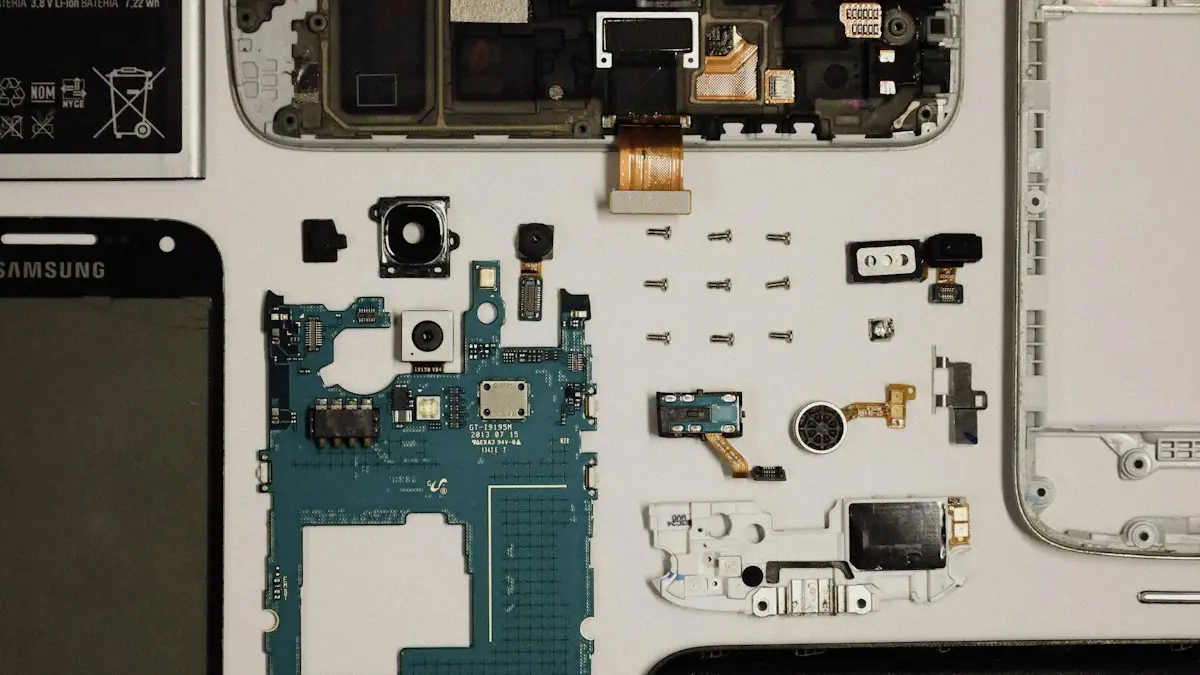
Samsung battery replacement cost
What a Samsung battery replacement costs, who can do it and when it pays off. Compare Samsung, Best Buy and repair shops, and check if your warranty covers it.
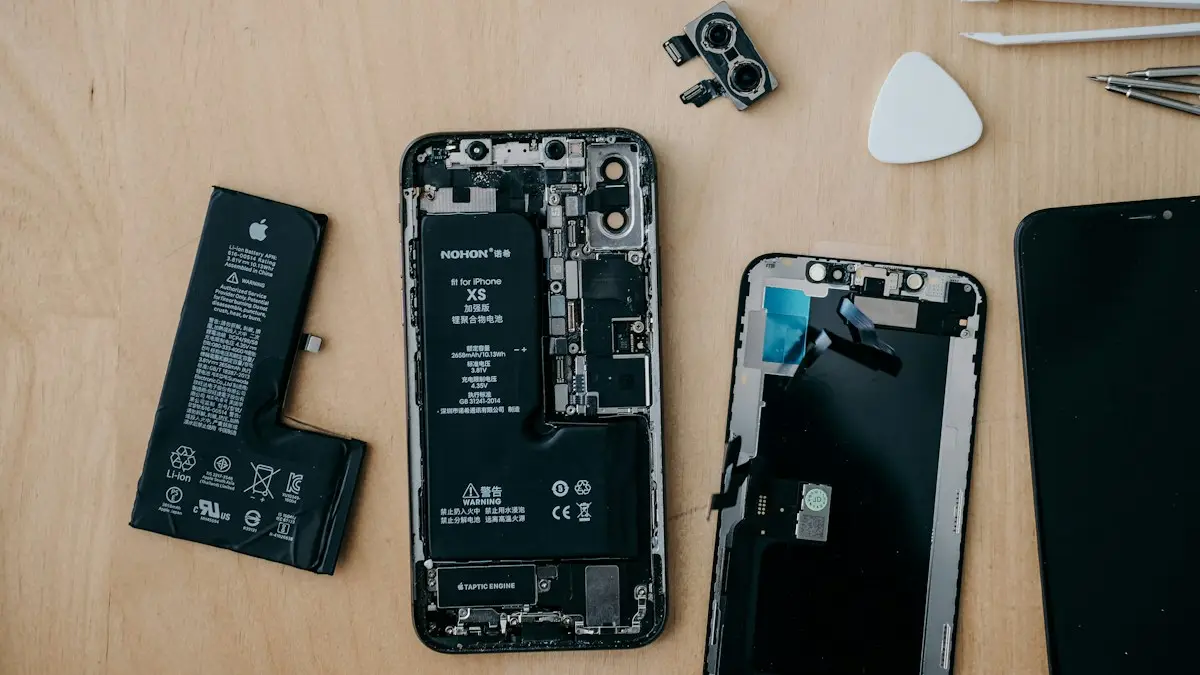
Is an iPhone battery replacement worth it?
Is it worth replacing your iPhone battery? See 2026 Apple prices by model, when AppleCare+ makes it free, and when a new phone is the better choice.
Cracked phone screen
Can you use a phone with a cracked screen? Yes, briefly, but cracks spread and let in water. Learn the risks, how to protect it now and when to repair.
More guides you may need

iPhone contacts missing
iPhone contacts missing or disappeared? Check your Lists, iCloud and Gmail sync, then restore contacts from iCloud.com or a backup. 7 ways to get them back.
iPhone coverage expired
iPhone says coverage expired in Settings? Learn what it means, how to check the real dates, when you can still renew AppleCare and what to do if it is wrong.