

How to sell your Android phone: wipe it right and get paid safely
The most common Android selling mistake is a reset with the Google account still attached. Here is the right order.
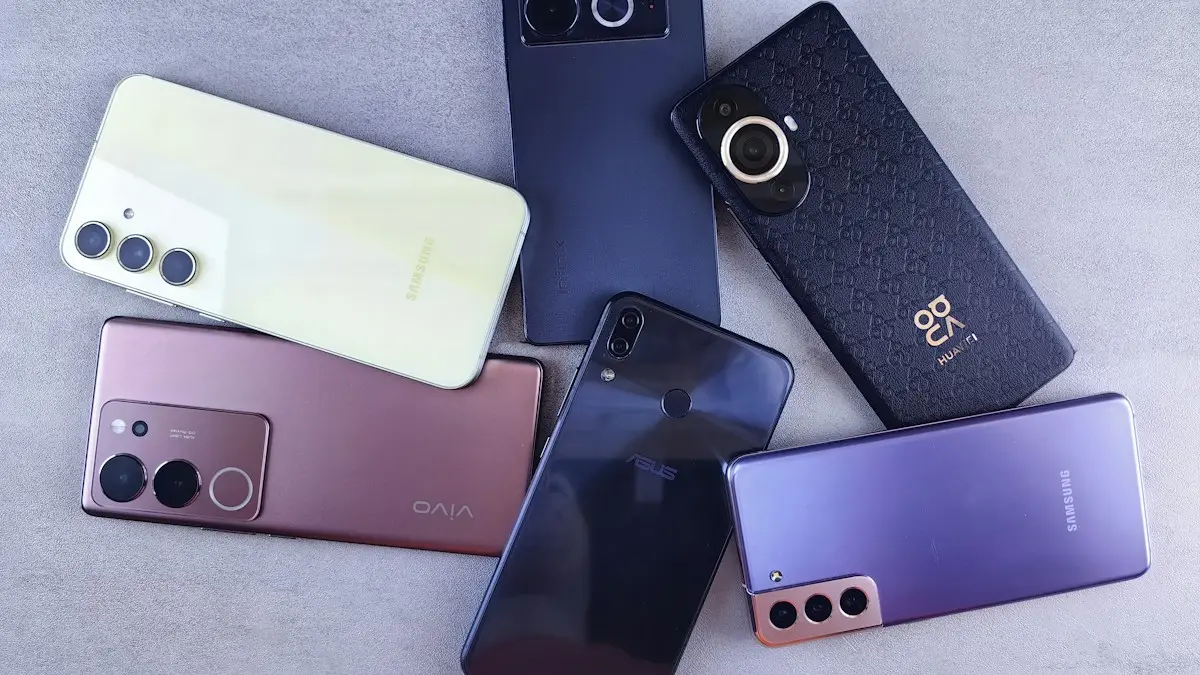
Photo by Andrey Matveev on Unsplash
An Android phone can fetch a good price, but only if the buyer can actually use it. The most common problem is a phone that is wiped but still tied to the seller's Google account, which locks the buyer out and often ends in a refund demand. The order of the steps matters. This guide gives the right order for Samsung, Pixel and most other Android phones, then compares ways to sell and shows how to keep the sale safe.
Before you start: is the phone ready to sell?
- Is it paid off? A phone on a payment plan stays locked to the carrier, and buyers expect an unlocked phone. Check your carrier app for a balance.
- Is it unlocked? Unlocked phones sell for more.
Not sure about the lock? Read how to check if a phone is unlocked. Also note the model, storage size and the battery health, since buyers will ask.
How to prepare an Android phone for sale in 7 steps
The fix
Do these in order
- 1
Back up the phone.
Use Google backup, Samsung Cloud or Smart Switch. See how to back up an Android phone. Check that your photos, contacts and messages are on the new phone before you go further.
- 2
Move your two-factor codes and key apps.
Move authenticator apps and banking apps to the new phone, and check that the codes work. Once the old phone is wiped, those codes are gone.
- 3
Turn off Find My Mobile on a Samsung.
Go to Settings › Security and privacy › Find My Mobile, or Settings › Biometrics and security › Find My Mobile on older versions, and turn it off or sign out of your Samsung account.
- 4
Remove your Google account and other accounts.
Go to Settings › Accounts and backup › Manage accounts (or Settings › Passwords & accounts on a Pixel), select each account and choose Remove account. Do this for Google, Samsung and any others. This is what turns off Factory Reset Protection.
- 5
Take out the SIM card and microSD card.
Keep them. If you use an eSIM, the reset will remove it, but tell your carrier. See how to remove a SIM card.
- 6
Factory reset the phone.
On a Samsung, go to Settings › General management › Reset › Factory data reset. On a Pixel, go to Settings › System › Reset options › Erase all data (factory reset). Menu names vary slightly by version. See how to factory reset a Samsung or how to factory reset an Android phone.
- 7
Leave it on the welcome screen.
Do not sign in again. The buyer sets it up with their own account. A screenshot of the welcome screen helps prove the reset.
What is Factory Reset Protection?
Factory Reset Protection, or FRP, is an Android security feature. If someone resets a phone that still has a Google account on it, the phone asks for that account's login before it can be used again. It stops thieves from wiping and reusing stolen phones, but it also traps honest buyers if the seller forgets to remove the account. If you sold a phone that is stuck on the Google sign-in screen, you can fix it by removing the phone from your Google Account's devices, and by signing in to myaccount.google.com. If the phone was stolen from you, do not remove it, since the lock is doing its job.
Where to sell your Android phone
Your options
Manufacturer and retailer trade-in
Samsung, Google and big retailers give credit toward a new phone or a gift card. Simple and low risk, but usually lower than a private sale.
Carrier trade-in
Bill credits that arrive over many months, often requiring a new line or plan. If you leave early, you may lose the remaining credits.
Buyback sites
A fixed quote and a prepaid shipping label. Fast, with no strangers, and the price is often lower than on a marketplace.
Marketplaces
Sites such as Swappa and eBay often pay more, with seller fees. Local apps avoid fees but carry the most scam risk.
For the numbers, see how trade-in compares with selling yourself.
What affects the price
- Model, storage and color. Flagships from the last two or three years hold value best.
- Condition. Cracks, scratches and a dented frame lower the price quickly.
- Battery health. Check it before you list.
To check your Galaxy, read how to check battery health on Samsung. Unlocked phones, a working camera and fingerprint sensor and a recent software version all help. Prices drop when a new model launches, so sell before the next launch if you can.
How to sell safely
- Meet in a public place or a carrier store, and check payment in your own bank app.
- Refuse overpayments, checks and gift cards, and be careful with payment apps that can be reversed.
- Photograph the phone, the IMEI and the welcome screen before you ship or hand it over.
- Do not share your Google or Samsung password, or any verification code.
- Write a short receipt that states the date, price, model and IMEI, and that the sale is as-is.
Write a listing that sells
Give the exact model name and storage, such as Galaxy S23 128 GB, the color, the battery health, whether it is unlocked and which carriers it works on. Say if the screen has scratches or the back has dents. Add clear photos of the front, back, sides and the bottom port in daylight, with the screen on. Say that it has been reset and is not tied to any account. Honest, specific listings sell faster and lead to fewer disputes.
Checklist before you hand it over
- Backup finished and restored on the new phone.
- Two-factor apps and codes moved.
- Google, Samsung and other accounts removed.
- Find My Mobile off.
- SIM and microSD out.
- Factory reset done, phone left on the welcome screen.
- Payment received and verified.
Unlock it first
Unlocked phones sell for more and to more buyers. If you bought the phone through Verizon, AT&T or T-Mobile and it is paid off, ask the carrier to unlock it. Most do so online once the device meets their rules, such as being active for a set number of days. Mention in the listing that it is carrier unlocked.
Buyers will check the IMEI
Serious buyers run the IMEI through a blacklist check to make sure it is not reported lost, stolen or unpaid. Dial *#06# to see yours and include it, or the last digits, when a buyer asks. A clean IMEI and an unlocked status build trust and speed up the sale.
Payment methods
Cash in person is simplest. For shipping, use the marketplace's own checkout, like eBay or Swappa, which protect both sides. Avoid Zelle, Venmo friends and family payments, or checks from strangers, since those are common in scams and offer no protection. Never ship before you see the money cleared in your account.
Meeting a buyer
Meet in a busy public place. Many police stations offer safe exchange spots. Let the buyer test the phone with their own SIM, but do not let them walk away with it before paying. Bring a charger in case they want to check charging.
Shipping the phone
Pack it in a padded box, use tracking, and take a video of the phone working and being packed. Buy shipping insurance for higher value phones. Keep the receipt until the buyer confirms delivery.
Frequently asked questions
Do I need to remove my Google account before selling my phone?
Yes. If you reset the phone while your Google account is on it, Factory Reset Protection can ask the next person for your login. Remove the account first, then reset.
Should I remove the SD card and SIM?
Yes. Take out the SIM and any microSD card and keep them. If you use an eSIM, the reset removes it, but tell your carrier so the line is not stuck on the old phone.
Is a factory reset enough to erase my data?
On modern phones, yes. Storage is encrypted by default, so a reset makes the old data unreadable. Still sign out of your accounts first.
Where can I get the most money for my Android phone?
Private sales on marketplaces usually pay the most, trade-ins and buyback sites are faster and safer, and carrier credits depend on a new plan. Compare at least two quotes.
What to try next
People also ask
What happens after I factory reset my Android phone?
The phone restarts to the setup screen with no apps, accounts or personal files. To use it, sign in with the Google account that was on it before, because of Factory Reset Protection.
Read the full guide: Factory reset an Android phoneDo I need to remove my SIM card before selling my iPhone?
Yes, if your iPhone has a physical SIM tray, take the SIM out. If you use an eSIM, erasing the phone removes it, but ask your carrier to cancel or move the line so the eSIM is not left attached to the old phone.
Read the full guide: Sell your iPhoneWhat does "No command" mean on Android?
It means the phone is in the recovery system and is waiting for a command. The robot with the exclamation mark is the gate to the recovery menu, not an error that wipes anything.
Read the full guide: Android no command screenCan you factory reset an iPhone with just the buttons?
No. Button combinations only force restart the iPhone or put it into recovery mode. To erase it, use Settings, or recovery mode with a computer.
Read the full guide: Factory reset an iPhoneRelated guides
Factory reset an Android phone
Factory reset a Google Pixel, Motorola or other Android phone from Settings or with the buttons. Back up first and avoid the Google lock after the reset.
Sell your iPhone
How to sell your iPhone the safe way: back up, sign out, erase, then pick trade-in or a private sale. Includes Activation Lock fixes and scam warnings.
Android no command screen
Android no command screen with a lying robot? It is the recovery gate, not a crash. Use the button combo to get past it and reboot without wiping your data.
Factory reset an iPhone
How to factory reset an iPhone from Settings or a computer, plus the checklist to follow first so you keep your data and the next owner can use it.
More guides you may need
Change Wi-Fi password on iPhone
Change your home Wi-Fi password from your iPhone with the router app or admin page, update a saved Wi-Fi password, or change your Personal Hotspot password.
Change your iPhone name
How to change your iPhone name in Settings › General › About › Name. See where it shows in AirDrop, Bluetooth and hotspot, and fix a name that won't save.