

How to set up Android Auto in your car (wired or wireless)
Android Auto takes a few minutes to set up the first time. After that it starts automatically when you connect.
Photo by Paul Hanaoka on Unsplash
Android Auto puts maps, music, calls and messages on your car’s screen in a simple layout, so you do not have to hold the phone. Setup takes about five minutes the first time, and the car should start it automatically after that. You need a compatible car, a phone with a recent version of Android and, for the cable method, a USB cable that carries data.
How to set up Android Auto in your car
The fix
Wired setup
- 1
Park and turn on the car’s screen.
- 2
Plug in a USB data cable to the port marked for phones.
- 3
Unlock your phone and follow the prompts on both screens.
- 4
Allow the permissions it asks for.
The fix
Wireless setup
- 1
Turn on Bluetooth, Wi-Fi and Location on your phone.
- 2
In the car’s menu, add a new phone and pair over Bluetooth.
- 3
Accept the Android Auto prompt on your phone.
What you need before you start
- A compatible car or stereo. Most cars from about 2017 onward have it, and many aftermarket stereos do. The car’s manual or the maker’s website confirms your model.
- A recent Android phone. Android 10 and later has it built in. Older phones need the Android Auto app from the Play Store.
- A good USB data cable. A short one under three feet works best. A charge-only cable will not start it.
- Updated apps. Update Google, Google Maps and Google Play services in the Play Store before you start.
Wired setup in more detail
Start the car, or turn it to accessory mode, and park. Wake the infotainment screen. Use the USB port the car marks with a phone symbol. Plug in the cable and unlock the phone. A prompt appears on the phone asking to connect to the car. Tap Accept, then follow the steps. The phone may ask you to read and accept the Android Auto terms, grant access to contacts, phone, location, notifications and messages, and turn on notification access. The car screen then switches to the Android Auto home screen. If nothing happens, pull down the notification shade and check that USB is set to File transfer, not Charging only.
Wireless setup in more detail
Wireless Android Auto works only if your car or adapter supports it. Turn on Bluetooth, Wi-Fi and location on the phone. You do not need to join a Wi-Fi network, but Wi-Fi has to be on. On the car screen, open the phone or Bluetooth menu and choose Add new device. Pick your car’s name on the phone and confirm the code. A prompt then offers to set up Android Auto, and the phone may ask for the same permissions as the wired setup. On later trips, the phone connects on its own when you start the car, as long as Bluetooth and Wi-Fi are on. If the car does not offer wireless, a plug-in wireless adapter can add it, though many drivers prefer the cable for steadier video.
Permissions to allow, and what each does
- Contacts and Phone: so you can call people by name using your voice.
- Location: so Maps can find you and give turn-by-turn directions.
- Messages and Notifications: so Android Auto can read incoming texts aloud and let you reply by voice.
- Microphone: for Google Assistant voice commands.
Customize the launcher and settings
Open Android Auto settings on the phone. On Pixel, go to Settings › Connected devices › Connection preferences › Android Auto. On Samsung, search for Android Auto in Settings. Tap Customize launcher to show, hide and reorder apps, so the ones you use most are near the front. In the same screen you can turn on Start Android Auto automatically, choose dark or light mode and turn on Auto-launch for wireless. Choose which notifications appear on the screen, since you may not want every chat app to talk to you while you drive. Keep Google Maps or Waze as your main map.
Apps that work with Android Auto
Android Auto supports a limited list of apps built for driving: maps, music, podcasts, messaging and calling. Common ones include Google Maps, Waze, Spotify, YouTube Music, Amazon Music, Audible, WhatsApp and Google Messages. If an app does not appear, install or update it from the Play Store and check that it supports Android Auto. Video and games do not run while you drive. Many apps need to be signed in on the phone first, and some need you to choose Android Auto as an output in the app’s settings.
Use Google Assistant hands-free
Say “Hey Google” or press the voice button on the steering wheel. Try commands such as “Navigate to the nearest gas station,” “Call Mom,” “Play my driving playlist” or “Read my messages.” If the Assistant does not respond, check the microphone permission and that Google Assistant is on in the phone’s settings. In a noisy car, speak a little more clearly and keep the phone’s microphone free of dust and a thick case.
If it does not start
If the car does not show Android Auto, the usual causes are a charge-only cable, the wrong USB port, a phone locked or in the wrong USB mode, or Android Auto turned off in the car’s settings. Work through the full list in our guide to Android Auto not connecting. For Bluetooth-only pairing trouble, read about Bluetooth problems in the car.
Android Auto on the phone screen and older cars
If your car has no compatible screen, you have two options. The first is an aftermarket stereo from a known maker that supports Android Auto, which a car audio shop can fit, often for a few hundred dollars. The second is the driving mode in Google Assistant and Google Maps on the phone itself, held in a dash mount. On newer Android versions, the phone-screen version of Android Auto has been replaced by Assistant driving mode, so check what your phone offers. Either way, set the route before you drive and avoid handling the phone on the road.
Samsung, Pixel and other phones: where the settings live
- Pixel: Settings › Connected devices › Connection preferences › Android Auto.
- Samsung: Settings › Connections, then search for Android Auto in the search bar at the top, since the path changes by One UI version.
- Other brands: search for Android Auto in Settings, or open the app from the app drawer on older phones.
Is Android Auto safe to use while driving?
Android Auto is built to reduce how often you look at the phone, with large buttons, voice control and limited apps. It still takes some attention, so set your destination and music before you move, use voice commands for the rest, and pull over for anything that needs typing. Laws on phone use differ by state, and many allow hands-free use only. Check your state’s rules, and treat the screen as a tool, not a distraction.
Common first-time problems
Most first-time failures come from the cable, so try a second one before anything else. If the phone says Android Auto is not available, update Android and the Play Store apps. If the car screen stays blank, check that the car has Android Auto switched on in its settings and that you used the right USB port. If the phone asks for permissions that you previously denied, open the app’s settings and allow them again. Having a backup cable in the car is the simplest way to avoid a repeat.
Data use, battery and keeping the phone up to date
Android Auto uses mobile data for maps, streaming and voice, so check your plan before a long trip, and download offline maps in Google Maps to use less data. The phone also works hard while it charges and projects video, which can make it warm, so keep it out of direct sun. Keep it up to date by Android software updates and the Android Auto app. It is also worth making a backup of your Android phone before major system updates, so you do not lose settings or data if something goes wrong.
Frequently asked questions
Do I need to download Android Auto?
On Android 10 and later it is built in. On older phones, install Android Auto from the Google Play Store.
How do I know if my car supports wireless Android Auto?
Check your car’s manual or the maker’s website. Many cars only support Android Auto with a USB cable.
Does Android Auto use mobile data?
Yes, for maps, streaming and voice commands. Offline maps and downloaded music cut the use, and your phone plan decides what it costs.
Can I use Android Auto on an older car with no screen support?
Yes, with the Android Auto app on your phone screen in driving mode, or with an aftermarket stereo that supports it. A car shop can fit one.
People also ask
Where is the Android Auto app on my phone?
On Android 10 and later, Android Auto is built in rather than a separate app. Find it in Settings by searching for Android Auto, or under Connected devices › Connection preferences › Android Auto.
Read the full guide: Android Auto not connectingWhy does CarPlay need Siri?
CarPlay is built around voice control for safety, so you can send messages and get directions without touching the phone. If Siri is turned off, CarPlay will not start. Turn on Siri in Settings › Siri (or Siri & Search).
Read the full guide: CarPlay not workingWhy does wireless CarPlay keep disconnecting?
Wireless CarPlay uses a direct Wi-Fi link to the car. If your iPhone auto-joins another network, such as public Wi-Fi at a gas station, the link drops. Turn off auto-join for those networks.
Read the full guide: CarPlay keeps disconnectingWhy does my phone connect to the car but play no sound?
The car may be on another audio source, or media audio is turned off for that connection. Pick Bluetooth as the source on the car screen and check the device’s settings on your phone.
Read the full guide: Bluetooth won’t connect to carRelated guides
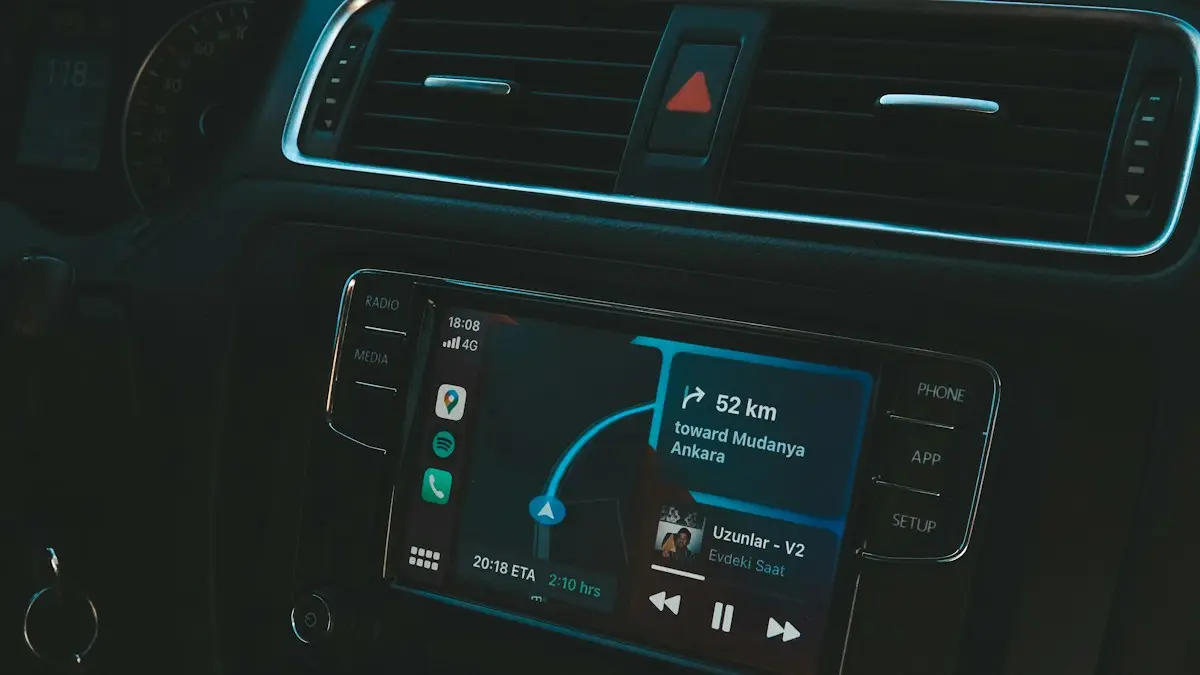
Android Auto not connecting
Android Auto not connecting to your car or keeps disconnecting? Swap the cable, check USB mode, forget the car and fix battery settings with these 10 fixes.
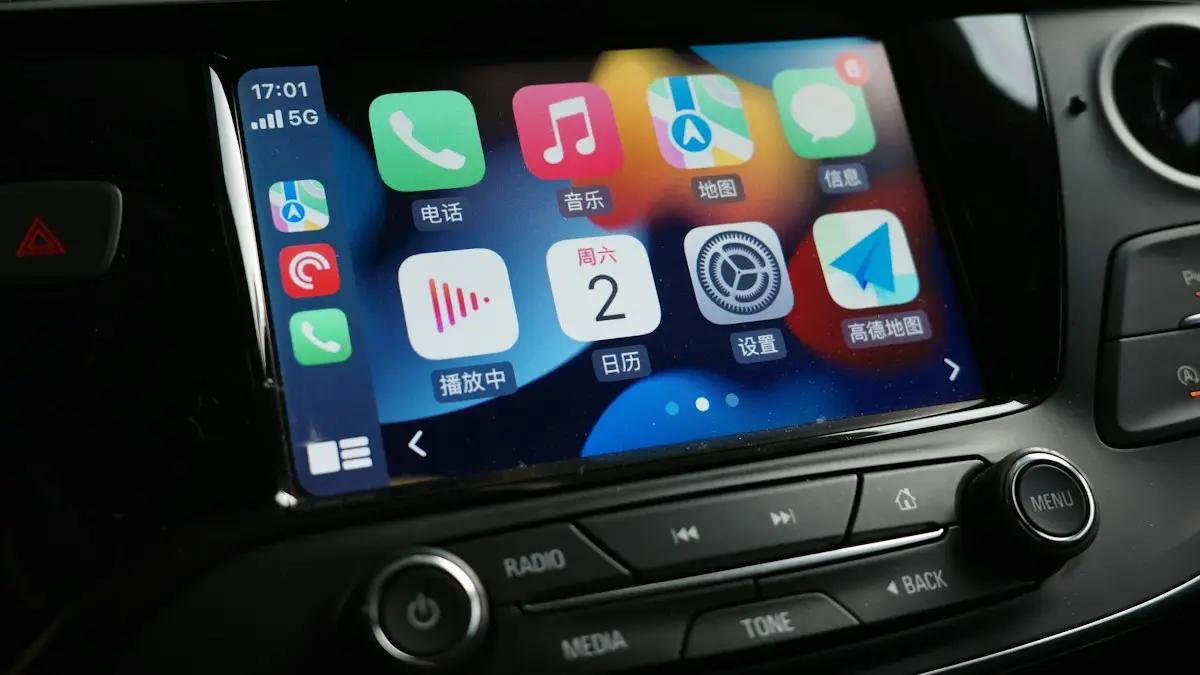
CarPlay not working
Apple CarPlay not working or not connecting? Check Siri, Screen Time, the cable and your car’s settings, then re-pair your iPhone with these 10 fixes.
CarPlay keeps disconnecting
CarPlay keeps disconnecting and reconnecting? Swap the cable, clean the port, stop your iPhone joining public Wi-Fi and try 6 more fixes for a steady link.
Bluetooth won’t connect to car
Phone Bluetooth won’t connect to your car? Forget and re-pair it on both sides, clear old devices from the car, check audio settings and try 6 more fixes.
More guides you may need
Emergency call on iPhone
Call 911 from any iPhone, even locked or with no signal: tap Emergency on the lock screen, use the Emergency SOS slider, or press the side button five times.
Pay with Google Pay on iPhone
How to pay with Google Pay on iPhone: you can't tap to pay in stores, but Apple Pay can. See what Google Pay does on iPhone and how to set up Apple Pay instead.