

Face ID says move iPhone lower? 7 fixes that work
The message means the TrueDepth camera cannot see your face properly. Dirt or a screen protector often causes it, and sometimes damage.
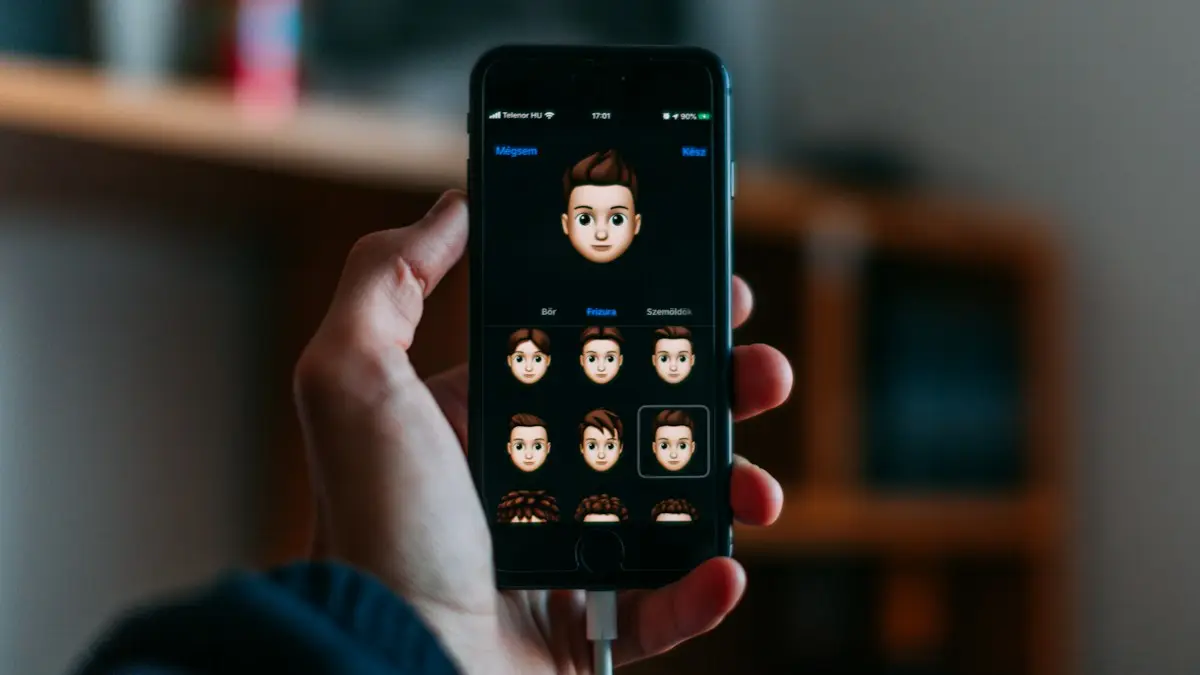
Photo by Szabo Viktor on Unsplash
The fix
7 fixes, in order
- 1
Hold the phone at arm’s length, in portrait, and look straight at it.
- 2
Clean the camera area.
Wipe the notch or Dynamic Island with a soft, dry cloth.
- 3
Remove the screen protector and case.
A thick or misaligned protector can cover the sensors.
- 4
Restart your iPhone.
- 5
Update iOS.
- 6
Reset Face ID.
Settings › Face ID & Passcode › Reset Face ID, then set it up in good light.
- 7
Book a repair with Apple.
What does move iPhone lower mean?
Face ID uses the TrueDepth camera system, which projects thousands of invisible dots on your face and reads them to build a depth map. The message tells you the phone cannot get a clean read from where you hold it. It may say Move iPhone lower, Move iPhone higher, Move iPhone farther away or Camera covered. It is guidance about distance and angle in most cases, but if it never goes away it can point to dirt, a blocked sensor or damage.
The right way to hold your iPhone
- Hold the phone about 10 to 20 inches from your face, around arm's length.
- Look at the screen, with your eyes open and your face fully visible.
- Keep the front camera area clear of fingers, hair, a hat brim or the case.
- Avoid very bright sunlight directly behind you, which can confuse the camera.
- Use Face ID in portrait on most models. Newer models also work in landscape.
Many people hold the phone too close or too low, for example lying in bed, and fix it by lifting the phone to eye level.
Face ID settings that can cause problems
Open Settings › Face ID & Passcode. Turn on Require Attention for Face ID only if you want the extra security, because it needs you to look at the phone with your eyes open. If you wear sunglasses, some lenses block the infrared light, and Face ID will fail. You may need to turn off Attention for a pair of sunglasses, or take them off. If you added a mask setup, check Face ID with a Mask, which needs iOS 15.4 or later and an iPhone 12 or newer. Hats, scarves or heavy make-up changes can also make a difference.
Check for dirt, protectors and damage
Wipe the notch or Dynamic Island with a soft, dry cloth. Remove the case and screen protector and test again. A cheap protector with a thick border can cover part of the sensors. After a drop, look for hairline cracks near the top of the glass. A cracked glass or a bent frame can shift the sensor. If the problem began right after a drop or water exposure, go straight to repair. See Face ID not working for the wider list of causes.
Reset and set up Face ID again
Go to Settings › Face ID & Passcode, enter your passcode and tap Reset Face ID. Then tap Set Up Face ID, and move your head in a slow circle twice in good light. Take off hats and glasses if the setup fails. Try the setup near a window with no direct sun. If setup fails with a message that Face ID is not available, the phone has detected a hardware fault, and only a repair will fix it.
Update iOS and restart the phone
A restart clears many bugs, and updates include fixes for the camera and sensors. Install the latest iOS from Settings › General › Software Update. See how to update your iPhone. Free up some storage if the update does not fit. If you cannot update because Face ID blocks your passcode screen, use your passcode, which always works.
Use your passcode in the meantime
You can always unlock with your passcode. Set a strong six digit or longer passcode, and use it for apps that depend on Face ID, such as banking apps and Apple Pay. If Face ID is broken for good, you can turn it off for individual features in the Face ID & Passcode menu so apps ask for a passcode instead. Do not tape or hack the sensor.
Repair options and cost
Face ID parts are tied to the phone, so a third-party repair can break the feature. Apple or an authorized provider can check the TrueDepth camera and tell you the cost. If you have AppleCare+, damage may be covered with a fee. Compare the repair cost with trade-in value or a new phone before you decide. If the phone is old and the battery is worn too, see whether a battery replacement is worth it.
Face ID with glasses, masks and a new look
Face ID learns your face and can adapt to gradual changes such as a beard or new glasses. A big change can cause problems, for example a heavy beard that was not there at setup, a face covering or sunglasses. Take off sunglasses, and many clear glasses work fine. If you change your look a lot, set up an alternate appearance in Settings › Face ID & Passcode › Set Up an Alternate Appearance. Mask settings depend on your iPhone model and iOS version.
When it happens only in some places
- In bed or on a desk: the phone is too low or too close. Lift it to eye level.
- In a car: a phone in a mount may sit at a bad angle. Move the mount.
- In sun: strong infrared light from the sun can interfere. Shade the phone with your hand.
- With a case: some cases with raised edges cover the sensors. Try without.
What changes after an iOS update
Updates sometimes recalibrate the camera, and many people see the message once or twice right after. If it continues after a day, restart the phone and reset Face ID. Apple fixes sensor problems in updates, so install the newest version from Settings › General › Software Update.
Which iPhones have Face ID?
Face ID is on iPhone X and all later models except the iPhone SE models, which have a Home button. If you have a model with a Home button, you use Touch ID and will not see this message. Model details are in Settings › General › About, where the model name is shown. If you are unsure whether your phone has Face ID, check there.
When the message appears right after you wake the phone
If it only appears when you raise the phone, the attention check may be too strict. Open Settings › Accessibility › Face ID & Attention and turn off Require Attention for Face ID, as a test. That setting makes you look at the phone with open eyes. Turning it off is less secure but helps people with vision conditions, and you can turn it back on later. Also check Raise to Wake in Settings › Display & Brightness, and turn it off if the screen wakes while the phone is moving.
Check the front camera and photos too
Open the Camera app and switch to the front camera. If the selfie camera is blurry, dark or blocked, the TrueDepth camera may be affected. A smudged lens, a cracked glass or a stuck dot-projector can show up here. If the selfie camera looks fine and Face ID still fails, the dot projector or infrared camera may be the problem, which only a repair can fix.
What a repair involves
A technician checks the TrueDepth parts, runs diagnostics and replaces the damaged module. Apple notes that Face ID parts are matched to the phone, and a repair that does not keep the pairing can disable Face ID. Ask whether the repair keeps Face ID working and whether the work has a warranty. Back up your iPhone before the visit. See how to back up an iPhone.
Frequently asked questions
Why did this start after I dropped my iPhone?
A drop can shift or damage the TrueDepth parts behind the notch or Dynamic Island. If cleaning and a reset do not help, it needs repair.
Can a third party shop fix Face ID?
Usually only Apple or an authorized provider can, because the parts are paired to the iPhone. Get a quote from Apple first.
Why does Face ID say move iPhone lower in the dark?
In very dark rooms, Face ID still works because it uses infrared. If it fails, the issue is usually distance, a blocked sensor or damage, not the light.
Can I turn off the move iPhone lower message?
No. It is a guide that appears when the camera cannot read your face. Fix the cause: hold the phone farther away, clean the camera and test with no case.
People also ask
What does “Face ID is not available” mean?
It usually means the iPhone cannot talk to the TrueDepth camera. If a restart does not clear it, it is a hardware problem, often after a drop, water damage or a screen repair.
Read the full guide: Face ID not workingCan I negotiate my phone bill?
Often, yes. Call your carrier, say you are thinking of switching, and ask what they can offer. Retention teams sometimes have loyalty discounts or better plans that are not advertised.
Read the full guide: Lower your phone billHow long does it take for the liquid detected alert to go away?
Apple says to wait at least 30 minutes before trying again, and that it can take up to 24 hours for the port to dry fully. Leave the iPhone in a dry place with some airflow in the meantime.
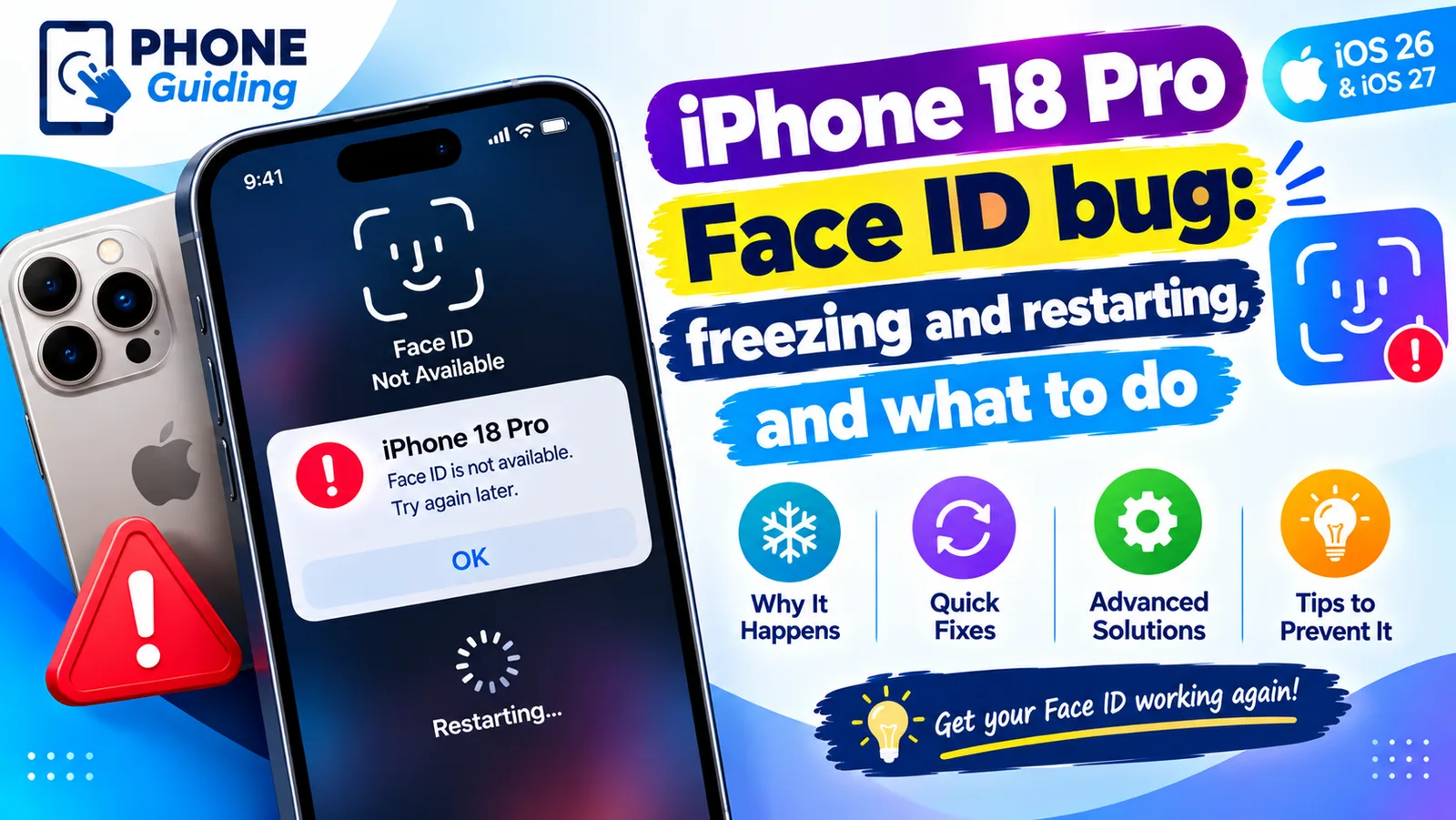
Read the full guide: iPhone liquid detectedIs the iPhone 18 Pro Face ID problem hardware or software?
Apple fixed it with software in iOS 27.0.1, so for most people no repair or replacement should be needed. If Face ID still fails or the phone still restarts after installing the update, ask Apple to run diagnostics.
Read the full guide: iPhone 18 Pro Face ID bugRelated guides
Face ID not working
Face ID not working or saying “Face ID is not available”? Learn what the message means and try 10 fixes, from cleaning the camera to resetting Face ID.
Lower your phone bill
Lower your phone bill with 12 proven ways: right-size your plan, use autopay discounts, remove add-ons, ask for loyalty deals or switch to cheaper prepaid.
iPhone liquid detected
iPhone liquid detected alert even when it is dry? Learn why it happens, how long to wait, when Emergency Override is safe and 7 fixes to charge again.
iPhone 18 Pro Face ID bug
iPhone 18 Pro or Pro Max freezing and restarting after Face ID fails? Here is what triggers the bug, a safe workaround, and the iOS 27.0.1 update that fixes it.
More guides you may need
iPhone contacts missing
iPhone contacts missing or disappeared? Check your Lists, iCloud and Gmail sync, then restore contacts from iCloud.com or a backup. 7 ways to get them back.
iPhone Duo apps not optimized
iPhone Duo apps not optimized? See why some apps sit in a small centered window, what you can and can't fix, and how to check and update your apps.