

iPhone 18 Pro Face ID bug: freezing and restarting, and what to do
A software bug makes some iPhone 18 Pro and Pro Max phones freeze and restart after a failed Face ID scan inside an app. Apple fixed it in iOS 27.0.1.
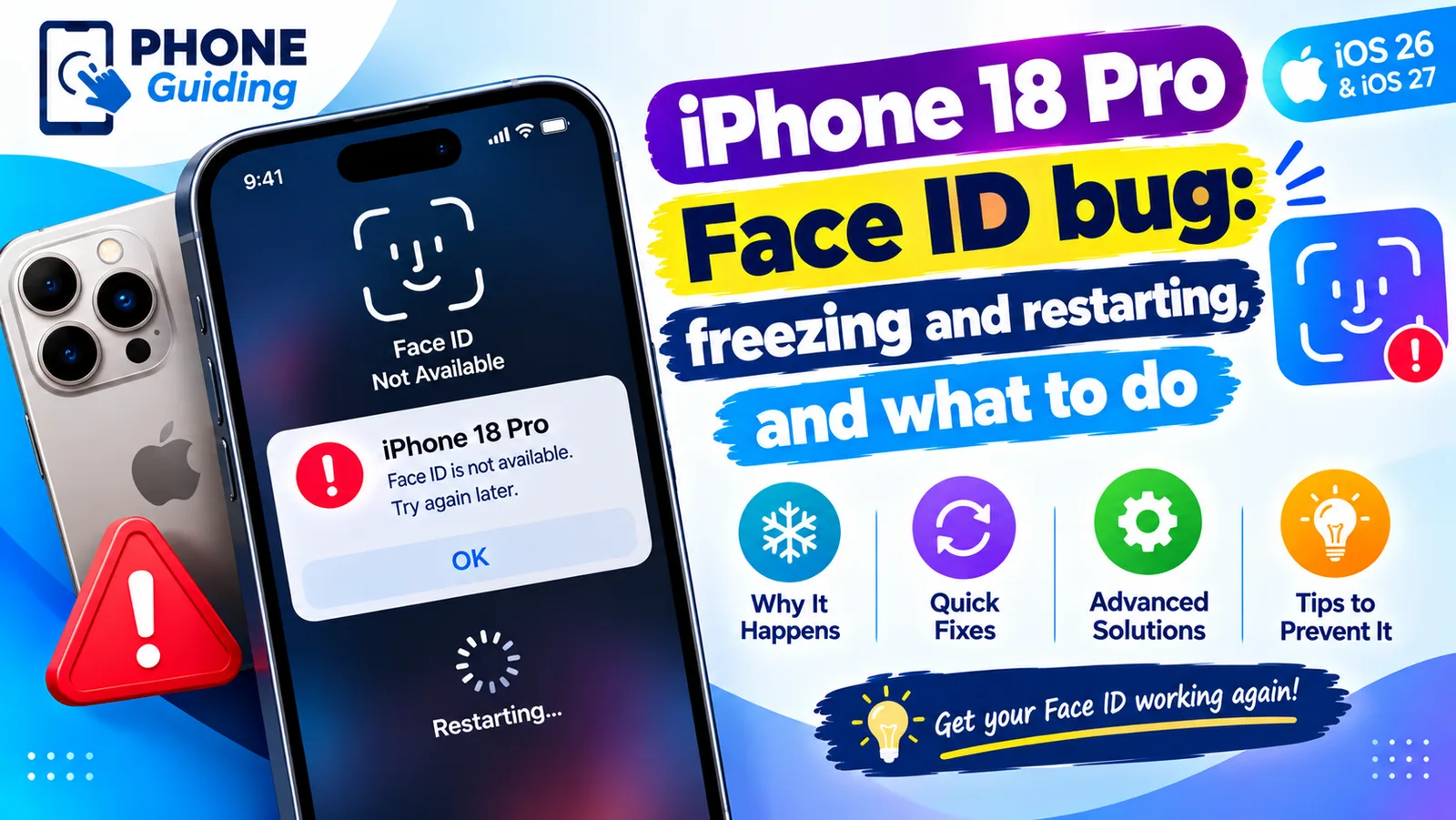
If your brand new iPhone 18 Pro or iPhone 18 Pro Max froze and restarted while you were opening an app with Face ID, you are not alone, and your phone is very likely not faulty. Here is what is going on, what you can do today to avoid it, and how to make sure the fix is installed. Apple released the fix in iOS 27.0.1 on September 28, 2026. This page was last checked on October 11, 2026.
What is the iPhone 18 Pro Face ID bug?
Shortly after the iPhone 18 Pro went on sale, owners began reporting the same pattern on Reddit and Apple’s forums: Face ID fails, the screen stops responding to touch for a few seconds, and then the iPhone restarts by itself and returns to the Lock Screen. 9to5Mac reproduced it on its own iPhone 18 Pro, and Apple then confirmed to 9to5Mac that it was working on a software fix, which arrived in iOS 27.0.1.
- Models: iPhone 18 Pro and iPhone 18 Pro Max running iOS 27.
- Symptom: the phone freezes after a failed Face ID scan, then restarts on its own within seconds.
- Scope: not every owner is affected, and Apple has not said how many phones are.
- Data: no one has reported lost data. The phone restarts normally and asks for your passcode once.
What triggers the freeze and restart
The bug does not usually happen when you unlock the phone from the Lock Screen. It happens when Face ID is used inside an app and the first scan fails. The most commonly reported places are:
- The Passwords app, when it asks for Face ID before showing your saved passwords.
- Private browsing tabs in Safari, which are locked behind Face ID.
- Apps you locked yourself with Require Face ID, and hidden apps.
- Some reports also mention Apple Pay and the Wallet app, especially when a payment takes too long and times out.
The key step is what happens next. When the scan fails, the iPhone offers Try Face ID Again. Tapping that button is what most often freezes the phone. 9to5Mac triggered the bug on purpose by covering their face during a scan in a locked app and then tapping Try Face ID Again.
Is it hardware or software?
The iPhone 18 Pro and Pro Max have a redesigned, smaller Face ID system. The infrared camera now sits under the display, near where the time appears in the status bar, which is what makes the smaller Dynamic Island possible. Because the problem appeared together with this new hardware, some owners worried their phone was faulty.
Apple’s answer points to software. It told 9to5Mac a software update would fix the issue, and reports describe the crash as a kernel panic, which is a system software crash that forces a restart. One owner said an Apple diagnostic flagged their phone as faulty, so Apple may still replace a small number of units, but for most people the update should be enough.
What to do if you have not installed the fix yet
The fix
Avoid the restart today
- 1
Do not tap Try Face ID Again.
When Face ID fails inside an app, tap Enter Passcode or Cancel instead. Typing your passcode opens the app without triggering the freeze.
- 2
Give Face ID a clear view the first time.
Most failures happen when your face is partly covered, the phone is at an odd angle, or you are looking away. Hold the iPhone about 10 to 20 inches from your face, look at the screen, and keep the top-left corner of the display clear of fingers.
- 3
Remove a matte or privacy screen protector to test.
With the infrared camera now under the display, some owners suspect matte and privacy protectors interfere with the scan. It is not confirmed, but if you use one and Face ID fails often, try a day without it. A clear glass protector made for the iPhone 18 Pro is the safest choice.
- 4
If the phone freezes, let it restart.
It restarts on its own within seconds. Enter your passcode once and carry on. Apple says affected users can keep using the phone this way, although the restart can happen again after another failed scan.
- 5
If it stays frozen, force restart it.
Press and release volume up, press and release volume down, then press and hold the side button until the Apple logo appears. This does not delete anything.
The fix: iOS 27.0.1 (released September 28, 2026)
Apple released iOS 27.0.1 on September 28, 2026. Its release notes list this fix: iPhone 18 Pro and iPhone 18 Pro Max may unexpectedly restart when Face ID fails to authenticate. The same update also fixes a touchscreen freeze that could happen when Notification Center and Control Center were opened at the same time, and a color artifact in some 2x photos on a few iPhone 18 Pro models. Here is how to install it:
- 1
Back up first.
Go to Settings › your name › iCloud › iCloud Backup and tap Back Up Now. A new phone often has not made its first backup yet.
- 2
Check for the update.
Go to Settings › General › Software Update. If it already says iOS 27.0.1, you have the fix. If it says iOS 27 is up to date, check again later; updates roll out over several hours.
- 3
Install it on Wi-Fi and a charger.
Tap Update Now. The phone restarts once to finish. A point update usually takes 10 to 20 minutes.
- 4
Turn on automatic updates.
In Software Update, tap Automatic Updates and turn on iOS Updates and Security Responses, so any follow-up fix installs overnight.
After updating, open Settings › General › About and check that the iOS version is 27.0.1 or later. Then test Face ID in the place that crashed before, such as the Passwords app. If Face ID works, or fails without freezing, the fix is in place.
Other early iPhone 18 Pro problems
- Touch stops responding: Apple says iOS 27.0.1 fixes a touchscreen freeze when Notification Center and Control Center are opened at the same time. If your touch problem is different, it may have another cause.
- Face ID is Not Available during setup: a few owners saw this message when setting up. Restart the phone and try setting up Face ID again in Settings › Face ID & Passcode. If it persists after the update, contact Apple.
- Face ID unlocks without eye contact: some owners say the phone unlocks even with Require Attention for Face ID turned on. Check that setting is on and wait for the update.
Early bugs like these are common in the first weeks after a new iPhone and a major iOS release, and Apple usually fixes them in the first point updates, as it did here. If your phone restarts at other times, not after Face ID, the cause is something else; see our guide to an iPhone that keeps restarting.
Still happening after the update?
If the phone still freezes or restarts after Face ID once iOS 27.0.1 is installed, the problem may be the hardware after all. Contact Apple Support through the Apple Support app or visit an Apple Store, which can run diagnostics on the Face ID system. Mention that you have already installed the fix.
- Apple’s standard US return window is 14 days. If you are still inside it, you can ask for an exchange rather than a repair.
- If you bought from a carrier or retailer, their return policy applies, and it may be shorter or longer.
- You can add AppleCare+ within 60 days of buying the iPhone. It covers accidental damage and makes future repairs much cheaper.
For Face ID problems that do not involve restarts, such as Face ID simply failing to recognize you, our general guide to fixing Face ID that is not working covers every setting and cause.
Frequently asked questions
Is the iPhone 18 Pro Face ID problem hardware or software?
Apple fixed it with software in iOS 27.0.1, so for most people no repair or replacement should be needed. If Face ID still fails or the phone still restarts after installing the update, ask Apple to run diagnostics.
Does the bug affect the iPhone 18 or iPhone Air?
Reports so far come from iPhone 18 Pro and iPhone 18 Pro Max owners. Those two models have the new, smaller Face ID system with the infrared camera under the display.
Will resetting Face ID fix the restarts?
Not reliably. Some owners reset Face ID and saw the restarts come back. Because the cause was a software bug, iOS 27.0.1 is the real fix, and resetting only means setting Face ID up again.
Can I return my iPhone 18 Pro because of this?
Apple’s standard US return window is 14 days from delivery or purchase. If the update does not solve the problem and you are still inside that window, you can return or exchange it. Carriers and other retailers set their own return periods.
What to try next
People also ask
What does iOS 27.0.1 fix?
Apple's notes list three fixes: unexpected restarts after a failed Face ID attempt on iPhone 18 Pro and Pro Max, a color artifact in some 2x photos on some iPhone 18 Pro models, and a touchscreen that could become unresponsive when Notification Center and Control Center were opened together.
Read the full guide: iOS 27.0.1 updateWhich iPhone 18 Pro camera has variable aperture?
Apple describes it on the new 48MP Fusion Main camera only. The Ultra Wide and Telephoto cameras do not have it in Apple's description.
Read the full guide: iPhone 18 Pro apertureWhy did this start after I dropped my iPhone?
A drop can shift or damage the TrueDepth parts behind the notch or Dynamic Island. If cleaning and a reset do not help, it needs repair.
Read the full guide: Face ID move iPhone lowerWhat does “Face ID is not available” mean?
It usually means the iPhone cannot talk to the TrueDepth camera. If a restart does not clear it, it is a hardware problem, often after a drop, water damage or a screen repair.
Read the full guide: Face ID not workingRelated guides
iOS 27.0.1 update
iOS 27.0.1 is a bug-fix update. See the three fixes Apple lists, which iPhones they help, how to install it and whether you should update now.
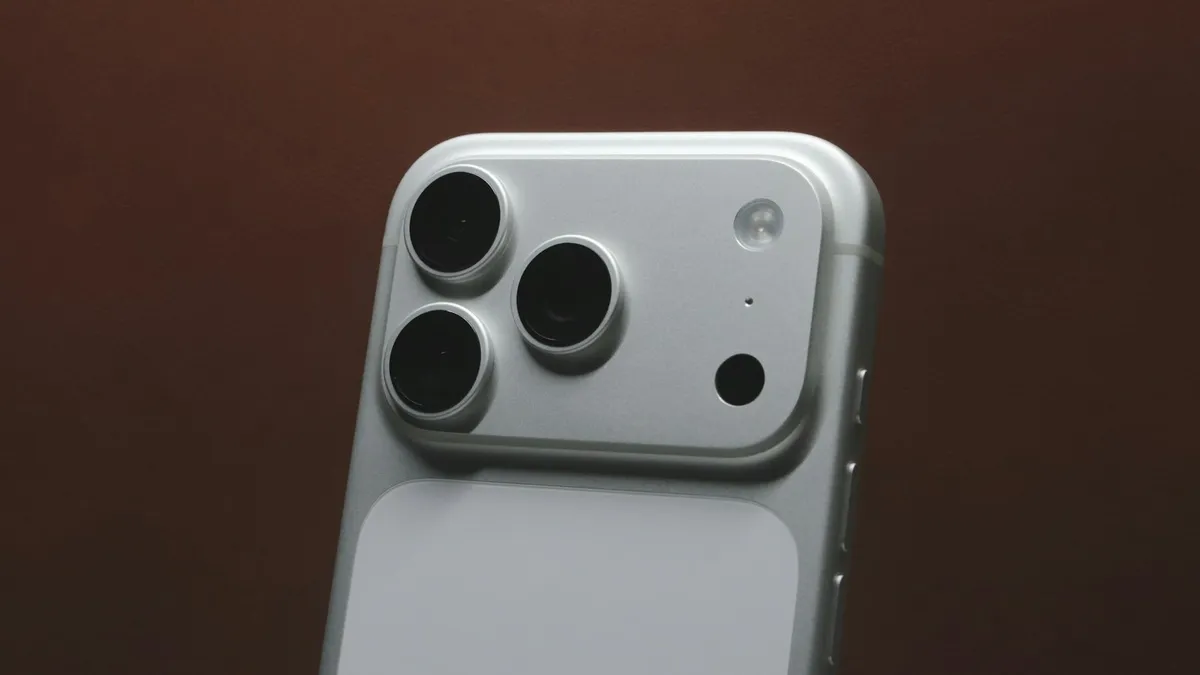
iPhone 18 Pro aperture
iPhone 18 Pro aperture explained: how the variable aperture works, where to change it in Camera and when to use f/1.48, f/1.8 and f/4. Official steps.
Face ID move iPhone lower
Face ID keeps saying move iPhone lower or higher? Clean the camera area, remove the screen protector, restart and reset Face ID, then know when it is hardware.
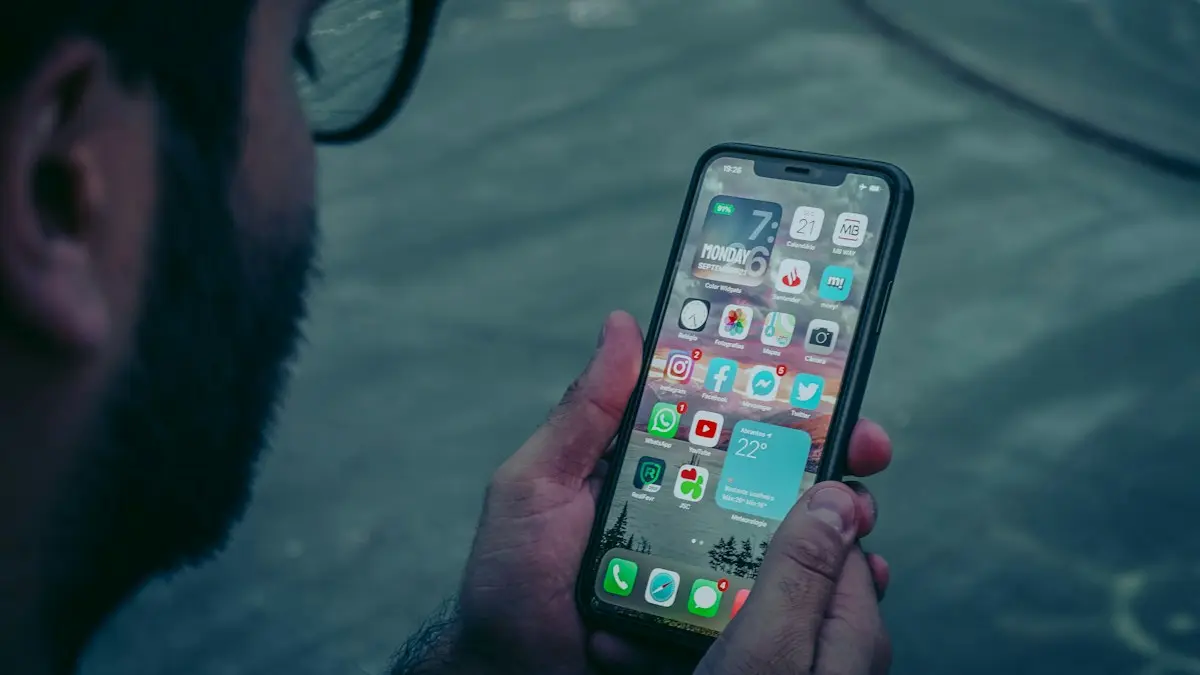
Face ID not working
Face ID not working or saying “Face ID is not available”? Learn what the message means and try 10 fixes, from cleaning the camera to resetting Face ID.
More guides you may need
iPhone camera unknown part
iPhone camera unknown part message after an update or repair? Learn what Unknown, Genuine and Used mean, how to check, and when it is worth fixing.

iPhone contacts missing
iPhone contacts missing or disappeared? Check your Lists, iCloud and Gmail sync, then restore contacts from iCloud.com or a backup. 7 ways to get them back.