

Google Wallet loyalty cards missing? 6 places to look
A loyalty card can vanish because it was archived, the account changed, an email was deleted or app data was cleared. Google's help pages explain each one, and iPhone users should read the first note.

Photo by Vitaly Gariev on Unsplash
You walk up to the register, open Google Wallet to scan your store card, and it is not there. You are sure you added it. Most of the time the card has not been lost for good. It is hiding in one of six places.
The fix
6 places to look, in order
- 1
Check Archive passes.
Open Google Wallet, tap View more, tap View more passes, scroll to the bottom and tap Archive passes. Google says archiving moves a pass to a separate section but does not remove or delete it.
- 2
Use search.
Tap View more, then the search bar. Google says archived passes appear at the bottom of search results.
- 3
Check you are on the right Google Account.
Cards are stored in your Google Account. Open Wallet, and check the account in the top corner. Switch to the account you used to add the card.
- 4
Reinstall and sign in, if you removed the app.
Google says that if you uninstalled the app, your gift cards and loyalty programs are still stored in your Google Account. Reinstall Wallet and sign in with the account you used before.
- 5
Look for the Gmail email.
Cards added from Gmail are removed if the email is deleted. Deleted emails stay in the trash for 30 days. If you still have the email, you can add the card again with the Google Wallet app.
- 6
Add the card again.
If a reset or cleared data removed it, tap the plus button in Wallet, tap Loyalty card, find the merchant and add it. If you cannot find the merchant, Google says that merchant is not supported.
Why a loyalty card disappears
Google's Loyalty cards page lists the reasons. A card can disappear if you did a factory reset of the device, removed your Google Account from the device, or cleared all data from Google Play services or Google Wallet. After any of those, Google says to use your cards in Google Wallet you must add them to the app again. That last sentence matters. If you cleared storage to fix another problem, you may have wiped your cards at the same time.
| What happened | What it does to the card | What to do |
|---|---|---|
| You archived it | Hidden in Archive passes | Unarchive from Settings |
| You uninstalled the app | Cards stay in your Google Account | Reinstall, sign in again |
| Factory reset | Removed from the phone | Add the card again |
| Removed the Google Account from the phone | Removed | Sign back in, then add again if needed |
| Cleared Play services or Wallet data | Removed | Add the card again |
| Gmail email deleted | Cards added from Gmail are removed | Restore the email, add the card again |
How to find and restore archived passes
Archiving is easy to do by accident, because the Archive button sits next to Remove. Google's steps for finding archived cards are: open Google Wallet, tap View more, tap View more passes, then scroll to the bottom of the page and tap Archive passes. To bring a card back, open it, tap Settings, then tap Unarchive.
While you are in Settings, note the difference between Archive and Remove. Google says removing a card from Google Wallet does not affect its balance, only its presence in the app. A different Google page also says that removing a pass tied to your Google Account on one device removes it on all of your devices. So if someone in the family cleaned up the Wallet app on a shared account, that could explain a card vanishing from your phone too.
A new phone without your cards
Google says gift cards and loyalty programs are stored in your Google Account, so signing in on a new phone usually brings them back. We found no Google page that promises every card will sync, and one help page says some passes and cards can only be saved to one device. If a card is missing after a move, sign in with the same account, check Archive passes, and then add the card again. For help moving the rest of your data, see our guide on restoring an Android phone from a backup.
Cards the store controls
Some loyalty cards come from a store's app, website or an "Add to Google Wallet" button, and the store decides how they work. Google's page says that if you cannot find the merchant when you search the app, the merchant is not supported. For errors when saving a pass, Google's page says to contact the pass issuer. If a store card keeps vanishing and the steps above do not help, the loyalty program's own support can tell you whether the card still exists on their side and can re-send it.
Loyalty cards and gift cards are not the same as payment cards
Google's page covers loyalty cards and gift cards together, and they are stored differently from the bank cards you use to pay. Google says loyalty and gift cards stay in your Google Account, and reports say payment cards can be removed from Wallet as a security precaution. If you only lost a bank card, that is a different problem, and the fix is to add the card again from Wallet. If you lost a loyalty card, the steps in this guide apply.
Add it back from the store's app or website
If the card is gone for good, the quickest repair is to add it again. In Wallet, tap the plus button, tap Loyalty card, search for the store and follow the options on the store's page. Google lists three: scan your existing card, sign up for a new account, or find your existing account. Many stores also have an Add to Google Wallet button in their own app or website, which does the same job. Your points live with the store, not with Google, so re-adding the card should show the same balance once you sign in to the same loyalty account.
- Use "Find your existing account" when you remember the phone number or email you gave the store.
- Use "Scan your existing card" if you still have the plastic card or a screenshot of its barcode.
- If the store is missing from the search, Google says the merchant is not supported, so use the store's own app.
Before you reset your phone next time
Since a reset removes loyalty cards from the phone, take a minute before you wipe it. Check that you know which Google Account holds the cards, take screenshots of barcodes you cannot easily recover, and note the stores whose cards you rely on. After the reset, sign in with the same account, open Wallet, and check Archive passes before you add anything again. A backup of your phone helps with apps and settings, so read our guide to backing up an Android phone. Google says loyalty and gift cards are stored in your Google Account, so signing in is the step that matters most.
Check notifications too
Notifications will not bring a missing card back, but they affect how store cards behave, so check them. Google's page says to open Wallet, tap your profile picture or account, tap Wallet settings, then tap Manage Wallet notifications. We found no Google page about a card showing as "Not installed", so treat that as something stores and users report, not something Google documents.
What about a bug that wipes cards?
News and forum reports describe cards disappearing for some people, and one report says a Wallet problem on some Pixel phones was fixed on the server side in July 2026. We did not find a Google statement on it, so we cannot tell you whether it affects you. If your cards vanished with no reset, no account change and no cleared data, restart the phone, wait a day, and check again. Then re-add what is still missing. Google may fix it quietly on its servers.
If your trouble is with a different wallet, see our guides on the Samsung Wallet age error and setting up Apple Pay. And to avoid losing cards in a reset next time, read how to back up an Android phone.
Frequently asked questions
Where did my Google Wallet loyalty card go?
Check Archive passes first. Google says archiving moves a card to a separate section without removing it. Then check that you are signed in to the same Google Account.
How do I find archived passes in Google Wallet?
Open Google Wallet, tap View more, tap View more passes, scroll to the bottom and tap Archive passes. To restore a card, open it, tap Settings, then Unarchive.
Do loyalty cards come back after I reinstall Google Wallet?
Google says gift cards and loyalty programs stay in your Google Account if you uninstall the app. Reinstall it and sign in with the same account. A reset or clearing app data removes them, and you add them again.
Can I use loyalty cards in Google Wallet on iPhone?
Google's loyalty card page says loyalty and gift cards are available on Android devices only. If you use an iPhone, look at the store's own app or Apple Wallet.
What to try next
Sources
Official pages these steps are based on. Menus can differ by software version.
People also ask
What happens when Google storage is full?
Your 15 GB is shared between Gmail, Google Drive and Google Photos. When it is full, new emails are returned to the sender and you stop receiving mail until you free up space or buy more storage.
Read the full guide: Gmail not receiving emailsWhy does Gmail work in the Gmail app but not in iPhone Mail?
The Mail app connects through IMAP and your saved Google sign-in. If you changed your Google password or IMAP is off, Mail stops syncing while the Gmail app keeps working. Remove the account from Mail and add it again.
Read the full guide: Gmail not working on iPhoneCan you use Google Pay on an iPhone?
Only in limited ways. Where the app is offered you can sign in and pay online or send money, but you cannot tap your iPhone at a store terminal with Google Pay.
Read the full guide: Pay with Google Pay on iPhoneWhy does Samsung Wallet open when I swipe up?
Samsung Wallet has a Quick access gesture that opens your cards when you swipe up from the small handle at the bottom of the screen. It sits right where you swipe to go home, so it is easy to trigger by accident.
Read the full guide: Stop Samsung Wallet popping upRelated guides
Gmail not receiving emails
Gmail not receiving emails? Check Spam, All Mail and your Google storage, then fix filters, blocked addresses, forwarding and app sync with these 9 checks.
Gmail not working on iPhone
Gmail not working on your iPhone? Fix it in the iPhone Mail app or the Gmail app: re-add your Google account, turn on IMAP, change Fetch and check storage.
Pay with Google Pay on iPhone
How to pay with Google Pay on iPhone: you can't tap to pay in stores, but Apple Pay can. See what Google Pay does on iPhone and how to set up Apple Pay instead.
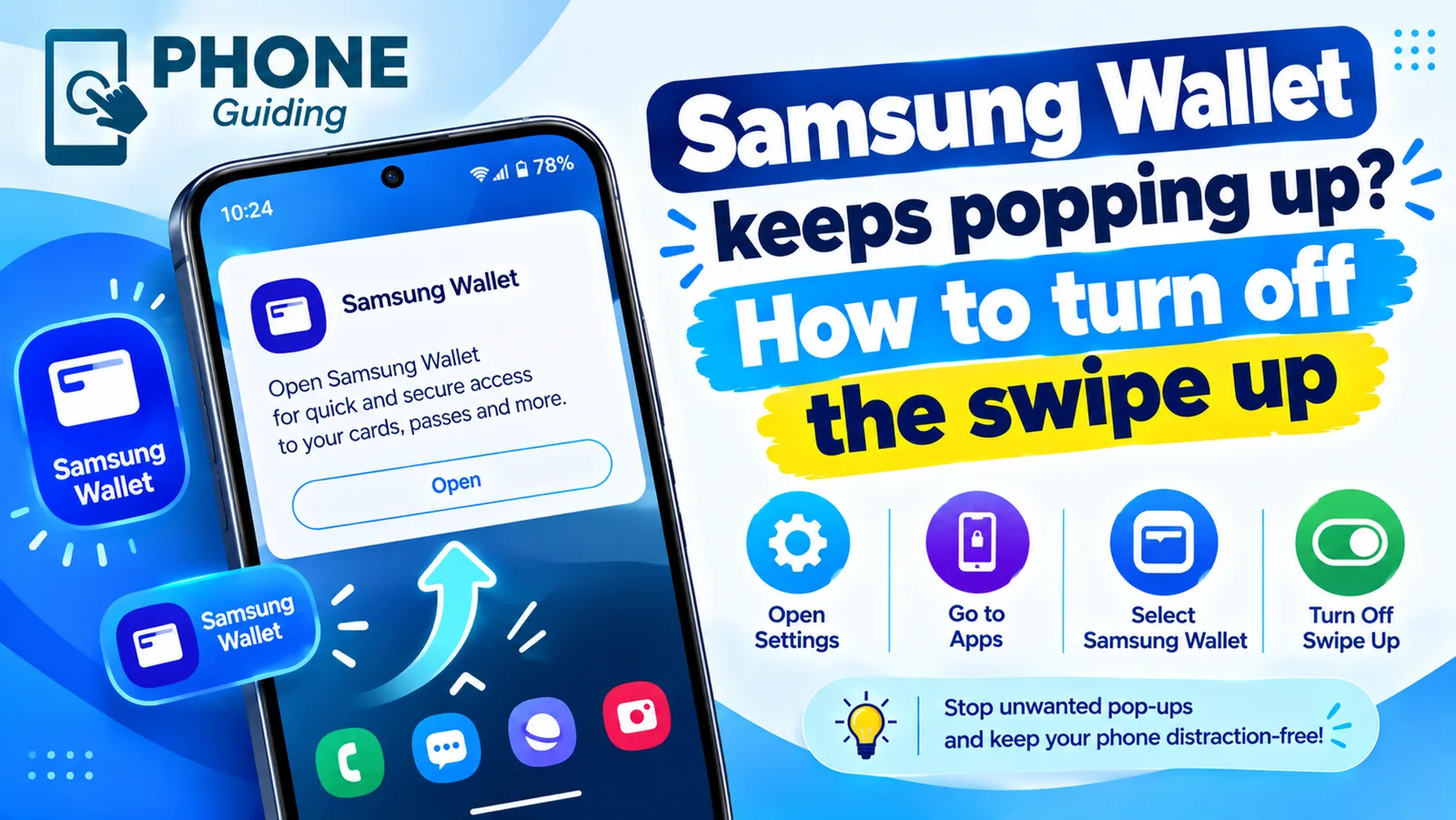
Stop Samsung Wallet popping up
Samsung Wallet keeps popping up when you swipe up? Turn off the swipe up gesture in a few taps, stop pocket triggers and switch to Google Wallet if you prefer.
More guides you may need

Samsung My FanCam
Samsung My FanCam uses Galaxy AI to follow one person in a video and crop around them. See the steps, which phones Samsung lists, the limits and why it fails.
Samsung keeps turning off
Samsung phone keeps turning off by itself, even with battery left? Check the battery in Samsung Members, remove the case, test safe mode and try 6 more fixes.