

Samsung Wallet Says You Are Too Young: Why and What You Can Do
A grown adult sees "You're too young for Samsung Wallet." The message checks the birth date on your Samsung account, and that is the first place to look.
Photo by SumUp on Unsplash
You open Samsung Wallet and a message tells you that you are too young. You are an adult. In one report on Samsung Community, a user who was 18 saw "You're too young for Samsung Wallet - you must be 21 or over," right after accepting updated terms. They had used the app without trouble before.
Samsung has no help page for this exact message, and I could not read the U.S. Wallet terms page. So this guide separates what is confirmed from what is only reported, and tells you what to check.
What is the message checking?
Samsung Wallet uses your Samsung account. The account holds a date of birth, and it can be a regular account, a minor's account or a child account managed by a parent. The Wallet app reads that data. If it says you are under the limit, the app blocks you.
What age limits does Samsung publish?
- 18 for Wallet. Samsung's Australian Wallet terms say people under 18 may not use the service unless a parent or guardian has reviewed and agreed to the terms. Samsung's U.S. Wallet privacy page also treats anyone under 18 as a minor.
- 13 for a Samsung account in the U.S. Samsung's account support pages list the United States among countries where the minimum age to sign up is 13. The age can vary by country.
- 21: not confirmed. I found no Samsung terms that state it. The only mention is the owner report above.
Reports from other countries add detail. A German user was told they were too young to add a card and that Pay requires being at least 18. An Italian reply said a Samsung account needs 18 there, while Google Wallet is available from 13. These are forum posts, not terms, so check your own country's rules.
Fix 1: Check the birth date on your Samsung account
Check the profile
- 1
Open Settings and tap your Samsung account name at the top, or go to Accounts and backup, then Manage accounts.
- 2
Open Samsung account, then Profile or Personal info.
Menu names differ by One UI version.
- 3
Find the Date of birth.
A wrong day, month or year is the most likely cause. A typo from years ago can sit there unseen.
- 4
Correct it if the field is editable and save.
If the field is greyed out, Samsung has locked it. Go to Fix 4.
Fix 2: Check the account type
If a parent created the account for you, it can be a managed or child account with its own limits. A message that mentions parental permission points here. Ask the parent or the family organizer to review the account in the Samsung account settings, or sign in to Wallet with an adult Samsung account.
Fix 3: Refresh the app and the sign-in
- Open the Galaxy Store, search for Samsung Wallet and install any update.
- Restart the phone.
- Go to Settings, Accounts and backup, Manage accounts, tap your Samsung account and choose Sign out. Sign back in, then open Wallet.
- Open Settings, Apps, Samsung Wallet, Storage and choose Clear cache. The only reply on the UK thread said to delete and reinstall the app, which is not confirmed to fix it.
Fix 4: Contact Samsung with the details
If the birth date is correct and the app still blocks you, or the field is locked, it needs Samsung. Open the Samsung Members app, choose Get help, and send a screenshot of the message, your phone model, One UI version and the date you accepted new terms. This is also how Samsung asks you to report card problems, such as an unsupported card.
Reports of the 21 message do not show a Samsung reply, so no fix is confirmed. A clear report from several users is how bugs get picked up.
Fix 5: Pay another way while you wait
- Google Wallet. Works on Samsung phones and has its own age rules. Check them for your country.
- Your bank's app. Many banks offer their own tap to pay or a virtual card.
- A physical card. Still works at every terminal.
Which fix fits your situation?
- Your birth date is wrong: correct it, or ask Samsung if it is locked.
- The account was made by a parent: review it with them or use an adult account.
- It began after new terms: update the app, sign out and in, then report it to Samsung.
- You are under the limit in your country: use Google Wallet or a bank app if their rules allow.
- Nothing helps: contact Samsung Members with a screenshot.
Frequently asked questions
Why does Samsung Wallet say I am too young?
Samsung Wallet checks the age tied to your Samsung account. If the birth date on the account is wrong, or the account belongs to a minor or a child account, the app can refuse to open or add cards.
What is the minimum age for Samsung Wallet?
Samsung's Wallet terms for Australia set the line at 18, with parent or guardian approval for minors. The U.S. Wallet privacy page also treats anyone under 18 as a minor. I could not read the U.S. terms page itself, so check it on samsung.com/us.
Why does it say I must be 21?
One UK owner reported the message after accepting updated terms, even though they were 18 and read the terms as saying 18. I found no Samsung terms that state 21, so I cannot confirm that figure. Treat it as a possible bug and contact Samsung.
Can I change my birth date on my Samsung account?
Sometimes you can edit it in your Samsung account profile. Samsung may lock it after it is set or verified. If it is locked, you need Samsung support to correct it.
Is there another way to pay with my phone?
Yes. Google Wallet, your bank's own app or a physical card all work. Age rules differ by country and by service, so check the terms for your region.
What to try next
People also ask
Why does Samsung Wallet open when I swipe up?
Samsung Wallet has a Quick access gesture that opens your cards when you swipe up from the small handle at the bottom of the screen. It sits right where you swipe to go home, so it is easy to trigger by accident.
Read the full guide: Stop Samsung Wallet popping upWhat does "authentication required" mean on a Galaxy Watch?
It means an app on the watch that uses your Google account, such as the Play Store, Gmail or Wallet, no longer has a valid sign-in. The watch needs to confirm your account again before the app works.
Read the full guide: Galaxy Watch authentication requiredWhy does Samsung Pay keep opening on my Galaxy Watch?
On current Galaxy Watch models, pressing and holding the Back button opens Samsung Wallet, which older guides call Samsung Pay. If the button sticks or is pressed by your strap, sleeve or case, the watch keeps launching it.
Read the full guide: Galaxy Watch keeps opening Samsung PayWhy is my Pixel call so quiet?
Common causes are weak mobile signal, a Bluetooth device taking the audio, a case or screen protector over the earpiece, or dirt in the speaker. Google's help page lists each as a check.
Read the full guide: Pixel call volume too lowRelated guides
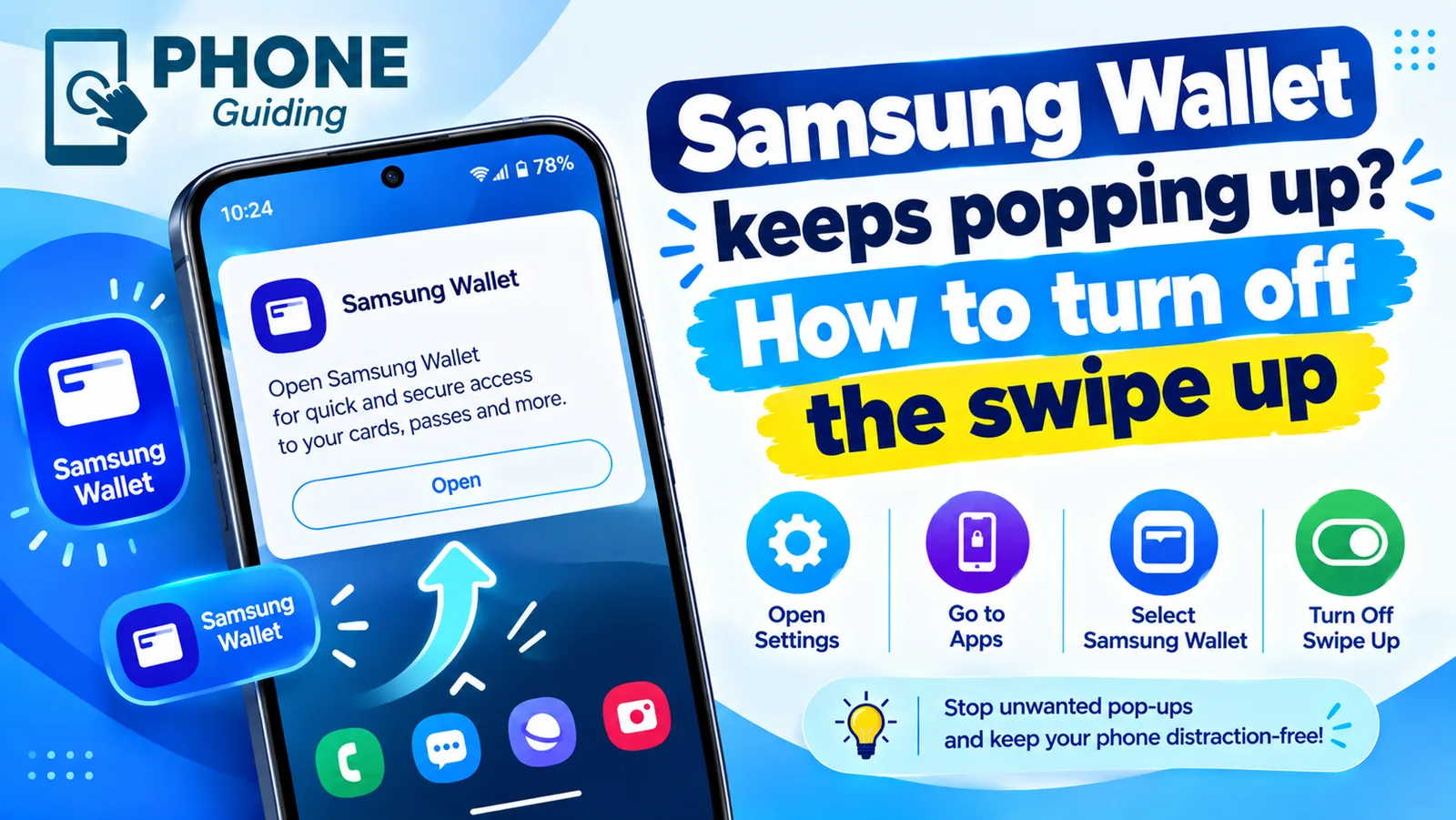
Stop Samsung Wallet popping up
Samsung Wallet keeps popping up when you swipe up? Turn off the swipe up gesture in a few taps, stop pocket triggers and switch to Google Wallet if you prefer.
Galaxy Watch authentication required
Galaxy Watch says authentication required in Play Store, Gmail or Wallet? It lost its Google sign-in. Remove and re-add your account from the phone to fix it.
Galaxy Watch keeps opening Samsung Pay
Samsung Pay or Wallet keeps opening on your Galaxy Watch? A pressed or failing Back button is the usual cause. Check the button first, then the apps list.
Pixel call volume too low
Pixel call volume too low or the caller sounds quiet and unclear? Check signal, Bluetooth, Wi-Fi, the case and the speaker with Google's own steps. 8 fixes.
More guides you may need
Samsung keeps turning off
Samsung phone keeps turning off by itself, even with battery left? Check the battery in Samsung Members, remove the case, test safe mode and try 6 more fixes.
Samsung vibrating for no reason
Galaxy phone buzzing with no call or message? Turn off the settings that cause random vibration, test in Safe Mode and learn when the motor is the problem.