

How to set up an iPhone for a child (with parental controls)
With Family Sharing you set the child’s iPhone up from your own and manage it later from your phone.
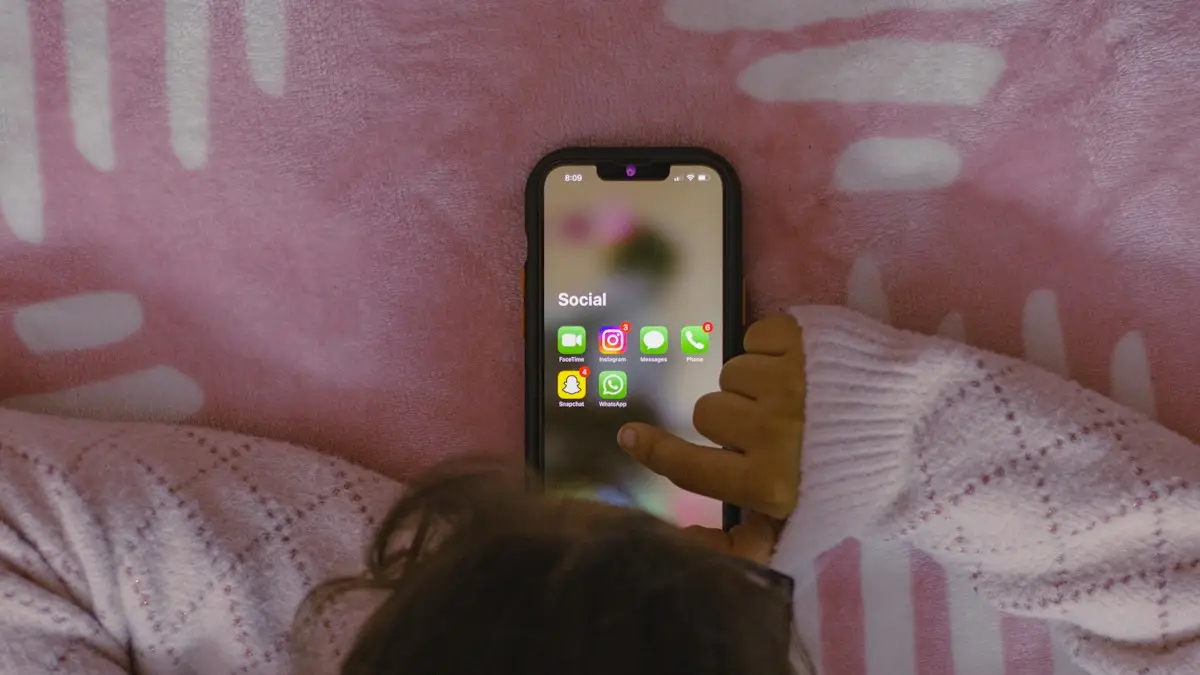
Photo by Sanket Mishra on Unsplash
The fix
Set it up
- 1
Update your iPhone and turn on Bluetooth.
- 2
Turn on the child’s iPhone and hold it near yours.
- 3
Choose to set it up for a child in your family.
- 4
Pick your child, or tap Create New Child Account.
- 5
Turn on the parental controls shown during setup.
Settings worth turning on
- Ask to Buy: you approve every download and purchase.
- Downtime and App Limits: set bedtime and daily limits.
- Communication Limits: choose who they can call and text.
- Content & Privacy Restrictions: filter websites, music and apps by age.
Before you start: what you need
Setting up an iPhone for a child goes more smoothly with a few things ready. You need your own iPhone with the latest iOS, an Apple Account with a payment method, Wi-Fi, and the child's iPhone charged to at least 50%. Family Sharing must be on, and you must be the organizer, which is the adult who started the family group. You also need the child's birth date, because Apple uses it to apply the right protections.
- Back up the child's old phone if they are upgrading. See how to back up an iPhone.
- Think about which apps they really need and which rules you want before you tap through setup.
- Keep your own iPhone nearby. Setup uses it for approvals and codes.
Child account or your own Apple Account?
In the US, Apple requires children under 13 to have their own child account, created by a parent in Family Sharing. A child account gives you control over screen time, purchases, contacts and content. Children 13 and older can have a regular Apple Account, but you can still put them in your Family Sharing group and apply Screen Time rules. Do not make an account with a false birth date. It removes the protections and can lock the account later.
A child account also gives you something many parents miss: the child can use iMessage, FaceTime and the App Store without you handing over your own Apple Account. Sharing your own account on a child's phone mixes your messages, photos and purchases with theirs.
Step by step if Quick Start does not appear
- On your iPhone, open Settings › [your name] › Family › Add Member › Create Child Account.
- Enter the child's name and birth date, then agree to the parental consent notice.
- Confirm your payment method with the security code on your card.
- Choose an email address for the child. Apple suggests one that ends in icloud.com.
- Pick a password and write it down in a safe place.
- Turn on the Screen Time options Apple offers, then finish.
- Turn on the child's iPhone, choose a language and sign in with the new account when the setup screens ask.
If the child's iPhone was used before, go to Settings › General › Transfer or Reset iPhone › Erase All Content and Settings and start fresh. A used phone often holds an old account that blocks the new one.
Parental controls that matter most
Screen Time. Open Settings › Screen Time on the child's phone or manage it from yours under Family. Set Downtime for bedtime and school hours, and use App Limits for games and social apps. Choose a Screen Time passcode that is different from the phone passcode, and do not tell your child. If limits stop working, see Screen Time not working.
Content & Privacy Restrictions. Under Screen Time, turn on Content & Privacy Restrictions. Set age ratings for apps, movies and music, block adult websites in Web Content, and decide whether the child can change location settings, accounts and passcodes. Turning off account changes stops a child from removing your limits.
Communication Limits. Choose who the child can call, text and FaceTime during allowed screen time and during Downtime. You can limit them to contacts only. In iOS versions with Communication Safety, the phone can blur sensitive images in Messages for children, which you can check in Screen Time.
Ask to Buy. In Family Sharing, turn on Ask to Buy for the child. Every download and purchase sends a request to your phone, and you approve or decline. It prevents surprise bills from in-app purchases and keeps free apps in check.
Location sharing and safety
Family Sharing can share locations automatically so you see your child in Find My. Open Find My and tap People to check. For details, see sharing your location on iPhone. If the location is out of date, Find My not updating location explains why. Turn on Emergency SOS and add emergency contacts and Medical ID so a helper can reach you from the Lock Screen. Teach the child how to make an emergency call.
Apps, storage and money
A child's phone fills up fast with photos and games. If you use iCloud, a family plan lets everyone share one storage allowance. Compare the monthly price with buying a larger phone. Also decide how the child will pay for things. Apple Cash Family lets you send a child money and set spending limits, and Apple Pay can be turned on later when they are old enough. If the phone is a hand-me-down, check the battery first. A worn battery is a common reason a child's phone dies at school, and replacing it costs far less than buying a new one. Read is a battery replacement worth it?.
What to change as your child grows
- Ages 5 to 8: tight limits, Ask to Buy on, contacts limited to family.
- Ages 9 to 12: allow some social and messaging apps, keep Downtime, review the app list weekly.
- Ages 13 and up: loosen limits as trust grows, keep location sharing on, and talk about safe use.
These are rules of thumb, not Apple rules. You know your child best. Check the Screen Time report every week and talk about it instead of only blocking things.
Common problems
- The Create Child Account option is missing: update iOS, and make sure you are the Family Sharing organizer.
- Ask to Buy requests never arrive: check Settings › Notifications › Family, and make sure your own iPhone is signed in.
- The child cannot message anyone: Communication Limits may be too strict. Add the contact to the allowed list.
- Limits do nothing: check that the child's iPhone is signed in with the child account and on the latest iOS.
What to do if the child already has an iPhone
You do not need to start over. If the child uses a phone with your Apple Account or a regular Apple Account, you can still move them to a child account. Open Settings › [your name] › Family, add the child as a member and follow the prompts. Apple may ask you to remove the old account from the phone first. Save photos and messages before you do this, because a new account means they begin with a fresh iCloud. Our iCloud storage guide explains what happens to full storage.
A short checklist for day one
- Set a phone passcode and add Face ID or Touch ID together with the child.
- Turn on Find My iPhone and Share My Location.
- Add your number and one other trusted adult to Contacts and Medical ID.
- Turn on Downtime and App Limits, and set the Screen Time passcode.
- Turn on Ask to Buy and decide what the child may download without asking.
- Show the child how to report a message, block a number and tell you when something feels wrong.
A talk with your child is as important as any setting. Tell them what you can see and why. Kids who understand the rules tend to follow them and come to you when something goes wrong.
Frequently asked questions
What age needs a child account?
Children under 13 in the US must use a child account created by a parent through Family Sharing.
Can I change the settings later?
Yes. On your iPhone, go to Settings › Family › your child’s name to change limits, apps and purchases.
Can I set up an iPhone for a child without a credit card?
Child accounts need a valid payment method on the organizer's account to confirm you are an adult. You can set a small limit later or use Ask to Buy so nothing is bought without your approval.
Which iPhone is best for a child?
A recent used or refurbished model with a good battery is usually enough. Check that it can still get iOS updates, and avoid very old models that no longer receive security fixes.
What to try next
Sources
Official pages these steps are based on. Menus can differ by software version.
People also ask
Is Google Family Link free?
Yes. The Family Link app is free from Google, and it works on Android and on iPhone for the parent.
Read the full guide: Parental controls on AndroidWhy won’t Screen Time turn off?
The phone is managed by a parent through Family Sharing, or a work profile controls it. Only the organizer or IT admin can turn it off.
Read the full guide: Turn off Screen TimeWhy can my child ignore Screen Time limits?
If Block at End of Limit is off, the limit only shows a warning with an Ignore Limit button. Turn it on for each limit, and set a Screen Time passcode your child does not know.
Read the full guide: Screen Time not workingCan my child still touch the screen while pinned?
Yes, they can use the pinned app normally. They just cannot leave it. On Android there is no built in touch lock like iPhone’s Guided Access.
Read the full guide: Lock Android to one appRelated guides
Parental controls on Android
How to set up parental controls on Android with Google Family Link: screen time limits, app approvals, Play Store filters, location sharing and Samsung options.

Turn off Screen Time
Turn off Screen Time on your iPhone in a few taps, reset a forgotten Screen Time passcode with your Apple Account, or turn it off for a child from your phone.

Screen Time not working
Screen Time not working, limits ignored or reports not updating? Turn on Block at End of Limit, fix the date and time, check iCloud sync and try 5 more fixes.
Lock Android to one app
Lock your Android screen to one app before handing it to a child. Turn on app pinning, pin YouTube Kids or a game, and require your PIN to unpin it.
More guides you may need
Report bugs on iOS
How to report bugs on iOS: use Feedback Assistant, Apple's feedback page or Apple Support, and learn what makes a bug report useful. Steps for any iPhone.

Set up an AirTag
Set up an AirTag with your iPhone in under a minute, name it, and use Find My to ring it, get Precision Finding directions or put it in Lost Mode.