

iMessage waiting for activation? 8 fixes that work
Activation needs an internet connection and one hidden text message. When either fails, it waits.
Photo by Brett Jordan on Unsplash
The fix
8 fixes, in order
- 1
Connect to Wi-Fi or cellular data.
- 2
Check you can send a normal SMS.
- 3
Set the time automatically.
Settings › General › Date & Time › Set Automatically.
- 4
Turn iMessage and FaceTime off.
Settings › Apps › Messages and Settings › Apps › FaceTime.
- 5
Restart the iPhone and turn them back on.
- 6
Install a carrier settings update.
Settings › General › About.
- 7
Sign out of your Apple Account and back in.
- 8
Wait 24 hours, then contact your carrier.
Why does iMessage get stuck waiting for activation?
When you turn on iMessage or FaceTime, your iPhone has to prove to Apple that the phone number and Apple Account belong to you. It does this by connecting to Apple over the internet and, in many cases, sending one hidden text message to a special Apple number. Apple's servers reply, and the status changes from Waiting for activation to your number or email address. If any step in that chain breaks, the switch stays on but the status never finishes.
The usual breakpoints are a weak connection, a wrong date and time (which makes the secure connection fail), a plan that cannot send the verification text, an old carrier settings file, or a login problem with your Apple Account. A busy Apple server can also delay things. That is why Apple tells people to wait up to 24 hours before doing anything drastic.
What to check first
- Open Safari and load a web page over Wi-Fi, then over cellular data, to confirm the internet works both ways.
- Send a normal text to a friend. If it fails with a red alert, your iPhone cannot send SMS right now, and activation cannot work either.
- Look at the top of the Messages screen. A green bubble means SMS is working. Blue bubbles need iMessage.
- Check that Airplane Mode is off and that you have at least one or two bars of signal.
If SMS fails, fix that first. Our guide to iPhone texts not sending covers the common causes, and iPhone not receiving texts helps when the reply never arrives.
Fix the date, time and region
Go to Settings › General › Date & Time and turn on Set Automatically. If it is already on, turn it off, wait a few seconds and turn it back on. A time that is off by even a few minutes can make Apple's servers reject the request. Also confirm that Settings › General › Language & Region shows the United States, or the country where your SIM was issued. If you travel often, read fixing date and time settings.
Turn iMessage and FaceTime off, then on
This is the fix that works most often. Open Settings › Apps › Messages (on older iOS versions, Settings › Messages) and turn off iMessage. Do the same for FaceTime in Settings › Apps › FaceTime. Restart the iPhone by holding the side button and either volume button, sliding to power off, then holding the side button again. Turn both switches back on and give the phone a few minutes on a stable Wi-Fi connection. Do not keep switching them on and off every few seconds, because every attempt resets the clock.
Send and receive on the right number
Under Messages, open Send & Receive. Your phone number should have a check mark next to it, and so should your Apple Account email. If your number is missing, tap Use Your Apple Account for iMessage, sign in and wait. If you have a dual SIM or an eSIM, make sure the line you want is the one selected for iMessage. A phone number that belongs to a second line is a common reason the activation text never gets sent.
Carrier settings and plan problems
Open Settings › General › About. If a carrier settings update is available, a prompt appears after a few seconds. Tap Update. Carrier files tell your iPhone how to send the activation text, so an old file can quietly block it.
Some plans cause trouble too. Prepaid plans, plans from small carriers and plans with international SMS blocked may not let the activation message go through. If you changed carriers recently, the new carrier may not have your line set up for short code texts. Call or chat with your carrier and ask two things: is my line able to send SMS to short codes, and is there a block on messages to international numbers? Apple sends the verification text to an overseas number in some regions, and carriers can charge for it if your plan lacks the right setting. Ask them to confirm there will be no charge.
Sign out of your Apple Account and back in
If iMessage is still waiting after the steps above, go to Settings › [your name] › Sign Out. Sign out, restart the iPhone, then sign back in with the same Apple Account. You may be asked for a verification code from another Apple device. If the code never arrives, see Apple Account keeps asking for password and Apple Account stuck verifying. Then turn iMessage back on.
Reset network settings as a last step
Open Settings › General › Transfer or Reset iPhone › Reset › Reset Network Settings. This removes saved Wi-Fi passwords, Bluetooth pairings and VPN settings, but it keeps your photos, apps and messages. It also clears odd cellular settings that can block the activation text. Join your Wi-Fi again afterward and give iMessage a few minutes. Back up your phone before any reset. A fresh backup takes a few minutes, and our iPhone backup guide shows how.
Still stuck? Less common causes
- A VPN or content blocker is running. Turn it off and try again.
- Your Apple Account has a hold or a security lock. See Apple Account locked.
- The iPhone has a pending iOS update. Install it, then retry.
- The SIM is damaged or not seated properly. Remove it, put it back and restart.
- You use a work or school profile that limits messaging. Ask the person who manages it.
If nothing works and the phone has a hardware fault, an Apple Store or authorized repair shop can test the SIM reader. A new SIM from your carrier is free or cheap and fixes more stuck activations than most people expect. For the wider problem of messages that will not send between iPhones, see iMessage not working.
What the status messages mean
- Waiting for activation: the phone has asked Apple to confirm your number and is waiting for the answer.
- Activation unsuccessful: Apple answered with a refusal or the request failed. Check the date, time and SMS, then try again.
- An error occurred during activation: usually a connection or sign-in problem. Turn iMessage off and on and check your Apple Account.
- Your number or email appears under Send & Receive: activation worked.
Do you need to worry about the green bubbles in the meantime?
No. While iMessage waits, your phone still sends normal SMS and MMS texts, which show as green bubbles. People can still reach you. You just lose blue bubble features such as read receipts, typing dots and full-quality photos until activation finishes. If you only need to message someone right now, a green text is perfectly fine. See why messages turn green if you want the details.
When to switch carriers or buy a new SIM
If your line cannot send the activation text even after the carrier confirms everything is on, ask for a new SIM or eSIM. If this keeps happening with one carrier, a plan from a bigger network such as AT&T, T-Mobile or Verizon usually has no trouble with Apple's verification, while some small prepaid plans do. Compare plans before you move, and keep your number by asking the new carrier to port it.
Frequently asked questions
How long does iMessage activation take?
Usually minutes, but Apple says it can take up to 24 hours.
Why does activation need SMS?
Your iPhone sends a hidden text to Apple to verify your number. Plans without SMS, or with a blocked short code, stop it. Your carrier can check.
Will I be charged for the activation text?
Possibly, on a plan without SMS or with international texts blocked. Ask your carrier before you try again, and check your bill for a small fee.
Does FaceTime need the same activation?
Yes. FaceTime also activates with your phone number and Apple Account, so a fix for one usually fixes the other.
Sources
Official pages these steps are based on. Menus can differ by software version.
People also ask
Why do picture messages fail but texts work?
MMS needs mobile data. Turn mobile data on, even on Wi-Fi, and check that the APN is set to your carrier’s default.
Read the full guide: Samsung texts not sendingWhat does waiting to connect mean in Google Messages?
The app is trying to turn on RCS chat features and has not finished. Until it does, your messages send as regular SMS or MMS.
Read the full guide: Google Messages waiting to connectCan I change a text message to an iMessage?
You cannot convert a green message that already went out. Make sure iMessage is on in Settings › Apps › Messages, then send a new message. It goes blue if the other person also uses iMessage.
Read the full guide: Change iMessage to text messageWhy did an iPhone contact turn green?
One of you has no data, iMessage is off, or they switched to Android. It can also happen when iMessage is briefly down.
Read the full guide: Green vs blue messagesRelated guides
Samsung texts not sending
Samsung text messages not sending or failing? Check signal, turn RCS off and on, clear the Messages cache, check the message center number and try 5 more fixes.
Google Messages waiting to connect
Google Messages waiting to connect or stuck on setting up chat features? Check data, your number and the RCS switch, then clear the app data. 7 fixes that work.
Change iMessage to text message
Switch iMessage to text message on iPhone, or get green texts to send as blue iMessages again. Steps for one message, automatic fallback and on or off.
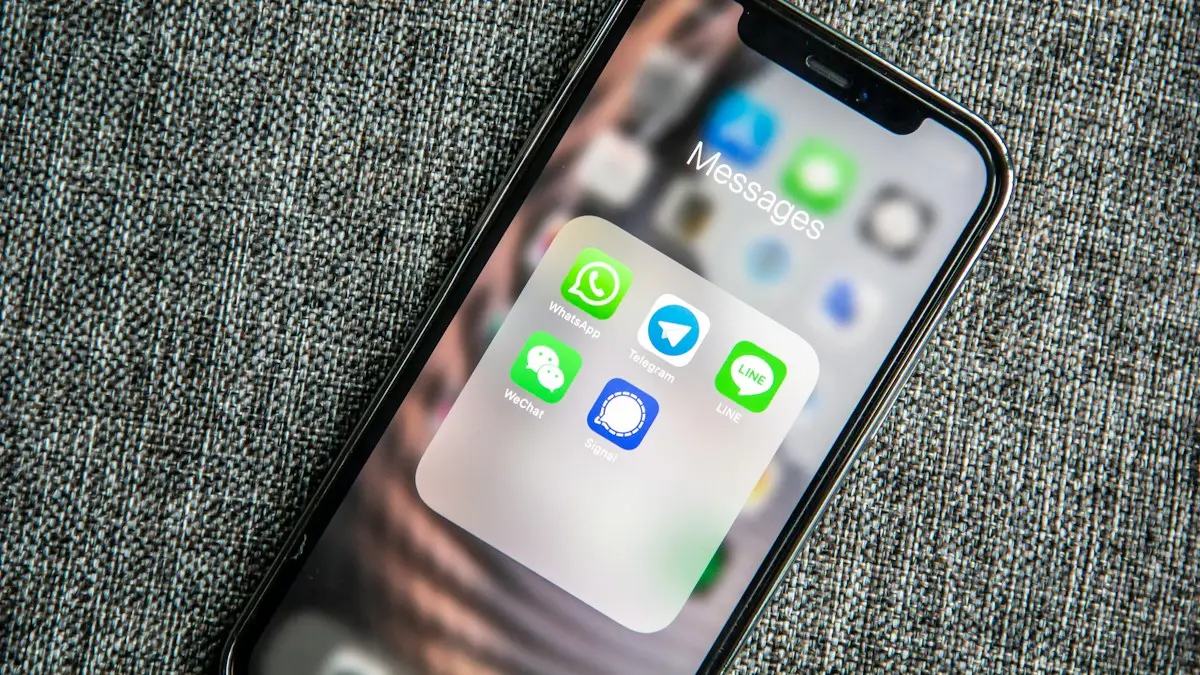
Green vs blue messages
Blue bubbles are iMessages, green ones are SMS or RCS texts. Why a message turns green, what you lose, and how to get blue bubbles back with an iPhone contact.
More guides you may need
AirPods no location found
AirPods no location found in Find My? It rarely means they are gone. See what the message means, what to check right now and how to improve your chances.
AirPods one side not working
Fix AirPods when one side is silent, quiet or louder than the other. Check balance, clean the mesh, reset the pair and learn when a single bud needs replacing.