

iOS 27 and Android 17 updates: latest versions, fixes and known issues
iOS 27.0.1 is the latest iPhone update, released September 28, 2026. Here is what it fixed, what to know, and what to do if an update causes a problem.
Photo by Jonathan Kemper on Unsplash
This page tracks the current iPhone and Android software versions and links to our fix guides. Every fact comes from Apple Support or Google, and each section shows when it was checked. It is not a rumor page: if something is not in an official release note, it is not here.
iPhone: iOS 27.0.1 (September 28, 2026)
Apple released iOS 27 on September 14, 2026, and iOS 27.0.1 on September 28, 2026. Apple's list of security releases shows iOS 27.0.1 for iPhone 11 and later. Apple's notes for the update say it provides bug fixes and list three:
- iPhone 18 Pro and iPhone 18 Pro Max may unexpectedly restart when Face ID fails to authenticate.
- A color artifact may appear on photos captured at 2x under certain lighting conditions at f/1.48 on a small number of iPhone 18 Pro and Pro Max devices.
- Opening Notification Center and Control Center at the same time may cause the touchscreen to become unresponsive.
If you have an iPhone 18 Pro, see our guide to the iPhone 18 Pro Face ID bug.
What is new in iOS 27
Apple describes iOS 27 as bringing the next generation of Apple Intelligence and Siri AI. Apple's page for the update lists a more conversational Siri with its own app, new parental controls and Screen Time updates, Liquid Glass refinements, better search, and improved Wi-Fi and cellular transitions. Some Siri and Apple Intelligence features need an iPhone 16 or later, or an iPhone 15 Pro or Pro Max, and some are not available in every region. Check Apple's feature availability page for your model.
iOS 26.7.1 for people who have not moved to iOS 27
Apple also released iOS 26.7.1 on September 28, 2026, for iPhone 11 and later. If you are staying on iOS 26 for now, install it. Open Settings › General › Software Update, and if iOS 27 is offered first, look for the option to stay on iOS 26 and install the latest 26 update.
Android: Pixel updates
Google published the October 2026 Pixel Update Bulletin on October 6, 2026. The earlier bulletins this year were published on June 16, July 7, August 4 and September 15. Android 17 began rolling out to Pixel phones in June 2026, according to press reports, which matches the June 16 bulletin date. Updates roll out gradually and depend on your carrier and device, so yours may arrive days after the bulletin.
Google says Pixel 8 and later get 7 years of OS and security updates. Pixel 6 through 7a get 5 years. For other brands, such as Samsung, updates come from the phone maker. See how to update your Android phone for the steps on any Android phone.
Before you update
- Back up your iPhone or Android phone. See our guides to backing up an iPhone and an Android phone.
- Install on Wi-Fi with at least 50% battery, or on a charger.
- Free up some storage first if the update says there is not enough space.
- Do not judge battery life on day one. After a major update the phone does extra work in the background.
Our step by step guide to updating iOS covers checking your version, automatic updates and what to do if the update will not show up.
Problems after an iOS 27 update
- Indexing in Progress or Optimizing Search and Siri in Settings, which can take hours to days.
- Battery draining fast, which is common in the first days after a big update.
- Update stuck on Verifying.
- Other problems after an iOS update, such as lag, heat and apps that crash.
- Turning off Liquid Glass effects if the new look is hard to read.
How this page is kept up to date
We check Apple's security releases page, Apple's page for iOS updates and Google's Pixel Update Bulletins, then change the versions and dates here. We do not copy news from other sites. If a fact is not in an official note, we leave it out.
How to check your own version
On an iPhone, open Settings › General › About and read iOS Version. On a Pixel or other Android phone, open Settings › About phone and look for Android version and the security patch level, and on Pixel phones check Settings › System › Software updates. Compare what you see with the version at the top of this page. If your phone is behind, see how to update your iPhone or how to update your Android phone.
How long your phone gets updates
Support periods differ by maker and by model. Apple does not publish a fixed number of years, Google lists the years of updates for each Pixel on its own pages, and Samsung lists its update policy per Galaxy model. Check the maker's official page for your exact model before you buy, because that is the source this tracker follows.
Frequently asked questions
What is the latest iOS version?
iOS 27.0.1, released on September 28, 2026, according to Apple's security releases page. It works on iPhone 11 and later.
What did iOS 27.0.1 fix?
Apple lists three fixes: unexpected restarts on iPhone 18 Pro and Pro Max when Face ID fails, a color artifact in some 2x photos on a few iPhone 18 Pro models, and a touchscreen freeze when Notification Center and Control Center are opened together.
Should I update to iOS 27?
Most people should, and updating to 27.0.1 is better than staying on 27.0. If you are happy on iOS 26, Apple also released iOS 26.7.1 on the same day. Back up first and install on Wi-Fi.
How long do Pixel phones get updates?
Pixel 8 and later get 7 years of OS and security updates, according to Google. Pixel 6 through 7a get 5 years.
What to try next
Sources
Official pages these steps are based on. Menus can differ by software version.
People also ask
What does iOS 27.0.1 fix?
Apple's notes list three fixes: unexpected restarts after a failed Face ID attempt on iPhone 18 Pro and Pro Max, a color artifact in some 2x photos on some iPhone 18 Pro models, and a touchscreen that could become unresponsive when Notification Center and Control Center were opened together.
Read the full guide: iOS 27.0.1 updateWhy is the Android 17 update not showing on my Pixel?
The rollout is staged, so it reaches phones in waves. Check for it by hand in Settings, System, System updates, System update, Check for update, and confirm your Pixel is on the supported list.
Read the full guide: Android 17 update not showingWhich Android phones can transfer without the Move to iOS app?
Apple says you need a compatible device running Android 17 or later, and tells you to check with your phone's maker about eSIM and data transfer support.
Read the full guide: Android to iPhone without Move to iOSHow do I turn an app into a bubble on Android 17?
Long press the app icon on your Home Screen or taskbar and tap the Bubble option in the menu. The app opens in a floating window that you can shrink into a bubble.
Read the full guide: Android 17 bubblesRelated guides
iOS 27.0.1 update
iOS 27.0.1 is a bug-fix update. See the three fixes Apple lists, which iPhones they help, how to install it and whether you should update now.
Android 17 update not showing
Android 17 update not showing on your Pixel or Samsung? See 8 reasons, from staged rollouts to beta enrollment, and how to check for the update the right way.
Android to iPhone without Move to iOS
You can now move from Android to iPhone without the Move to iOS app if your phone runs Android 17 or later. Follow Apple's QR code steps, and the backup option.
Android 17 bubbles
Android 17 bubbles let you float almost any app over what you are doing. Learn how to start a bubble, move and close it, and fix a missing Bubble option.
More guides you may need
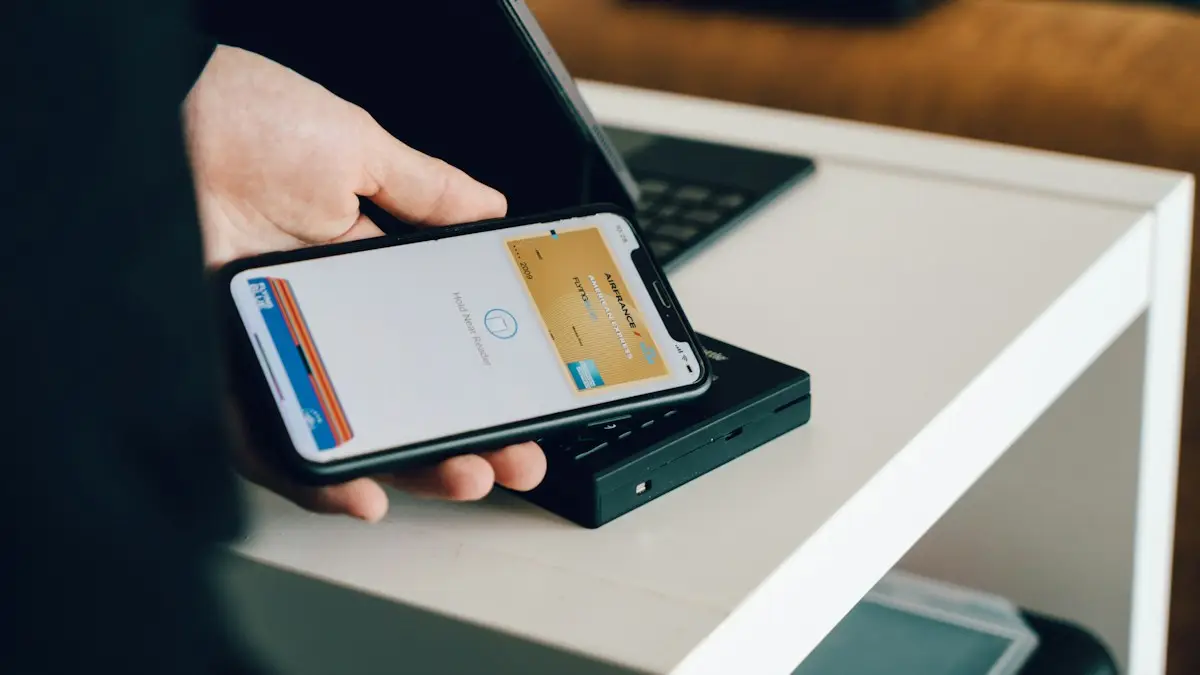
iPhone NFC tag reader
Yes, iPhones have NFC. Learn which models read NFC tags automatically, how to use the NFC Tag Reader on older iPhones, and how to run Shortcuts with a tag.
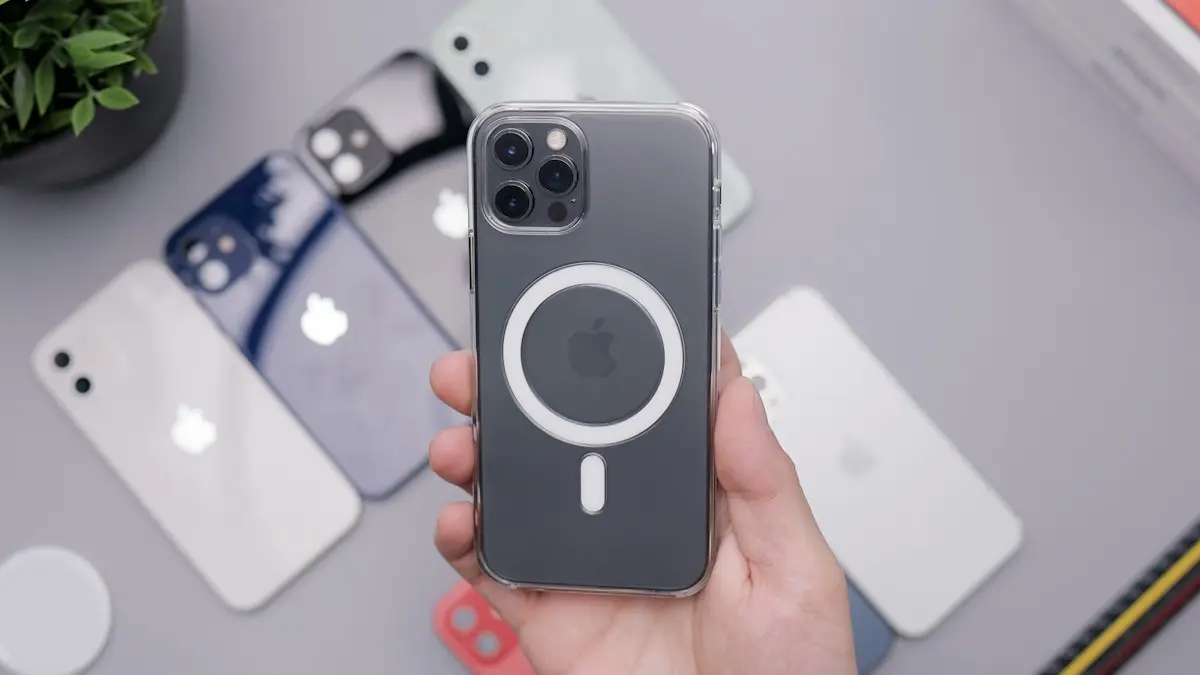
MagSafe vs Qi2
MagSafe vs Qi2: how they differ, which phones work with each, charging speeds, case rules and what to look for when you buy a magnetic wireless charger.