

Pixel keeps lowering volume? 8 fixes to stop it
A Pixel that lowers its own volume is usually reacting to a feature, not failing. Adaptive Sound, a headphone safety warning, app volume normalization and Bluetooth volume syncing are the common causes. Each one can be switched off or adjusted.
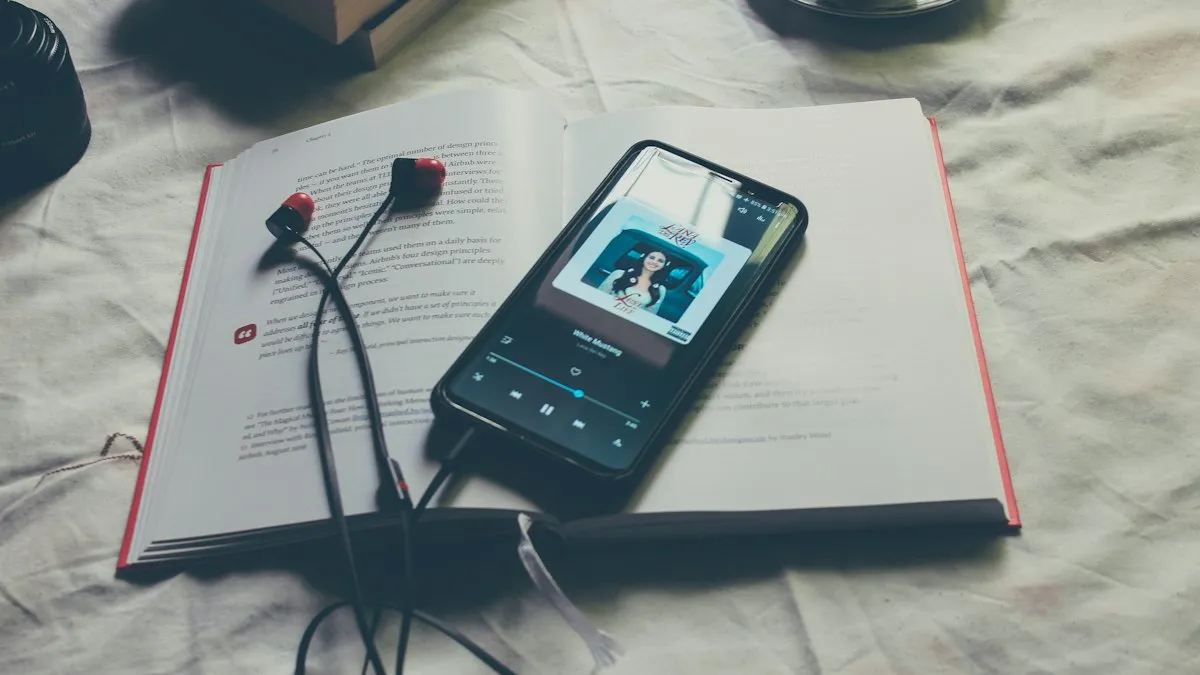
Photo by Mohamed M on Unsplash
You turn the volume up, and a few minutes later it is down again. It happens with headphones, in the car, on speaker, or in a video. It is annoying, and it can feel like a bug. In most cases, though, a Pixel is doing something it was designed to do, just in a way you did not ask for. This guide goes through the common causes from most to least likely, so you can find yours quickly. Menu names follow recent Android versions on Pixel phones and may differ a little on yours.
Why does my Pixel keep lowering the volume?
Several features can change volume without you touching a button. Some are in Android itself, some are in the apps you use, and some come from the Bluetooth device you are connected to. A physical cause is also possible, such as a button that is pressed all the time by a tight case. The first step is to work out when it happens: with headphones only, with one app only, in the car only, or everywhere.
- Adaptive Sound. Changes how audio sounds based on the noise around you.
- A loud sound warning. Some Android versions warn you when headphone volume is high, and may bring it down for your hearing.
- App volume normalization. Spotify, YouTube Music and others can level volume between songs and videos.
- Bluetooth volume syncing. The phone and your earbuds or car keep separate levels that fight each other.
- A schedule or mode. Do Not Disturb, Bedtime mode or a routine may change volume at set times.
- A stuck button or a case. Dirt or pressure on the volume rocker can send false presses.
The fix
Fix 1: Turn off Adaptive Sound
- 1
Open Settings › Sound & vibration.
On some versions, look for the Adaptive Sound option on this screen.
- 2
Turn off Adaptive Sound.
It uses the microphone to judge the noise around you and adjusts the sound.
- 3
Play music or a video and test.
If the volume now holds, leave it off. You can raise the level by hand when it is noisy.
Fix 2: Check the headphone safety warning
Recent Android versions can warn you when volume with headphones is high for a long time. If you ignore or accept the warning, the phone may bring the level down for you. This varies by version and region, so the setting is not in the same place on every Pixel. Open Settings and search for “headphone” or “safe volume”, or look under Sound & vibration. If you find a loud sound alert or a safe volume option, switch it off or set it to the highest level you are comfortable with, and test again. Keep hearing health in mind: a lower volume you control is better than a very loud one all day.
Fix 3: Turn off volume normalization in your apps
If the volume drops in one app only, the app is the likely cause. Streaming apps often level the sound so loud tracks do not blast you. That can feel like the volume lowering by itself.
- Spotify: open Settings, then Playback, and turn off Enable Audio Normalization. Also check the Volume level option, which can be set to Loud, Normal or Quiet.
- YouTube Music: open your profile, then Settings, then Playback & restrictions, and look for Stable volume.
- YouTube: look for Stable volume in the video’s settings if it is available for your version.
- Podcast and video apps: look for terms like loudness, leveling, volume boost or normalize.
Menu names change as apps update. If you cannot find the option, search the app’s settings for “volume” or “normalize”.
Fix 4: Stop Bluetooth volume syncing
With Bluetooth earbuds, speakers and car stereos, the phone and the device both track a volume level. Android uses a feature called absolute volume to keep them in sync. On some devices the sync goes wrong and the level jumps. Turning it off often fixes it, but you need Developer options.
Turn off absolute volume
- 1
Open Settings › About phone.
Tap Build number seven times, then enter your PIN. This unlocks Developer options.
- 2
Go to Settings › System › Developer options.
The path can differ slightly on your version.
- 3
Turn on Disable absolute volume.
Restart the phone, reconnect the Bluetooth device and test.
After this change the phone and the device have separate volume controls. You may need to raise both. If the problem is a Bluetooth link that cuts out, not the volume, see Bluetooth that keeps disconnecting on Android.
Fix 5: Check schedules, modes and routines
Some features change volume at set times. Check Settings › Sound & vibration for Do Not Disturb schedules, and Settings › Digital Wellbeing for Bedtime mode if you use it. A Google Assistant routine, a Tasker automation or a third party app can also set the volume. If the drop happens at the same time each day, look here first. Turn off anything you do not need and test for a day.
Fix 6: Remove the case and clean the buttons
A tight case, a thick screen protector wrap or lint packed around the volume rocker can press the button for you. Take the case off and use the phone for a while. Look at the buttons for dirt or damage and clean around them with a dry soft brush. If the volume stays put without the case, replace it with one that has more room around the buttons.
Fix 7: Update the phone and your apps
Volume bugs are sometimes fixed in a software update. Open Settings › System › Software updates and install anything available, and update your music and video apps in the Play Store. Our guide to how to update Android shows what to do if the update will not install.
Fix 8: Test in Safe mode
Safe mode turns off apps you installed so you can see if one of them is the cause. If the volume holds in Safe mode, an app is changing it. Common suspects are equalizers, volume boosters, sound filters and apps that draw over other apps. Restart to leave Safe mode, then remove the most recently added apps one at a time. Our guide to testing in Safe mode has the button steps for Pixel phones.
How to find your cause in five minutes
Rather than turning everything off at once, test one change at a time. That way you learn what actually fixed it, and you keep the features you like.
A simple test plan
- 1
Play the same song on the phone speaker with the case off.
If the volume holds, the cause is not a stuck button or the speaker.
- 2
Connect your earbuds and play the same song.
If the drop appears only now, look at Bluetooth, headphone safety and absolute volume.
- 3
Switch to a different app, such as a local video.
If it holds in that app, the first app’s normalization is the cause.
- 4
Restart in Safe mode and repeat.
If it holds in Safe mode, an installed app is the cause.
Volume drops only in calls or in the car
If the problem is only during calls, check the call volume with the volume keys during a call and make sure no earbuds are connected in the background. If it is only in the car, the stereo’s own volume or its Bluetooth profile may be adjusting things. Forget the car in Settings › Connected devices, pair it again and try disabling absolute volume as in Fix 4. A phone mount that presses the button is another reason to check the case and the buttons.
When it points to a hardware problem
- The volume still drops in Safe mode, with no case, no Bluetooth device and no headphones.
- The volume keys are slow, stick or do not click back.
- The speaker crackles, cuts out or sounds quiet at any level.
- The problem started after a drop or after the phone got wet.
Check whether your phone is still under warranty with our guide to checking your phone warranty, and see a phone speaker that is not working if the sound itself is weak or broken.
Quick checklist
- Adaptive Sound is off, and any headphone volume warning is set how you want.
- Volume normalization is off in Spotify, YouTube Music and other apps.
- Absolute volume is disabled if you use Bluetooth earbuds or a car.
- No schedule, mode or routine changes the volume.
- The case is off and the buttons are clean.
- The phone and apps are updated and Safe mode was tested.
Frequently asked questions
Why does my Pixel volume go down by itself?
Common causes are Adaptive Sound, a loud sound warning on headphones, a streaming app that normalizes volume, or a Bluetooth device syncing its own level. A stuck volume button or a pressing case can also do it.
Does Adaptive Sound lower the volume on a Pixel?
It adjusts how music and video sound based on the room, which many people notice as a volume change. Turning it off under Sound & vibration is the quickest test.
Why does the volume drop only with Bluetooth earbuds or in the car?
The phone and the Bluetooth device each keep a volume level and try to stay in sync. When they disagree the level can jump, and turning off absolute volume in Developer options often stops it.
Is this a sign of a broken Pixel?
Usually not. Software features cause most cases. If the volume drops with no apps, no Bluetooth and in Safe mode too, a faulty button or the phone itself may need service.
What to try next
People also ask
Why is my Pixel call so quiet?
Common causes are weak mobile signal, a Bluetooth device taking the audio, a case or screen protector over the earpiece, or dirt in the speaker. Google's help page lists each as a check.
Read the full guide: Pixel call volume too lowWhy does Bluetooth disconnect when my screen turns off?
Battery optimization is putting Bluetooth or the device’s app to sleep. Set both to Unrestricted in their battery settings.
Read the full guide: Android Bluetooth disconnectingWhy does my iPhone ringer get quieter when I look at it?
Attention Aware Features lower the volume of some alerts when the iPhone sees that you are paying attention to the screen. Apple says this is on purpose. You can turn it off in Face ID settings.
Read the full guide: iPhone ringer volume going downHow do I get out of safe mode on a Pixel?
Just restart the phone normally. It starts in regular mode unless you enter safe mode again.
Read the full guide: Google Pixel keeps restartingRelated guides
Pixel call volume too low
Pixel call volume too low or the caller sounds quiet and unclear? Check signal, Bluetooth, Wi-Fi, the case and the speaker with Google's own steps. 8 fixes.
Android Bluetooth disconnecting
Android Bluetooth keeps disconnecting from headphones, car or watch? Stop battery saving from cutting it, pair again, clear the Bluetooth cache and more.
iPhone ringer volume going down
Ringer gets quieter by itself? Turn off Attention Aware Features, fix Change with Buttons and check Bluetooth to keep your iPhone ringer at the level you set.
Google Pixel keeps restarting
Google Pixel keeps restarting or stuck in a reboot loop? Test in safe mode, free up storage, update and use Google’s repair tool with these 8 fixes.
More guides you may need
Motorola stuck on logo
Motorola stuck on the Hello Moto or logo screen? Force restart it, charge it, wipe the cache in recovery and use Motorola’s Software Fix tool before a reset.
Pixel can't cast to Samsung TV
Pixel can't cast to Samsung TV or says no devices found? See why Samsung TVs hide from Cast, fix Wi-Fi and permissions, or use a cable or dongle.