

Galaxy Watch Says "Authentication Required": What It Means and How to Fix It
The watch is asking you to prove who you are again. In nearly every report the cause is a Google account that stopped being trusted on the watch, often after a password change.
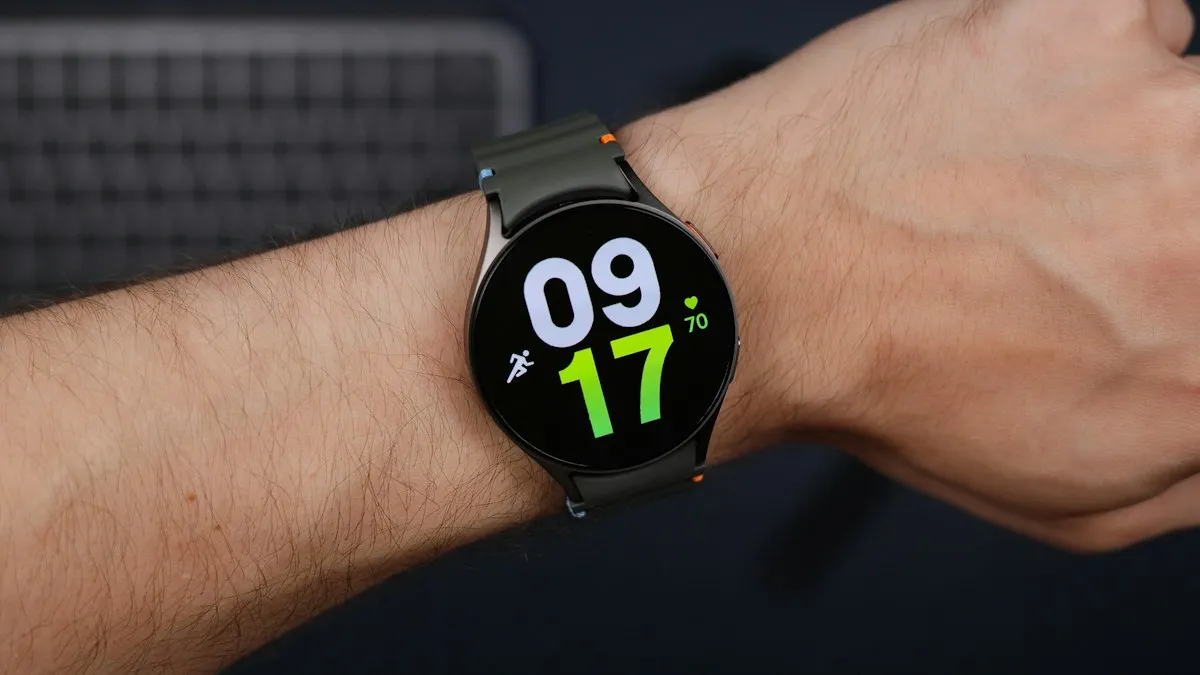
Photo by Daniel Romero on Unsplash
You tap Gmail, the Play Store or Wallet on your watch and get a plain message: authentication required. Sometimes it asks you to log in on a Google account that looks perfectly fine in the Galaxy Wearable app. The watch is not broken. It is asking you to prove who you are again.
Samsung has no help page for this message, so this guide pulls together what Samsung Community moderators and owners have reported. Menu names change between watch models and software versions, so treat the paths below as a map, not a promise.
What does the message mean?
Many Galaxy Watch models run Wear OS, and apps like the Play Store, Gmail and Wallet depend on your Google account being signed in on the watch. If that sign-in becomes invalid, those apps stop and ask for authentication. The watch itself, your steps and your notifications may keep working, which is why the message feels so odd.
Why it happens
- You changed your Google password. In one thread, the Play Store on the watch stopped working right after a password change.
- The account link between phone and watch broke. The account looks fine in Galaxy Wearable, but the watch no longer trusts it.
- A Google Workspace (work or school) account. Several threads point to a Wear OS account problem with these accounts.
- More than one Google account on the phone. Copying the right one to the watch can fail.
- A watch software update. Some owners saw the message after an update.
Fix 1: Restart both devices and update the app
Restart the watch, then the phone. Open the Play Store on the watch, go to My apps and update the app that shows the message. One owner tried this for Wallet and it made no difference for them, but it costs two minutes and rules out a stale app.
Fix 2: Check your Google account on the phone
Open Gmail or the Google app on the phone. If it asks you to sign in again, or says the password changed, sign in there first. A watch cannot copy a sign-in the phone does not trust.
Fix 3: Remove the Google account and add it again
This fixed the problem most often in the threads. On many watches the Google account is managed from the phone, and a Verizon article for the Galaxy Watch Active2 says an email account cannot be removed from the watch without removing it from the phone. When you remove it from the phone, it disappears from Galaxy Wearable and the watch.
Remove and re-add the account
- 1
Keep the phone and watch close, with Bluetooth on and the Galaxy Wearable app updated.
- 2
Try the watch route first.
In Galaxy Wearable, open Watch settings, then Accounts and backup, then Google account. Some owners removed the account here and added it back.
- 3
If the account will not budge, remove it on the phone.
Open Settings, then Accounts and backup, then Manage accounts. Choose the Google account and tap Remove account.
- 4
Add the account again.
In Galaxy Wearable, open Watch settings, Accounts and backup, Google account. The watch can offer to copy the account from the phone. Accept it.
- 5
Open the app that gave the error.
Gmail, the Play Store or Wallet should now load without the prompt.
Fix 4: If you see "Couldn't copy your Google account"
- If the phone has several Google accounts, a Samsung moderator suggested keeping only the one you want on the watch, then trying again. Add the others back afterward.
- Clear the cache of the Galaxy Wearable app, or reinstall it. This helped some owners and not others.
- If it still fails, finish the watch setup without a Google account. You can add the account later from Galaxy Wearable.
Fix 5: Work or school accounts
If the account is a Google Workspace account, an administrator may have blocked it on wearables, and no setting on your watch will override that. Ask your admin, or use a personal Gmail account on the watch.
One owner with a Watch 6 saw Gmail keep asking for authentication. The notification stopped when they removed their main account and added a secondary Gmail account, and it came back when they swapped them back. If you use more than one account, this is worth testing.
Fix 6: Reset the watch as a last resort
If nothing above works, a reset erases personal data on the watch and sets it up fresh. Back up first with the Galaxy Wearable app. After the reset, set the watch up again and sign in to Google during setup. Do this only after Fix 3, because it takes the longest and some owners report the error returning anyway.
If your Wallet cards stopped working
The error often shows up in Wallet, where it matters most. One owner removed and re-added the account and found their Wallet cards still there. Check the Wallet app on the watch before you try to pay. If the cards are gone, add them again from the Wallet app on your phone. Our guide to Samsung Wallet popping up on a Galaxy phone covers the phone side of Wallet.
Which fix fits your situation?
- It began after a password change: sign in on the phone, then remove and re-add the account.
- Only Gmail complains: remove the account, add a different one, then try the main one again.
- "Couldn't copy your Google account": leave one account on the phone and retry.
- Work or school account: ask your admin or use a personal account.
- Nothing works: back up, reset the watch, then check the warranty.
Frequently asked questions
What does "authentication required" mean on a Galaxy Watch?
It means an app on the watch that uses your Google account, such as the Play Store, Gmail or Wallet, no longer has a valid sign-in. The watch needs to confirm your account again before the app works.
Why did it start after I changed my Google password?
A new password signs your account out of other devices. Owners report the Play Store on the watch stopped working right after a password change, until the account was added to the watch again.
Will I lose my Wallet cards if I remove the account?
One owner reported their Wallet cards were still there after removing and re-adding the account. Do not count on it. Check that you can add your cards again before you start.
I get "Couldn't copy your Google account." What now?
Moderators suggest leaving only the account you want on the phone for a moment, then trying again. If it still fails, finish setup without a Google account and add it later from the Galaxy Wearable app.
Do I have to factory reset the watch?
Usually not. Re-adding the account fixed it for most people in the threads. Treat a reset as the last step, and back up with the Galaxy Wearable app first.
What to try next
People also ask
Why does Samsung Pay keep opening on my Galaxy Watch?
On current Galaxy Watch models, pressing and holding the Back button opens Samsung Wallet, which older guides call Samsung Pay. If the button sticks or is pressed by your strap, sleeve or case, the watch keeps launching it.
Read the full guide: Galaxy Watch keeps opening Samsung PayWhy does my Galaxy Watch not buzz when I use my phone?
Smart device selection hides watch alerts while you use the phone. Set Phone notifications on watch to Always show on both if you want alerts on both devices.
Read the full guide: Galaxy Watch not getting notificationsWhy does Samsung Wallet say I am too young?
Samsung Wallet checks the age tied to your Samsung account. If the birth date on the account is wrong, or the account belongs to a minor or a child account, the app can refuse to open or add cards.
Read the full guide: Samsung Wallet too youngWhat is the safest kind of two-factor authentication?
A hardware security key or a passkey is the strongest, then an authenticator app, then a prompt on a trusted device. Text message codes are the weakest, but still far better than a password alone.
Read the full guide: Set up two-factor authenticationRelated guides
Galaxy Watch keeps opening Samsung Pay
Samsung Pay or Wallet keeps opening on your Galaxy Watch? A pressed or failing Back button is the usual cause. Check the button first, then the apps list.
Galaxy Watch not getting notifications
Galaxy Watch not getting notifications from your phone? Check Phone notifications on watch, app switches, Do Not Disturb and battery limits. 9 fixes.
Samsung Wallet too young
Samsung Wallet says you are too young or must be 21? Check the birth date on your Samsung account first. Here is what is confirmed, and your options.
Set up two-factor authentication
How to set up two factor authentication for Apple, Google and other accounts. Compare text codes, authenticator apps and passkeys, and save backup codes first.
More guides you may need

Record a call on Android
Learn how to record a call on Android with the Phone app on Pixel, Samsung and other phones, where recordings are saved, and the consent laws to know first.
Samsung keeps installing games
Samsung keeps installing games you never picked? Find which store adds them, limit Galaxy Store updates, scan with Play Protect and check your account. 8 fixes.