

Samsung phone keeps downloading games? How to stop it
Surprise games on a Galaxy phone usually come from the carrier’s installer or the Galaxy Store, not a virus.
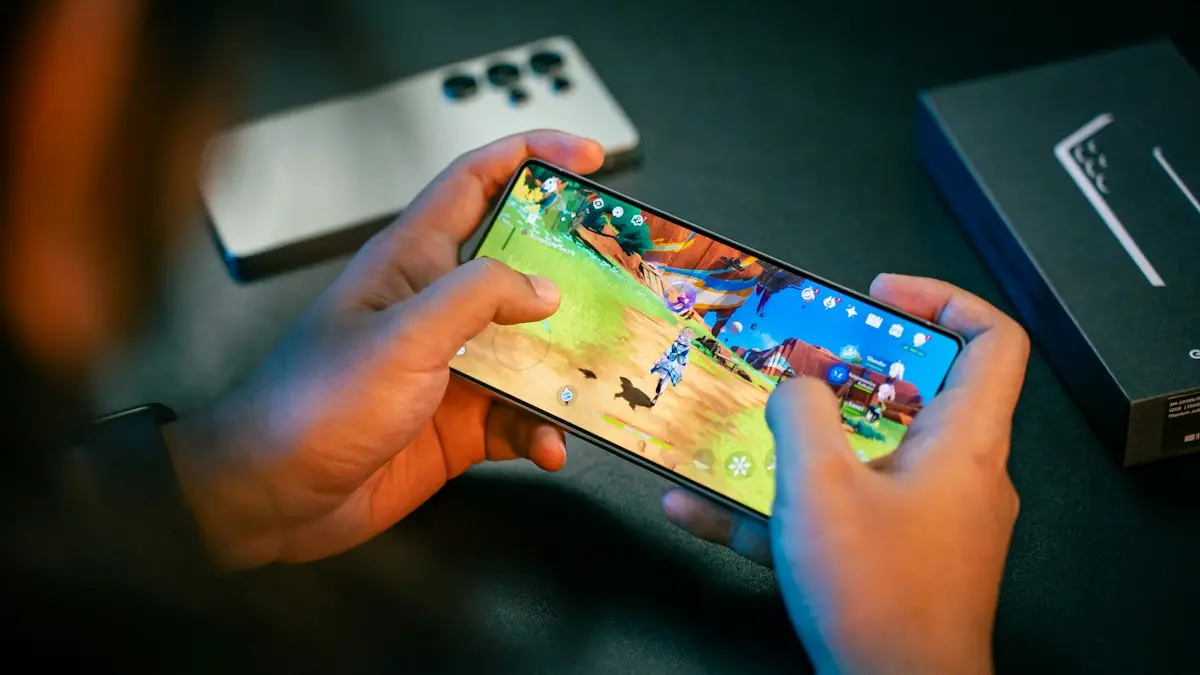
Photo by Amanz on Unsplash
The fix
Block the carrier installer
- 1
Open Settings › Apps and tap the filter to show system apps.
- 2
Look for AppSelector, Device Setup, Mobile Services Manager or similar.
- 3
Tap Disable if available. If not, turn off Notifications and Mobile data.
The fix
Limit the Galaxy Store
- 1
Open Galaxy Store › Menu › Settings.
- 2
Turn off Auto update apps and any marketing options.
Tap Auto update apps and choose Never. Then turn off Get news and special offers.
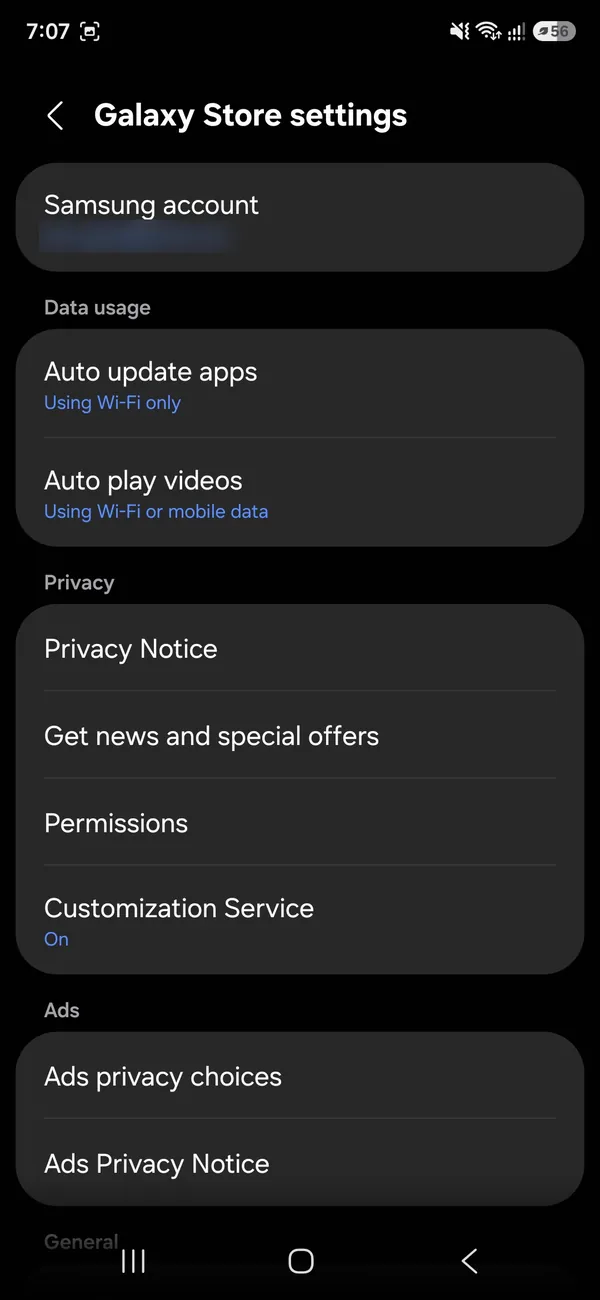
- 3
In Settings › Apps › Galaxy Store › Install unknown apps, turn it off.
The fix
Clean up
- 1
Uninstall the unwanted games.
- 2
Turn off promotional notifications in Settings › Notifications.
- 3
Check again after each big software update, which can bring them back.
Why does a Samsung phone install apps by itself?
Several things can install apps without you tapping Install. Your carrier may push promoted apps after setup or after a software update. Samsung's own stores can suggest and update apps. The Google Play Store can restore apps from your old phone's backup. And, less often, an unsafe app or a fake download can install others. Working out which one is behind it tells you where to look. The good news is that most cases come from the first three, and all three have settings that stop them.
Check which app installed the games
- Open Settings › Apps and tap the game that appeared.
- Look at Storage and at the app details. Some phones show where it came from, for example Galaxy Store or Play Store.
- In the Play Store, tap your profile picture, then Manage apps and device › Manage, and sort by Most recent to see what installed and when.
- In Galaxy Store, tap the menu and check My apps for recent installs.
- Note the date. If it matches a software update or a restore, the cause is the carrier or backup.
Stop Play Store from restoring or updating apps
Open the Play Store, tap your profile picture and go to Settings › Network preferences › Auto-update apps and pick Don't auto-update apps, or Over Wi-Fi only. In Manage apps and device, you can also cancel pending installs. If you restored from an old phone, uninstall the extras and consider turning off app restore in Settings › Google › Backup. Before you reset any Android phone, remember it can restore the same apps again. See backing up an Android phone.
Turn off Samsung suggestions and promotions
Samsung phones can show promoted apps in places such as Galaxy Store, Samsung Free, the Apps screen and notifications. Open Galaxy Store, tap the menu, then Settings and turn off auto update and marketing information. In Settings › Notifications, turn off notifications for apps you do not use. If you see a folder of suggested apps on the home screen, touch and hold it and remove it. Which promotions you see depends on the phone, the carrier and your country, so menu names may differ a little.
Block the carrier's installer
Carrier-branded Samsung phones sometimes include a system app that offers games and installs them, with names such as AppSelector, Device Setup or Mobile Services Manager. Open Settings › Apps, show system apps and look for them. If you can disable one, do. If not, turn off its notifications and mobile data. Disabling is safe for these installers, but do not disable apps you do not recognize without checking, since some system apps are needed for calls and updates. Verizon, AT&T and T-Mobile phones may each have a different name, so search for the carrier's name in the app list.
Is it malware? How to tell
- Apps appear that you cannot uninstall or that show ads over other apps.
- Your battery drains fast or the phone gets hot with no use.
- Ads pop up outside of apps. See pop up ads on Android.
- You installed an app from outside the Play Store or Galaxy Store.
- Your data use jumps for no reason.
If several of these fit, scan the phone with Google Play Protect (Play Store › profile picture › Play Protect › Scan) and read our guide to scanning an Android phone for malware. If the apps came from your carrier's installer, they are a nuisance, not a virus.
Remove the games you do not want
Touch and hold an app on the Apps screen and tap Uninstall. If the button is greyed out, tap Disable instead. Games installed by the carrier may come back after the next software update, so check Settings › Apps again a few days after you update. Turning off auto update for the carrier's installer prevents most returns.
Reset as a last step
A factory reset removes everything and may bring the apps back when you restore, so try other fixes first. If you do reset, set up as new instead of restoring old app data, and skip the carrier's recommended app list during setup. Back up photos and files before you reset, using the steps for backing up an Android phone.
Check Samsung Free, Game Launcher and Bixby
A few Samsung features suggest games and apps. Samsung Free (the screen to the left of your Home Screen on some phones) can show promoted games. Open it, tap the menu and turn off personalized suggestions or hide the panel from Home Screen settings. Game Launcher can add games to its library automatically. Open it, tap More and Settings, and look for options to add new games or show suggestions. Bixby Routines and Smart suggestions may also show app cards. Turning these off removes a source of prompts.
Stop installs at setup and after updates
When you set up a new phone, the carrier setup screen often offers a list of recommended apps. Look for a Skip, Not now or untick option before you tap Next. After a major update, the phone may install new apps listed by the carrier. If you notice new apps after an update, check Settings › Apps and uninstall or disable the ones you do not want. Keeping Auto update on Wi-Fi only avoids data charges while you sort it out.
When a game keeps coming back
- Disable the carrier installer instead of only uninstalling the game.
- In the Play Store, open Manage apps and device › Manage and look for apps with a pending install. Cancel them.
- Check Settings › Apps › Special access › Install unknown apps. Make sure no app you do not recognize has permission.
- Turn on Google Play Protect in the Play Store settings.
- If the carrier phone is the cause, contact the carrier and ask them to stop the promotion on your line.
Keep it from happening again
- Skip the recommended apps screens during setup and updates.
- Review Settings › Apps once a month and remove apps you did not install.
- Keep Play Protect on, and install apps only from the Play Store and Galaxy Store.
- Turn off auto update for apps you do not use, or set it to Wi-Fi only.
- Do not tap Install on pop ups or notifications that look like ads.
If the problem returns after every update, tell your carrier. They can sometimes remove the promotion from your line, and it also makes them aware that customers are annoyed.
Free up the space the extra apps took
Uninstalled games leave little behind, but their cache and downloads can remain. Open Settings › Battery and device care › Storage to see what is using space, and clean up there. For more ideas, read our guide to clearing a full Android phone.
Check after every major update
Big One UI updates and carrier updates can turn suggestion settings back on. After an update, check Galaxy Store and the auto install settings again, so new apps do not start appearing.
Frequently asked questions
Is my Samsung hacked?
Very unlikely. Carriers and Samsung install promoted apps, especially after a software update. Blocking their installers stops it.
Why do apps from my old phone appear?
Google restores apps from your backup. In the Play Store, you can cancel pending installs under Manage apps & device.
Can I stop my carrier from installing apps on my Samsung?
Often you can disable the installer app or turn off its notifications and mobile data. The exact name varies by carrier, so look under system apps in Settings › Apps.
Do automatic installs cost money?
Free games do not cost anything to install, but they can show ads and use data. Paid apps need your approval and a payment method.
Related guides
Pixel keeps lowering volume
Pixel keeps lowering volume on its own? Check Adaptive Sound, app volume normalization, Bluetooth absolute volume and stuck buttons. 8 fixes for Pixel phones.
Samsung screen keeps dimming
Samsung screen keeps dimming by itself? Check Adaptive brightness, Extra dim, power saving, screen timeout and heat. 7 fixes for Galaxy phones, step by step.
Samsung Wi-Fi calling not working
Samsung Wi-Fi calling not working or missing? Turn it on, add your emergency address, check your carrier and reset network settings. 7 fixes for Galaxy phones.
Android new tag scanned
Android new tag scanned keeps popping up? It means your phone touched something with an NFC chip. Find the cause and stop it without losing tap to pay.
More guides you may need
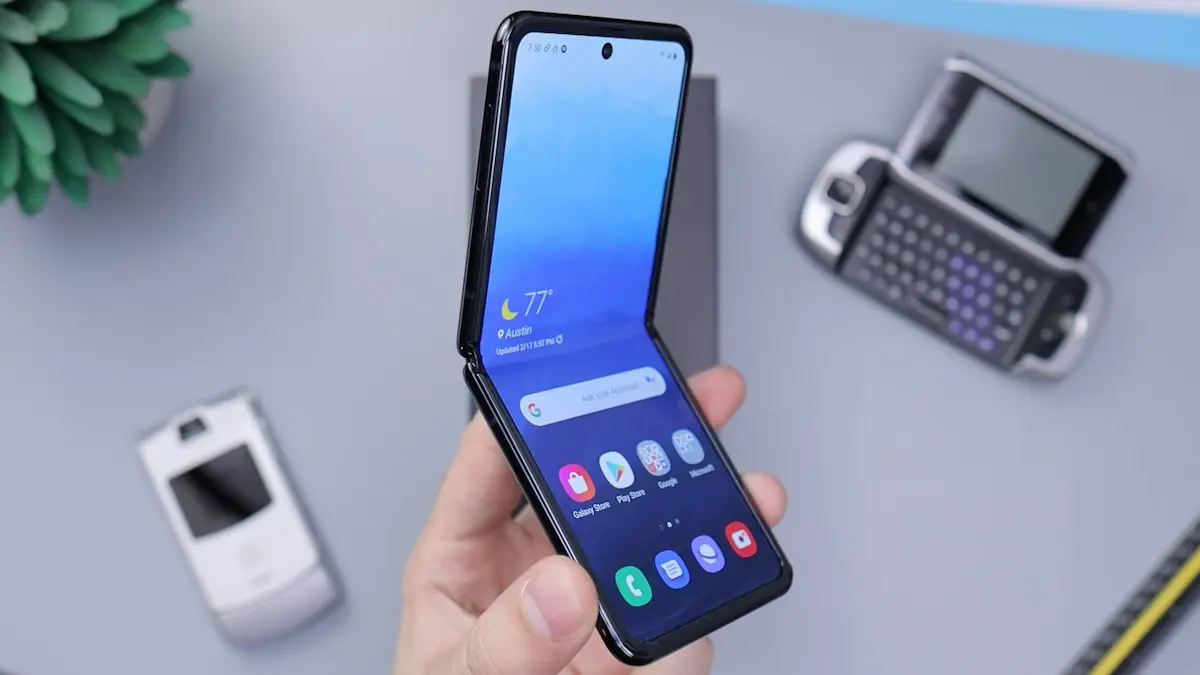
Samsung unlocking in pocket
Samsung phone keeps unlocking or pocket dialing? Turn on Accidental touch protection, turn off Lift to wake and Double tap to wake, and check Extend Unlock.
Samsung Wallet too young
Samsung Wallet says you are too young or must be 21? Check the birth date on your Samsung account first. Here is what is confirmed, and your options if it stays.