

Samsung battery replacement cost: where to go and when it is worth it
A new battery is the cheapest way to make an older Galaxy feel new again, if you do it before you pay for a new phone.
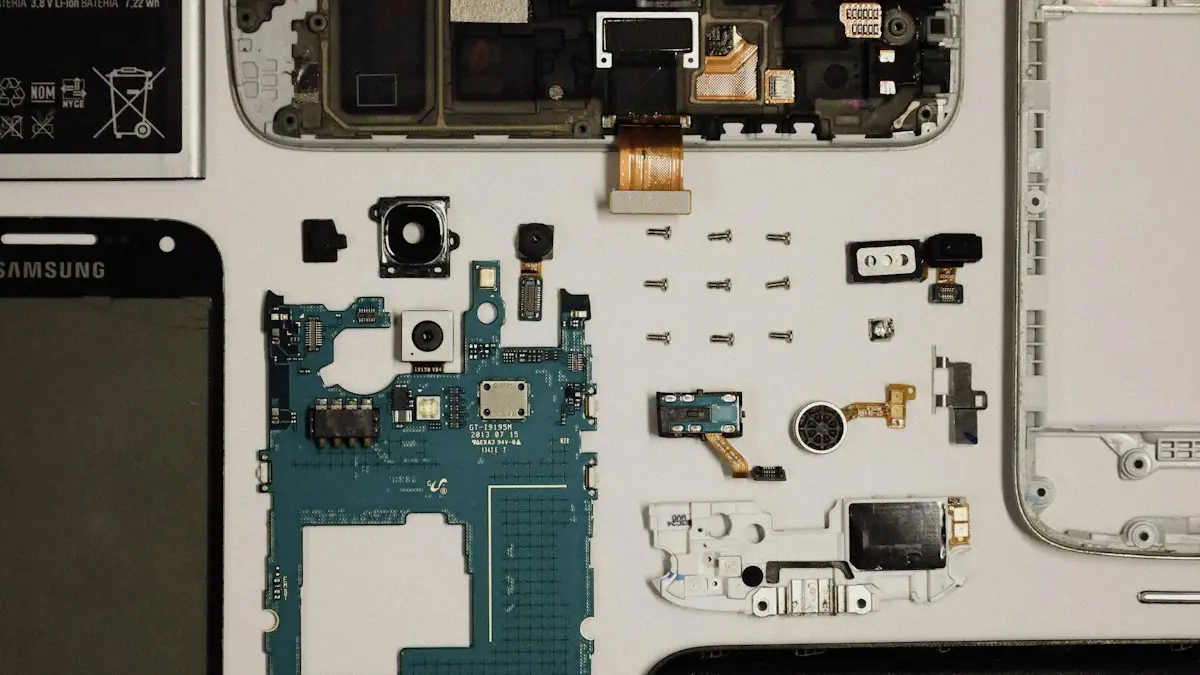
Photo by KAT on Unsplash
A tired battery makes a good phone feel bad: it dies by mid-afternoon, shuts off in the cold and charges more slowly. Replacing it costs far less than a new phone, and on a Galaxy that is otherwise fine it can add a couple of years. The price varies by model, and it can vary a lot between places. This guide explains what changes the cost, where to get it done, what to check before you pay and how to tell if the repair makes sense.
Is the battery really the problem?
Check first. Poor battery life can come from software, a bad app, a weak signal or a setting. Read how to check battery health on Samsung and how to fix a fast-draining Android battery. If the phone shows a weak battery status, drains very fast with nothing running or has a swollen back, the battery is the likely cause.
What decides the price
- Model. Flagship and foldable batteries cost more and take more work to reach than those in budget A-series phones.
- Who does the repair. Samsung's authorized service, retailers such as Best Buy and independent shops all charge differently.
- Parts quality. Genuine batteries cost more than generic ones. Cheap batteries can have less capacity and a shorter life, and they can be unsafe.
- Labor and glue. Phones with glued glass backs need more time, and some need new seals to keep water resistance.
- Coverage. A warranty or a protection plan can reduce the cost to zero or a small fee.
How to get an accurate quote
- 1
Find your exact model name.
Open Settings › About phone and read Model name.
- 2
Use Samsung's repair estimate.
On Samsung's US support site, open the repair section and choose your model to see the battery price. Check whether it includes labor and taxes.
- 3
Get one or two other quotes.
Call Best Buy's repair counter, an authorized provider and a trusted local shop.
- 4
Ask what battery they use and the repair warranty.
A genuine battery and a 90-day or longer warranty are good signs.
- 5
Confirm the time and whether they keep the phone.
A same-day repair is common, but some repairs take days.
Where to get a Samsung battery replaced
Your options
Samsung authorized service and mail-in repair
Genuine parts and trained technicians, with a repair warranty. Usually the highest price, and mail-in repair takes longer.
Best Buy and authorized partners
Often convenient and quick, and they can handle Samsung Care+ claims. Prices are close to Samsung's.
Independent repair shops
Often cheapest and fastest, and quality varies. Look for a shop with good reviews, genuine or quality batteries and a written warranty.
Do it yourself
Only for people who are comfortable opening phones. Galaxy backs are glued, and a slip can break the screen or puncture the battery. A punctured battery can catch fire.
Is a battery replacement covered?
Sometimes. A new phone's limited warranty may cover a battery that fails early because of a defect, and Samsung Care+ plans typically cover a battery that falls below a set capacity during the plan, though the terms vary. A battery that has simply worn out after years of normal use is often not covered. Check your warranty and your plan, and ask Samsung before you pay. If you are not sure what you have, read how to check your phone's warranty and whether phone insurance is worth it.
Is it worth replacing the battery?
- Yes, if the phone is under four years old, still gets security updates, the screen and body are fine and the battery is the main problem.
- Maybe, if the phone is older but still fast enough, and the repair costs a small fraction of a replacement.
- No, if the phone no longer gets updates, has other damage or the repair costs close to a good used phone.
The same logic applies to Apple phones, see whether an iPhone battery replacement is worth it. For a Galaxy with a cracked screen too, compare the two repairs together, and read what a Samsung screen replacement costs.
Before you hand over your Galaxy
- 1
Back up your data.
Use Samsung Cloud, Google or Smart Switch. A battery swap rarely erases data, but things can go wrong.
- 2
Turn off Find My Mobile and remove your lock if asked.
Never share your account passwords.
- 3
Remove the SIM, memory card and case.
- 4
Take photos of the phone's condition and note the serial number.
Make the new battery last
- Turn on Protect battery, which caps charging at 85 percent, in Settings › Battery › Charging, if your phone has it.
- Avoid heat: do not leave the phone in a hot car or charge it under a pillow.
- Use a certified charger and cable.
- Do not run it to zero often, and do not keep it at 100 percent for days.
For more on charging habits, see whether fast charging is bad for your battery.
Official repair or a local shop?
Samsung authorized service, including uBreakiFix by Asurion locations in the US, uses genuine parts and keeps your warranty status clear. Independent shops are often cheaper and faster, but quality varies. Ask whether the battery is genuine or a third party part, how long the shop's warranty lasts, and whether they reseal the back glass. A cheap battery that loses capacity in a year is not a bargain.
Water resistance after a repair
Galaxy phones are sealed with adhesive under the back glass. Opening the phone breaks that seal. A good repair replaces the adhesive, but water resistance may not be as strong as from the factory. Even after an official repair, avoid swimming or showering with the phone.
Mail in repair
If there is no service center near you, Samsung offers mail in repair for many models. You request it on Samsung's support site, ship the phone in a prepaid box, and get it back once it is fixed. It takes longer, so back up first and plan for a few days without the phone.
Samsung Care+ and carrier insurance
Samsung Care+ and some carrier protection plans cover battery replacement when the battery falls below a set health level, sometimes at no extra cost. Check your plan details in the Samsung Members app or your carrier account before paying out of pocket. Read the deductible or service fee carefully.
Should you replace it yourself?
Repair kits exist, and some newer Galaxy models have official self repair parts. Still, it means heating and prying glass, removing a glued battery and resealing. A punctured lithium battery can catch fire. If you have not repaired phones before, a professional is the safer choice.
What happens to the old battery?
Authorized centers and reputable shops recycle old batteries. If you do it yourself, never throw a lithium battery in household trash. Take it to a battery drop off, such as at many electronics and hardware stores.
Questions to ask before you pay
- Is the price the total, including labor, tax and any diagnostic fee?
- Is the battery a genuine Samsung part?
- How long is the warranty on the repair, and what does it cover?
- Will the phone show a non genuine part message afterward?
- How long will the repair take, and can I wait for it?
Write down the answers or ask for them in writing. A shop that is happy to answer is usually a shop that does careful work. If anything sounds vague, get a second quote before you leave the phone.
Frequently asked questions
How long does a Samsung battery replacement take?
Many shops finish in about an hour or two if the part is in stock. Mail-in repair takes several days each way.
Does Samsung Care+ cover battery replacement?
Plans typically cover a battery that has degraded below a set level during the plan period, but terms differ. Read your plan or ask Samsung before paying.
Can I replace a Samsung battery myself?
On most modern Galaxy phones it is difficult and risky. The back glass is glued, the battery is bonded and a slip can damage the screen or the cell. A professional repair is safer.
Will a new battery make my phone faster?
It can fix shutdowns and slowdowns caused by a worn battery, but it will not make the processor faster. If the phone is old and out of updates, a new battery may only buy a little time.
What to try next
People also ask
Why is a Samsung screen so expensive to replace?
Most Galaxy phones use an OLED panel bonded to the glass and often to the frame. The whole display assembly gets replaced, and flagship and foldable screens use more costly panels.
Read the full guide: Samsung screen replacement costAt what battery health should I replace my iPhone battery?
Apple's own threshold is 80% Maximum Capacity. Below that, iPhone shows a Service message and AppleCare+ covers a replacement. Replace sooner if the phone shuts down unexpectedly or will not last a day.
Read the full guide: Is an iPhone battery replacement worth it?How much does AppleCare+ charge for a cracked screen?
In the US, AppleCare+ has charged a flat service fee for screen or back glass damage, far below the out-of-warranty price. The fee depends on your plan and model, so check your coverage in Settings › General › About › Coverage.
Read the full guide: iPhone screen replacement costDoes Samsung show battery health as a percentage?
Some newer Galaxy phones show a battery health or capacity figure in Settings. Many show only a status such as Good, so the exact number depends on your model and One UI version.
Read the full guide: Samsung battery healthRelated guides
Samsung screen replacement cost
What a Samsung screen replacement costs, why Galaxy S, A and foldable prices differ, and how Samsung Care+, carrier plans and repair shops compare.
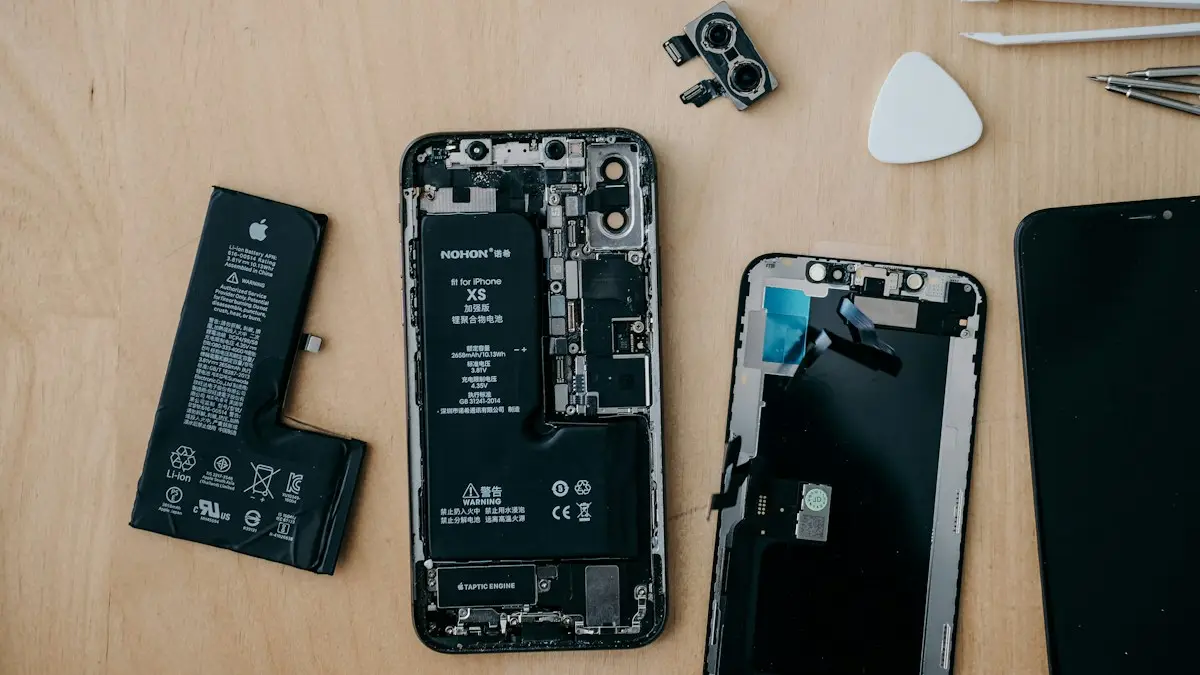
Is an iPhone battery replacement worth it?
Is it worth replacing your iPhone battery? See 2026 Apple prices by model, when AppleCare+ makes it free, and when a new phone is the better choice.
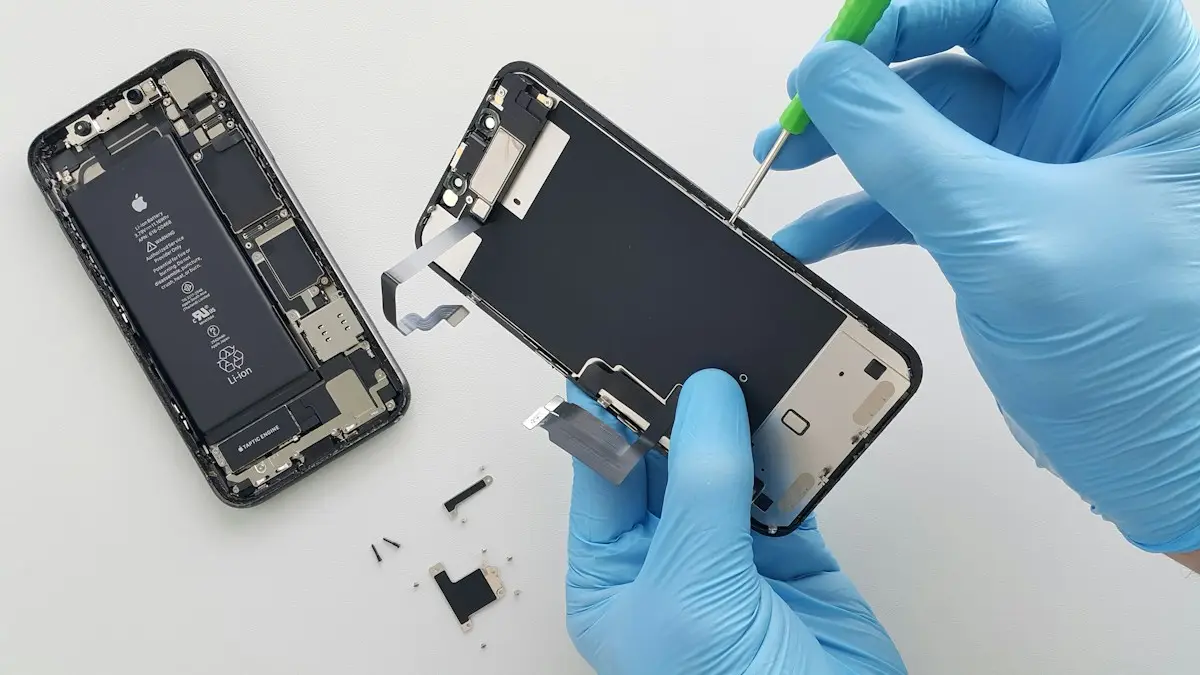
iPhone screen replacement cost
What an iPhone screen replacement costs and why prices vary. Compare Apple, Best Buy, AppleCare+ and repair shops, and decide whether to fix or replace.
Samsung battery health
How to check battery health on Samsung with Settings, the Samsung Members app or a dial code. Learn what the results mean and when to replace the battery.
More guides you may need
Samsung moisture detected
Samsung moisture detected warning won't go away? Dry the port, clean it safely, charge wirelessly, restart and fix a false alarm. Know when to get it repaired.
Samsung keeps turning off
Samsung phone keeps turning off by itself, even with battery left? Check the battery in Samsung Members, remove the case, test safe mode and try 6 more fixes.