

How to remove a SIM card from iPhone, Samsung and Pixel
A SIM card slides out on a tray that pops open with a pin. The tricky part is finding the tray, and knowing if your phone even has one.
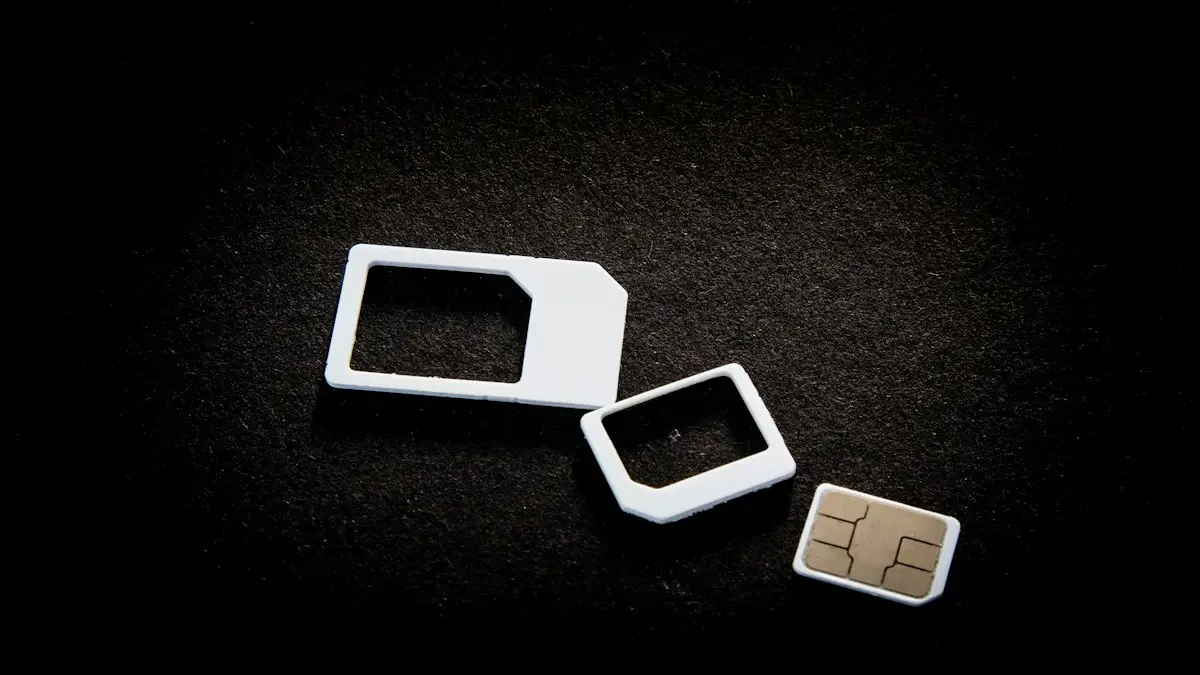
Photo by User_Pascal on Unsplash
You might need to take out a SIM card to move your number to a new phone, switch to a different carrier, fix a no-service problem or sell a phone. The job takes less than a minute, but forcing the wrong part can bend the tray. Here is how to do it on each kind of phone, what to use if you have no tool, what to do when the tray is stuck and how to put everything back.
What you need
- A SIM ejector tool that came in the box, or a straightened paper clip, a SIM pin or a small earring post.
- A clean, flat surface with good light. The SIM is about the size of a fingernail.
- A small case or a piece of tape if you need to keep the SIM safe for a while.
How to remove a SIM card from an iPhone
The fix
iPhone with a SIM tray
- 1
Turn the iPhone off.
Hold the side button and a volume button, then slide to power off. See what to do if the iPhone will not turn off if it is stuck.
- 2
Find the SIM tray.
On most iPhones the tray is on the right edge, below the side button. Look for a small round hole.
- 3
Push the tool straight into the hole.
Press firmly, but not at an angle. The tray pops out a little.
- 4
Pull the tray out and lift the SIM.
Note which way the SIM sits. The notched corner shows the direction.
The steps for moving that line are in how to transfer an eSIM to a new iPhone.
How to remove a SIM card from a Samsung Galaxy
- 1
Turn the phone off.
- 2
Find the tray.
On most Galaxy S phones it is on the bottom edge, next to the USB-C port. On many A phones and older models it is on the top or the side. Look for a tiny hole beside a slot.
- 3
Push the ejector tool into the hole.
The tray springs out. Pull it gently the rest of the way.
- 4
Take out the SIM.
Some Samsung trays hold two SIMs, or a SIM and a microSD card, so check which one is yours.
How to remove a SIM card from a Pixel and other Android phones
Most Pixels have the tray on the left or right edge, and some older Android phones have it on the top. Look for the small hole beside a thin slot, push the tool in and pull the tray out. On Pixels with an eSIM, you can also manage lines in Settings › Network & internet › SIMs. Phones from Motorola, OnePlus and others work the same way, and some have a tray in the back or under a cover. If the phone has a removable back and battery, the SIM may sit under the battery.
What if you do not have an ejector tool?
- Straighten a small paper clip, and use the end.
- Use a SIM pin or an earring post, or the end of a thumbtack with care.
- Do not use a needle or a knife, which can scratch the phone or slip.
- If you cannot find a pin, a store or carrier shop can open it for you for free.
SIM tray stuck? Try this
- 1
Check that the tool goes straight in.
An angled tool slides past the release. Try again, perpendicular to the phone.
- 2
Press harder and hold.
Some trays have a firm spring. Press steadily, not in a jerk.
- 3
Make sure the phone is off and the case is removed.
A case can block the hole.
- 4
Look for dirt in the hole.
Lint can block the pin. Clean it gently with a toothpick.
- 5
If the tray is swollen or bent, stop.
Take the phone to a repair shop or the carrier. Forcing it can damage the phone.
How to put the SIM back
Place the SIM in the tray with the gold contacts facing the same way as before, and match the notched corner to the shape of the tray. Slide the tray in straight and flat until it clicks. Do not force it. Turn the phone on and wait a minute or two. If you see a SIM PIN prompt, enter the PIN from your carrier. If the phone shows No SIM, take it out and reseat it, and try Airplane Mode on and off. If the problem remains, see what to do when a Samsung says not registered on the network.
Moving your SIM to a new phone
- 1
Check the SIM size.
Almost every phone now uses a nano-SIM. Older phones used a micro-SIM or a standard SIM, and you need the right one.
- 2
Make sure the new phone is unlocked or on the same carrier.
A locked phone will not accept a SIM from another carrier.
- 3
Turn the old phone off, then take out the SIM and put it in the new one.
- 4
Test calls, texts and data.
If you cannot connect, call your carrier. Some need to activate the new phone's IMEI.
Is it safe to remove a SIM card with the phone on?
Most modern phones can handle it, because they detect the removal and drop the line. Still, turn the phone off when you can, which avoids any chance of damaging the card or corrupting data. Do not touch the gold contacts, and keep the card dry. A SIM card does not store your photos or apps. It holds your subscriber ID and sometimes a few contacts, so removing it does not erase your data. A phone without a SIM still works on Wi-Fi.
What size is my SIM card?
- Nano-SIM: the smallest and the one used by nearly all phones made in the last decade, including all current iPhones, Galaxies and Pixels that use a card.
- Micro-SIM: found in older phones, such as the iPhone 4 and some early Android models.
- Standard SIM: the largest, used by very old phones.
- eSIM: no card at all. It is a chip in the phone that stores your carrier profile.
Most carrier SIM cards come in a punch-out holder with all three sizes. Do not cut a SIM yourself or use an adapter in a modern phone, because a badly cut card can jam in the tray. Ask the carrier for the right size, often for free.
Should you take the SIM out to fix a phone problem?
Reseating the SIM is a classic fix for No SIM, No Service and Invalid SIM errors. Turn the phone off, take the SIM out, wipe it gently with a clean dry cloth, check that it is not bent or scratched, and put it back. Then restart. If the phone still shows an error, try the SIM in another phone, or a different SIM in your phone, to learn whether the card or the phone is at fault. A damaged SIM is cheap to replace, and carriers usually give you a new one for free or for a small fee. If a new SIM does not help, the problem is more likely the network or the phone's hardware.
SIM card removal mistakes to avoid
- Using a sharp or thick object, which can scratch the phone or break the tray latch.
- Pushing the tool at an angle instead of straight in.
- Putting the tray back upside down, which can bend the pins or leave the SIM unread.
- Leaving the tray half in, which can let in water and dust.
- Touching the gold contacts with wet or dirty fingers.
- Forgetting to bring the tool, and trying to pry the tray with a fingernail.
Before you sell or give away a phone
Take out the SIM and keep it, or ask your carrier to move the number. For an eSIM, delete the plan and erase the phone, then contact your carrier so the line does not stay linked to the old device. Learn about what an eSIM is in this eSIM guide, and if you use a Samsung with an eSIM, see how to set up an eSIM on a Samsung.
Frequently asked questions
Can I remove a SIM card without the eject tool?
Yes. A straightened paper clip, a small earring post or a SIM pin works. Push it straight into the small hole until the tray pops out. Do not use anything thick or sharp.
Do I need to turn the phone off before removing the SIM?
It is safest to turn it off first. Many phones handle removal while on, but turning it off avoids glitches and protects the card.
Why does my iPhone have no SIM tray?
iPhone 14 and later models sold in the US use an eSIM only and have no physical SIM tray. You manage the line in Settings › Cellular instead.
Will I lose my contacts if I remove the SIM?
Usually not. Contacts on a modern phone are stored in your account or on the phone. Only contacts saved on the SIM itself, which is now rare, would stay on the card.
What to try next
People also ask
How do I clean a SIM card?
Eject the tray with the SIM tool, wipe the card gently with a dry, lint free cloth, and wipe the tray too. Let everything dry, then put the card back with the notched corner aligned.
Read the full guide: Clean a SIM card on iPhoneWhat is a PUK code?
PUK stands for PIN Unlock Key. It is a longer code, usually eight digits, that your carrier can give you to unlock a SIM after too many wrong PIN attempts.
Read the full guide: SIM card locked (PUK code)Can I use a physical SIM and an eSIM at the same time?
Yes, on most dual-SIM phones. You can use one line for calls and another for data, for example your home number plus a travel data plan.
Read the full guide: What is an eSIMIs a phone bought from Apple, Samsung or Google unlocked?
Phones bought at full price directly from Apple, Samsung or the Google Store are normally unlocked. A phone bought with a carrier deal or carrier financing is usually locked to that carrier, even if you bought it in an Apple Store.
Read the full guide: Is my phone unlocked?Related guides
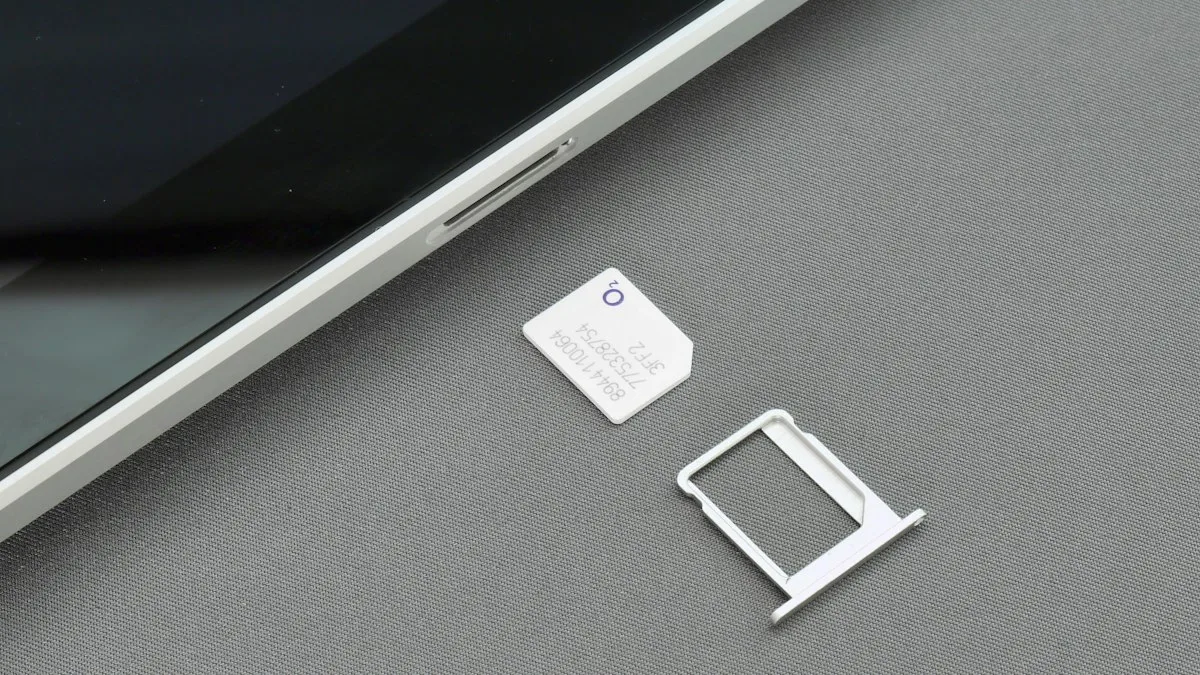
Clean a SIM card on iPhone
Clean an iPhone SIM card and tray safely with a dry lint free cloth. Learn what to avoid, how to test the SIM, and when to replace it if you see No SIM.
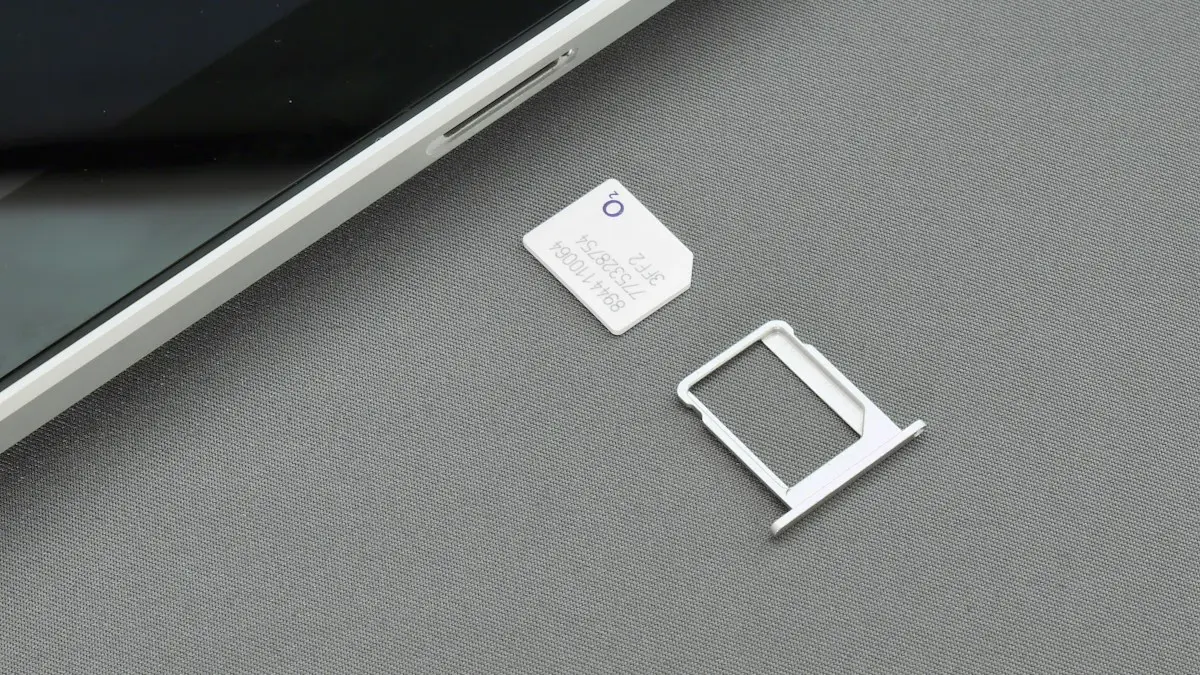
SIM card locked (PUK code)
SIM card locked and asking for a PUK code? Learn what SIM PIN and PUK mean, how to get your PUK from your carrier and how to fix a blocked SIM.

What is an eSIM
An eSIM is a digital SIM built into your phone. Learn how it differs from a physical SIM, which phones support it, and how to set one up on iPhone and Android.
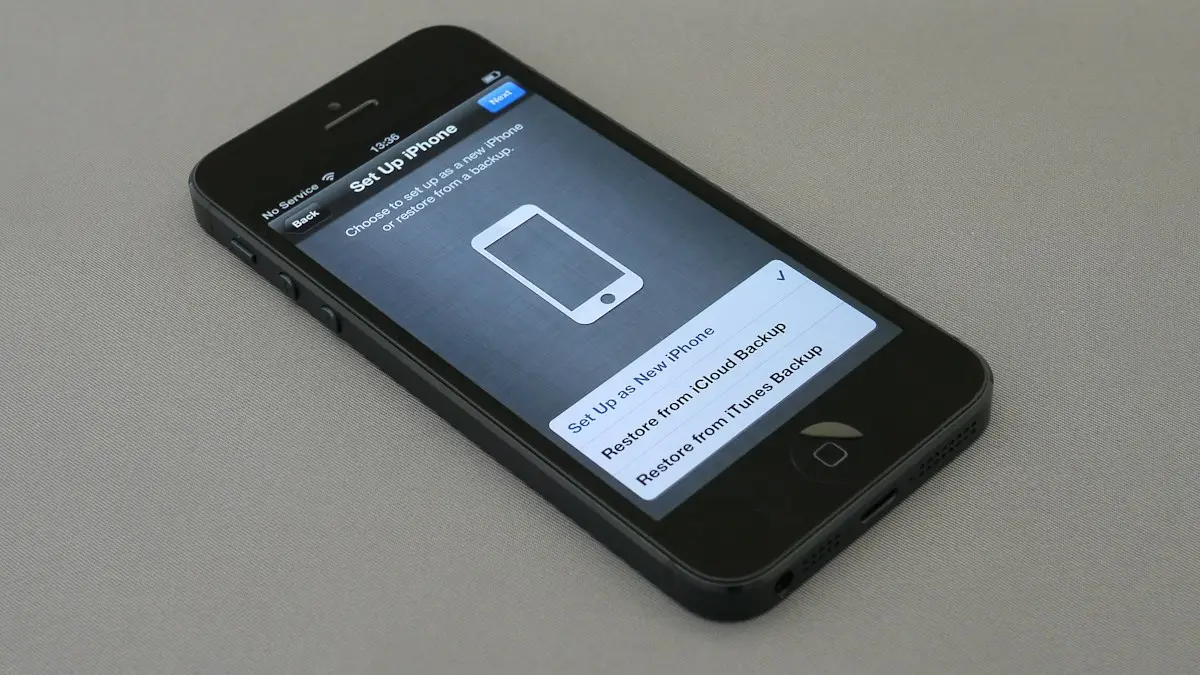
Is my phone unlocked?
How do I know if my phone is unlocked? Check in Settings on iPhone, Samsung or Pixel, test a SIM or eSIM, and see the 2026 Verizon, AT&T and T-Mobile rules.
More guides you may need

Delete Gmail emails by sender
Delete all emails from one sender in Gmail at once on a computer, or in the phone app. Plus a filter that trashes their future emails automatically.
Find APN settings on iPhone
Find APN settings on your iPhone in Settings › Cellular › Cellular Data Network. Learn why the menu can be missing, what each field means and how to reset it.