

TikTok not loading? 9 fixes for videos stuck on loading
Blank videos and a spinning feed usually come from a weak connection, a full cache or an outage on TikTok’s side.
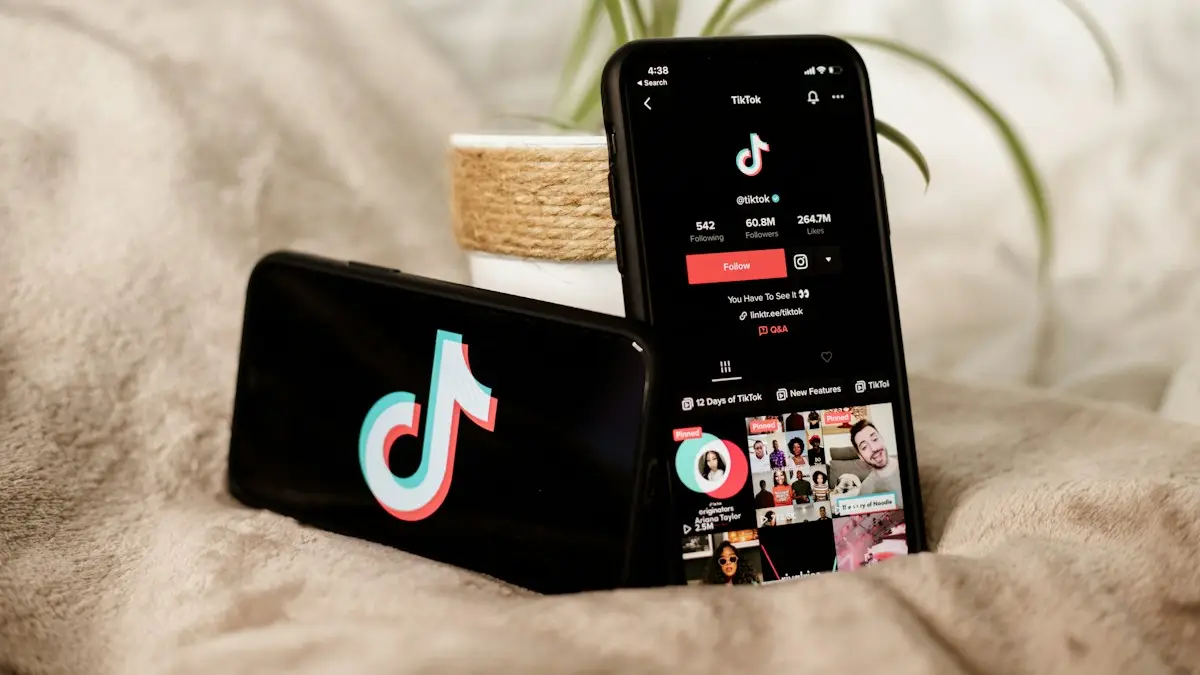
Photo by Collabstr on Unsplash
The fix
9 fixes, in order
- 1
Check for an outage on Downdetector.
- 2
Switch between Wi-Fi and mobile data.
- 3
Turn off your VPN.
- 4
Close and reopen TikTok, then restart the phone.
- 5
Clear TikTok’s cache.
Profile › menu › Settings and privacy › Free up space › Cache › Clear.
- 6
Turn off Data Saver.
Settings and privacy › Data Saver.
- 7
Allow mobile and background data.
On iPhone, Settings › Apps › TikTok › Wireless Data. On Android, Settings › Apps › TikTok › Mobile data.
- 8
Update TikTok.
- 9
Save drafts, then reinstall TikTok.
Why does TikTok stop loading videos?
TikTok streams short clips and loads the next few in advance. If the data arrives too slowly or is blocked, you see a black screen, a spinning circle, a message that says no internet connection or a feed that never refreshes. The cause can be your connection, the app's saved data, a setting that limits data, a VPN or a problem at TikTok. Only a small share of cases are your account or region. Start with the cheapest checks.
Match the symptom to the fix
- Spinner on every video: connection, VPN or Data Saver.
- For You page is empty: clear the cache, sign out and in, and update the app.
- Videos load but have no sound: see volume and Silent mode, or a phone speaker problem.
- Works on Wi-Fi, not on cellular: check the app's mobile data permission.
- Error message about the network: check your date, time and VPN.
- App crashes instead: read TikTok crashing.
Check your connection properly
Open a website or a speed test on the same network. TikTok works best with at least 3 to 5 Mbps. If other apps also load slowly, restart the router, move closer to it, or switch networks. On cellular, check the signal and whether you used up your high-speed data. A Wi-Fi network at school, work or a hotel may block social apps. Try mobile data to find out. See why videos keep buffering for more network checks that apply to every video app.
Settings that limit TikTok
- Data Saver: in TikTok go to Settings and privacy › Data Saver and turn it off for a test.
- Mobile data permission: iPhone Settings › Apps › TikTok › Wireless Data, or Settings › Cellular and make sure TikTok is on. Android: Settings › Apps › TikTok › Mobile data.
- Background App Refresh: turn it on for TikTok on iPhone.
- Battery saver: turn it off while you test, since it can limit background loading.
- Low Data Mode on iPhone: Settings › Cellular › Cellular Data Options.
Clear the cache and update
Open your Profile, tap the menu, then Settings and privacy › Free up space and clear the cache. The app rebuilds it as you scroll, so give it a minute. Update TikTok from the App Store or Google Play Store. If an update is missing, check that your phone's system is up to date, since newer versions need newer iOS or Android. On Android, you can also clear cache from Settings › Apps › TikTok › Storage.
VPN, region and date settings
A VPN can place you in a region where TikTok is blocked, or slow every video. Turn it off and try again. Check Settings › General › Date & Time on iPhone or Settings › General management › Date and time on Samsung, and make sure they are automatic. A wrong clock breaks secure connections. Also check that your region in the TikTok app matches where you are.
Sign out, sign in and reinstall safely
If nothing helps, log out and log in again. If you must reinstall, first save your drafts to your camera roll, because drafts live only on your phone. Delete TikTok, restart the phone and install it again. Make sure you know your password or have access to your recovery email or phone.
When TikTok is the problem
If many people report problems on Downdetector, wait. TikTok outages usually pass within a few hours. If only your account fails to load videos, TikTok may have limited it. Check your inbox in the app for a notice. Do not use tools that promise to fix or bypass bans, since they can steal your login.
Try TikTok on another network and another device
Move the phone to a different network to learn where the problem sits. Connect to Wi-Fi, then cellular data, then a friend's hotspot. If TikTok loads on one and not the others, the failing network is blocking or slowing it. Next, log in on another phone or tablet with the same account. If the other device loads videos, the problem is your phone. If it also fails, the problem is the account or TikTok. This two minute test avoids a lot of random fixes.
Router and DNS fixes
- Restart the router and modem. Unplug both for 30 seconds.
- Switch from the 2.4 GHz to the 5 GHz network or the other way.
- If you changed DNS on the router or phone, set it back to automatic.
- A router with parental controls or a content filter may block TikTok. Check its app.
- Public Wi-Fi may need you to accept terms on a sign-in page before apps work.
iPhone and Android specific checks
On iPhone, open Settings › Apps › TikTok and make sure Wireless Data is set to WLAN & Cellular Data. Also turn on Background App Refresh and check Low Data Mode in Settings › Cellular › Cellular Data Options. On Android, open Settings › Apps › TikTok › Mobile data and turn on Allow background data usage and Unrestricted data usage if the option is there. On Samsung phones, check Settings › Battery and device care › Battery › Background usage limits and make sure TikTok is not under Sleeping apps.
Storage and memory
A phone that is almost full cannot save the videos TikTok loads ahead. Free a few GB and test again. Our guides to freeing up iPhone storage and clearing a full Android phone show what to remove first. Closing other apps, restarting the phone and keeping the software up to date also help the app load smoothly.
Check for restrictions on your account or device
A work or school device may block TikTok. A phone with Screen Time or Family Pairing limits may block it at certain times. Look in Settings › Screen Time on iPhone or Digital Wellbeing on Android. In TikTok, open Settings and privacy › Digital Wellbeing and Family Pairing and check whether Restricted Mode or Screen time management is on. If the account is for a child, a parent may control these.
Still stuck? Contact TikTok
In TikTok go to Profile › menu › Settings and privacy › Report a problem, choose Feed and Videos or the closest topic, and describe the issue with your phone model and app version. You can also check the TikTok Support page. Keep screenshots of the error. Do not give your password to anyone who offers to help in comments or messages.
Use TikTok in a browser while you wait
Open tiktok.com in Safari, Chrome or Samsung Internet. You can watch videos and sign in. It is not the same as the app, but it is a quick way to tell whether the account works. If videos load in the browser, the app is the problem. If they do not, the network or TikTok is the problem.
Quick recap
Check for an outage, test another network, turn off VPN and Data Saver, clear the cache, update the app and free some storage. If TikTok still fails on every network and on another device, wait for TikTok to fix it or contact support. Most cases clear up with those steps.
Related checks for other video apps
The same connection and storage fixes help other video apps. See YouTube not working if more than one app has trouble, since that points to the phone or the network and not to TikTok.
Frequently asked questions
Why does TikTok say no internet connection?
TikTok may not be allowed to use mobile data, a VPN may be blocking it, or the service is down. Check the app’s mobile data permission and turn off your VPN.
Will clearing TikTok’s cache delete my drafts?
No. Clear cache inside TikTok keeps drafts and your account. Deleting the app does remove drafts that are only on the phone.
Why does TikTok say no internet connection when I have Wi-Fi?
TikTok may be blocked by a VPN, Data Saver or a network that filters social apps. Turn those off, or try mobile data.
Can I use TikTok in a browser while the app is not loading?
Yes. You can open TikTok in a web browser while you fix the app, although some features are more limited than in the app.
People also ask
Can I delete all my TikTok reposts at once?
Not inside the app. Some browser tools can do it, but never give them your password. Removing them one by one is the safe way.
Read the full guide: Remove a TikTok repostHow long should I wait before worrying?
Give it an hour or two. Reviews and new accounts can take longer, up to a day.
Read the full guide: TikTok stuck on 0 viewsWhy does my app say “Waiting”?
The download is queued behind other downloads or updates, or iOS is waiting for a connection, storage space or a sign-in. The fixes below clear each of these.
Read the full guide: App Store download stuckHow long should Update Requested take?
Usually a few minutes. On the day a big iOS update comes out it can take an hour or more because many people download it at once. After a few hours with no change, treat it as stuck.
Read the full guide: iPhone stuck on Update RequestedRelated guides

Remove a TikTok repost
Remove a repost on TikTok from the video’s Share menu or your Reposts tab in two taps. Plus what to know before using tools that delete all reposts at once.
TikTok stuck on 0 views
TikTok video stuck on 0 views? Check your account and video privacy, look for a review or violation in Account status, and fix posting habits that limit views.
App Store download stuck
iPhone app stuck on Waiting, Loading or Installing? Follow 6 quick fixes in order, from pausing the download to checking storage, payment and Apple Account.
iPhone stuck on Update Requested
iPhone stuck on update requested and not downloading? Check Wi-Fi and storage, delete the update, reset network or update from a computer. 7 fixes.
More guides you may need
Change your name on Facebook
Change your name on Facebook in Accounts Center on your phone or computer. Learn the 60-day rule, Facebook’s name policy and how to add a nickname instead.

Delete your Facebook account
Delete your Facebook account permanently from Accounts Center, download your photos first, and learn how deactivating differs and what happens after 30 days.