

CarPlay stuck in dark mode? Why it is often the default
Apple says CarPlay is set to dark appearance by default in most vehicles, so a dark screen is often normal. Here is how to change it, and what else can force it.
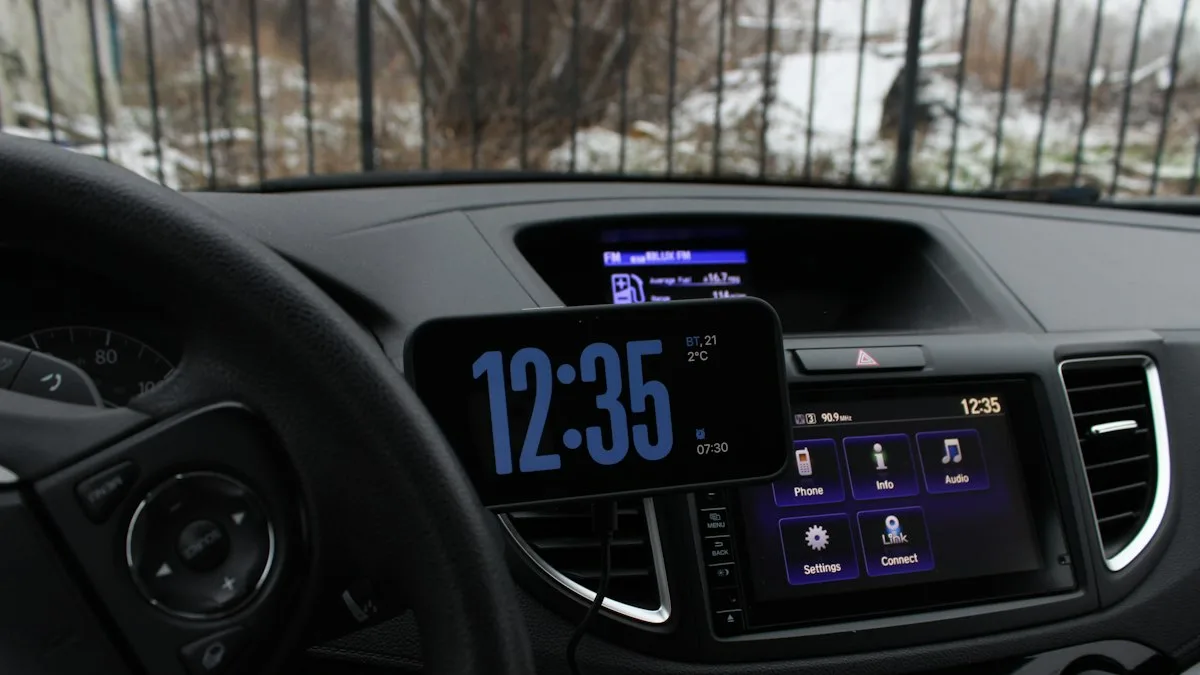
Photo by Sophia Stark on Unsplash
It is a bright afternoon, and your CarPlay screen is still black with white text. You did not change anything, or you changed something and it did not stick. Before you assume a fault, know that dark is what many cars start with.
The fix
6 things to check, in order
- 1
Open CarPlay Appearance.
Park, open Settings on the CarPlay screen using your car's controls, then select Appearance.
- 2
Turn off Always Dark.
If Always Dark is selected, choose the option that lets CarPlay switch between dark and light by itself. Apple describes this automatic switching.
- 3
Check the car's headlights.
Drivers report that headlights on or in auto mode push the display into night mode. Turn them off while parked and watch for a change, then set them back.
- 4
Lower the dashboard dimmer one notch.
Some owners say a dimmer at its top setting changes how night mode behaves. Adjust it slightly and test.
- 5
Check the car's own display setting.
Many head units have a day, night or auto choice. If it is fixed on Night, CarPlay may follow it.
- 6
Restart and update.
Restart the iPhone and the car's system, update iOS, and ask your car maker about head unit updates.
Why CarPlay stays stuck in dark mode
Apple says CarPlay is set to dark appearance by default in most vehicles. Dark mode is optimized for low light, such as night driving. So the screen you see may be doing exactly what it was designed to do. The surprise usually comes after a phone update, a new car or a reset, when a setting returns to its default. Checking Appearance takes a minute and answers most of these cases.
| What you see | Likely cause | Try first |
|---|---|---|
| Dark all the time | Default dark appearance or Always Dark | Change Appearance |
| Dark only with lights on | Headlights or dimmer | Check lights and dimmer |
| Dark after an update | Setting reset | Recheck Appearance, update again |
| Maps is dark, rest is not | Map appearance follows another setting | Test iPhone appearance |
| One app stays dark | App behavior | Update the app |
Does the iPhone's dark mode matter?
Apple's CarPlay guide does not say. One owner on a forum reported that setting the iPhone's Dark Mode to a sunset to sunrise schedule, and CarPlay to automatic, made Maps in the car follow it. It did not help other apps. If you want to try it, open Settings, Display & Brightness on the iPhone and choose Automatic. Treat the result as an experiment, not a promised fix.
Maps or Music stays dark
Some threads describe the Music app staying dark after certain iOS releases, even when other screens switch. There is no confirmed fix in what we read. Update iOS and the apps, restart the iPhone, and check whether the app on the iPhone itself has an appearance option. If only one app is affected, the rest of CarPlay is working as it should.
Test whether the car or the iPhone is in charge
Ten minutes in a parked car usually settles this. Change one thing, watch the screen, and write down the result.
- Switch headlights off, then on, and see whether CarPlay changes.
- Change the car's day or night option, if it has one.
- Toggle Always Dark off and on in CarPlay settings.
- Change the iPhone's appearance between light and dark.
- Try another iPhone in the same car, if you can.
If another iPhone behaves the same way, the car is setting the rules. If only your phone stays dark, look at your phone's settings and updates. If neither changes with any of the steps, the choice may be fixed by that car.
Why a dark screen is often on purpose
A dark screen cuts glare at night and draws the eye less than a bright one, which is why car makers like it and why Apple calls dark appearance optimized for low light. If you drive mostly in the evening, you may prefer to leave it. In bright sun, a lighter screen can be easier to read, so use the automatic choice if your CarPlay settings offer it, and see how it behaves across a full day before you judge it.
Wallpaper also changes how dark the screen looks. Apple's settings page lists a wallpaper option alongside Appearance, and a very dark wallpaper can make a light screen feel dim. If the colors bother you more than the mode, try a different wallpaper and compare. This is a cosmetic change, so it is quick to try and quick to undo.
After an iOS update
Several drivers say a change appeared after an update. An update can reset a preference, change how apps look or introduce a bug that a later release fixes. If the dark screen began right after one, check Appearance first, then restart the phone, and look for another update. Remove the car from your iPhone only if other steps fail: open Settings, General, CarPlay on the phone, choose the car and forget it, then set it up again. That clears the stored connection and can restore normal behavior, but you will need to reconnect.
What to tell your dealer
- Your car's make, model, year and trim.
- Your iPhone model and iOS version.
- Whether the screen is dark all day or only at certain times.
- What happened with headlights, the dimmer and the car's display mode.
- Whether another phone behaves the same way.
With those facts a service advisor can check for head unit software updates and known issues, rather than guessing. If the car has its own appearance control that overrides CarPlay, only the maker can say how to change it.
Maps looks wrong at night or in tunnels
Some drivers want the opposite of what they get: a map that stays light in a tunnel, or one that darkens late at dusk. Apple's CarPlay page mentions day and dark mode maps but does not describe how the map decides. If your map changes at odd times, note when it happens, check whether the car's headlights switched on at the same moment, and compare it with a different navigation app in CarPlay. If both apps change together, the car or the system setting is driving it. If only one app behaves oddly, that app is the likely cause, and updating it is the first step. As with the rest of CarPlay, make these checks while parked.
Window tint, polarized sunglasses and a screen covered in fingerprints can also make a dark display look worse than it is. Wipe the screen with a soft cloth and look again without sunglasses before you spend time on settings.
Safety first
When to ask your car maker
If CarPlay stays dark no matter what you set, contact the car maker or dealer and ask whether the head unit controls appearance and whether a software update is available. Note your iOS version, car model and year. If CarPlay also fails to connect or drops, see CarPlay that disconnects. If it asks you to turn on Siri, see the CarPlay Siri prompt.
Frequently asked questions
Is CarPlay supposed to be dark?
Apple says CarPlay is set to dark appearance by default in most vehicles, and that dark mode is optimized for low light. So a dark screen can be normal.
How do I change CarPlay appearance?
Open Settings in CarPlay using your car's built-in controls and select Appearance. Apple names an Always Dark option and describes automatic switching. Pick the automatic choice if your screen lets you.
Can I force CarPlay into light mode?
The Apple page we read does not name a Light option. Check the choices on your own screen, which can differ by iOS version and car.
Why does CarPlay go dark when I turn on headlights?
Drivers report that headlights or the dashboard dimmer can push the car and CarPlay into night mode. Apple's page does not explain this, so test it.
What to try next
Sources
Official pages these steps are based on. Menus can differ by software version.
People also ask
Why is my iPhone screen black and white?
Color Filters is probably set to Grayscale. Go to Settings › Accessibility › Display & Text Size › Color Filters and turn it off, or check the Accessibility Shortcut that may have switched it on.
Read the full guide: Change color on iPhoneWhy does my iPhone say headphones are connected when they are not?
It may still be routing audio to a Bluetooth device nearby, or the charging port may be detecting an accessory because of debris or moisture. Check both.
Read the full guide: iPhone stuck in headphone modeWhy is Android Auto stuck in night mode during the day?
Common reports point to the car's head unit set to night, a light sensor that thinks it is dark, the phone's own dark mode on some Samsung phones, or a bug in a recent update. Google's pages do not say which applies to you.
Read the full guide: Android Auto stuck in night modeHow do I turn off Offline mode in Spotify on my phone?
Tap your profile picture, tap Settings and privacy, tap Data-saving and offline, and switch Offline mode off. Greyed out songs should become playable again once you have a connection.
Read the full guide: Spotify stuck in offline modeRelated guides

Change color on iPhone
How to change color on iPhone: use Color Filters, Night Shift, Dark Mode, tinted icons and Lock Screen colors. Also fix a black and white or yellow screen.
iPhone stuck in headphone mode
iPhone stuck in headphone mode with no sound from the speaker? Check Bluetooth, the audio output, the charging port and Silent mode. 8 fixes that work.
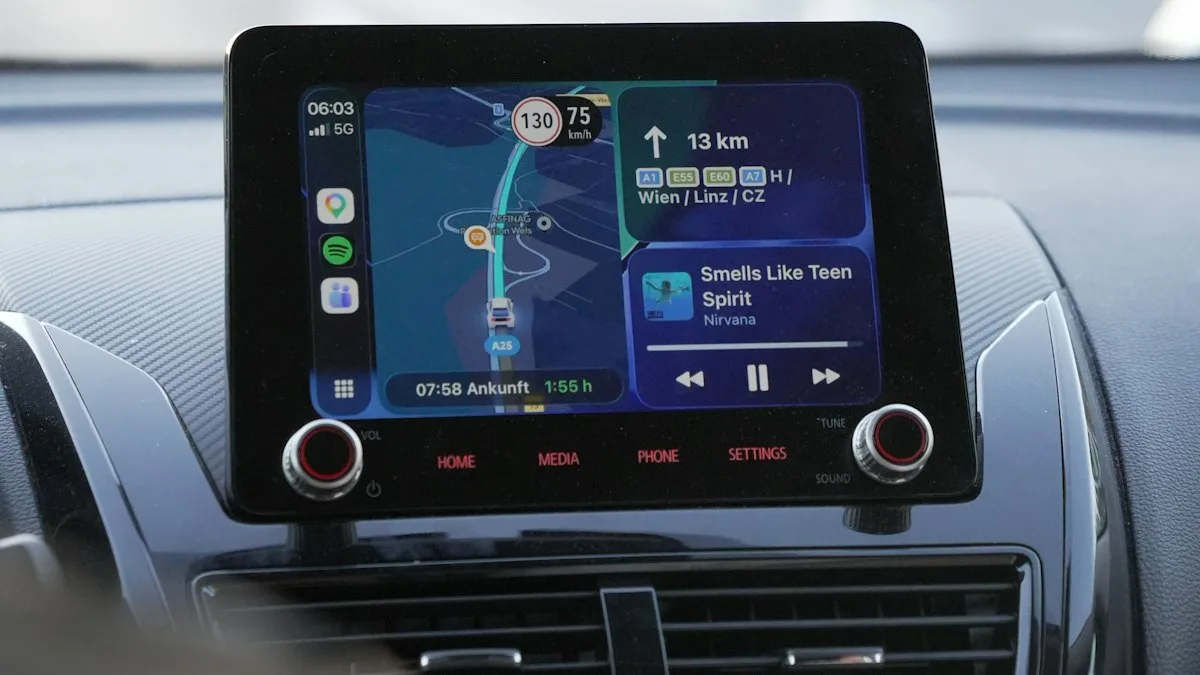
Android Auto stuck in night mode
Android Auto stuck in night mode or too bright at night? Check the car's day and night setting, update Android Auto and Maps, forget the car and test the cable.

Spotify stuck in offline mode
Spotify stuck in offline mode? Turn the switch off on phone, Mac or Windows, check your connection, update, restart and reinstall. See why downloads can disappear.
More guides you may need
Hotspot says Low Data Mode
Hotspot says Low Data Mode? It is usually set on the device that joined the hotspot, plus a separate cellular setting on the iPhone. Here are both paths and what it pauses.
Screen black during calls
iPhone screen goes black during calls and will not wake? Clean the sensor, remove the screen protector, update iOS and reset settings. Plus how to hang up.