

How to check your iPhone for a virus (and remove it)
Real iPhone viruses are rare. Most “virus” problems are fake pop ups, bad profiles or calendar spam, and all are easy to remove.
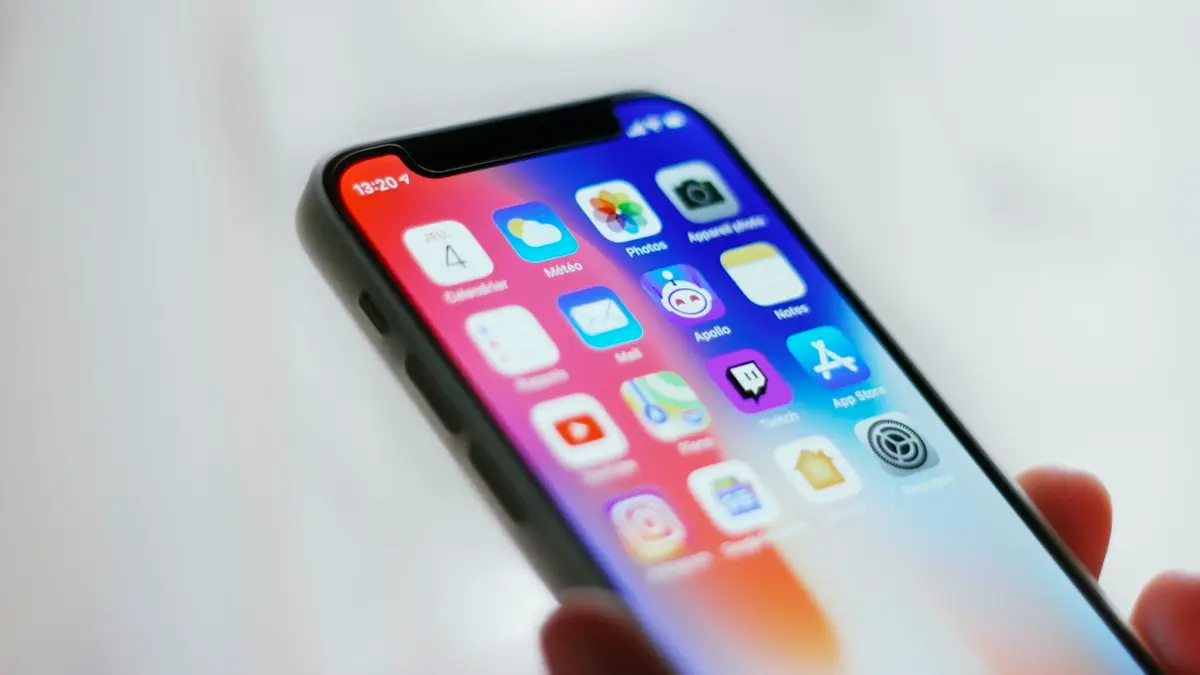
Photo by Adrien on Unsplash
iPhones rarely get viruses in the traditional sense. Every app runs in its own sealed space and cannot reach into other apps or the system, and apps can only be installed from the App Store after Apple reviews them. That is why the scary warnings most people see are fake. Still, there are a few real ways something unwanted can end up on an iPhone, and this guide checks each one, for free, in about 10 minutes.
Fake virus warnings vs real signs
- Fake: a web page says “Your iPhone is infected” or “3 viruses found”, often with a countdown, a fake Apple logo or a phone number to call. Websites cannot scan your phone. It is an advert trying to scare you into installing an app, paying, or calling a scammer.
- Fake: calendar invitations or events full of virus warnings and links. These come from a spam calendar subscription, not a virus.
- Worth checking: pop ups in Safari even on normal sites, a profile you did not install, apps you do not remember, new accounts in Settings, or your Apple Account showing devices you do not own.
- Usually not a virus: battery drain, heat or slowness. These are almost always an app, an update or an aging battery.
How to check iPhone for virus and malware
The fix
Check and clean in this order
- 1
Remove unknown profiles.
Go to Settings › General › VPN & Device Management. A configuration profile can route your traffic, add certificates or install apps. If you see one you did not install and it is not from your employer or school, tap it and choose Remove Profile. If this menu is missing, no profiles are installed.
- 2
Delete apps you do not remember installing.
Swipe to the App Library and look through it, including Hidden apps at the bottom. Delete anything unfamiliar, and any VPN, cleaner or antivirus app you installed after a pop up told you to.
- 3
Clear Safari data.
Go to Settings › Apps › Safari › Clear History and Website Data. Then turn on Block Pop-ups and Fraudulent Website Warning in the same screen.
- 4
Remove calendar spam.
Go to Settings › Apps › Calendar › Calendar Accounts and look for Subscribed Calendars. Tap any you do not recognize and choose Delete Account. Also check Settings › Apps › Calendar › Accounts for unknown accounts.
- 5
Check app permissions.
In Settings › Privacy & Security, check which apps can use Location, Microphone, Camera and Photos. Turn off anything that should not have access.
- 6
Update iOS.
Go to Settings › General › Software Update. Updates close the security holes that real attacks use, and they are the single most important protection. Turn on Automatic Updates and Security Responses.
- 7
Secure your Apple Account.
Go to Settings › your name › Sign-In & Security and change your password if you entered it on a suspicious page. Scroll to the device list under your name and remove any device you do not own.
- 8
Back up, then erase the iPhone if issues remain.
Erasing removes anything that could be causing trouble. See our guide to factory resetting an iPhone. Restore from a backup made before the problem started, or set up as new if you are unsure.
Worried someone is watching your phone?
The most common real threat is not a virus but a person you know who had access to your phone or your Apple Account, for example a former partner. They may be seeing your location through Find My, reading synced messages on another device, or have added their face or fingerprint. Apple’s Safety Check is built for this.
- 1
Go to Settings › Privacy & Security › Safety Check.
- 2
Choose Manage Sharing & Access.
It walks you through the people and apps you share location, photos, notes and more with, and lets you stop sharing, sign out of other devices and change your passcode.
- 3
Or use Emergency Reset in an urgent situation.
It immediately stops all sharing and resets access. Think about your safety first, since the other person may notice sharing has stopped.
Also check Settings › Face ID & Passcode for an Alternate Appearance you did not set up, and your AirTags and Find My for unknown items. An iPhone alerts you if an unknown AirTag seems to be traveling with you.
Apple threat notifications and Lockdown Mode
Highly advanced spyware exists, but it is expensive and used against a small number of targeted people, such as journalists, activists, lawyers and officials. It is designed to leave no visible signs. If Apple detects such an attack, it sends a threat notification: a message on the Lock Screen and in Settings, an email to your Apple Account address, and a banner when you sign in at account.apple.com.
Apple says it never asks you to click links, install apps or profiles, or give your password or a code in these notifications. If you get an email claiming to be one, sign in at account.apple.com yourself; a real notification shows a banner there. If you are at risk, turn on Lockdown Mode in Settings › Privacy & Security. It limits some features, such as certain message attachments and link previews, in exchange for much stronger protection. Apple says it knows of no successful mercenary spyware attack against a device with Lockdown Mode on.
Signs your Apple Account was accessed
- You get sign-in or verification code alerts you did not request.
- Emails from Apple about a password change, a new device or purchases you did not make.
- Your password suddenly stops working, or security questions and trusted phone numbers have changed.
- Unknown devices in the list under Settings › your name, or unfamiliar purchases in Media & Purchases › View Account › Purchase History.
If you see any of these, change your Apple Account password immediately, check that your trusted phone number is yours, and remove unknown devices. If you are locked out, go to iforgot.apple.com to recover the account. A hacked account is a much more common problem than a hacked phone, and fixing it quickly limits the damage.
Tapped a scam link or entered your details?
- Apple Account password: change it straight away in Settings › your name › Sign-In & Security.
- Card details: call your bank using the number on the back of the card, and ask for a new card.
- Other passwords: change any password you typed on the page, and anywhere else you use it. The Passwords app lists passwords that appeared in data leaks under Security.
- Installed a profile or app because a page told you to: remove it using the steps above.
Pop ups keep coming back?
If fake warnings return after clearing Safari, check your content blockers in Settings › Apps › Safari › Extensions and remove any you do not trust. Close all Safari tabs, including tab groups and Private tabs, since one open scam tab can reload itself. Avoid tapping Allow when a website asks to send notifications.
Are iPhone security apps worth it?
Security apps cannot scan an iPhone the way antivirus scans a PC, whatever their adverts suggest. What some do well is block known scam websites, filter spam texts and calls, or monitor whether your email appears in data breaches. If those features are useful to you, a reputable one is fine. Avoid any app you found through a pop up warning, and be wary of apps that charge a weekly subscription after a short trial.
Frequently asked questions
Safari says my iPhone has a virus. Is it true?
No. Websites cannot scan your phone. Close the tab, do not tap anything or call any number shown, and clear Safari history and website data.
Do I need an antivirus app on iPhone?
Not for scanning. Apps cannot look inside other apps or iOS itself, so no app can truly scan an iPhone. Some security apps help block bad links and scam texts, but updates and careful habits matter more.
Can an iPhone get hacked by visiting a website or opening a text?
It is very rare, and it is almost always targeted spyware aimed at journalists, activists or officials. Keeping iOS updated closes the security holes these attacks rely on.
Does a factory reset remove a virus?
Yes, erasing the iPhone removes any app, profile or setting that was causing the problem. Restore from a backup made before the trouble started, or set up as new if you are unsure.
What to try next
Sources
Official pages these steps are based on. Menus can differ by software version.
People also ask
My browser says my phone has a virus. Is it real?
Almost never. Those pop ups are ads trying to scare you into installing something. Close the tab and do not tap anything in it.
Read the full guide: Scan Android for malwareCan someone track my phone without me knowing?
It is possible through shared location, a tracking app installed on your phone, or a tracker hidden in your belongings. It usually needs access to your phone or accounts, so a strong passcode and account security matter.
Read the full guide: Is your phone being tracked?Can I remove a SIM card without the eject tool?
Yes. A straightened paper clip, a small earring post or a SIM pin works. Push it straight into the small hole until the tray pops out. Do not use anything thick or sharp.
Read the full guide: Remove a SIM cardIs it safe to clear cache on iPhone?
Yes. Cache is temporary data that apps rebuild. Clearing Safari data does sign you out of websites, so make sure you know your passwords or use iCloud Keychain.
Read the full guide: Clear cache on iPhoneRelated guides
Scan Android for malware
Scan your Android phone for malware for free with Google Play Protect or Samsung Device protection, then remove bad apps in safe mode. No extra app needed.
Is your phone being tracked?
How to check if your phone is being tracked: review location sharing, apps and profiles, run Safety Check and learn what to do safely if you find something.
Remove a SIM card
How to remove a SIM card in under a minute. Find the tray, eject it with a pin and put it back correctly. Covers iPhone, Samsung, Pixel and stuck trays.
Clear cache on iPhone
Clear cache on your iPhone to free space and fix slow apps. Clear Safari and Chrome data, offload apps and use in-app cache buttons, step by step.
More guides you may need
Change rings before voicemail
How to change number of rings before voicemail on iPhone: there is no iPhone setting, so use your carrier. See carrier options and fixes for fast voicemail.

Phone bill too high
Why is my phone bill so high this month? Check these 9 common causes, from expired promos to device payments and fees, and learn how to fix each one.