

How to clear cache on iPhone (Safari, apps and more)
iPhone has no single clear cache button. Here is where the cache lives in Safari, Chrome and your apps, and how to clear each one.
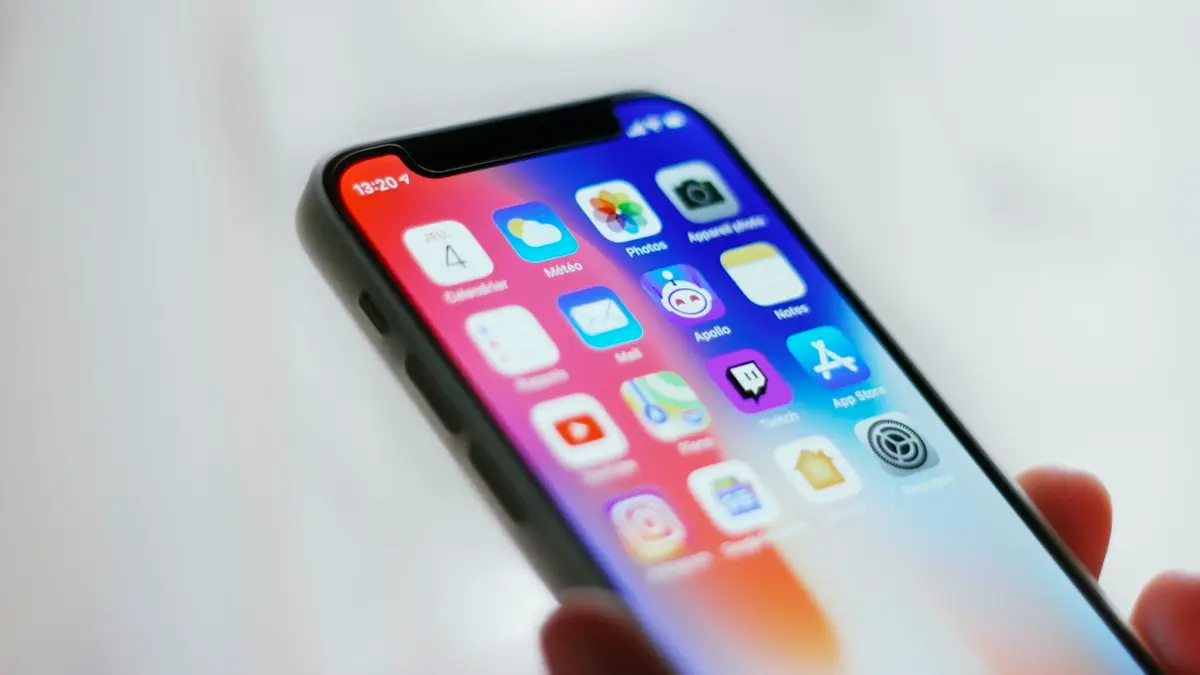
Photo by James Yarema on Unsplash
Cache is the temporary data apps keep so they load faster next time: images from websites, thumbnails in social apps, songs streamed recently, map tiles and video previews. It is meant to be disposable, which is why clearing it is safe. Over months it can grow to several gigabytes, and a corrupted cache can make one app misbehave. Unlike Android, iPhone has no single button that clears every app’s cache, so the steps depend on the app. Here is where to find each one, and when clearing actually helps.
When clearing cache helps, and when it does not
- Helps: a website that will not load properly, one app that is slow or glitchy, or an iPhone that is almost out of storage.
- Barely helps: general slowness. iOS removes cache on its own when it needs space, so clearing everything often gains little.
- Costs you: signing in to websites again, and apps re-downloading images, which uses data for a while.
How to clear cache on iPhone in Safari
The fix
Clear Safari cache
- 1
Open Settings, tap Apps, then Safari.
- 2
Scroll down and tap Clear History and Website Data.
- 3
Choose a time range and confirm.
This clears cache, cookies and history, and signs you out of websites.
To clear data for just one website, such as a shopping site that keeps showing an error, go to Settings › Apps › Safari › Advanced › Website Data, search for the site, swipe left on it and tap Delete. You stay signed in everywhere else. If you use Safari profiles, available since iOS 17, each profile keeps its own history and website data, so clear the profile you were using.
The fix
Clear Chrome cache
- 1
Open Chrome and tap the ••• menu, then Settings.
- 2
Tap Privacy and security › Delete browsing data.
- 3
Select Cached images and files and tap Delete browsing data.
The fix
Clear cache for other apps
- 1
Use the app’s own option if it has one.
TikTok: Settings and privacy › Free up space. Snapchat: Settings › Clear Cache. Many other apps have a similar option in their settings.
- 2
Otherwise, offload and reinstall.
Go to Settings › General › iPhone Storage, tap the app, choose Offload App, then Reinstall App. Your data stays.
Cache, cookies and history: what is the difference?
- Cache: copies of images and files from websites and apps, kept so pages load faster. Safe to clear.
- Cookies and website data: small files that keep you signed in and remember settings. Clearing them signs you out.
- History: the list of pages you visited. Clearing it does not free much space.
Safari’s Clear History and Website Data removes all three. The Website Data option in Advanced settings removes cache and cookies but keeps your history, which is usually the better choice when you only want to fix a site or free space.
Firefox, Edge and other browsers
- Firefox: menu › Settings › Data Management, choose Cache, then Clear Private Data.
- Microsoft Edge: menu › Settings › Privacy and security › Clear browsing data, select Cached images and files.
- Google app: tap your profile picture, then Search history or Settings, and clear browsing data from there.
Browsing in Private Browsing mode in Safari, or Incognito in Chrome, keeps most website data from being stored in the first place, which is handy on a shared iPad or for quick one-off searches.
Skip cache cleaner apps
The App Store has apps that promise to clean your iPhone’s cache. iOS does not let any app clear another app’s data, so they cannot do what they claim, and many push expensive weekly subscriptions. The free steps on this page do everything that is actually possible. See how to speed up a slow iPhone for other free fixes.
Popular apps, one by one
- Spotify: Settings › Storage › Clear cache. Downloaded songs stay unless you remove them.
- Instagram: has no cache button on iPhone. Offload and reinstall it to clear several gigabytes in some cases.
- Facebook: clear its in-app browser data from the menu under Settings & privacy › Settings, in the browser section.
- WhatsApp: use Settings › Storage and data › Manage storage to delete large media; this is real data, not cache, so review before deleting.
- Netflix, YouTube and Prime Video: downloaded shows count as app data. Delete old downloads inside each app.
- Messages: Settings › General › iPhone Storage › Messages › Review Large Attachments removes old photos and videos from chats.
Offload or delete?
Offloading removes the app itself and its cache but keeps your documents and data, and the icon stays on your Home Screen with a small cloud next to it. Tap the icon to reinstall. Deleting removes the app and all its data; anything not synced to the app’s cloud account is lost. For clearing cache, offload is the safer choice. To have iOS do this automatically for apps you rarely use, turn on Offload Unused Apps in Settings › Apps › App Store.
What about System Data?
In Settings › General › iPhone Storage, a large grey System Data section includes caches, logs and temporary files that iOS manages. You cannot clear it directly. Restarting the iPhone, updating iOS and deleting old message attachments often shrinks it. If it stays huge, see how to free up iPhone storage.
How often should you clear cache?
There is no need for a schedule. Clear Safari’s data when a website misbehaves or when you want a privacy clean-up, and clear an app’s cache when that app is slow, glitchy or taking up far more space than it should. Most people only need to do it a few times a year, if that. Clearing caches every day just makes apps reload everything, using more mobile data and more battery.
On iPad and Mac
iPad uses the same steps as iPhone, with the same Settings paths for Safari and iPad Storage. On a Mac, Safari’s cache is cleared in Safari › Settings › Privacy › Manage Website Data, or with Clear History in the History menu. Clearing data on one device does not clear it on any of the others, even if Safari history syncs through iCloud.
Storage almost full? Look at the biggest items first
If you are clearing cache because the iPhone says storage is almost full, start with the list in Settings › General › iPhone Storage, which is sorted by size. Photos, videos, messages and downloaded shows usually take far more space than any cache. Clearing a few gigabytes of old videos or offloading one big game often does more than clearing every cache on the phone.
Clearing cache to fix one broken app
If a single app keeps crashing, shows old content or will not load images, work through these in order: force close it from the app switcher, check the App Store for an update, use the app’s own clear cache option if it has one, then offload and reinstall it. That sequence fixes most app-specific problems without touching anything else on the phone.
Check that it worked
Go back to Settings › General › iPhone Storage and look at the bar at the top and the size of the apps you cleared. It can take a minute to update. If an app was misbehaving, open it, sign in if needed and test the thing that was failing; if it still has problems after a clean reinstall, the issue is the app itself, so check for an update or contact its support.
Restart your iPhone after clearing caches, even though it is not strictly required. It also clears temporary system files and can shrink the System Data category in iPhone Storage.
Frequently asked questions
Is it safe to clear cache on iPhone?
Yes. Cache is temporary data that apps rebuild. Clearing Safari data does sign you out of websites, so make sure you know your passwords or use iCloud Keychain.
Does offloading an app clear its cache?
Offloading removes the app and its cache but keeps your documents and data. When you reinstall it, the app starts with a clean cache.
Will clearing cache delete my passwords?
No. Passwords saved in the Passwords app or iCloud Keychain are not part of the cache. You may need to sign in to websites again, but your iPhone can fill in the saved passwords.
Does clearing cache make my iPhone faster?
Sometimes, for one slow app or a nearly full iPhone. In general iOS manages cache well, so clearing it everywhere rarely makes a big difference to overall speed.
What to try next
Sources
Official pages these steps are based on. Menus can differ by software version.
People also ask
Will clearing cache delete my photos or messages?
No. Cache is temporary data the app can rebuild, such as thumbnails and downloaded images. Your account, messages and saved files are untouched.
Read the full guide: Clear app cache on AndroidIs Other storage the same as System Data?
Yes. Apple used the label Other for years, and recent iOS versions call it System Data. It covers the files that do not fit into categories such as Apps, Photos and Messages.
Read the full guide: Other storage on iPhoneDoes deleting an app cancel its subscription?
No. Cancel it in Settings › your name › Subscriptions first.
Read the full guide: Delete hidden apps on iPhoneSafari says my iPhone has a virus. Is it true?
No. Websites cannot scan your phone. Close the tab, do not tap anything or call any number shown, and clear Safari history and website data.
Read the full guide: Check iPhone for a virusRelated guides
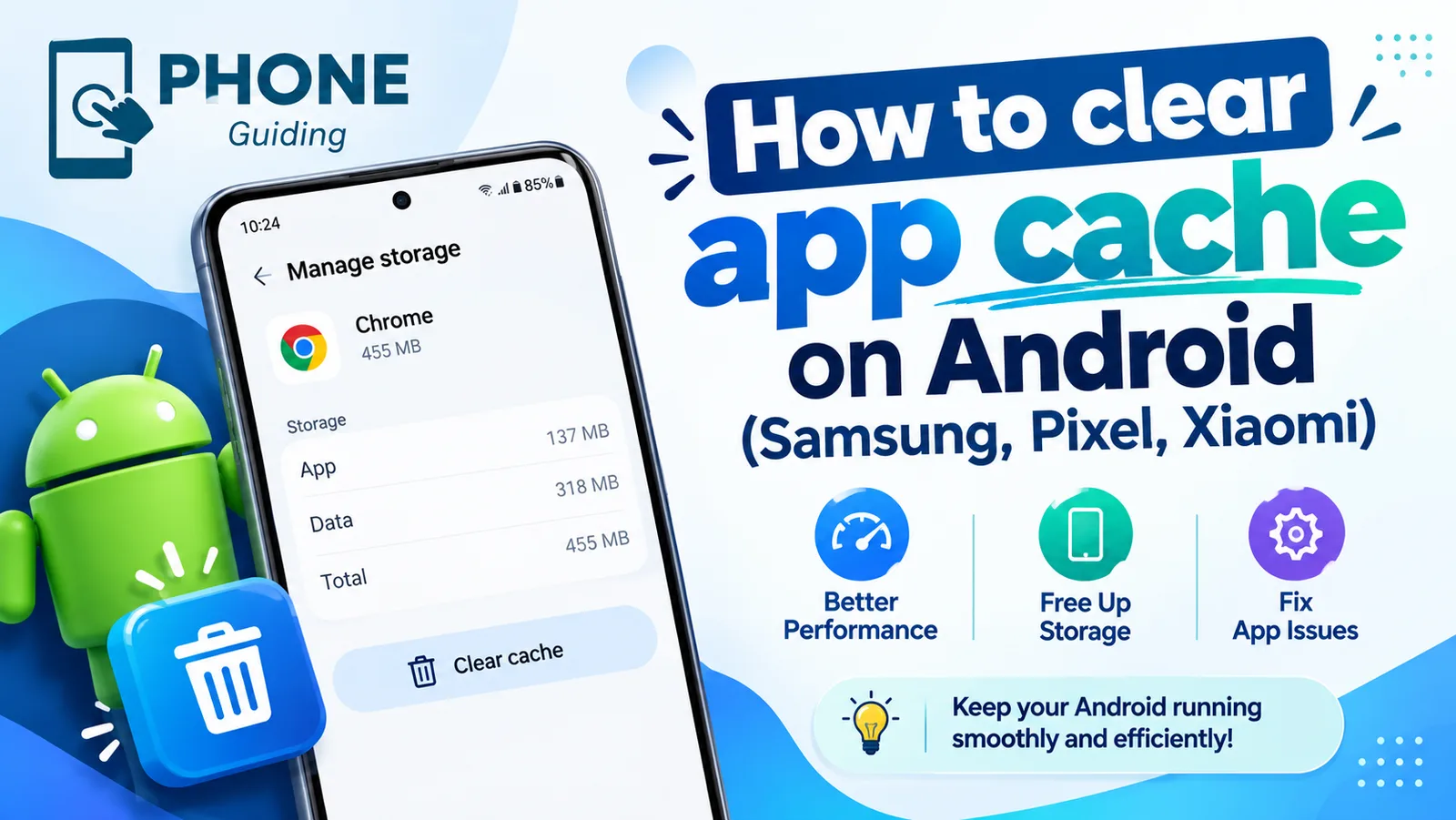
Clear app cache on Android
Clear an app's cache on Android to fix crashes and free up space. Step-by-step instructions for Samsung, Google Pixel, Xiaomi and other phones.
Other storage on iPhone
What is Other storage on iPhone, now called System Data, and why it gets huge. Learn what it holds and 8 ways to shrink it, from restarting to a backup restore.
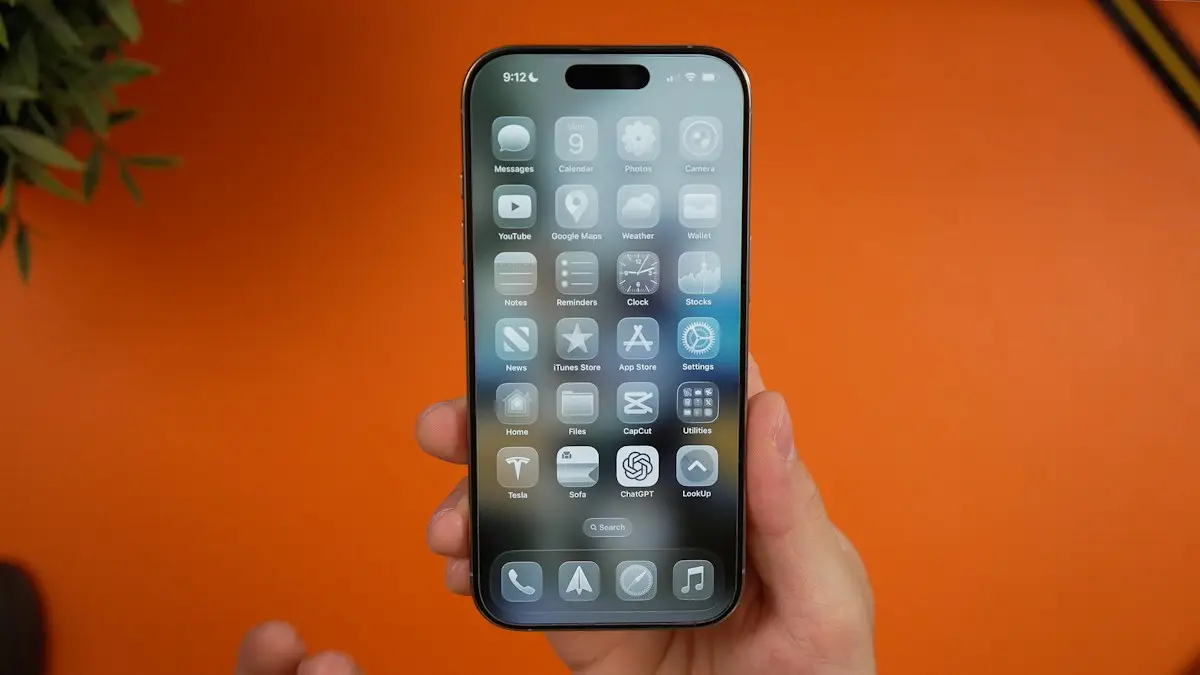
Delete hidden apps on iPhone
Delete hidden apps on your iPhone from the Hidden folder in App Library, Search or iPhone Storage. Also how to find apps hidden by Screen Time restrictions.
Check iPhone for a virus
Check your iPhone for a virus or malware: spot the real warning signs, remove unknown profiles and apps, clear Safari data and update iOS. No paid app needed.
More guides you may need
Turn off Liquid Glass
Learn how to turn off Liquid Glass on iPhone as far as Apple allows. Use the iOS 27 slider, Tinted mode and Reduce Transparency to make menus solid and clear.

Turn off a Samsung phone
Holding the side button on your Samsung opens Bixby instead of turning it off? Here are 4 ways to power off a Galaxy, and how to make the button work normally.