

Siri says I don't know where you are? 7 fixes to try
When Siri cannot answer questions about places, the cause is usually location permission, a weak signal or a stale fix. Here is the order to check them, and what Apple does not document.
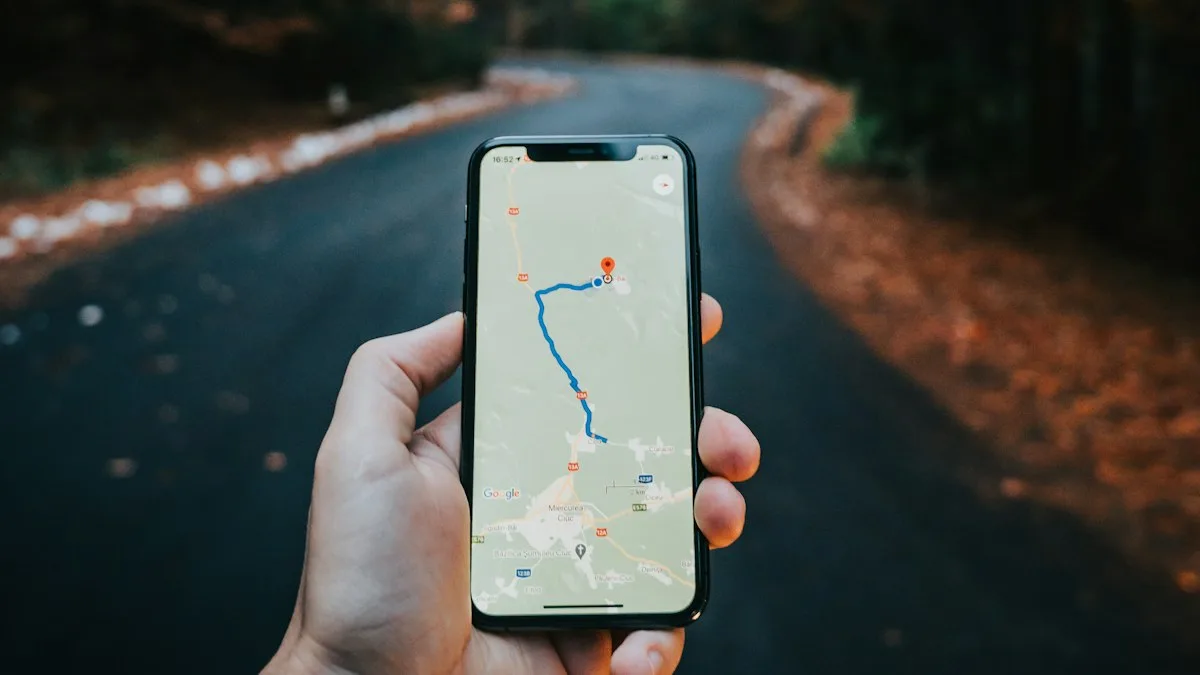
Photo by Tamas Tuzes-Katai on Unsplash
You ask Siri for the nearest gas station or tomorrow's weather here, and it says it does not know where you are. Other apps might find you without any trouble. That points to a permission or a stale location, not a broken phone.
The fix
7 fixes, in order
- 1
Turn on Location Services.
Open Settings › Privacy & Security › Location Services and switch it on. Apple says apps cannot use your location while it is off.
- 2
Look for Siri in the list.
Scroll the Location Services list for Siri. If it is there, choose While Using the App or the equivalent. Turn on Precise Location if a switch appears.
- 3
Check System Services.
At the bottom of Location Services, open System Services. Review the options there. Apple does not list a Siri toggle, so do not worry if you do not see one.
- 4
Set date and time to automatic.
Settings › General › Date & Time, then turn on Set Automatically. Apple lists this for location accuracy.
- 5
Open Maps or Find My, ideally outdoors.
Give the phone a clear view of the sky. Some owners say that once Maps shows their location, Siri works again.
- 6
Restart the iPhone.
Turn it off and on. Some owners say a restart helps, and others say it does not, so test.
- 7
Reset Location & Privacy.
Settings › General › Transfer or Reset iPhone › Reset › Reset Location & Privacy. Apps will ask for permission again.
Why Siri says I don't know where you are
Siri can only answer location questions if the iPhone can work out where it is and Siri is allowed to use that information. Several things break the chain. Location Services may be off. An app permission may be set to Never. The phone may be indoors with a poor signal, or in a car with a metal roof. Wi-Fi may be off on a device without cellular, so it has no way to estimate a location. Apple also says maps and location features depend on data services, which means a missing connection can leave location information unavailable.
| What you notice | Likely cause | Try first |
|---|---|---|
| Siri fails, Maps also fails | Location Services off or no signal | Turn it on, go outdoors |
| Maps works, Siri fails | Siri permission or a stale session | Look for the Siri entry, restart |
| Fails only indoors | Weak GPS signal | Open the app near a window or outside |
| Fails after an update or restore | Permissions changed | Review Location Services, reset if needed |
| Wrong time or city | Date, time or zone wrong | Set automatically |
Understanding the location permission choices
Apple lists these options for apps: Never, Ask Next Time Or When I Share, While Using the App, and Always. For most features, While Using the App is enough. Never blocks the app completely. Apps also have a Precise Location switch. If you turn it off, the app gets only your approximate location, which can make nearby searches less useful. Apple does not state how Precise Location affects Siri, so turn it on, ask Siri again and compare.
If you are not sure where the settings live, see our guide to where Location Services is.
Give the iPhone a better view of the sky
Apple says GPS needs a clear view of the sky, and that walls, vehicle roofs and tall buildings can block it. If you only see the problem in a basement, a garage or deep inside an office, the phone may simply not know where it is. Step outside, wait a moment, then ask again. Turning on Wi-Fi, even without joining a network, can also help a phone estimate its location.
A five minute test to find the cause
Before you reset anything, find out whether the iPhone or Siri is the problem. Go outside or next to a window, then work through these checks and write down what each one shows.
- Open Maps and look for the blue dot. If it appears in the right place, the iPhone can find you.
- Open the Weather app and see whether it shows your area. If it asks for permission, grant it.
- Ask Siri a location question, such as the weather where you are, and note the exact words it says.
- Turn Wi-Fi on, even without joining a network, and ask again.
- Switch cellular data on and off once, wait a few seconds and try again.
If Maps and Weather find you but Siri does not, the trouble is with Siri's permission or session, so look at the Location Services list again, restart, and check that Siri is on. If none of the apps can find you, the issue is location itself: signal, services or settings. That split tells you whether to focus on Siri or on the phone.
Keeping your location private while Siri works
Some people turn Location Services off for privacy, then wonder why Siri stops answering local questions. You do not have to give every app your location. Apple's per app options let you allow only what you need, for example While Using the App for Maps and Weather and Never for apps that have no reason to know where you are. If you want Siri to work with places, keep Location Services on and trim the list instead of turning the whole feature off. You can review it any time under Settings, Privacy & Security, Location Services.
Resetting location and privacy settings
Use the reset only after the earlier steps. The path is Settings, General, Transfer or Reset iPhone, Reset, then Reset Location & Privacy. After the restart, open Location Services, turn it on, and check Siri and Maps first.
If other location features fail too
If Find My also shows an old position, see Find My that will not update. If Siri does not respond to anything, not only places, our guide to Siri that does not respond is a better start. And if you want others to know where you are, read about sharing your location.
If it only happens in one place
Location problems that show up in a single spot are usually about signal. An underground parking garage, an elevator, a metal building or a car with a thick metalized windshield can all block GPS. A phone that relies on Wi-Fi to estimate position may also struggle where there are no nearby networks. In those places, try asking Siri again once you are outside, or turn Wi-Fi on so the phone has more to work with. If you are inside a building you visit often, ask your question about a named place, such as the weather in your town, which does not depend on a precise position.
When to contact Apple
If location works nowhere, outdoors and with Wi-Fi on, after a reset, back up the iPhone and contact Apple Support. A damaged antenna or a software fault is uncommon, but possible. Tell them what you asked Siri, what it said, and whether Maps finds you, because those details narrow the cause quickly.
Frequently asked questions
Why does Siri say it doesn't know where I am?
Usually Location Services is off, location access is denied or approximate only, or the phone has no current fix. Turn on Location Services and open Maps to get a fresh location.
How do I give Siri my location?
Open Settings, tap Privacy & Security, tap Location Services and turn it on. Look through the list for Siri and set it to While Using, if it is listed on your iOS version.
Does turning off Precise Location affect Siri?
Precise Location is a per app switch that shares only an approximate position when it is off. Apple does not say how it affects Siri, so turn it on and test.
Will resetting location settings fix Siri?
It can clear a bad permission, but every app will ask again before it can use your location. Apple's path is Settings, General, Transfer or Reset iPhone, Reset, Reset Location & Privacy.
What to try next
Sources
Official pages these steps are based on. Menus can differ by software version.
People also ask
Where is Location Services on iPhone?
Open Settings › Privacy & Security › Location Services. The main switch is at the top.
Read the full guide: Where is Location Services on iPhoneDoes iPhone have a built-in VPN?
No. iPhone supports VPN connections in Settings, but you need a VPN service or your workplace's details. iCloud Private Relay is a related privacy feature for Safari, but it is not a full VPN.
Read the full guide: Use a VPN on iPhoneDoes one gray tick always mean blocked?
No. It also shows when their phone is off, has no internet or they deleted WhatsApp.
Read the full guide: Blocked on WhatsApp?Why does CarPlay ask me to enable Siri?
Apple's setup guide treats Siri as a prerequisite for CarPlay, so the car prompts you when Siri is off or blocked. Turn Siri on in Settings, then reconnect.
Read the full guide: CarPlay says enable SiriRelated guides
Where is Location Services on iPhone
Find Location Services on your iPhone: Settings › Privacy & Security › Location Services. Turn it on or off, pick which apps see you, and fix it if greyed out.

Use a VPN on iPhone
How to use a VPN on iPhone in minutes: install an app, allow the VPN setting, turn it on and off, and learn when a VPN helps and when it does not.
Blocked on WhatsApp?
Think you are blocked on WhatsApp? Look for one gray tick, no last seen or profile photo, calls that never connect, and a failed group add. What each one means.
CarPlay says enable Siri
CarPlay says enable Siri even though Siri is on? Check the Siri settings, restart, re-add the car, turn off any VPN and update iOS. Here is why CarPlay asks.
More guides you may need
iPhone cellular data not working
iPhone cellular data not working but bars show? Match your symptom, then toggle Cellular Data, cycle Airplane Mode, update carrier settings and reset network.

iPhone contacts missing
iPhone contacts missing or disappeared? Check your Lists, iCloud and Gmail sync, then restore contacts from iCloud.com or a backup. 7 ways to get them back.