

How to trade in your phone: where to go, how credits work and what to avoid
A trade-in is the easiest way to get rid of an old phone, but the credit is not always what it looks like. Read the terms first.
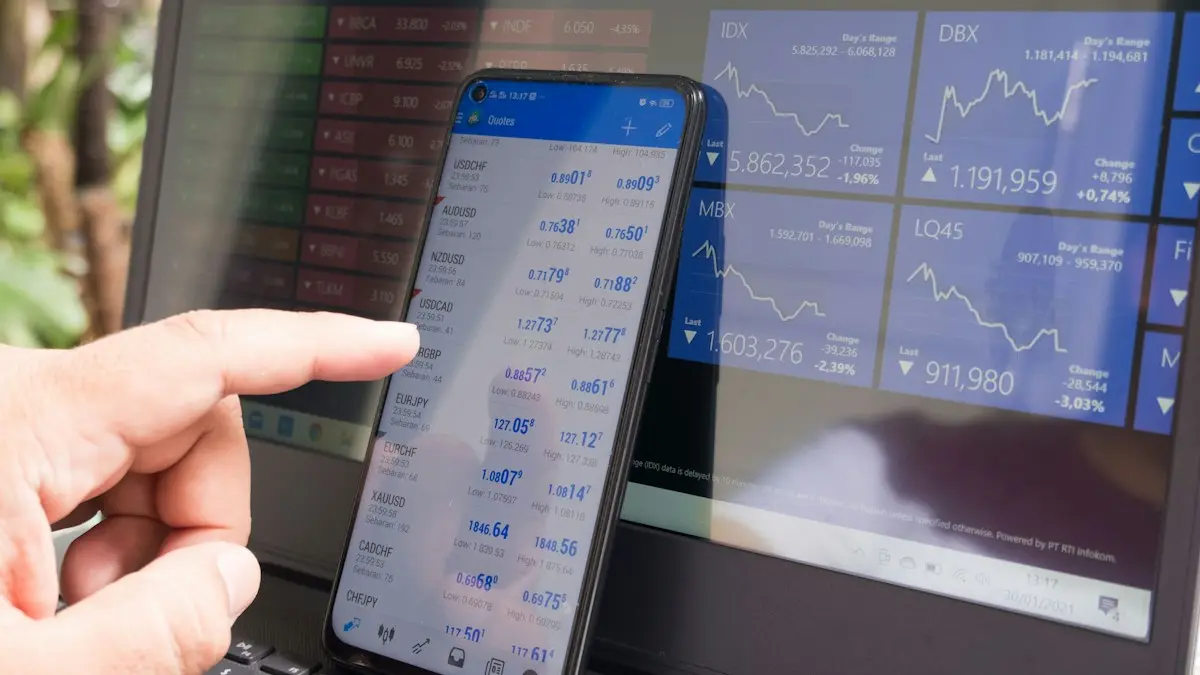
Photo by Alexey Demidov on Unsplash
Trading in a phone is easier than selling one: no listing, no strangers and no waiting for a buyer. The catch is that the offer you see can hide conditions, such as credits spread over three years, a required new plan or a condition check that lowers the price after you ship the phone. This guide shows the steps in order, compares where to trade in and explains how to tell whether a trade-in beats a private sale.
Where you can trade in a phone
Compare the main options
Apple, Samsung and Google
Manufacturer programs give credit toward a new device or a gift card. They are straightforward and have clear condition rules.
Carriers (Verizon, AT&T, T-Mobile)
Often the biggest headline offers, but paid as monthly bill credits over 24 to 36 months, and they usually need a new line, a specific plan or a new phone on a payment plan.
Big retailers
Stores such as Best Buy accept trade-ins in store or by mail, and pay in gift cards or store credit.
Buyback sites
Sites that quote a price, send a prepaid label and pay by check, payment app or gift card. Fast, and often better than a store for older phones.
How to trade in a phone, step by step
- 1
Check the value and get two or three quotes.
Enter your model, storage and condition on each site. For an iPhone, see how much your iPhone is worth.
- 2
Read the fine print.
Check whether the credit is instant or monthly, what plan or purchase you must make, how long you have to send the phone and what happens if it is damaged or the condition differs.
- 3
Back up and move your data.
Use iCloud, Google backup or Smart Switch, and check that your photos and messages are on the new phone. See making an iPhone backup or how to back up an Android phone.
- 4
Sign out and erase the phone.
Remove your Apple Account or Google and Samsung accounts, turn off Find My, then factory reset. The detailed steps are in the guides for selling an iPhone and an Android phone.
- 5
Take out the SIM and memory card, and remove cases.
Keep your accessories unless the offer includes them.
- 6
Take photos and note the serial number.
Photograph every side of the phone and the screen on, so you can show its condition if there is a dispute.
- 7
Ship it or hand it over, and keep proof.
Use the prepaid label and keep the tracking number, or get a receipt in the store.
How phone condition is graded
- Like new or good: works fully, with no cracks and only light wear.
- Fair: working, with visible scratches, dents or a worn back.
- Poor or damaged: a cracked screen, a cracked back, a dead pixel line, a bad battery or a phone that will not turn on.
- Will not qualify: locked by a previous owner, reported lost or stolen, or still tied to an account.
Answer the condition questions honestly. If the grader finds something that you did not mention, the offer is lowered, and some programs return the phone to you or pay almost nothing. Working but cracked phones often have value, and a phone that will not turn on may still get a small offer.
How carrier trade-in credits really work
A carrier offer such as up to a large amount off a new phone sounds like a discount, but it is usually a bill credit. You pay the full price of the new phone in monthly installments, and the carrier takes a small amount off your bill each month for 24 to 36 months. If you cancel service, switch carriers or pay off the phone early, the remaining credits stop. That means a trade-in deal locks you in. It can still be worth it if you plan to stay, but compare the total cost over the whole period against paying outright, or against selling the old phone yourself and buying an unlocked phone. How unlocked and carrier phones compare explains the math.
Locked, financed or lost phones
- Still paying it off: ask the carrier whether it will take the phone as part of an upgrade and how the balance is handled. Some do, and some need it paid first.
- Carrier-locked: many programs accept locked phones, but the price is lower than for unlocked ones.
- Reported lost or stolen: will not be accepted, and sending one can cause problems.
- Activation Lock or Factory Reset Protection on: the phone will be rejected until you remove your account.
Trade in or sell it yourself?
- 1
Get the best trade-in quote.
Include the real value of credits, not just the headline.
- 2
Look up recent sold prices for the same model.
Use sold listings on marketplaces, not asking prices.
- 3
Subtract fees and effort.
Marketplace fees, shipping and your time are part of the cost.
- 4
Pick the better total.
If the difference is small, choose the trade-in for safety. If a sale pays a lot more and you can handle the work, sell it.
Common trade-in mistakes
- Ignoring the fine print on credits, and the plan you must keep.
- Forgetting to remove your account, which gets the phone rejected or lowers the offer.
- Overstating the condition, then losing money when the grader checks.
- Trading in before the new phone works, and losing access to your data.
- Waiting until the next model launches, when prices fall.
- Not keeping a receipt or tracking number.
When to trade in for the best value
Phones lose value fastest right after a new model launches, usually in September for iPhone and around January to February for Galaxy S phones. Trading in just before a launch often gets more than waiting a few weeks after. Carrier promotions are strongest around launches and holidays, so check offers then if you are also buying a new phone.
Wipe the phone properly
On iPhone, back up, sign out of iCloud in Settings › your name › Sign Out, which turns off Find My, then go to Settings › General › Transfer or Reset iPhone › Erase All Content and Settings. On Android, back up, remove your Google account in Settings › Accounts and your Samsung account if you have one, then factory reset. Removing accounts first avoids Factory Reset Protection locking the phone for the next owner, which can cancel your trade in credit.
Do not forget these
- Remove the SIM card or delete the eSIM.
- Unpair your Apple Watch or Galaxy Watch first, so it backs up.
- Remove cards from Apple Pay or Google Wallet.
- Take photos of the phone's condition before shipping it.
Promotions that look bigger than they are
A trade in deal that promises a large amount off a new phone is often paid as monthly bill credits over 24 or 36 months. If you leave the carrier early, you lose the remaining credits. Compare that with the cash value a buyback site offers today, and decide whether staying that long suits you.
Keep the paperwork
Save the trade in confirmation, shipping receipt and tracking number until the credit appears. If the value is lowered after inspection, you can usually ask for the phone back instead of accepting the new offer.
Frequently asked questions
Can I trade in a phone with a cracked screen?
Usually yes, but the value drops. Be honest about the damage in the quote, because a shop that finds a different condition will lower the offer.
Can I trade in a phone I still owe money on?
Some carriers allow it as part of an upgrade and pay off or credit the balance. Others require the phone to be paid off first, so check the terms.
Do I get cash or credit?
It depends. Retailers and buyback sites may pay cash or a gift card, while carriers and manufacturers usually give credit toward a new phone or bill credits over time.
Is it better to trade in or sell?
Selling privately usually pays more, but it takes time and carries scam risk. Trading in is faster and safer, and promotions can make the offer worth more than the resale price.
What to try next
People also ask
Is it better to trade in or sell my iPhone?
Selling privately usually gets more money, often noticeably more than Apple’s trade-in. Trading in is faster and safer. Carrier promotions can beat both, but the credit is often spread over 24 to 36 months.
Read the full guide: How much is my iPhone worthWhy did Apple lower my trade-in value?
Apple’s terms say the quote can change if inspection results differ from your description, if Find My iPhone is not removed, or if the device is not received within 14 days of the trade-in box delivery.
Read the full guide: Trade In value lowerDo I need to remove my SIM card before selling my iPhone?
Yes, if your iPhone has a physical SIM tray, take the SIM out. If you use an eSIM, erasing the phone removes it, but ask your carrier to cancel or move the line so the eSIM is not left attached to the old phone.
Read the full guide: Sell your iPhoneHow many years will an iPhone get updates?
Apple usually supports an iPhone with new iOS versions for around six or seven years, and with security updates for a while after. Check Apple's iOS compatibility list for your exact model.
Read the full guide: How long iPhones lastRelated guides
How much is my iPhone worth
How much is your iPhone worth in 2026? See Apple’s current trade-in values, how to check your exact price, and how to get more by selling it yourself.
Trade In value lower
Apple Trade In offered less than the quote after inspection? See why values change, how to accept or decline a revised price and how to avoid a cut next time.
Sell your iPhone
How to sell your iPhone the safe way: back up, sign out, erase, then pick trade-in or a private sale. Includes Activation Lock fixes and scam warnings.
How long iPhones last
How long do iPhones last? Most last five to seven years if the battery and updates hold. Learn the signs to upgrade and how to make yours last longer.
More guides you may need
Screenshot on Android
Take a screenshot on any Android phone with Power and Volume Down, plus Samsung’s palm swipe, Motorola’s three finger swipe and long scrolling screenshots.
Screenshot on Samsung
Take a screenshot on any Samsung Galaxy with Power and Volume Down, a palm swipe or Bixby, and capture long pages with Scroll capture. Settings included.