

How to transfer Samsung to Samsung with Smart Switch
Smart Switch is built into every Galaxy phone. It copies apps, photos, messages, contacts and most settings in one go.
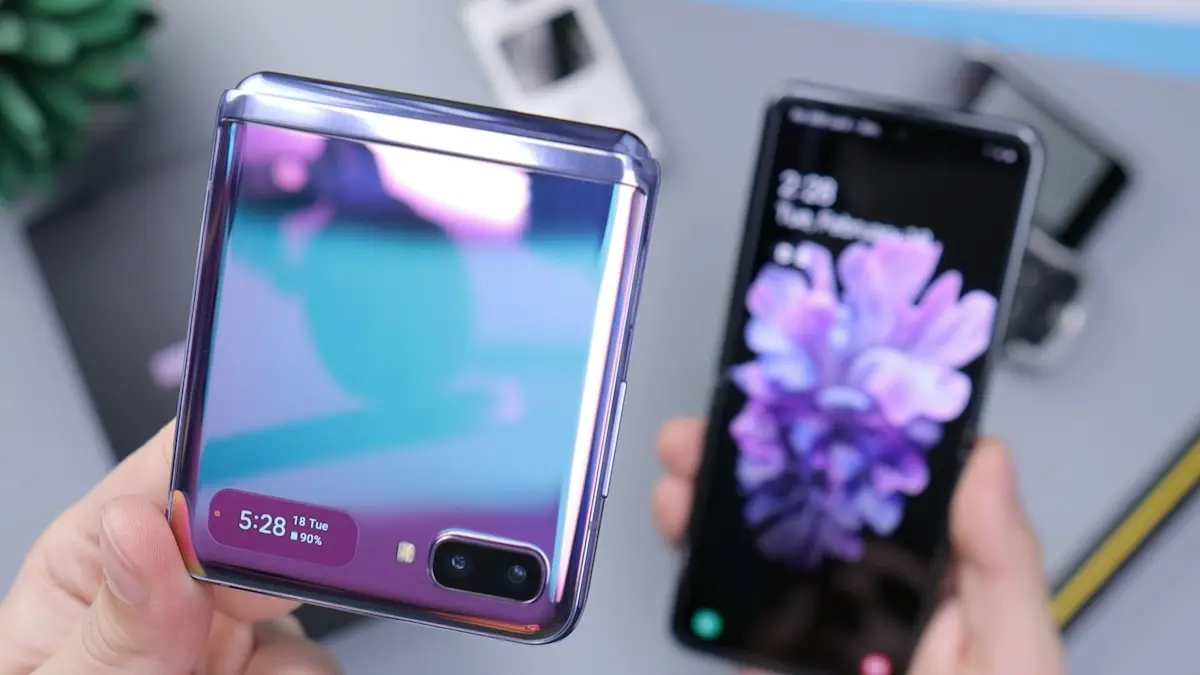
Photo by Daniel Romero on Unsplash
Moving from one Galaxy to another is easier than any other phone switch, because Smart Switch is built into both and copies far more than a Google backup. Done right, your new phone looks and feels like the old one within the hour: same home screen, same apps, same messages and photos. Here is how to do it, what to check before you start, and how to finish the job afterwards.
What Smart Switch moves
- Contacts, call logs and text messages.
- Photos, videos, music and documents stored on the phone.
- Apps, plus data for many apps, and your home screen layout and wallpaper.
- Phone settings such as Wi-Fi networks, alarms, ringtones and many Samsung app settings.
- Samsung Notes, Calendar and Reminder items stored on the phone.
Between two Galaxy phones, more settings carry over than when moving from another brand, which is why the new phone feels familiar right away.
Before you start
- Charge both phones to at least 50 percent, or keep them plugged in.
- Update Smart Switch on both from the Galaxy Store or Play Store.
- Check the new phone has enough free storage for your photos and videos.
- Move any authenticator app codes to the new phone, or turn on their cloud sync, before you reset the old one.
- Write down your Google and Samsung account passwords; you will need them during setup.
The fix
Wireless transfer
- 1
Open Smart Switch on both phones.
On a brand new phone, the setup screens offer it for you.
- 2
Tap Send data on the old phone and Receive data on the new one.
- 3
Choose Galaxy/Android, then Wireless.
- 4
Tap Allow on the old phone when asked.
- 5
Select what to copy and tap Transfer.
The fix
Cable transfer (moves the most data)
- 1
Connect both phones with a USB-C to USB-C cable.
- 2
Open Smart Switch on the new phone and choose Receive data, then Cable.
- 3
Tap Allow on the old phone and then Transfer.
What will not come across
- Banking and some payment apps, which need you to sign in again.
- Samsung Wallet cards, which you add again on the new phone.
- Google Authenticator codes, unless you export them or use cloud sync.
Wireless, cable or computer: which to use?
- Wireless: no cable needed and fine for most people. It slows down with very large photo and video libraries.
- Cable: the fastest and most reliable, especially with a large photo and video library. Use the USB-C cable that came with the new phone, or any good USB-C to USB-C cable.
- Computer (Smart Switch for PC or Mac): best if the old phone is damaged, if you want a full backup kept on a computer, or if you are not moving to the new phone right away.
Secure Folder, Samsung Health and Notes
- Secure Folder: its contents are protected separately. Open Secure Folder on the old phone, go to its settings and back it up to Samsung Cloud, then restore it inside Secure Folder on the new phone.
- Samsung Health: sign in with the same Samsung account and turn on sync, and your history comes across through the cloud.
- Samsung Notes: Smart Switch copies notes stored on the phone; turning on Samsung Cloud sync for Notes keeps them safe going forward.
Coming from an iPhone or another brand?
Smart Switch also works from iPhones and other Android phones, though fewer settings carry over. From an iPhone, it can copy contacts, messages, photos, calendar and a list of matching apps over a cable or from an iCloud backup. Turn off iMessage on the iPhone before you switch, so texts from iPhone users reach your new Galaxy.
Old phone broken or not with you?
If the old Galaxy still turns on and unlocks, install Smart Switch for PC or Mac on a computer, connect the phone with a cable and choose Backup. Then connect the new phone and choose Restore. This also keeps a full copy on the computer, which is a good safety net. If the old phone does not work at all, set up the new one from your Samsung Cloud and Google backups instead; you will get contacts, messages, settings and apps, and Google Photos brings back photos that were backed up.
Your phone number and eSIM
A physical SIM simply moves from the old phone to the new one. With eSIM, many US carriers let you transfer the line during setup or through their app; otherwise contact the carrier to move it. Do this before you reset the old phone, and check calls and texts work on the new one. If the new phone came from a carrier, it should already be set up for your line.
Galaxy Watch and Galaxy Buds
Smart Switch moves your Galaxy Wearable app, but a watch is paired to one phone at a time. Back up the watch in the Galaxy Wearable app on the old phone first. Then, on the new phone, open Galaxy Wearable and connect the watch; you may be asked to reset the watch and restore its backup. Galaxy Buds simply need pairing again from the new phone’s Bluetooth settings or pop-up.
After the transfer: checklist
- Open Messages and Phone to check texts and call history arrived.
- Sign in to banking, payment and work apps, which usually need a fresh login on a new phone for security reasons.
- Add your payment cards to Samsung Wallet or Google Wallet again on the new phone.
- Open WhatsApp and confirm chats are there; if not, restore from its Google Drive backup.
- Check that Google Photos backup is on, so new photos are protected.
- Set your default apps, such as browser and keyboard, if they changed.
Transfer stuck or failed?
- Restart both phones and update Smart Switch on each.
- Turn off power saving on both, and keep both screens on during the transfer.
- Move the phones close together and away from microwaves and busy Wi-Fi.
- Use a cable instead of wireless; it is faster and more reliable for large photo libraries.
- Leave out large videos and copy them afterwards with a computer or Google Photos.
Already set up the new phone? Transfer anyway
- 1
On the new Galaxy, open Settings › Accounts and backup.
- 2
Tap Bring data from old device.
- 3
Open Smart Switch on the old phone and tap Send data.
- 4
Choose wireless or cable, select what to copy and tap Transfer.
Anything already on the new phone stays; Smart Switch adds the old phone’s data alongside it.
How long will it take?
Smart Switch shows an estimate before it starts, based on how much you selected. Contacts, messages and settings take minutes. Photos and videos take most of the time, so a phone with years of 4K video can need an hour or more over Wi-Fi. A cable usually cuts that time a lot. Start the transfer when you do not need either phone for a while, such as in the evening, and leave both plugged in. Apps finish downloading from the Play Store and Galaxy Store in the background afterwards, which can take a little longer.
Protect the new phone
A new Galaxy is a good time to set a few things up. Turn on Google Photos backup and Samsung Cloud backup so the next switch is just as easy. Add a case and screen protector before the first drop. If you want accident coverage, Samsung Care+ can only be added within a limited time after purchase, so decide early, and compare it with your carrier’s protection plan.
What to do with the old Galaxy
Keep it for a few days in case something important is missing. Then sign out of your accounts, remove your SIM and SD card, and factory reset it. Samsung, carriers and resale sites all buy used Galaxy phones, and a signed-out, reset phone gets the best offer. See how to factory reset a Samsung phone.
Frequently asked questions
Can I use Smart Switch after I already set up the new phone?
Yes. Open Settings › Accounts and backup › Bring data from old device on the new phone. Anything already on the new phone stays.
Does Smart Switch move WhatsApp chats?
Usually yes, between two Galaxy phones. If chats are missing, back up WhatsApp to Google Drive on the old phone and restore it on the new one.
How long does the transfer take?
From a few minutes to over an hour, depending on how many photos and videos you have. A cable is faster than Wi-Fi.
Can I transfer if my old Galaxy is broken?
If it still turns on and you can unlock it, connect it to a computer and back it up with Smart Switch for PC or Mac, then restore to the new phone. Otherwise restore from Samsung Cloud or your Google backup.
What to try next
People also ask
Will my iMessages transfer to Android?
Text message history can be copied during setup, but iMessage itself does not work on Android. Turn it off before switching so new texts reach your Android phone.
Read the full guide: Transfer iPhone to AndroidWhich Samsung phones support eSIM?
Most recent Galaxy S, Z Flip, Z Fold and many A phones support eSIM, but support depends on the model and the region. Check Settings › Connections › SIM manager for an Add eSIM option, or ask your carrier.
Read the full guide: Set up eSIM on SamsungCan I remove a SIM card without the eject tool?
Yes. A straightened paper clip, a small earring post or a SIM pin works. Push it straight into the small hole until the tray pops out. Do not use anything thick or sharp.
Read the full guide: Remove a SIM cardDoes turning off 5G save battery?
Yes, especially where 5G coverage is weak and the iPhone keeps searching for it. In areas with strong 5G, 5G Auto already balances speed and battery.
Read the full guide: Turn 5G on or off on iPhoneRelated guides
Transfer iPhone to Android
Move contacts, photos, messages and apps from iPhone to Android with Google’s Android Switch or Samsung Smart Switch, and turn off iMessage so texts arrive.
Set up eSIM on Samsung
How to set up eSIM on Samsung: scan a QR code, use your carrier app or enter details by hand, then pick which SIM handles calls and data. Fixes included.
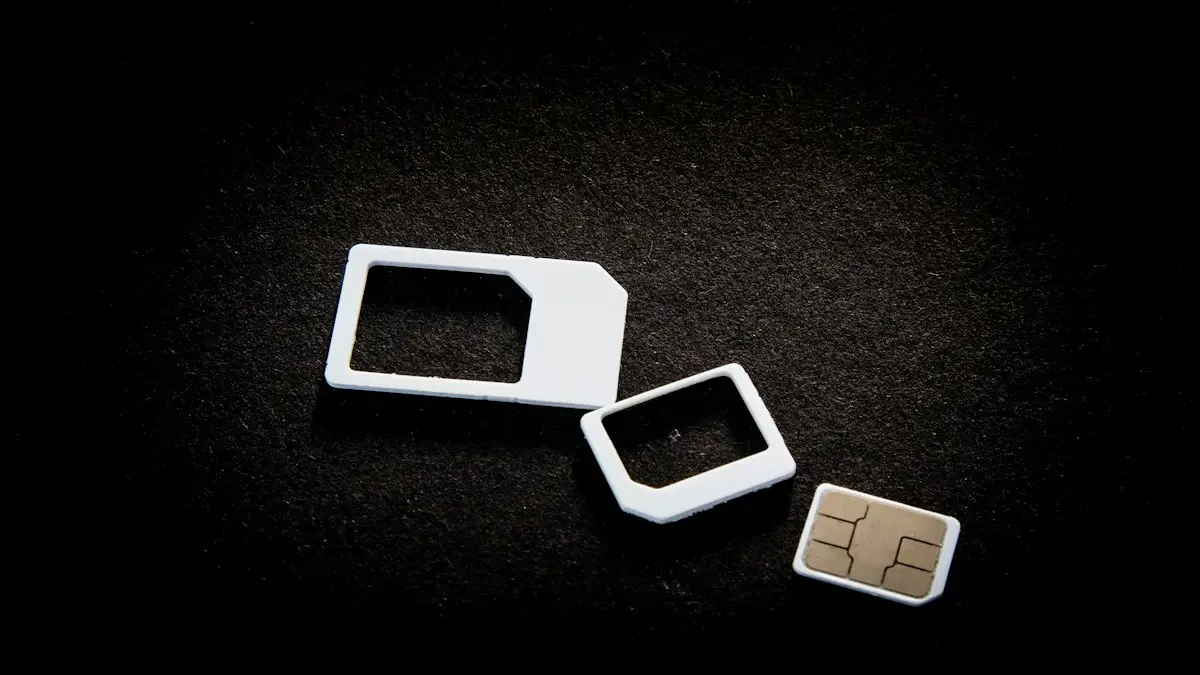
Remove a SIM card
How to remove a SIM card in under a minute. Find the tray, eject it with a pin and put it back correctly. Covers iPhone, Samsung, Pixel and stuck trays.
Turn 5G on or off on iPhone
Turn 5G off on your iPhone to save battery or fix a weak signal, switch to LTE, or turn 5G back on. Learn what 5G Auto, 5G On and the network icons mean.
More guides you may need
Turn off a Samsung phone
Holding the side button on your Samsung opens Bixby instead of turning it off? Here are 4 ways to power off a Galaxy, and how to make the button work normally.
Turn on data roaming on iPhone
Turn data roaming on or off on iPhone in Settings › Cellular › Cellular Data Options. Check your plan first to avoid charges, and fix it if it won't connect.