

How to unpair an Apple Watch without an iPhone (and what happens to Activation Lock)
You can erase an Apple Watch with no iPhone nearby, but erasing is not the same as unpairing. Learn which method removes Activation Lock, which one does not, and what to do before you sell or give the watch away.
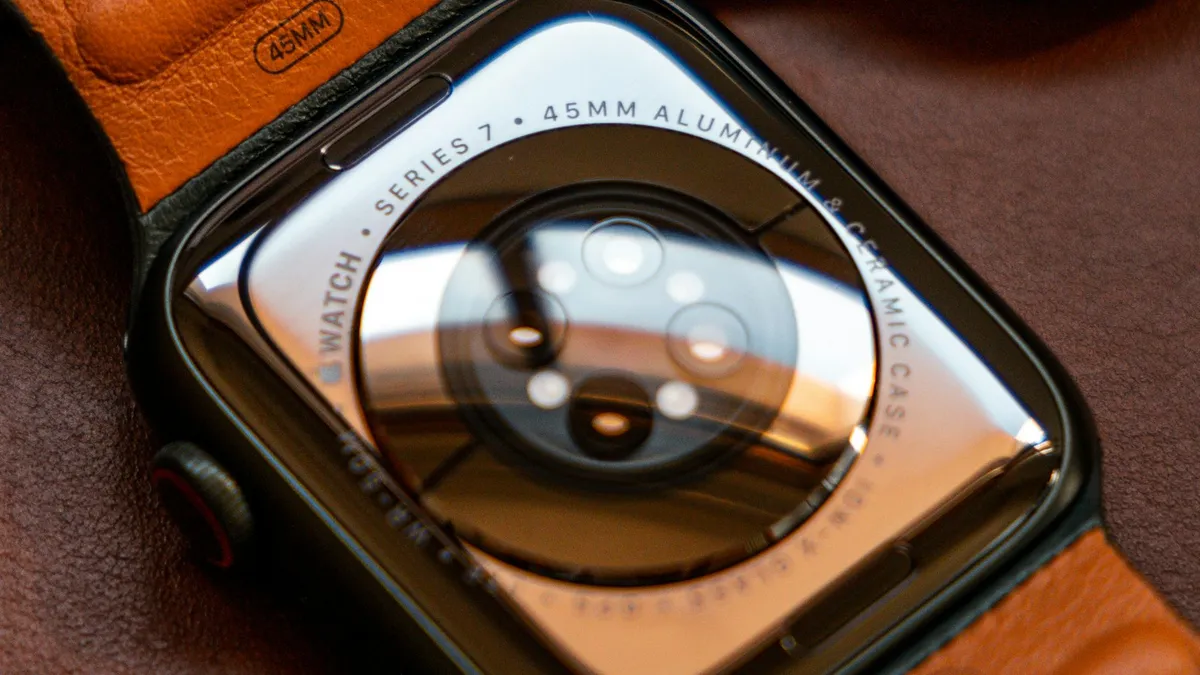
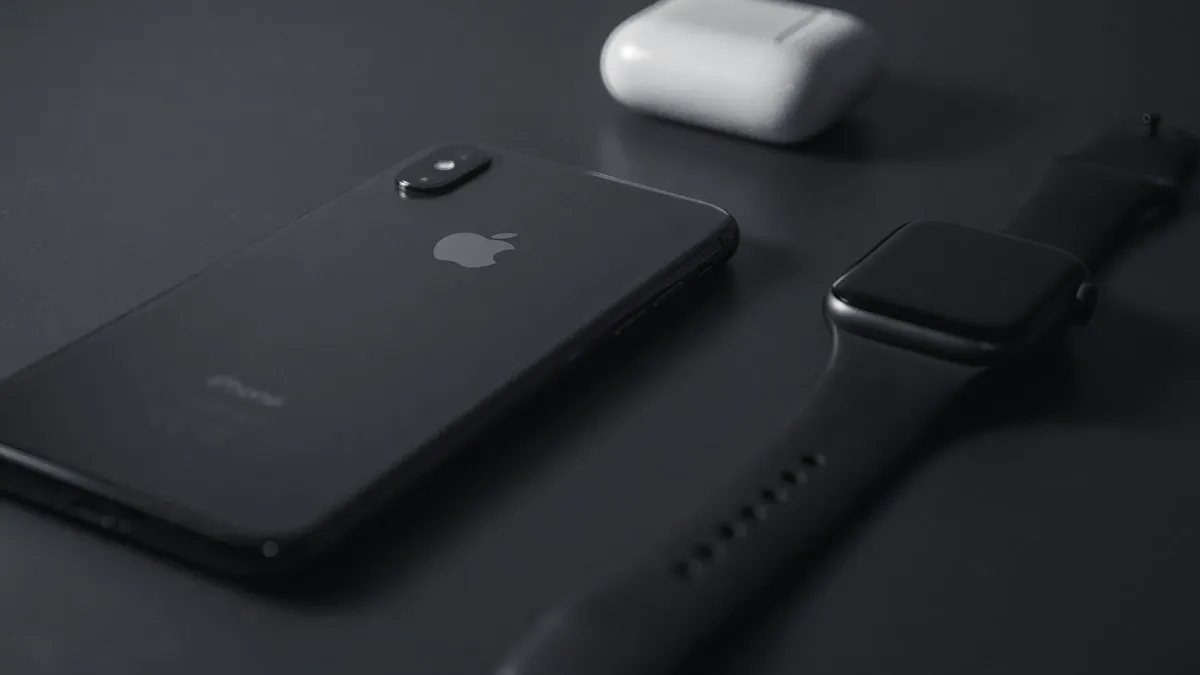
Photo by Omar Al-Ghosson on Unsplash
Your iPhone is lost, broken or traded in, and your Apple Watch is still paired to it. You want to sell the watch, give it away, or just start fresh, but the usual advice says to unpair from the iPhone. Without the iPhone, the question is what you can do and what it leaves behind. There are three options, and they are not equal. One wipes the watch but keeps it locked to your account. One removes it from your account as well. A third, which some pages suggest, does nothing at all. This guide follows Apple's own instructions and explains the difference so that you do not hand over a watch that the next owner cannot use.
What is the difference between unpairing and erasing?
Unpairing is a step you take with the paired iPhone. The iPhone makes a backup of the watch, erases the watch, and removes Activation Lock after you enter your Apple Account password. It is the cleanest route, and Apple recommends it when you plan to sell or give the watch away. Erasing is what you do on the watch itself. It returns the watch to factory settings, but without the iPhone to confirm, the link to your Apple Account stays in place. That link is Activation Lock. The watch is empty, but it still belongs to you in Apple's system.
Method 1: How do you erase the watch on the watch itself?
This works with no iPhone, no computer and no internet, and it is the answer when you only want to wipe the watch. It follows the steps on Apple's page about unpairing and erasing.
Erase from the watch
- 1
Open the Settings app on the Apple Watch.
- 2
Tap General, then tap Reset.
- 3
Tap Erase All Content and Settings.
Enter the watch passcode if you are asked.
- 4
If the watch has a cellular plan, choose to keep or remove it.
Keep it if you will pair the watch with an iPhone again. Remove it if you are selling the watch.
- 5
Tap Erase All to confirm.
The watch restarts and shows the setup screen.
This route does not remove Activation Lock, which Apple states plainly. If you keep the watch, that is no problem. You will set it up again with the same Apple Account. If you plan to sell it, move on to the next method as well.
Method 2: How do you remove Activation Lock from iCloud.com?
This is the answer when you cannot reach the iPhone or the watch is not paired. It uses Find My on the web, and it removes the watch from your account so that someone else can set it up. You need your Apple Account email or phone number and the password. Apple describes it in the page about Activation Lock on Apple Watch.
Erase and remove at iCloud.com
- 1
Go to iCloud.com/find and sign in with your Apple Account.
You may be asked for a verification code from another device.
- 2
Under All Devices, select your Apple Watch.
If the watch is not listed, it may be offline. Turn it on and connect it to Wi-Fi or its iPhone, and check again.
- 3
Click Erase, then click Next.
Enter your password if prompted.
- 4
Add a phone number if you want one, then click Next and click Erase.
The number can help someone reach you if the watch was lost.
- 5
When the watch has been erased, click Remove.
This button appears under the watch. Click Continue to confirm.
- 6
If you have AppleCare+ with Theft and Loss, you may see Deactivate & Remove.
Choose it if that applies to your watch.
The watch has to be turned on and connected to the internet for the erase to take effect. If it is off or out of range, the request waits until the watch comes back online. Remove it from your account only after the erase has finished. Our guide on turning off Find My iPhone explains how the same account feature works on a phone.
What if you do not have the Apple Account password?
Then you cannot remove Activation Lock yourself. That is the point of the lock. If you forgot the password, reset it at Apple's account recovery page first, which our guide on how to reset an Apple Account password covers. If you bought a used watch and the seller will not remove the lock, ask them to do it from iCloud.com/find. Apple Support can help only when you can show proof of purchase, and even then the answer may be that the original owner must act.
How do you unpair if you forgot the watch passcode?
Apple describes a path for this on the watch itself. Put the watch on its charger. Press and hold the side button until the power off slider appears. Then press and hold the Digital Crown until the reset option appears, and tap Reset. This erases the watch. After that, the same limits apply: Activation Lock stays on until you remove the watch at iCloud.com, or you pair it with the iPhone it was set up with. If the on-screen steps differ on your watch, follow what the watch shows, since the menus change between watchOS versions.
What should you not do?
- Do not rely on a force restart. Holding the Digital Crown and the side button together restarts the watch. It does not unpair it, and it does not erase anything.
- Do not hand over the watch before Activation Lock is off. The next owner will not be able to use it.
- Do not remove the watch from your account before the erase finishes. Otherwise it may keep your data.
- Do not trust a site that asks for your Apple Account password to unpair the watch. Only Apple's own pages should ask for it.
What about the data on the watch?
Erasing the watch removes your Activity history, messages, music, saved Wallet cards and settings from the device. Health and Activity data is stored in iCloud if you turned that on, so it is safe in your account. If you want to keep a copy of the watch's settings, you needed the iPhone to make a backup, and without it that is not possible. Apple Pay cards on the watch are removed when the watch is erased, which is a good security step if the watch is lost.
What if the watch is lost or stolen?
Use Find My first. Sign in at iCloud.com/find, select the watch and use Lost Mode if it is still online. Lost Mode locks the watch, and you can add a phone number and a message. Erase it only if you decide it will not come back, since an erased watch cannot be found again. Report a theft to the police. If you have AppleCare+ with Theft and Loss, ask Apple about a replacement. For the iPhone side of the problem, our guide on selling an iPhone lists what to clear before a phone leaves your hands.
Before you sell or give away a watch: a checklist
- Unpair with the iPhone if you can. If not, erase on the watch.
- Remove the watch from your account at iCloud.com/find so Activation Lock is off.
- Remove or cancel the cellular plan with your carrier.
- Take off bands and any case, and clean the watch.
- Check the watch by turning it on. It should show the setup screen with no account name.
- Keep the box, charger and receipt, which help the sale.
If you are selling to a store or a trade-in program, ask what condition they need. Many require Activation Lock to be off before they pay. A few minutes on this step prevents a lower payment or a returned watch.
What if you want to keep the watch and use a new iPhone?
Then you do not need to remove it from your account. Erase it on the watch, set up the new iPhone, open the Apple Watch app and pair the watch. If a backup exists, restore it. Our guide on how to pair an Apple Watch to a new iPhone has the full steps and what to do when the pairing stalls.
Frequently asked questions
Does erasing an Apple Watch remove Activation Lock?
No. Apple says erasing on the watch leaves Activation Lock in place, so the Apple Account and password are still needed. Unpairing with the iPhone, or removing the watch at iCloud.com, turns it off.
Can I unpair an Apple Watch from another iPhone's Watch app?
Not a watch that is paired to your own iPhone. The Watch app unpairs only the watch paired to that phone, so use the erase options on the watch or iCloud.com instead.
How do I unpair an Apple Watch if I forgot the passcode?
Apple describes putting the watch on its charger and using the side button and Digital Crown to reach the erase screen. If that fails, erase it at iCloud.com/find.
Will unpairing delete my cellular plan?
The watch asks whether to keep or remove the plan. Keep it if you will pair again. Remove it, and cancel with your carrier, only if you are selling the watch.
What to try next
Related guides
Pair Apple Watch to new iPhone
Pair Apple Watch to new iPhone the right way: update, back up, set up the new phone and restore. Includes what to do if your old iPhone is gone.
Trade In value lower
Apple Trade In offered less than the quote after inspection? See why values change, how to accept or decline a revised price and how to avoid a cut next time.
Apple Wallet verification not available
Apple Wallet verification not available when you add a card? Check the bank options, region and date, remove the card and re-add it from your bank app. 7 fixes.
Continue setup on iPhone
Apple Watch says continue setup on iPhone but nothing happens? Finish pairing, restart, reset in pairing mode, or unpair and start again. Steps for each case.
More guides you may need

Apple Account cannot be created
Apple Account cannot be created or says 'cannot create at this time'? Check your connection, software, VPN and details, or sign up on the web. 7 fixes.

Apple ID not active
Seeing This Apple ID is not active or not valid? Learn why Apple locks or disables accounts, and unlock yours at iforgot.apple.com or with Apple Support.