

Samsung screen replacement cost: what to expect and how to pay less
Galaxy screens cost very different amounts to fix. Find your model's price, compare repair options and avoid paying more than you need to.
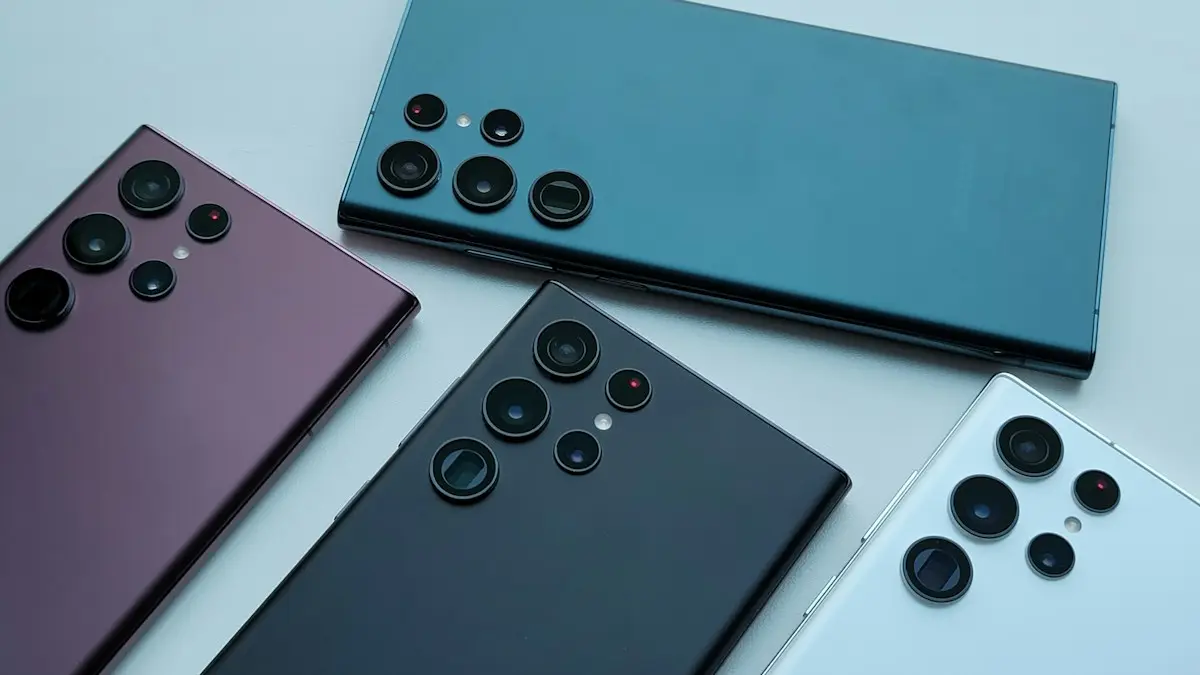
Photo by Giuseppe Peletti on Unsplash
A cracked Galaxy screen is one of the more annoying repairs, because the glass and the display are almost always replaced together. The price can range from a modest bill on a budget phone to something close to the price of a used replacement on a flagship or a foldable. This guide shows what changes the cost, who can do the repair, how to use insurance and how to decide whether to fix the phone at all.
What makes Samsung screen repairs cost more or less
- Series. Galaxy A phones use cheaper panels. Galaxy S Ultra phones have large, high-end displays, and the Z Flip and Z Fold phones have the most expensive screens, especially the inner folding display.
- Curved edges. Some models have curved glass and a bonded frame, which makes the repair more involved and expensive.
- Repair route. Samsung's authorized network, Best Buy and independent shops charge different prices.
- Coverage. Samsung Care+ or carrier insurance reduces the price to a deductible.
- Extra damage. A bent frame, a dead camera or water damage can add to the bill or change the repair from screen only to a full replacement.
How to get the exact price for your Galaxy
- 1
Find your model name.
Open Settings › About phone and read the Model name. If the screen is too broken, check the box, the carrier account page or the sticker under the battery on older models.
- 2
Look up the official estimate.
Go to Samsung's US support site, open the repair section and enter your model. It lists out-of-warranty and in-warranty prices for display repair. Menus and prices change, so use the live number.
- 3
Ask for a second quote.
Call Best Buy's Geek Squad or a local authorized provider, and ask for the price, the parts they use, the time it takes and the warranty on the repair.
- 4
Check your coverage.
Look at your Samsung Care+ plan, your carrier's protection plan and your credit card benefits before you pay out of pocket.
Where can you get a Samsung screen repaired?
Compare the options
Samsung authorized service
Official repair uses genuine parts and keeps your warranty intact. It is the safest choice for a new or expensive phone. Samsung also offers mail-in repair, but it takes longer than a walk-in appointment.
Best Buy and other authorized partners
Many Best Buy stores offer Samsung repairs with genuine parts and handle Samsung Care+ claims. It is convenient when a service center is far away.
Independent repair shops
Often cheaper and faster, and some use high quality parts. Ask whether the display is genuine or aftermarket, how long the warranty lasts and whether they can restore water resistance.
Carrier stores
Verizon, AT&T and T-Mobile typically send repairs to a partner and handle claims for their own insurance plans. They are worth a call if you pay for protection.
Does Samsung Care+ or carrier insurance pay for a cracked screen?
Yes, in most cases. Samsung Care+ covers accidental damage for a deductible, and screen repairs are the cheapest tier. Carrier plans such as Verizon Total Mobile Protection, AT&T Protect Advantage and T-Mobile Protection 360 also cover cracked screens, usually for a flat deductible. Compare what each plan charges per month, what the deductible is and how many claims you can make. For help deciding if the monthly fee is worth it, see whether phone insurance is worth it.
Foldables and curved screens: why they cost more
A Galaxy Z Flip or Z Fold has two displays: a cover screen and a flexible inner screen. The inner panel is delicate and expensive, and a crease or a dead line often means a full panel replacement. Samsung has treated foldable screen repairs as a premium job, and independent shops often do not stock the parts. If you own a foldable, check Samsung Care+ before any other option, because its deductible can be a small fraction of the out-of-warranty price. On curved-edge flagships, the glass is bonded in a way that makes the repair more delicate, so expect a higher price than on a flat-screen model.
Repair or replace? A simple way to decide
- Repair if the phone is under three years old, still gets security updates and everything else works.
- Replace if the repair costs a large share of a new or used model, the phone is old or slow, or the battery is also failing.
- Trade in a damaged phone if a carrier or store will still credit it toward a new one. A cracked screen lowers the trade-in value, but it rarely makes the phone worthless.
If the phone is cracked but still works, you can use it while you decide. Back it up first and keep an eye on the touch response. See an Android backup guide. The price of an iPhone fix is a useful comparison point: this iPhone screen repair guide shows how the options differ on the other side.
Before you send the phone for repair
- 1
Back up your data.
Use Samsung Cloud, Google or Smart Switch to a computer. Some repairs include a reset, and a failed repair can lose data.
- 2
Remove your Google and Samsung accounts or turn off Find My Mobile.
Go to Settings › Accounts and backup, or Settings › Security and privacy, and follow the prompts. Shops often ask you to turn off the lock screen as well, and you should not share your account password.
- 3
Remove the SIM and memory card.
Keep your SIM, microSD card and case at home.
- 4
Run Samsung's diagnostics.
Open the Samsung Members app and run Phone diagnostics, if the screen allows, to record what works before the repair. Take photos of the phone's condition.
Is the screen really broken, or is it the software?
Before you pay for a replacement, check that the glass is the problem. A black or flickering display without any cracks can be a software fault, a drained battery or a loose connection. Restart the phone, boot into Safe Mode and try a different charger. Green or pink lines and dead spots after a drop usually mean the panel is damaged. If the screen stays black but the phone vibrates or rings, see what to do with an Android black screen. If the screen is fine but touch is erratic, these touch screen fixes are worth a try first.
How long does a Galaxy screen repair take?
Many authorized locations and independent shops can swap a standard Galaxy display in about an hour or two if the part is in stock. Foldables and newer flagships can take days, because the part may need to be ordered. Mail-in repair adds shipping time on both ends. Ask for a time estimate when you get the price, and ask whether a loaner phone is available if you will be without yours for several days.
Ask the shop to confirm the final price in writing before it starts, and to call you if it finds extra damage. After the repair, test the touch screen in every corner, the fingerprint sensor under the glass if your model has one, the brightness and the cameras before you leave. Under-display fingerprint readers sometimes need to be re-registered after a new screen, so add your fingerprint again at Settings › Security and privacy › Biometrics.
How to protect the new screen
A tempered glass protector and a case with raised edges cost far less than a repair. Pick a case that lifts the screen off a flat surface, and remember that a protector can also hide hairline cracks that may spread. If you pay for insurance, check whether it requires the phone to be registered with your serial number or IMEI, and keep your receipts and a photo of the phone's condition.
Frequently asked questions
Why is a Samsung screen so expensive to replace?
Most Galaxy phones use an OLED panel bonded to the glass and often to the frame. The whole display assembly gets replaced, and flagship and foldable screens use more costly panels.
Does Samsung Care+ cover a cracked screen?
Yes. Samsung Care+ covers accidental damage for a deductible, and screen repairs usually have the lowest deductible. The exact amount depends on your plan and model.
Is it worth fixing an older Samsung phone?
It depends on the phone's age and what the repair costs. If the phone no longer gets software updates or the repair costs near a replacement, upgrading is often smarter.
Can a repair shop use non-Samsung screens?
Yes. Independent shops may use aftermarket displays that are cheaper, but they can be dimmer, less accurate or less responsive, and they may affect warranty and resale value.
What to try next
People also ask
How long does a Samsung battery replacement take?
Many shops finish in about an hour or two if the part is in stock. Mail-in repair takes several days each way.
Read the full guide: Samsung battery replacement costHow much does AppleCare+ charge for a cracked screen?
In the US, AppleCare+ has charged a flat service fee for screen or back glass damage, far below the out-of-warranty price. The fee depends on your plan and model, so check your coverage in Settings › General › About › Coverage.
Read the full guide: iPhone screen replacement costWhy does Samsung Pay keep opening on my Galaxy Watch?
On current Galaxy Watch models, pressing and holding the Back button opens Samsung Wallet, which older guides call Samsung Pay. If the button sticks or is pressed by your strap, sleeve or case, the watch keeps launching it.
Read the full guide: Galaxy Watch keeps opening Samsung PayHow long should I charge a dead Samsung before it turns on?
Charge it for at least 30 minutes, ideally an hour. Samsung says the charging icon can take up to 10 minutes to appear on a fully drained phone.
Read the full guide: Samsung phone won't turn onRelated guides
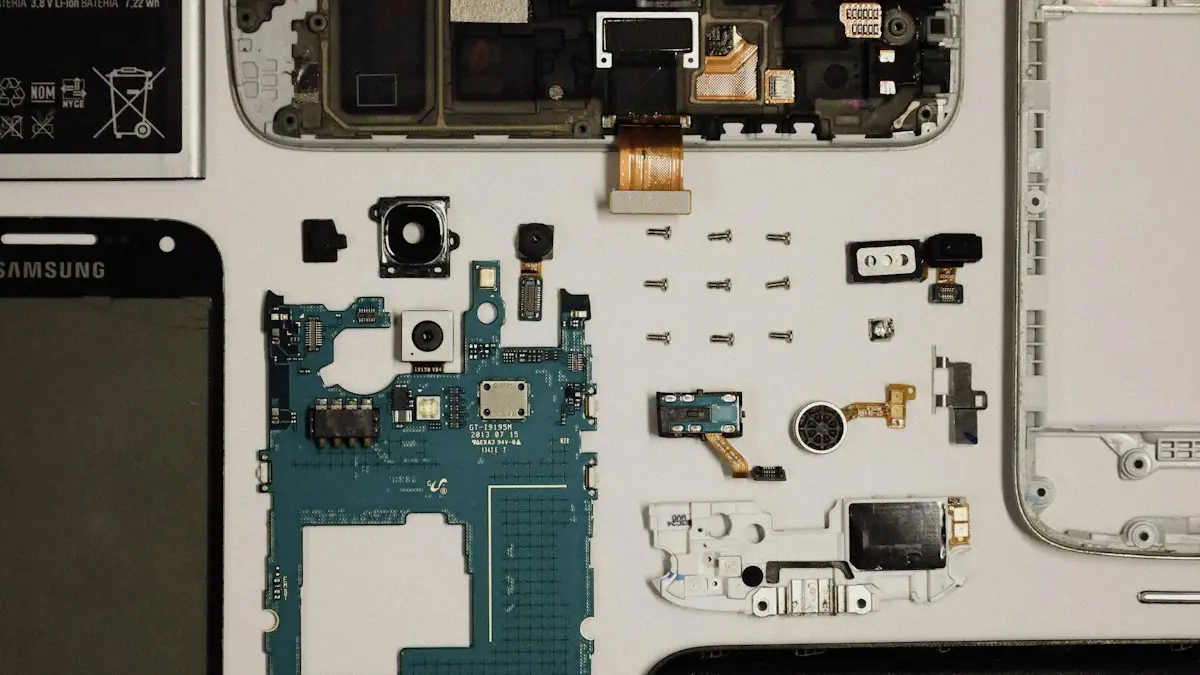
Samsung battery replacement cost
What a Samsung battery replacement costs, who can do it and when it pays off. Compare Samsung, Best Buy and repair shops, and check if your warranty covers it.
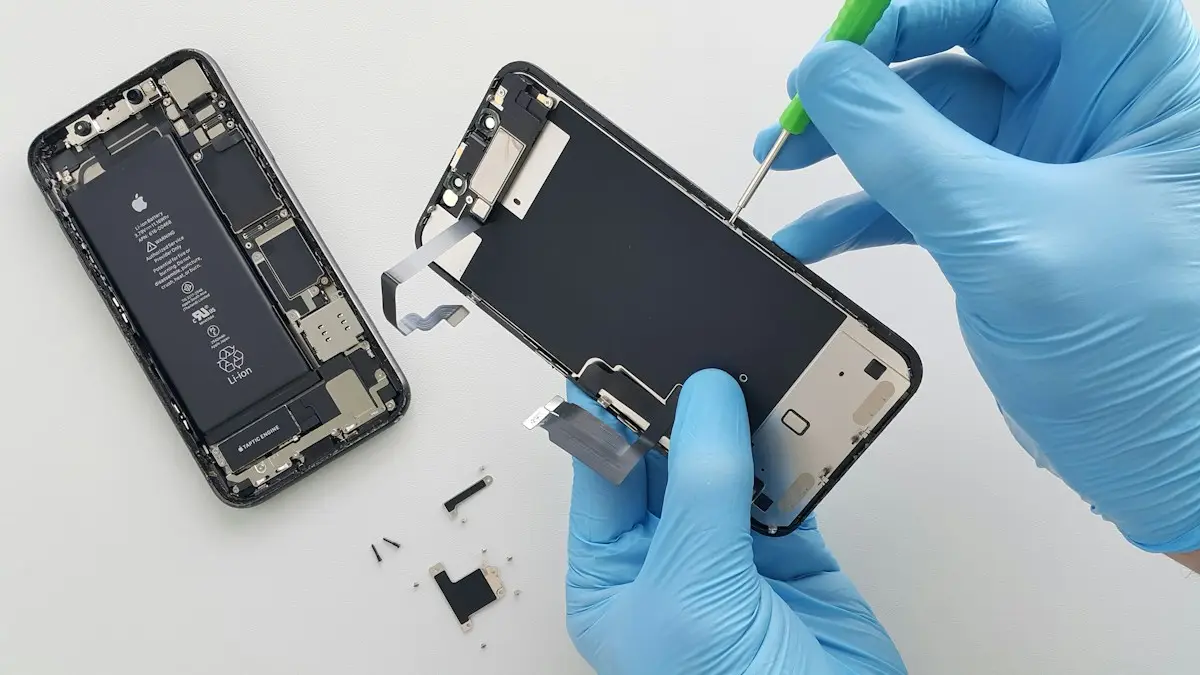
iPhone screen replacement cost
What an iPhone screen replacement costs and why prices vary. Compare Apple, Best Buy, AppleCare+ and repair shops, and decide whether to fix or replace.
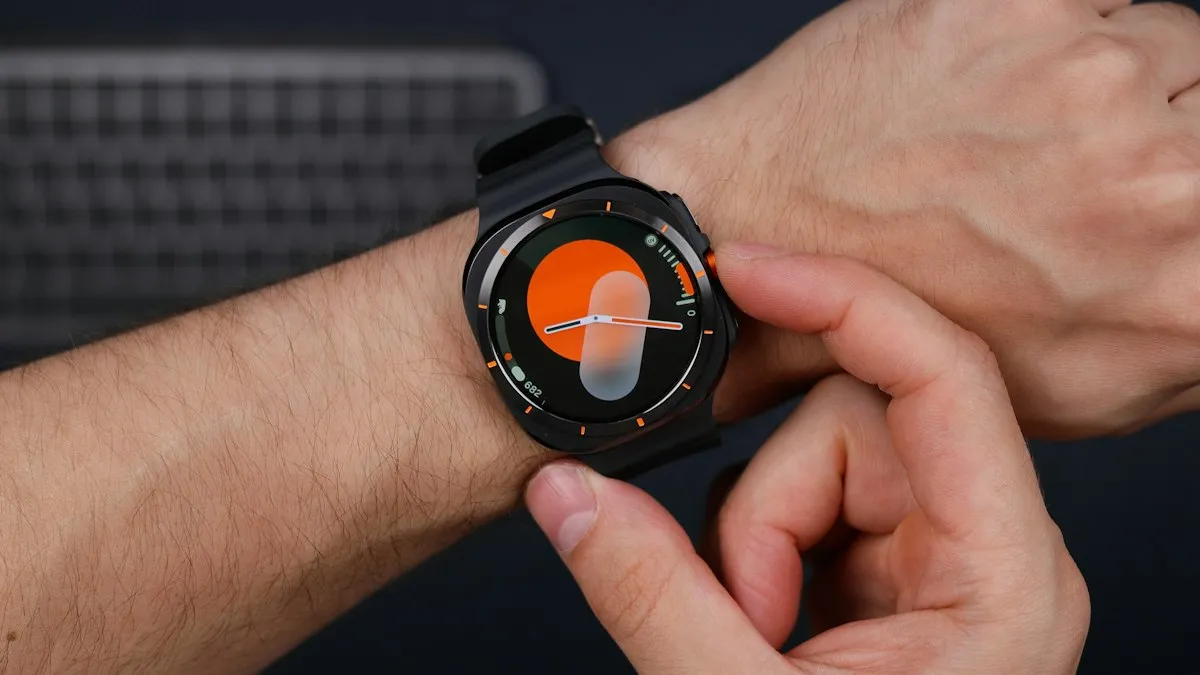
Galaxy Watch keeps opening Samsung Pay
Samsung Pay or Wallet keeps opening on your Galaxy Watch? A pressed or failing Back button is the usual cause. Check the button first, then the apps list.
Samsung phone won't turn on
Samsung Galaxy won't turn on or stuck on a black screen? Charge it properly, force restart it, check for moisture and use recovery mode with these 7 fixes.
More guides you may need
Pixel call volume too low
Pixel call volume too low or the caller sounds quiet and unclear? Check signal, Bluetooth, Wi-Fi, the case and the speaker with Google's own steps. 8 fixes.
Pixel can't cast to Samsung TV
Pixel can't cast to Samsung TV or says no devices found? See why Samsung TVs hide from Cast, fix Wi-Fi and permissions, or use a cable or dongle.