

What is safe mode on Android? How to turn it on and off
Safe mode turns off downloaded apps for a while. If a problem disappears there, an app is causing it.
Photo by Andrey Matveev on Unsplash
The fix
Turn safe mode on
- 1
Hold the Power button, or Power and Volume Up on some phones.
- 2
Touch and hold Power off.
- 3
Tap OK when Safe mode appears.
The fix
Turn safe mode off
- 1
Hold Power and tap Restart.
- 2
Still in safe mode? Remove the case and check the volume buttons.
- 3
Force restart with Power and Volume Down for 10 seconds.
What does safe mode actually do?
When an Android phone starts in safe mode, it loads the operating system and the apps that came with the phone, and skips every app you installed yourself. Downloaded apps still appear, but they are grayed out and will not open. Their widgets disappear from the home screen too. You see the words Safe mode in the bottom corner of the screen.
This makes safe mode a test. If the problem goes away in safe mode, a downloaded app is the cause. If the problem stays, the cause is the system software or the hardware, and you can stop blaming your apps.
When to use safe mode
- Pop-up ads appear even on the home screen.
- The phone freezes, restarts or lags after you installed something.
- The battery suddenly drains much faster than normal.
- An app crashes the phone right after it starts.
- The phone gets hot while you are not using it.
For ads in particular, our guide to removing pop-up ads on Android uses safe mode as the first step.
Turn on safe mode on Samsung Galaxy
- Press and hold the Side key and Volume Down together, or swipe down twice and tap the power icon in Quick Settings.
- Touch and hold Power off until the Safe mode icon appears.
- Tap Safe mode. The phone restarts.
If the phone is frozen, turn it off by holding Side and Volume Down for about 10 seconds. When the Samsung logo appears during startup, press and hold Volume Down until the lock screen shows. Safe mode appears in the corner.
Turn on safe mode on Pixel and Motorola
On a Pixel, press Power and Volume Up together, then touch and hold Power off and tap OK. On Motorola, press and hold Power, then touch and hold Power off and tap OK. Other brands, including OnePlus and Xiaomi, use the same idea: long press the Power off option. If nothing happens, check the maker's support page, since a few models use a key combo during startup instead.
How to find the app that causes the problem
- While in safe mode, check that the problem is gone. Use the phone for a while if the problem comes and goes.
- Restart normally.
- Uninstall the app you installed most recently. Go to Settings › Apps, tap the app and tap Uninstall.
- Restart and test. If the problem is back, remove the next most recent app.
- Keep going until the problem stops. Reinstall the apps you need one at a time.
Look hardest at cleaners, battery savers, free VPNs, launchers, flashlight apps and anything installed from outside the Play Store. These cause most trouble. If an app will not uninstall because it is a device administrator, go to Settings › Security › Device admin apps (on Samsung: Settings › Security and privacy › Other security settings › Device admin apps), turn it off, then uninstall.
Phone stuck in safe mode?
A normal restart should always exit safe mode. If it does not:
- Check the volume buttons: a stuck Volume Down button forces safe mode on every start. Take off the case and press each button a few times.
- Use the notification: some Samsung phones show a Safe mode is on notification. Tap it and choose Turn off.
- Force restart: hold Power and Volume Down for 10 to 20 seconds until the phone restarts.
- Remove a crashing app: if the phone keeps choosing safe mode, uninstall your newest app while in safe mode.
- Clear the cache partition: on older Samsung models, use the recovery menu. Newer models removed this option.
What if the problem happens in safe mode too?
Then a downloaded app is not the cause. Update the phone in Settings › Software update. Check storage, since a nearly full phone slows down and freezes; see Android storage full. If the phone still freezes or restarts, back it up and consider a factory reset. Read how to back up an Android phone first, then factory reset an Android phone. Repeated restarts with no app involved can also point to a failing battery.
Is safe mode safe to use?
Yes. Safe mode is a built-in Android feature and does not change your data or settings. It does not remove viruses by itself, but it lets you uninstall a harmful app that would otherwise fight back. Some home screen layouts and widgets may look different after you leave safe mode, so you may need to add widgets again.
Safe mode vs recovery mode
Safe mode is a normal start without third-party apps. Recovery mode is a separate menu that loads before Android and offers options like wiping the cache or factory reset. You do not need recovery mode for most problems, and its factory reset option erases everything, so use it with care.
Next steps: scan your Android phone for malware, or see why your Android phone keeps freezing.
How long should you stay in safe mode?
Only as long as the test needs. If the problem shows up within minutes, a few minutes is enough. If it is random, like a restart once a day or ads that appear every few hours, use the phone in safe mode for a day. Calls, texts and built-in apps keep working, so it is a fair test. Remember that alarms from third-party clock apps will not ring in safe mode, so use the built-in Clock app if you sleep with the phone in safe mode.
Safe mode on Android tablets
Samsung Galaxy Tab and other Android tablets use the same steps as phones: open the power menu, touch and hold Power off and tap Safe mode. Amazon Fire tablets run a modified version of Android and use a different method, so check Amazon's help pages for those.
Signs a hardware problem is the cause
- The phone restarts at the same battery level every time.
- The screen shows lines or flickers even on the startup logo.
- The phone gets hot while charging, even in safe mode.
- Problems started after a drop or contact with water.
If you notice these, see Samsung phone keeps restarting or think about a repair estimate before you spend more time on software fixes. Samsung battery replacement cost explains what a new battery usually costs in the US.
In short: safe mode is a free, harmless test. Turn it on, see if the problem disappears, remove recent apps one by one if it does, and look at updates, storage or hardware if it does not.
A quick restart is all it takes to leave safe mode afterward, and all your apps and widgets return as they were.
Safe mode works the same way on every Android version from the last several years, so these steps apply whether your phone runs Android 13, 14, 15 or newer, even if the button labels look a little different from brand to brand.
Safe mode keeps turning on
If the phone starts in safe mode every time, a volume button may be stuck or pressed by a tight case. Remove the case and press each volume button a few times. If it continues, the button may need repair.
A normal restart is all it takes to leave safe mode.
Frequently asked questions
Why does my phone keep starting in safe mode?
A stuck Volume Down button or a tight case pressing it. Take off the case and press the button a few times.
Does safe mode delete anything?
No. Your apps and data come back when you restart normally. Only widgets may need to be added again.
Does safe mode delete anything?
No. Safe mode only stops downloaded apps from running. Your apps, photos and messages are all still there when you restart normally.
Why did my phone start in safe mode by itself?
Usually a volume button was held or stuck during startup, often by a tight case. Less often, the phone detected a crashing app and booted into safe mode to protect itself.
Can I use my phone in safe mode?
You can call, text and use built-in apps like Settings, Chrome and Camera. Downloaded apps are grayed out until you restart.
People also ask
Is it bad to leave Low Power Mode on all the time?
No. It does not harm the battery. You simply get fewer background updates and slightly lower performance. iOS turns it off automatically once the battery charges past 80%.
Read the full guide: What Low Power Mode doesWhy does Samsung Wallet open when I swipe up?
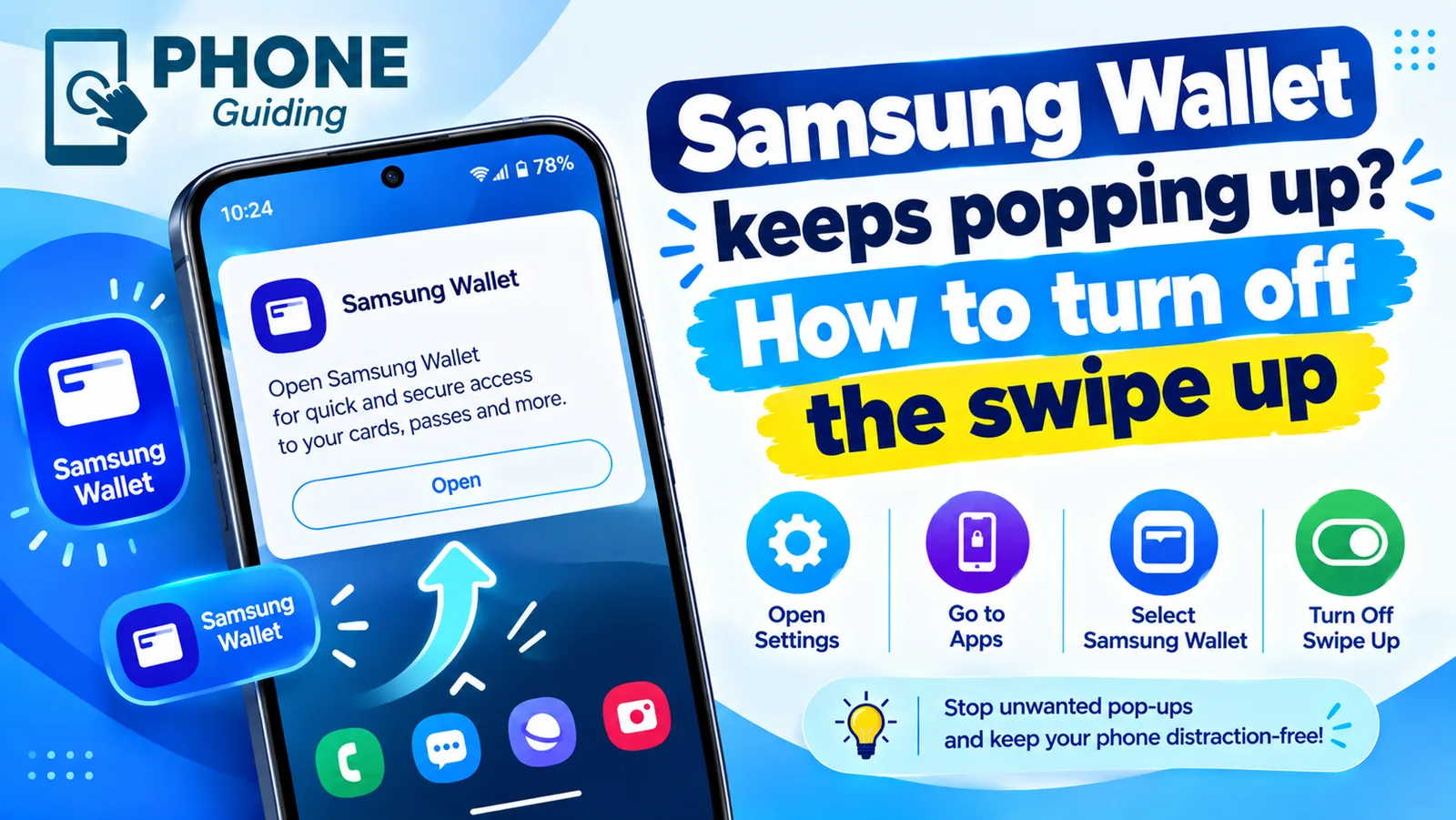
Samsung Wallet has a Quick access gesture that opens your cards when you swipe up from the small handle at the bottom of the screen. It sits right where you swipe to go home, so it is easy to trigger by accident.
Read the full guide: Stop Samsung Wallet popping upHow do I unfreeze my phone right now?
Hold the Power and Volume Down buttons together for 10 to 20 seconds until the phone restarts. On some Samsung models, keep holding past the power menu.
Read the full guide: Android phone keeps freezingWhy does my Samsung open Bixby when I hold the power button?
Samsung sets the side key to wake Bixby by default. Change it in Settings › Advanced features › Side button › Press and hold, and choose Power off menu.
Read the full guide: Turn off a Samsung phoneRelated guides

What Low Power Mode does
Low Power Mode on iPhone pauses background activity and reduces visual effects to save battery. Here is exactly what it changes and when to use it.
Stop Samsung Wallet popping up
Samsung Wallet keeps popping up when you swipe up? Turn off the swipe up gesture in a few taps, stop pocket triggers and switch to Google Wallet if you prefer.

Android phone keeps freezing
Android phone keeps freezing or not responding? Force restart it, free up storage, find the bad app in safe mode, update and try 5 more fixes, step by step.
Turn off a Samsung phone
Holding the side button on your Samsung opens Bixby instead of turning it off? Here are 4 ways to power off a Galaxy, and how to make the button work normally.
More guides you may need
What is 5G UC
5G UC is T-Mobile’s fastest 5G, called 5G UW on Verizon and 5G+ on AT&T. What the icon means, how fast it is and how it differs from plain 5G.

Best iPhone for seniors
Choosing an iPhone for a parent or grandparent? Check screen size, Face ID or Touch ID, software support, battery and safety features, then set it up simply.