

How to turn data roaming on or off on iPhone
Data roaming is a switch under Cellular Data Options. Turn it on only after you check what your carrier charges abroad.
Photo by Nicole Geri on Unsplash
The fix
Turn data roaming on or off
- 1
Open Settings and tap Cellular.
- 2
Tap Cellular Data Options.
With two lines, tap the line you want to change first.
- 3
Switch Data Roaming on or off.
Check your plan before you turn it on
Data roaming lets your iPhone use another carrier's network when you are outside your own. That is useful when you travel, but it is also how people get large bills. Some plans include roaming in certain countries, such as Canada and Mexico. Others charge by the day or by the megabyte. Before you leave, check what your plan covers and how much it costs, or ask your carrier. Some carriers sell a day pass for travel.
Roaming when you are still at home
Roaming also matters inside your own country in places where your carrier has no coverage and a partner network takes over. Your plan may or may not include that. If you are not traveling and see a roaming message, turn Data Roaming off and use Wi-Fi.
Dual SIM and eSIM
On a dual SIM iPhone, each line has its own Data Roaming switch. Check the one for the line you use for data. If you use a travel eSIM, the roaming setting for that line works the same way. Your iPhone must be unlocked to use a travel eSIM. See the basics of eSIM for how it works abroad.
Avoid surprise charges
- Turn Data Roaming off when you land if you have not checked your plan, and use hotel or cafe Wi-Fi.
- Use Wi-Fi Calling, if your carrier offers it, instead of cellular calls.
- Check Settings › Cellular for the amount of data used while roaming, if your iPhone shows it.
- Turn Data Roaming off when you come home.
Data roaming is on but nothing works
- 1
Turn Airplane Mode on for 15 seconds, then off.
This makes the iPhone search for a local network.
- 2
Restart the iPhone.
- 3
Check that your plan covers the country you are in.
Ask your carrier if you are not sure. Some plans need an international option turned on.
- 4
Check for a carrier settings update.
Settings › General › About shows a prompt if one is available.
If your iPhone still has no signal, see an iPhone with no service. For trip planning, read our guides to using your phone in Europe, Canada and Mexico.
What is data roaming on an iPhone?
Roaming means your iPhone is using a network that is not your own carrier's. That usually happens abroad, but it can also happen inside the US, in areas where your carrier relies on a partner network. The Data Roaming switch decides whether your iPhone may use mobile data on those partner networks. With it off, the iPhone can still use Wi-Fi, and calls and texts may still work depending on your plan, but mobile internet stops once you leave your carrier's coverage.
This is why the same switch causes two kinds of complaints: surprise charges when it is on, and no internet when it is off. Your plan decides which one you should worry about, so read the plan details before you change anything.
Should data roaming be on or off?
There is no single right setting. Use the situation to decide:
- At home on a normal plan: leave it off unless your signal is poor and your carrier confirms domestic roaming is free on your plan.
- Abroad with an international plan or pass from your carrier: turn it on, and check that the pass is active before you land.
- Abroad with a travel eSIM: turn roaming on for the travel eSIM line, and turn it off for your home line so it does not run up charges.
- Abroad with no plan at all: keep it off and use Wi-Fi, or buy a local plan first.
Plans change, and carriers treat Canada, Mexico and Europe differently. The guides on using your phone in Canada, Mexico and Europe cover the common carrier options.
How to tell whether you are roaming
Your carrier usually sends a welcome text when you land abroad, and the name shown next to the signal bars changes to a local network. Settings › Cellular can also list data used while roaming on some plans. If you are not sure, open Settings › Cellular and check the carrier name under your line. When in doubt, switch Data Roaming off first and ask your carrier what applies, because a few minutes of video or maps over roaming can cost far more than the same use at home.
Stop individual apps from using mobile data
Instead of turning all mobile data off, you can limit the apps that use the most. Open Settings › Cellular and scroll down to the app list, then switch off the apps you do not need while you travel, such as video, music and cloud backup apps. Turn on Low Data Mode under Cellular Data Options to reduce background use, and turn off Background App Refresh for apps you do not need. These steps help whether you are roaming or just trying to save data.
Data roaming greyed out or missing
If the switch is missing, you may be looking at the wrong line on a dual SIM or eSIM iPhone. Tap Cellular Data Options for the line that actually carries your data. Some prepaid plans and some carriers lock the setting. A work or school profile can also hide it, which you can check under Settings › General › VPN & Device Management. Our guide to what an eSIM is and how it works explains why each eSIM line has its own roaming switch.
Frequently asked questions
Where is Data Roaming on iPhone?
Open Settings › Cellular, tap Cellular Data Options and switch on Data Roaming. On a dual SIM iPhone, tap the line first.
Does data roaming cost money?
It can. Some plans include roaming in certain countries and others charge a lot. Check your plan or ask your carrier before you turn it on.
Should I leave data roaming on all the time?
No. Turn it on when you travel and off when you are home, so your iPhone does not use a foreign network by accident.
Why does my iPhone not work abroad with roaming on?
Your plan may not cover the country, the iPhone may be locked to your carrier's rules, or the network needs a refresh. Toggle Airplane Mode, restart, and contact your carrier.
What to try next
People also ask
Does my US phone plan work in Canada?
Many postpaid unlimited plans from US carriers include talk, text and some data in Canada, but prepaid and older plans often do not. Check your plan's details or ask your carrier before you travel.
Read the full guide: Use your phone in CanadaWill my phone work in Mexico?
Almost certainly, if you have a recent phone from a major US carrier. Most Verizon, AT&T and T-Mobile unlimited plans include talk, text and data in Mexico at no extra cost. On other plans you may need a daily pass or a travel eSIM.
Read the full guide: Use your phone in MexicoDoes the iPhone reset data usage every month?
No. Current Period counts from the last time you tapped Reset Statistics. Reset it on your billing date each month, or use your carrier’s app for the billing cycle.
Read the full guide: Check data usage on iPhoneDoes turning off 5G save battery?
Yes, especially where 5G coverage is weak and the iPhone keeps searching for it. In areas with strong 5G, 5G Auto already balances speed and battery.
Read the full guide: Turn 5G on or off on iPhoneRelated guides

Use your phone in Canada
How to use your phone in Canada without surprise charges. Check if your US plan includes Canada, set up roaming and avoid border tower traps.

Use your phone in Mexico
How to use your phone in Mexico without a surprise bill. See what Verizon, AT&T and T-Mobile include, when to buy a pass or eSIM, and settings to check first.
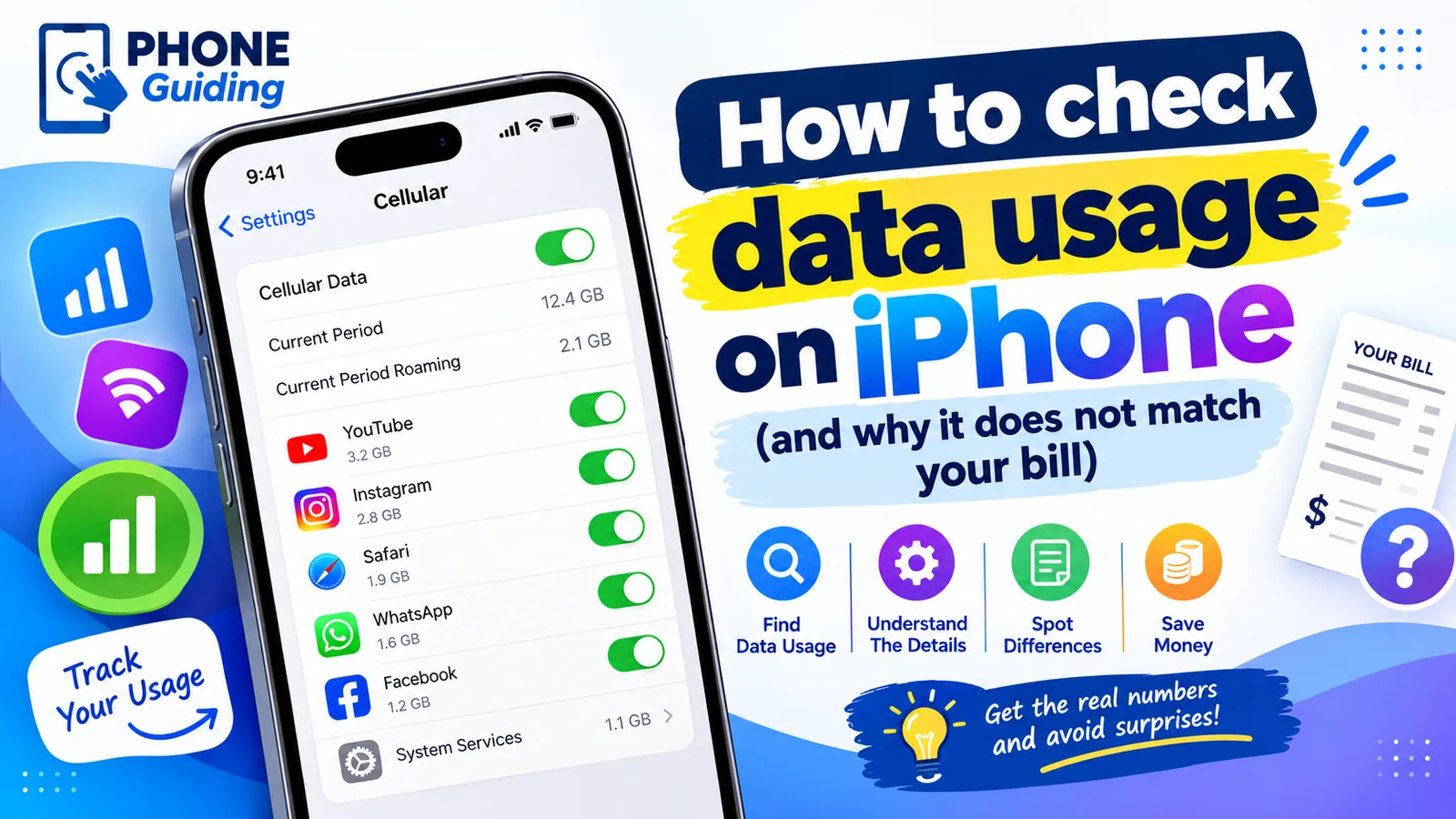
Check data usage on iPhone
Check your cellular data usage on iPhone in Settings › Cellular, see which apps use the most, reset it on your billing date, and cut data use without Wi-Fi.
Turn 5G on or off on iPhone
Turn 5G off on your iPhone to save battery or fix a weak signal, switch to LTE, or turn 5G back on. Learn what 5G Auto, 5G On and the network icons mean.
More guides you may need
Change your Android keyboard
Change your default keyboard on Android, switch Samsung Keyboard to Gboard or back, and change the keyboard size, theme and language in a few taps.
Change km to miles on iPhone
How to change km to miles on iPhone: set Measurement System for Apple Maps and Distance units in Google Maps. Also change temperature units.